openGrid Studio
Custom-shaped openGrid wall boards, cable channels and rails, built in the browser
openGrid Studio is a free browser tool for openGrid wall setups with odd shapes or cable runs. Free and open source under Apache-2.0; no account or sign-up needed. Exports STL and 3MF. Last checked .
Opens ogstudio.sudomaker.com
What is openGrid Studio?
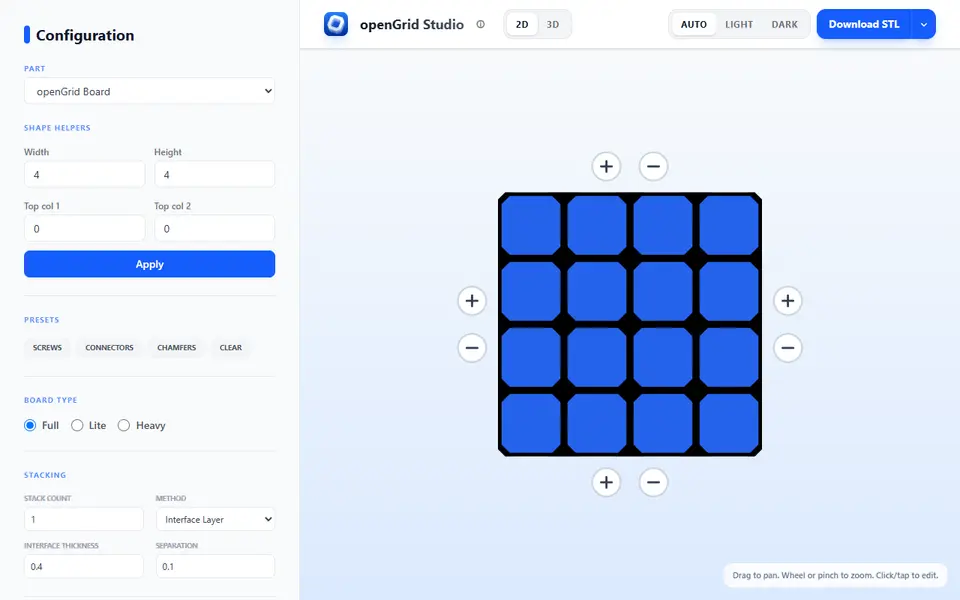
openGrid Studio is a free browser app for designing openGrid boards, the open wall grid people use to hang tools, bins and gadgets on a wall or under a desk. Instead of a fixed rectangle, you click squares on a 2D grid to add or remove tiles, so a board can step around a light switch or fill an L-shaped gap. Width and height helpers set up a rectangle quickly, and one-click presets place screw holes, connector cutouts and chamfers.
You can choose Full, Lite or Heavy boards, change the tile size and thickness, and set countersunk screw holes on the front or back. A stacking option puts several boards in one print, separated by a thin interface layer. Two more parts live in the same app: Pipeware, a set of channel pieces such as straights, corners, T junctions and S bends inspired by Katie's Underware system, and PicaRail, a picatinny-style rail spaced to openGrid tiles. The 3D preview updates as you edit, and the file is built in your browser as STL or 3MF.
The project is open source and only appeared in April 2026, so its following is still small. It suits openGrid users who need boards that standard sizes do not cover.
What you can make
- Custom-shaped openGrid boards
- Full, Lite and Heavy boards
- Stacked board sets for one print job
- Pipeware channel pieces
- PicaRail picatinny-style rails
How to use openGrid Studio
- Open openGrid Studio and pick openGrid Board, Pipeware or PicaRail
- Click tiles on the 2D grid or type a width and height to set the shape
- Choose Full, Lite or Heavy and apply the screw, connector or chamfer presets
- Check the 3D preview and set a stack count if you want several boards
- Download the STL or 3MF and slice it
What you'll need to print it
Filament and parts that suit what you make with openGrid Studio.
M3 screws
Matte PLA
Also handy
Some of these are affiliate links: we may earn a small commission, at no extra cost to you. More about that
openGrid Studio pros
- Click tiles on a grid to make boards in any shape, not only rectangles
- Stacking option prints several boards in one job
- Runs in the browser with no account and exports STL or 3MF directly
openGrid Studio cons
- Young project with a small user base and no code updates since May 2026
- Assumes you know openGrid terms like Lite, Heavy and connector cutouts
- The ironing stacking method was marked beta as of September 2026
Rate openGrid Studio
One rating per account. Signing in takes one email link, no password.
Reviews
Made with openGrid Studio
Read next
openGrid Studio alternatives
Gridfinity and storage generators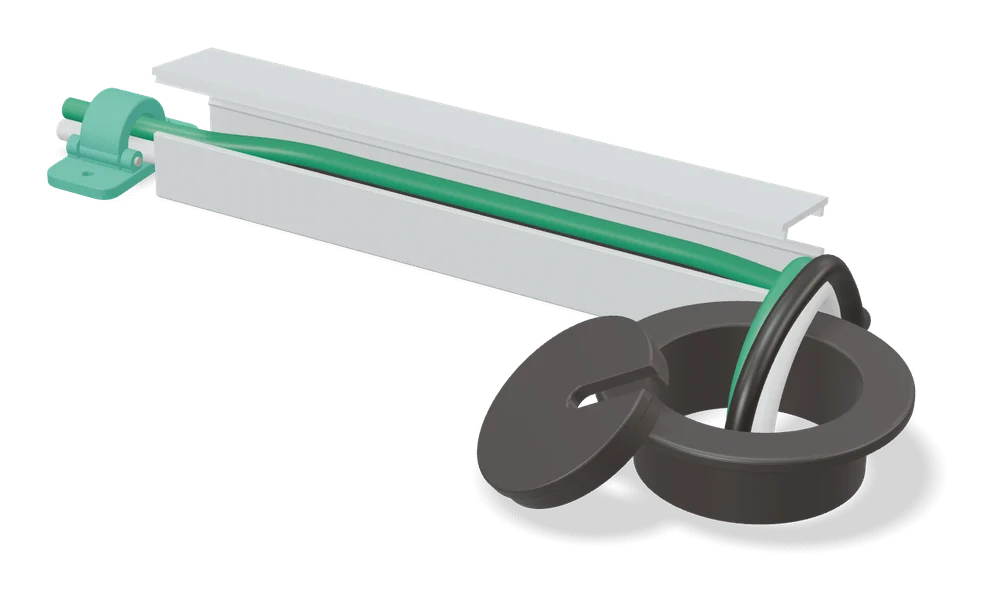
Storage
Underware 2.0 Cable Management Customizer
Made-to-measure cable channels for under desks and Multiboard, built on MakerWorld

Storage
CageMaker PRCG (Parametric Rack Cage Generator)
Free rack-mount cage for any small device in 10 or 19 inch and mini racks, made in OpenSCAD Playground in the browser
Storage
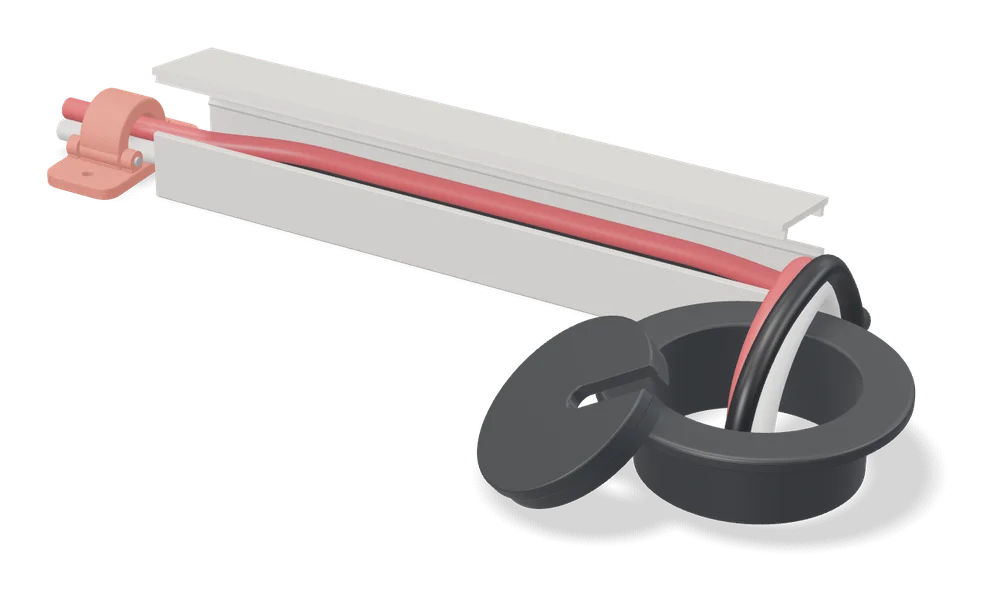
Cable Raceway Cover & Channel System (Parametric)
Snap-together cable raceways and connectors sized to your cords on MakerWorld
Storage
Under Desk Cable Clip
Print-in-place cable clips for under a desk, sized to your cables, with 0 to 5 screw holes
Storage
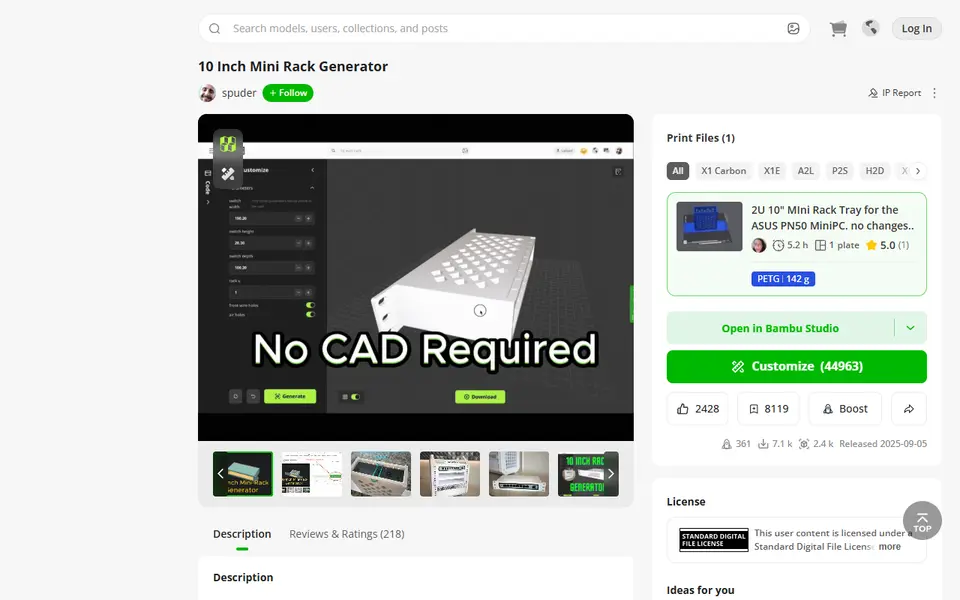
10 Inch Mini Rack Generator
Mini rack shelves sized to your switch, mini PC or NAS, for 10 and 6 inch racks
Storage
Screw-On Power Strip Holder (Vostok Labs)
Under-desk holder for a power strip, sized to your strip and desk thickness in MakerWorld