Honeycomb Workshop
Free open-source generator for modular honeycomb display pods that slide together on T-slot rails, as STL or 3MF
Honeycomb Workshop is a free browser tool for modular honeycomb displays for small items. Free and open source (MIT), no account. Exports STL and 3MF. Last checked .
Opens jesse3647.github.io
What is Honeycomb Workshop?
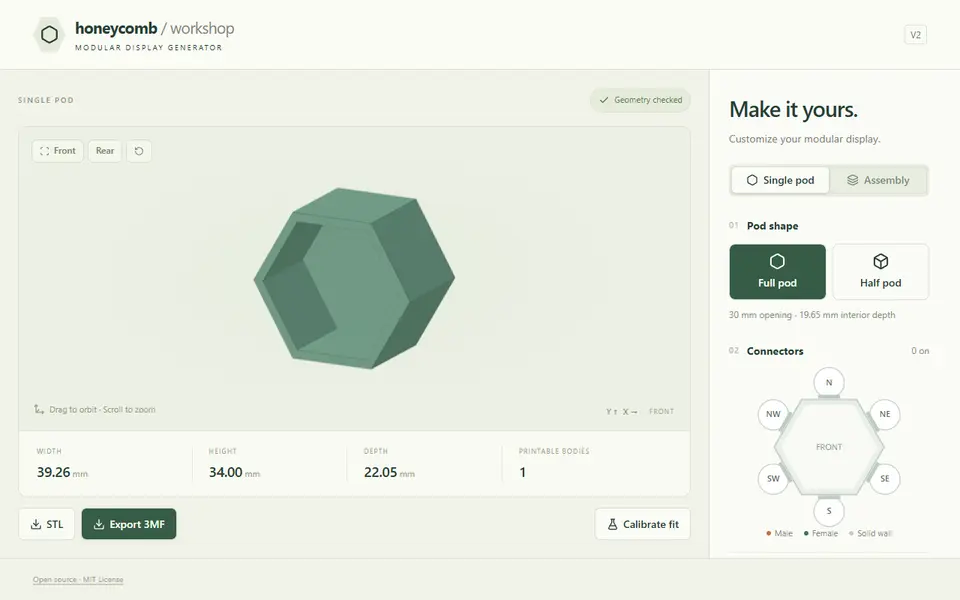
Honeycomb Workshop designs a modular display made of hexagonal pods. Each pod has a 30 mm opening and 19.65 mm inside depth, and pods join with sliding T-slot connectors: male rails on the N, NE and SE edges and female channels on the S, SW and NW edges. You can make one pod, full or half, or switch to an assembly and set how many columns across and pods tall, up to 20 x 20. In the assembly you click cells to remove them, turn bottom cells into half pods, and add flat-bottom fillers under raised columns.
For every edge you choose whether it gets a connector or stays a solid wall, so the outside of a display is closed while shared edges connect. Fit sliders set the wall gap, connector clearance and front stop. A calibration button downloads small test strips at 0.10, 0.15 and 0.20 mm clearance to find the right fit for your printer before you print a full set.
The preview shows the assembled display and the order to slide the pods apart. Exports are STL or 3MF, with the pods laid out apart for printing; the 3MF keeps each pod as a named part. Pods print on their solid backs without supports. It runs in the browser without an account and is MIT-licensed on GitHub. It is new (Sept 2026), and large layouts need several plates.
What you can make
- Modular honeycomb displays
- Single hexagon pods
- Half pods and fillers
How to use Honeycomb Workshop
- Choose a single pod or an assembly and set the layout
- Switch connectors on or off per edge
- Download the calibration strips and print them to set the fit
- Export the STL or 3MF and print the pods on their backs
What you'll need to print it
Filament and parts that suit what you make with Honeycomb Workshop.
Matte PLA
Silk PLA
Some of these are affiliate links: we may earn a small commission, at no extra cost to you. More about that
Honeycomb Workshop pros
- Builds whole layouts with connectors only where pods meet
- Calibration strips to tune the sliding fit before a big print
- STL or 3MF with named parts; free and MIT-licensed
Honeycomb Workshop cons
- One pod size (30 mm opening), so only small items fit
- New project; large layouts need several print plates
Rate Honeycomb Workshop
One rating per account. Signing in takes one email link, no password.
Reviews
Made with Honeycomb Workshop
Read next
Honeycomb Workshop alternatives
Gridfinity and storage generators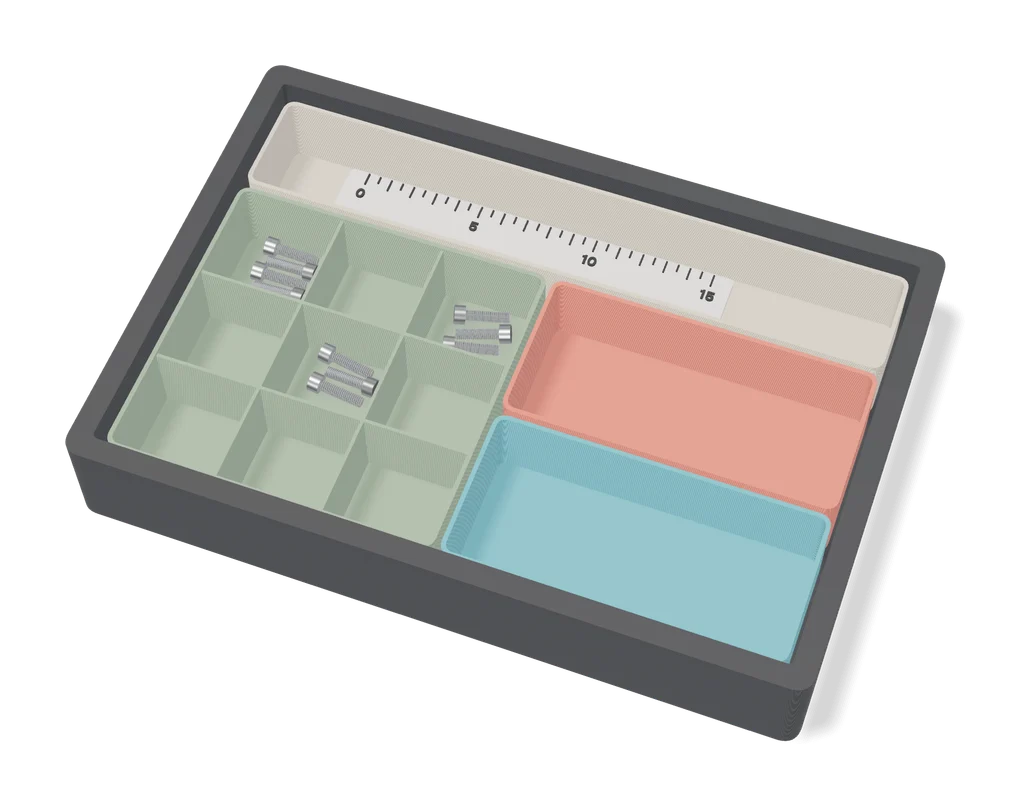
Storage
Easy-Peasy Customizable Drawer Dividers v2
Drawer divider grids with dovetail joints, sized to your drawer in a MakerWorld customizer
Storage
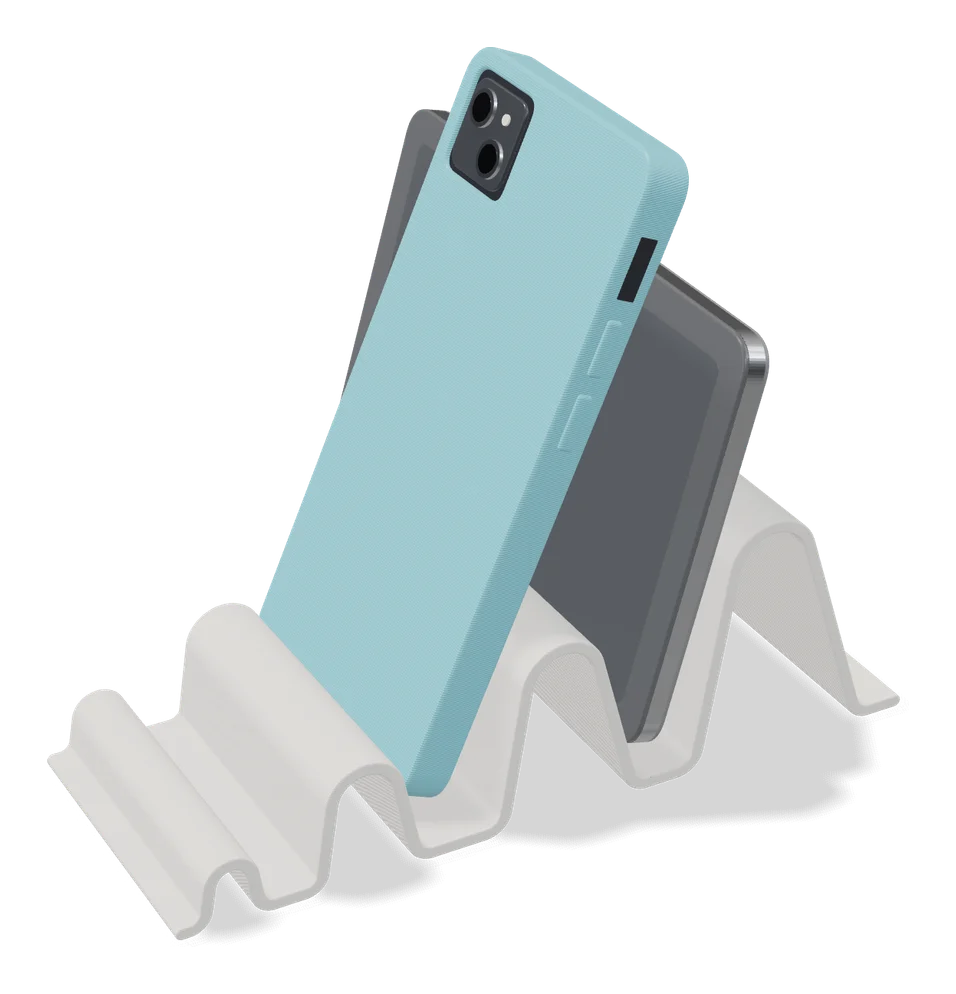
Wave - Parametric Device Stand (1-4 Slots)
Vertical desk stand with 1 to 4 slots sized to your laptop, tablet or handheld
Storage
Modular Elevated Dog Bowl Stand (Parametric)
Raised pet bowl stand you size to your bowl's width and height, for one bowl or a row
Storage
Gridfinity Builder
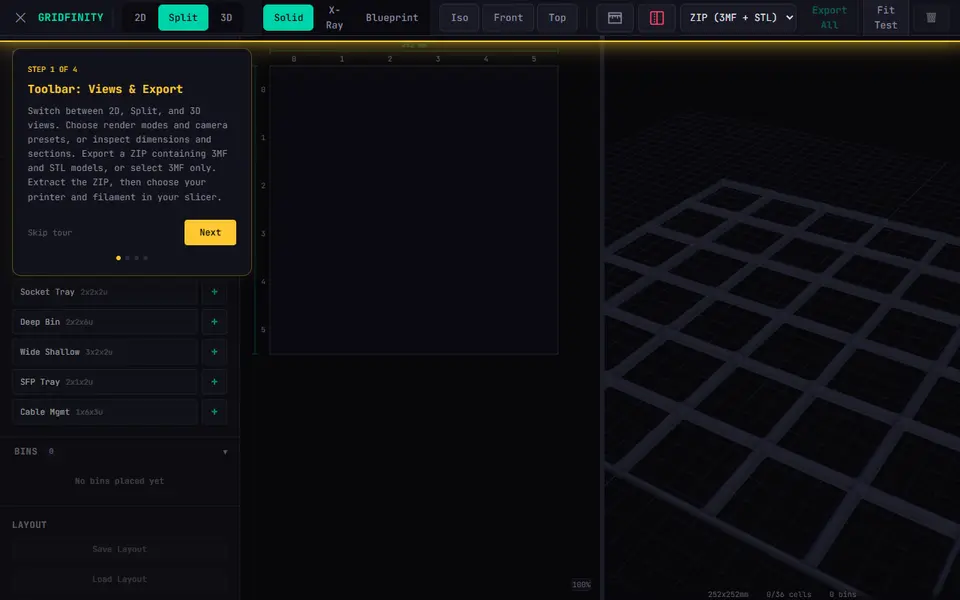
Free drag-and-drop Gridfinity drawer planner: lay out many bins on a printer-sized grid, export 3MF and STL
Storage
Parametric Headphone Hook (Vostok Labs)
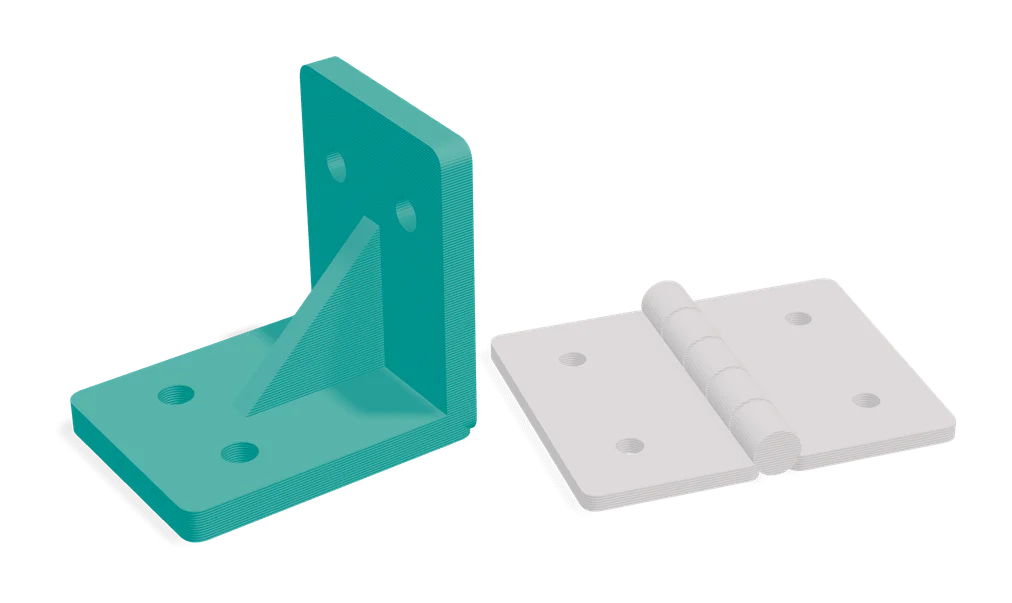
Industrial-style under-desk headphone hook, sized to your desk thickness in MakerWorld
Storage
Customizable Edge Mount Dock (Vostok Labs)
Clip-on holder for a phone, Kindle or tablet on a bed frame or desk edge, sized in MakerWorld