MiniForge Vase Studio
Parametric vases and planters with textures, drainage holes, saucers and a vase-mode preview
MiniForge Vase Studio is a freemium browser tool for textured planters with a matching saucer. Free for personal use, 5 designs a day with a Google sign-in; the DIAMOND tier on Patreon allows commercial use. Exports STL and 3MF. Last checked .
Opens tools.miniforge.io
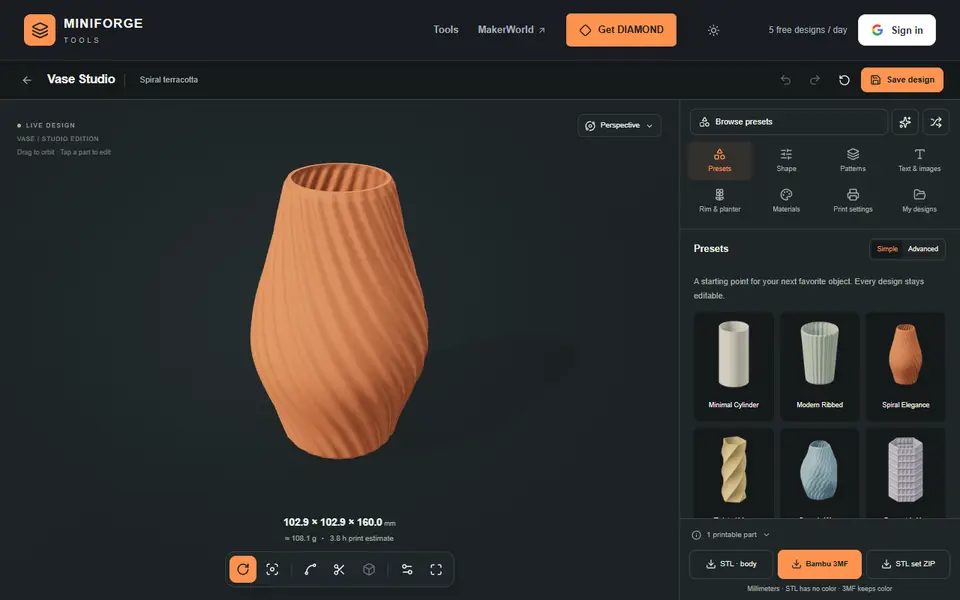
What is MiniForge Vase Studio?
MiniForge Vase Studio shapes vases and planters in your browser. You start from a preset such as Classic Amphora or Narrow Neck and edit the side silhouette and the top outline, then layer geometric patterns or a relief made from an image or text. The textures are pushed into the actual mesh, so they show up in the exported file.
Planters can be hollow with a solid base and drainage holes, and the studio adds a separate saucer that matches the footprint, or a wick platform for self-watering. A spiral vase mode preview shows the single-wall shell; the export is a closed solid body, so you switch on spiral vase mode and set the top layers to zero in your slicer.
It exports STL, a Bambu 3MF that keeps the colors, or a ZIP of separate STL parts, and saves editable JSON projects. Exporting needs a Google sign-in, and the free version allows 5 designs a day for personal use. Commercial use needs DIAMOND on Patreon.
What you can make
- Textured vases
- Planters with drainage and saucers
- Self-watering wick planters
- Spiral vase mode prints
How to use MiniForge Vase Studio
- Pick a preset and edit the silhouette and top outline
- Add a pattern or an image or text relief
- Set drainage, a saucer or a wick platform
- Sign in with Google and export the STL or Bambu 3MF
What you'll need to print it
Filament and parts that suit what you make with MiniForge Vase Studio.
Matte PLA
- Bambu Lab PLA Matte (affiliate link) Amazon
- Polymaker Panchroma Matte PLA (formerly PolyTerra) (affiliate link) Polymaker EU: 3DJake (affiliate link)
Code gives 15% off your first order at Polymaker.
Silk PLA
Translucent filament
Some of these are affiliate links: we may earn a small commission, at no extra cost to you. More about that
MiniForge Vase Studio pros
- Image and text relief textures baked into the mesh
- Drainage holes plus matching saucers and wick platforms
- Vase-mode preview with clear slicer settings
MiniForge Vase Studio cons
- Exports need a Google sign-in, 5 designs a day on the free plan
- Commercial use needs DIAMOND on Patreon
Rate MiniForge Vase Studio
One rating per account. Signing in takes one email link, no password.
Reviews
Made with MiniForge Vase Studio
Read next
MiniForge Vase Studio alternatives
Vase, planter and lamp generators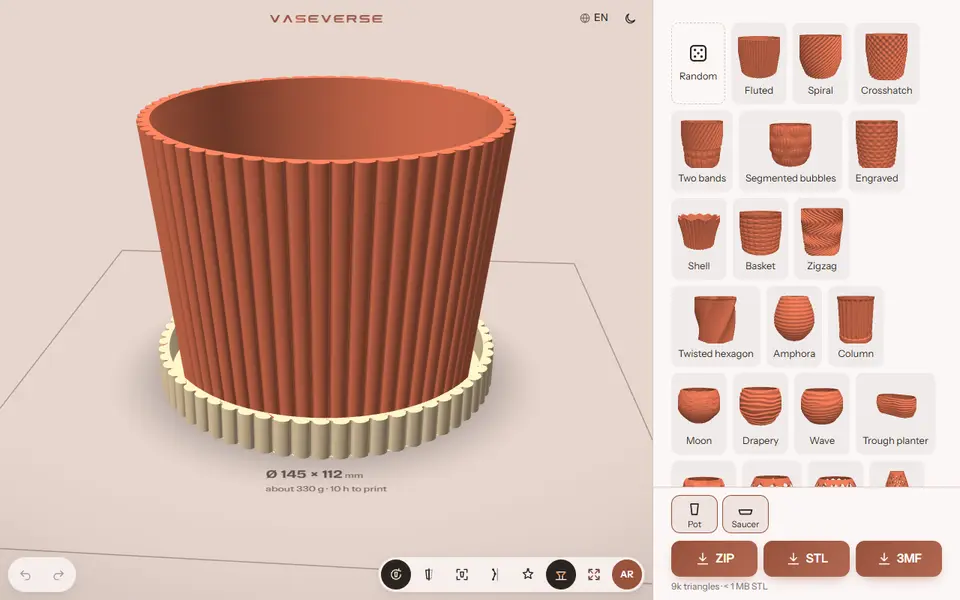
Vases & Lamps
Vaseverse
Free browser studio for vases, planters with saucers, Gridfinity bins and hydroponic towers
Vases & Lamps
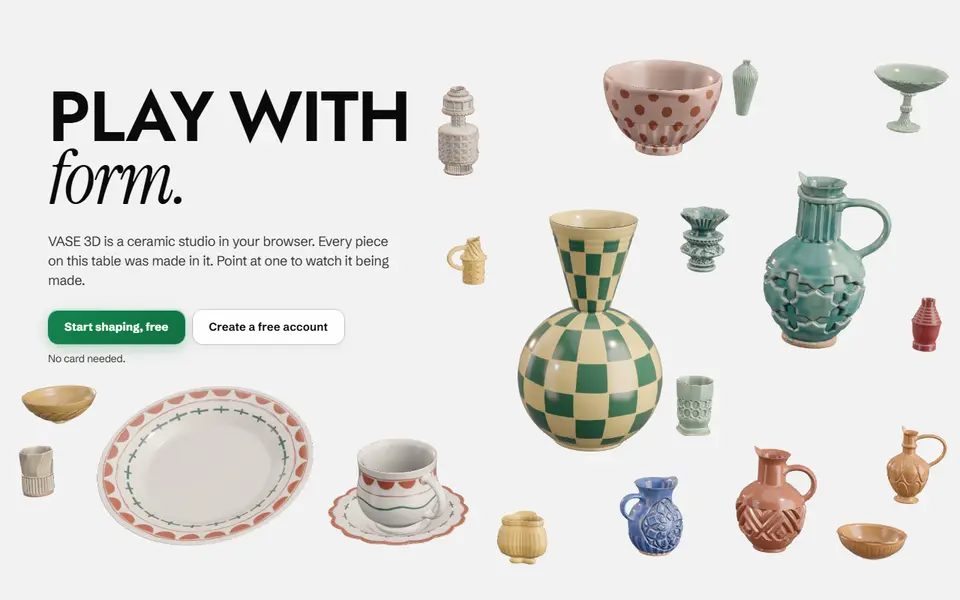
VASE 3D
Browser studio for shaping vases, jars and teapots like clay, with lids, handles and patterns, exported as STL or 3MF
Vases & Lamps
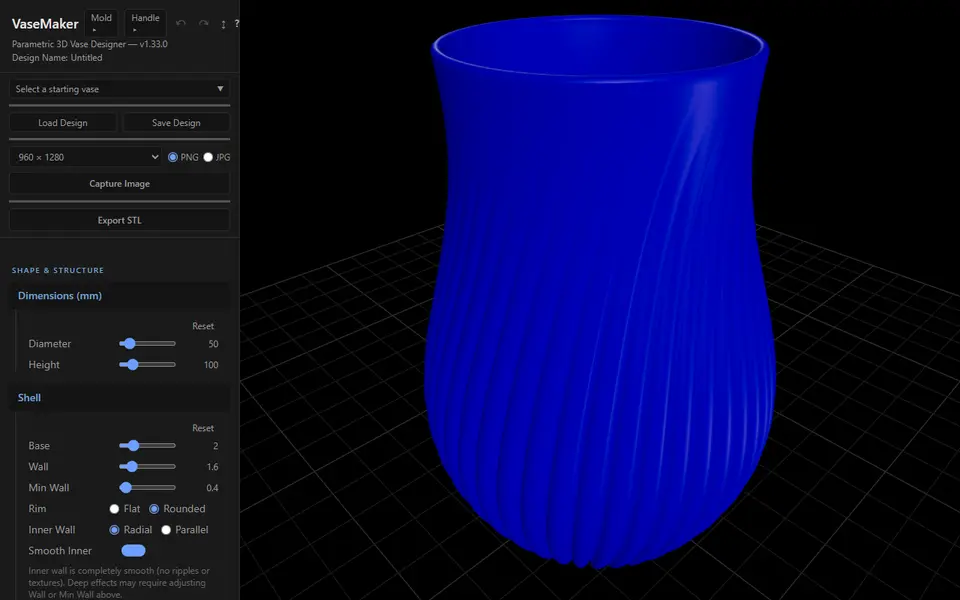
VaseMaker
Free vase designer with 29 cross-sections, shape morphing and 13 textures, plus a plaster slip-casting mold maker
Vases & Lamps
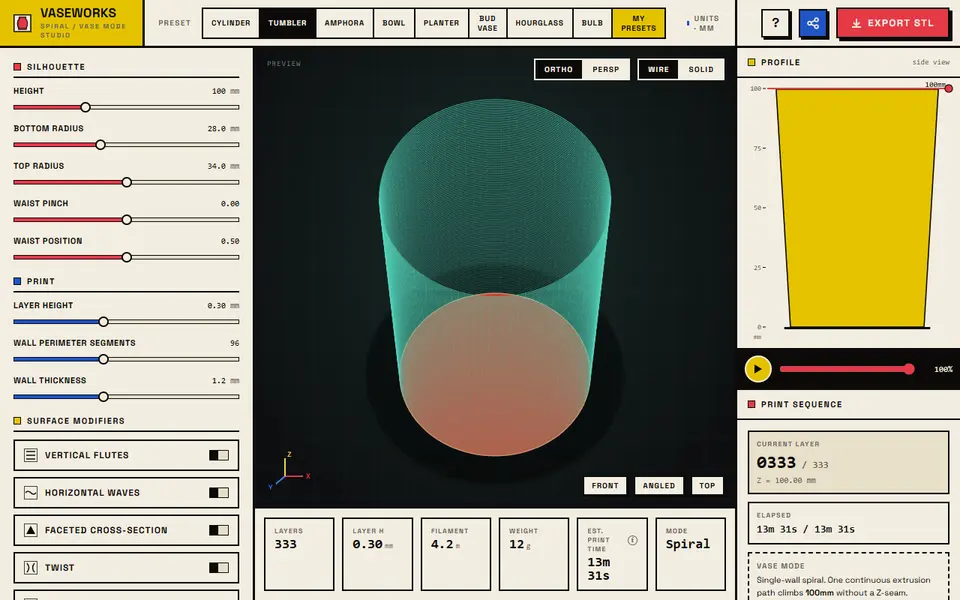
VASEWORKS
Free vase-mode studio that shows layers, filament, weight and print time for vases, tumblers and planters as STL
Vases & Lamps
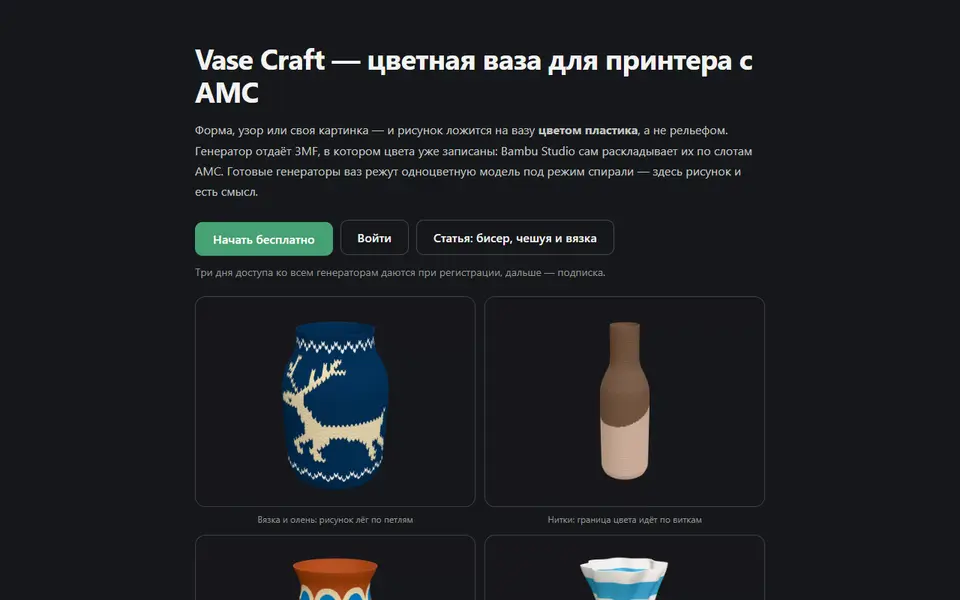
Vase Craft (3D PrintCraft)
Vases with patterns printed in filament colors, exported as a colored 3MF for an AMS; paid plan
Vases & Lamps
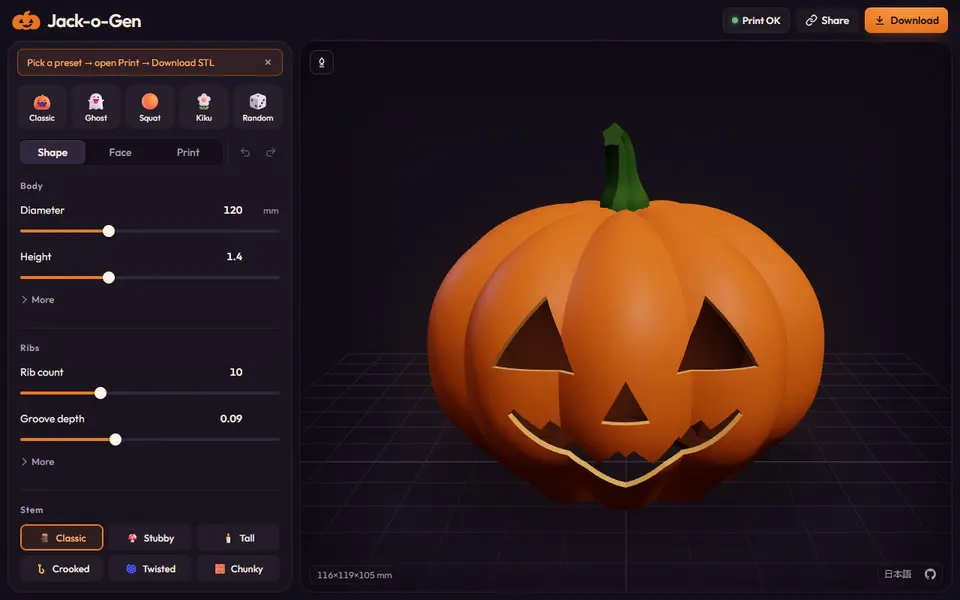
Jack-o-Gen
Free, open-source jack-o'-lantern designer: shape the pumpkin, drag the face, download an STL or two-color 3MF