Print-in-Place Pin Hinge Generator (OwlCAD)
A knuckle hinge with a captive pin that prints pre-assembled and moves straight off the plate
Print-in-Place Pin Hinge Generator (OwlCAD) is a free browser tool for adding a working hinge to a print without modeling the clearances yourself. The customizers and the editor are free; only OwlCAD's AI features need the Pro subscription. Exports STL and 3MF; no account needed. Last checked .
Opens owlcad.com
About this generator
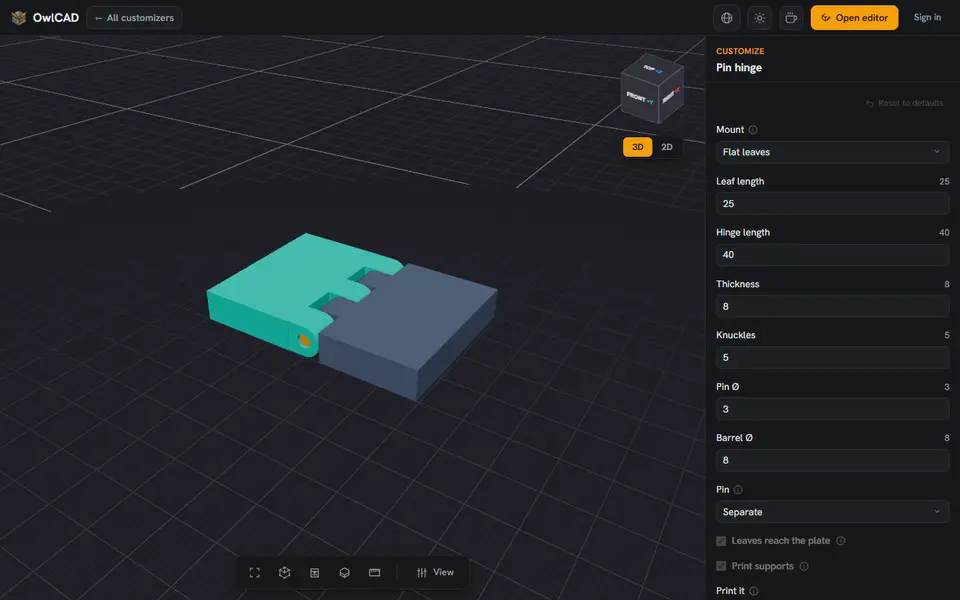
The Pin Hinge Generator is one of the free customizers in OwlCAD, a browser-based parametric CAD tool. It makes a knuckle hinge whose two leaves interleave on a shared axis with a captive pin through every knuckle, so it prints pre-assembled and swings with nothing to snap together.
You set the leaf length, hinge length, thickness and number of knuckles, and choose flat leaves or a wall mount. The pin can be its own part, capped at each end inside a pocket, or grown into one leaf so the hinge comes out as two parts. You pick the fit and the clearance gap, whether to print it flat or on its axis, and whether to add supports. The page warns to keep the leaf at least as thick as the barrel is wide, or it hangs above the plate.
It runs in the browser with no account and costs nothing; only OwlCAD's AI features are paid. It is one of 35 free OwlCAD customizers, and you can open the result in the full editor if you want to change more. Its terms give you full commercial rights to what you make, the free plan included.
What you can make
- Print-in-place hinges
- Hinges for boxes and lids
- Wall-mounted flap hinges
How to use Print-in-Place Pin Hinge Generator
- Open the customizer
- Set the leaf length, hinge length, thickness and knuckles
- Choose the pin type, the fit and how it lies on the plate
- Download the STL or 3MF
What you'll need to print it
Filament and parts that suit what you make with Print-in-Place Pin Hinge Generator.
PETG
- Bambu Lab PETG Basic (affiliate link) Amazon
- Polymaker PETG (affiliate link) Polymaker EU: 3DJake (affiliate link)
Code gives 15% off your first order at Polymaker.
Matte PLA
M3 heat-set inserts
Also handy
Digital calipers
Filament dryers and dry boxes
- SUNLU FilaDryer S4 (affiliate link) Amazon
- Polymaker PolyDryer (affiliate link) Polymaker
Some of these are affiliate links: we may earn a small commission, at no extra cost to you. More about that
Print-in-Place Pin Hinge Generator pros
- Prints assembled, no pin or screw to add
- Separate, captured or built-in pin
- Fit presets plus a custom clearance gap
- Free, no account, and selling prints and files is allowed
Print-in-Place Pin Hinge Generator cons
- Only the hinge: you still have to fix it to your box or door
- Leaf and barrel sizes need some thought to print well
Rate Print-in-Place Pin Hinge Generator
One rating per account. Signing in takes one email link, no password.
Reviews
Made with Print-in-Place Pin Hinge Generator
Read next
Print-in-Place Pin Hinge Generator alternatives
Gear, knob and part generators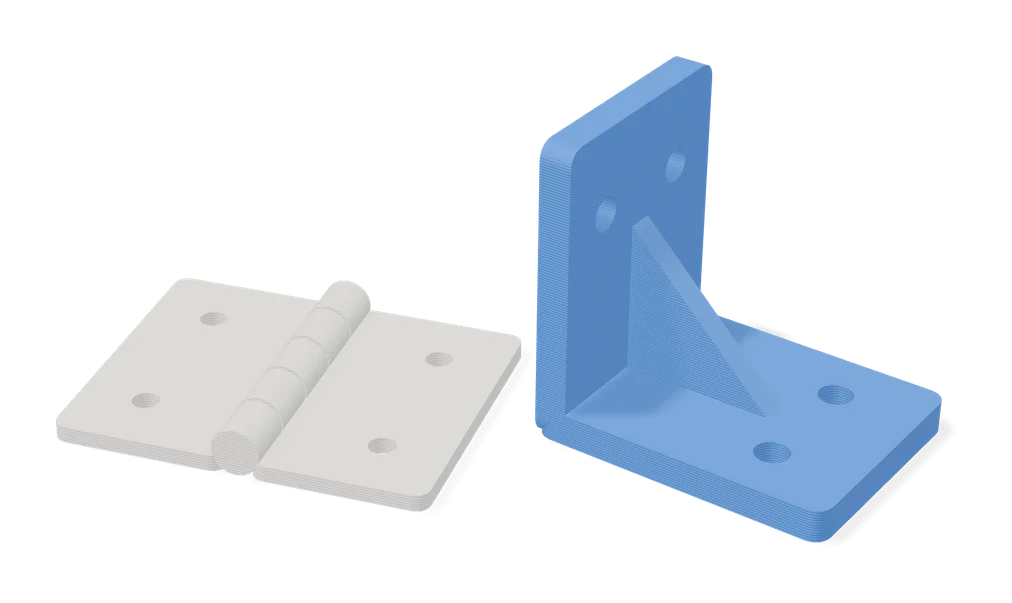
Mechanical Parts
Flat Hinges Generator
Customizable flat hinges that open to 360 degrees and print without supports
Mechanical Parts
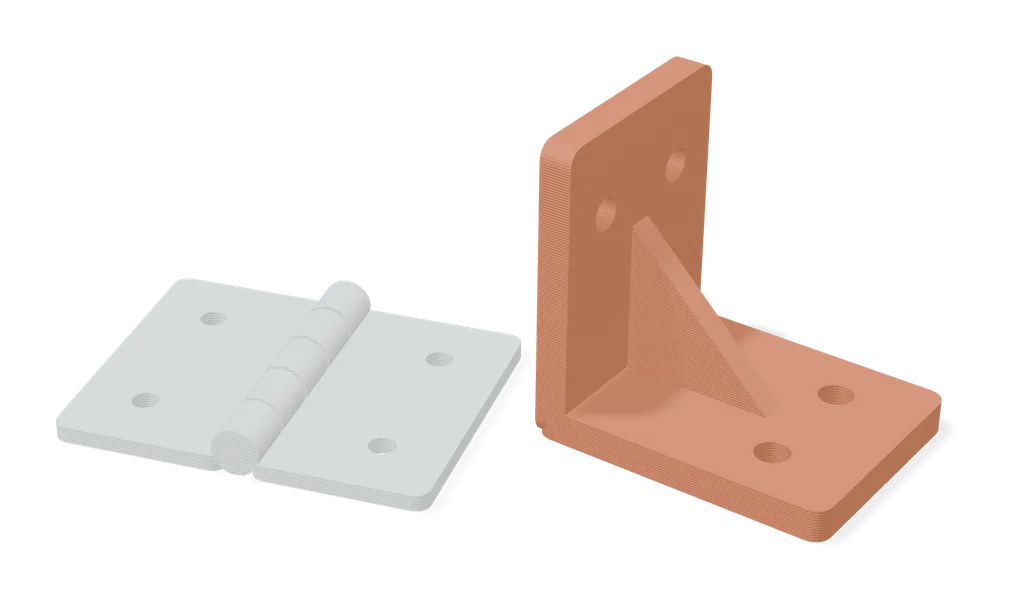
Hinge Generator (Maochen)
Print-in-place screw-on hinges in your own size, set from eight measurements on MakerWorld
Mechanical Parts
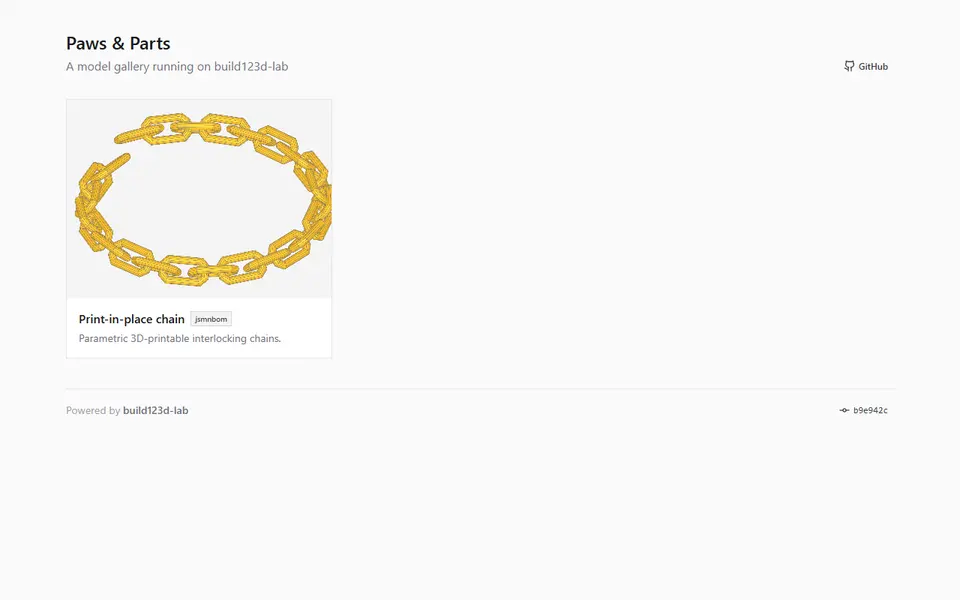
Paws & Parts Print-in-Place Chain Generator
Support-free print-in-place chains, from tiny jewelry links to heavy chunky ones
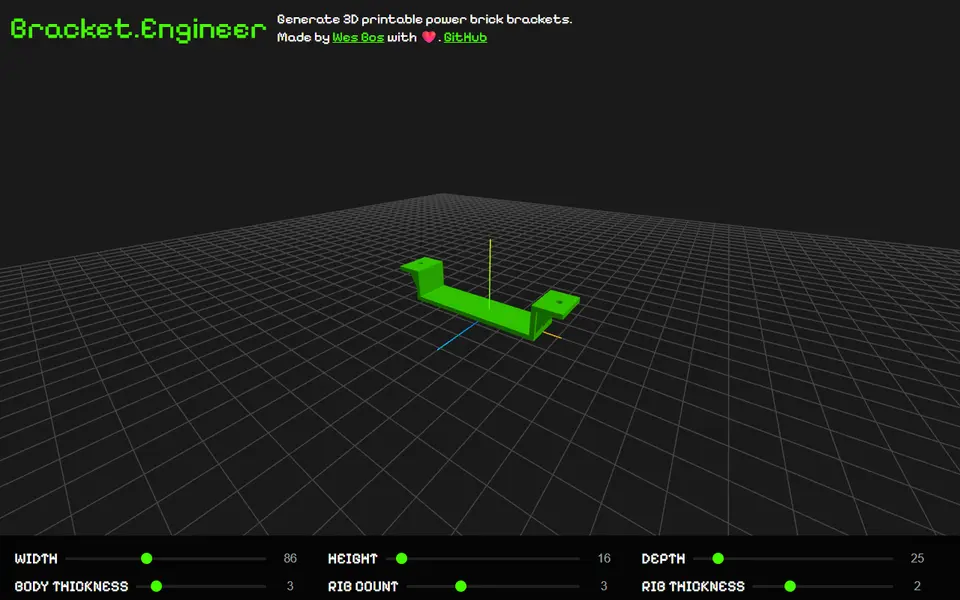
Mechanical Parts
bracket.engineer
Free power brick bracket sized to your adapter, to screw under a desk or on a wall, exported as 3MF
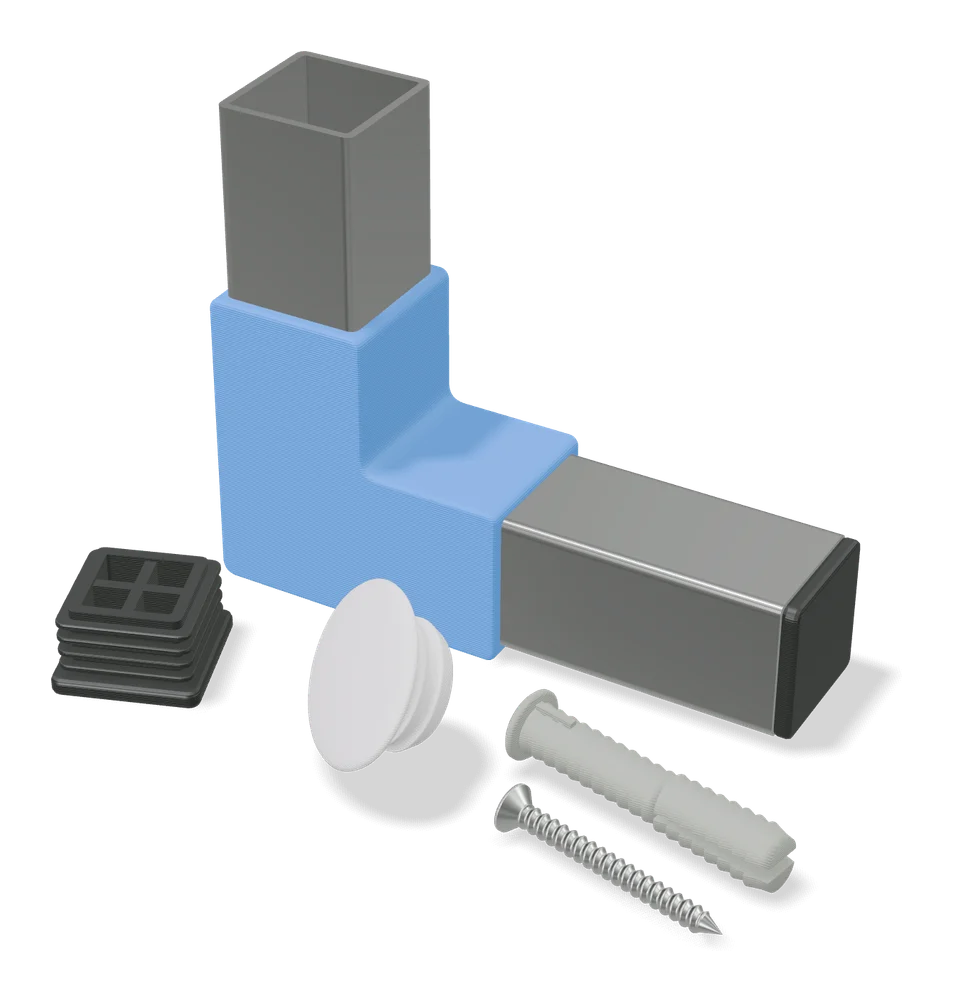
Mechanical Parts
Wall Plug Generator (EBdesign)
Custom-size printable wall plugs, 4 to 18 mm wide and 25 to 100 mm long, with or without a collar
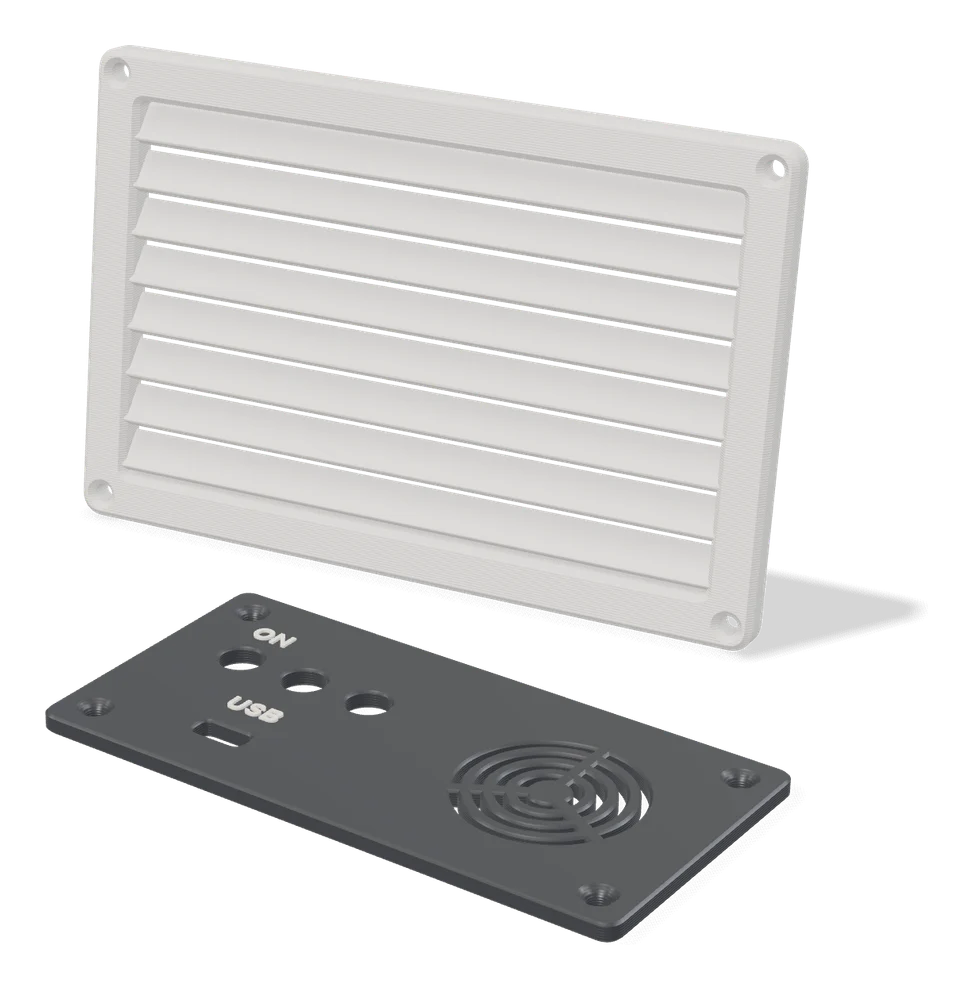
Mechanical Parts
Grille Generator by Koolm
Vent grilles, drain covers and pipe caps sized to your opening in MakerWorld's customizer