PrintMakerAI Screw-Top Container Generator
Round jars with a matching screw-on lid, sized to what you want to store
PrintMakerAI Screw-Top Container Generator is a free browser tool for custom-sized jars for small parts and dry goods. Free with no login or watermark; the wider PrintMakerAI editor has a free tier and paid plans from $15/month. Exports STL. Last checked .
Opens printmakerai.com
About this generator
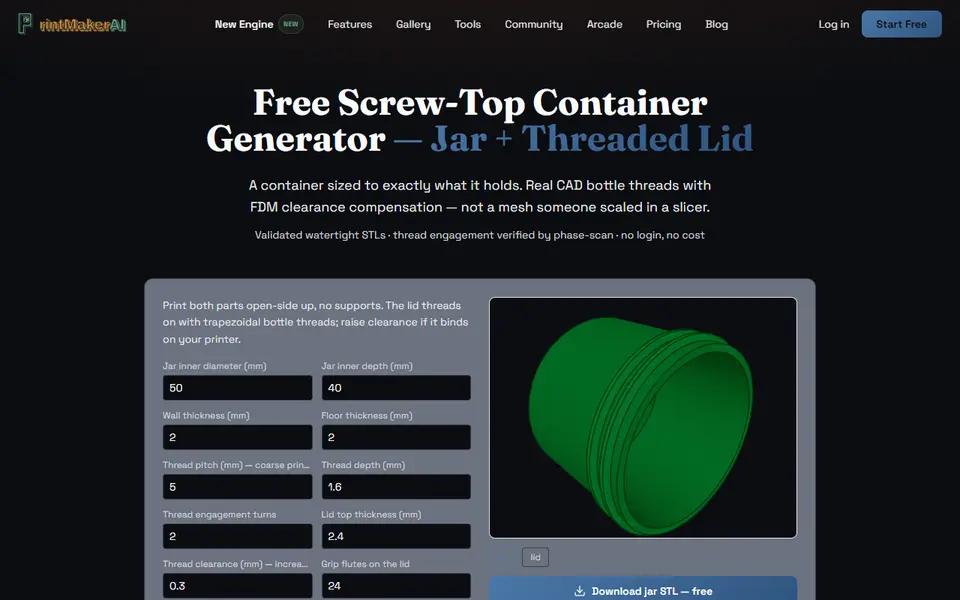
PrintMakerAI Screw-Top Container Generator is a free browser tool that builds a round jar and a matching screw-on lid from the inside size you type in. You set the inner diameter (30 to 80 mm) and inner depth (20 to 100 mm), and the lid and threads are worked out from those two numbers. Eight more fields cover wall and floor thickness, thread pitch, thread depth, number of thread turns, lid thickness, thread clearance and how many grip flutes the lid gets.
The threads use a coarse, bottle-style profile that the page says prints without supports, and the parts are built as solid CAD geometry with CadQuery on the OpenCASCADE kernel rather than a scaled mesh. A 3D preview switches between jar and lid, and each part downloads as its own STL. If the lid is too tight on your printer, raise the clearance a little and generate again: the default is 0.3 mm and the page suggests 0.4 to 0.5 mm when it binds.
There is no login, cost or watermark. It is a side tool of PrintMakerAI, a one-person text-to-CAD service founded in April 2026, so it has little outside feedback. It suits anyone who wants a jar sized for screws, SD cards, spices or paint without modeling threads.
What you can make
- Round screw-top jars
- Threaded lids with grip flutes
- Small-parts and hardware jars
- Spice and dry goods containers
How to use PrintMakerAI Screw-Top Container Generator
- Open the Screw-Top Container page on PrintMakerAI
- Enter the inner diameter and depth, and change wall, thread or clearance values if needed
- Click Regenerate with my dimensions and check the jar and lid in the 3D preview
- Download the jar STL and the lid STL and print both open side up
- If the lid binds, raise the clearance by 0.1 mm and generate again
What you'll need to print it
Filament and parts that suit what you make with PrintMakerAI Screw-Top Container Generator.
PETG
Matte PLA
M3 screws
Also handy
Digital calipers
Filament dryers and dry boxes
Some of these are affiliate links: we may earn a small commission, at no extra cost to you. More about that
PrintMakerAI Screw-Top Container Generator pros
- No account or watermark, and the default jar and lid STLs download straight from the page
- Threads are solid CAD geometry, with pitch, depth, turns and clearance all adjustable
- Jar and lid come as separate STLs designed to print open side up without supports
PrintMakerAI Screw-Top Container Generator cons
- Limited to 30 to 80 mm inner diameter and 20 to 100 mm inner depth
- Round jars only, with no compartments, labels or text
- STL only, from a new one-person site with little outside track record
Rate PrintMakerAI Screw-Top Container Generator
One rating per account. Signing in takes one email link, no password.
Reviews
Made with PrintMakerAI Screw-Top Container Generator
Read next
PrintMakerAI Screw-Top Container Generator alternatives
Box and enclosure generators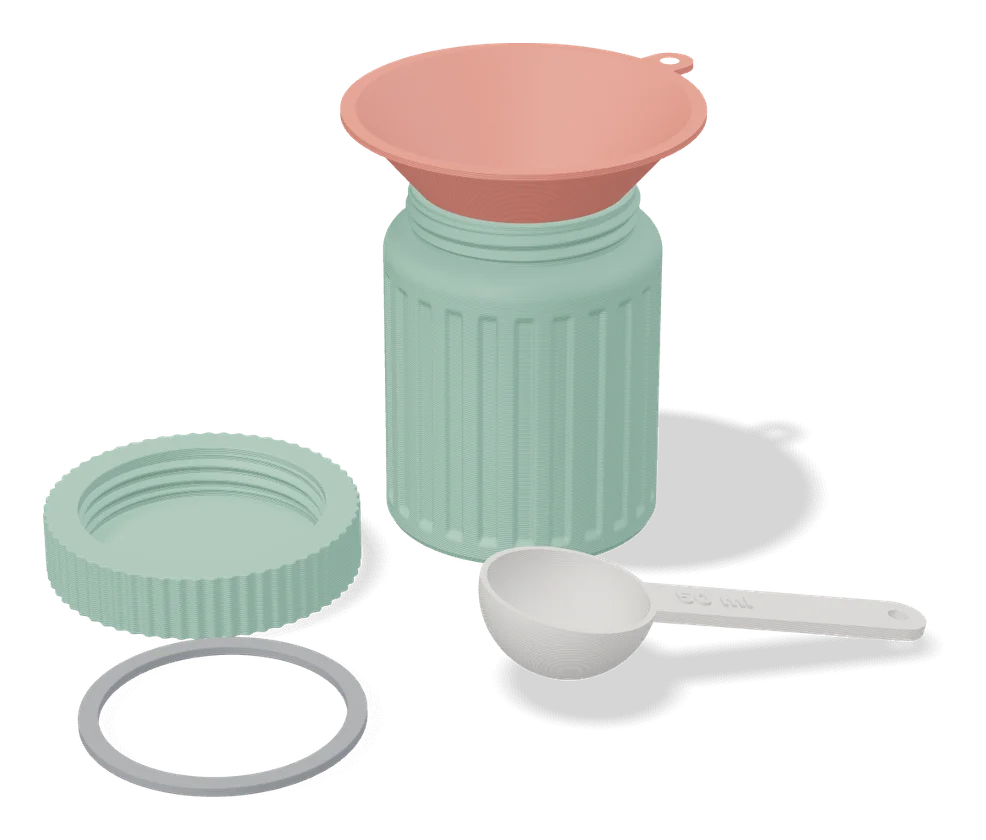
Boxes
Jar Generator (Fletch)
Screw-top jars with patterned walls and lids, set up in MakerWorld's online customizer
Boxes
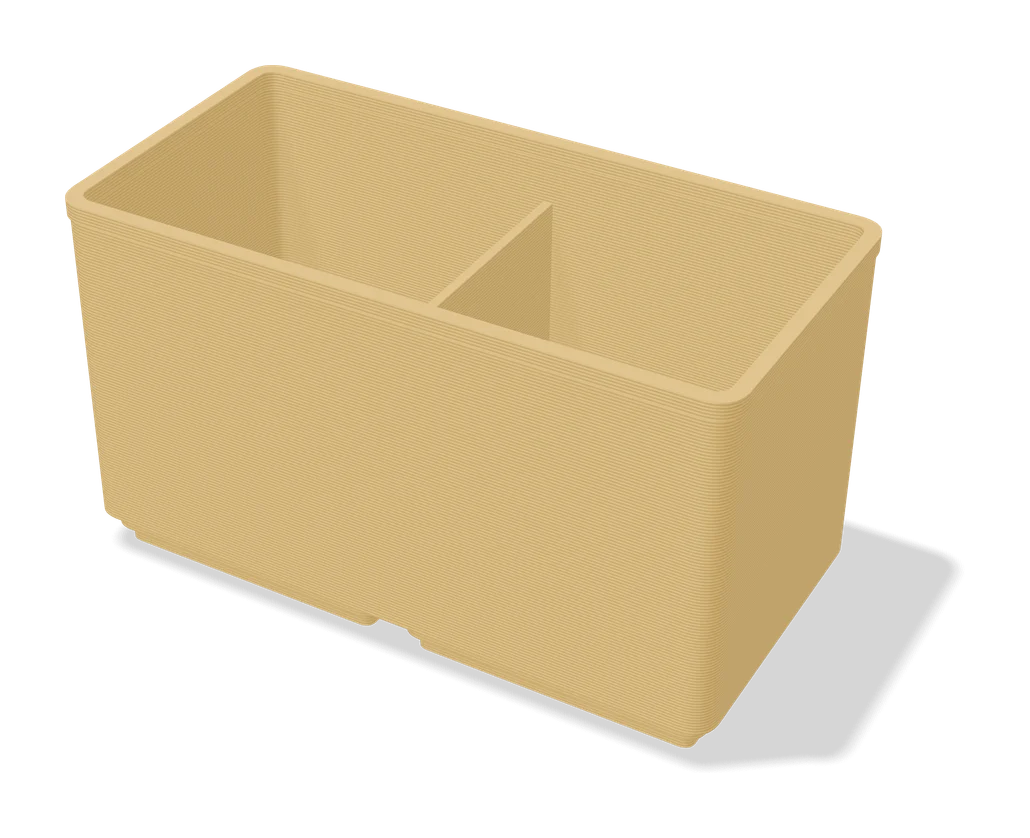
Organizer Box - Parametric Storage Bin
Open-top storage bin with auto-spaced wall holes, sized to fit your desk or drawer
Boxes
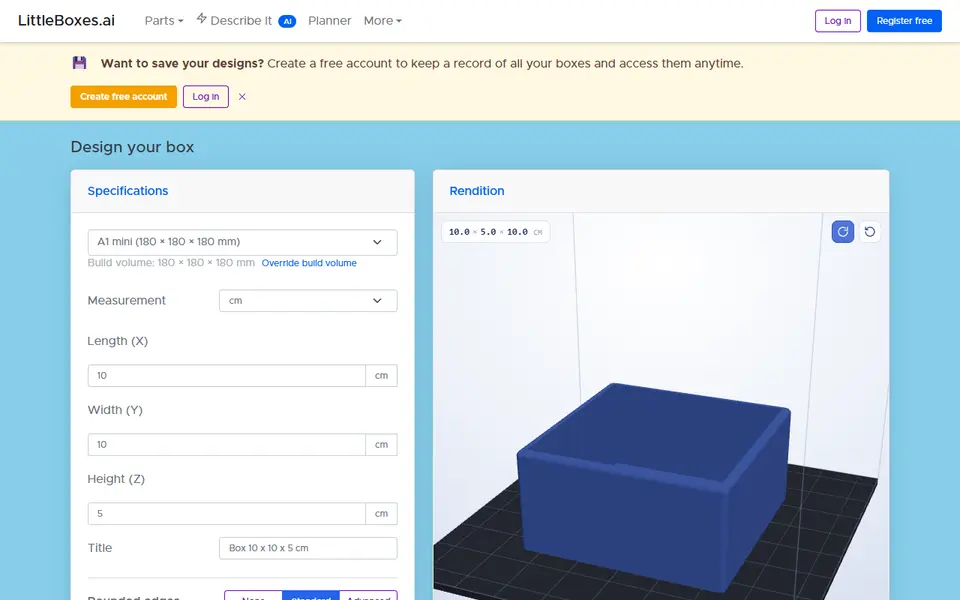
LittleBoxes.ai
Free browser designer for boxes, lids, brackets and holders sized to your measurements
Boxes
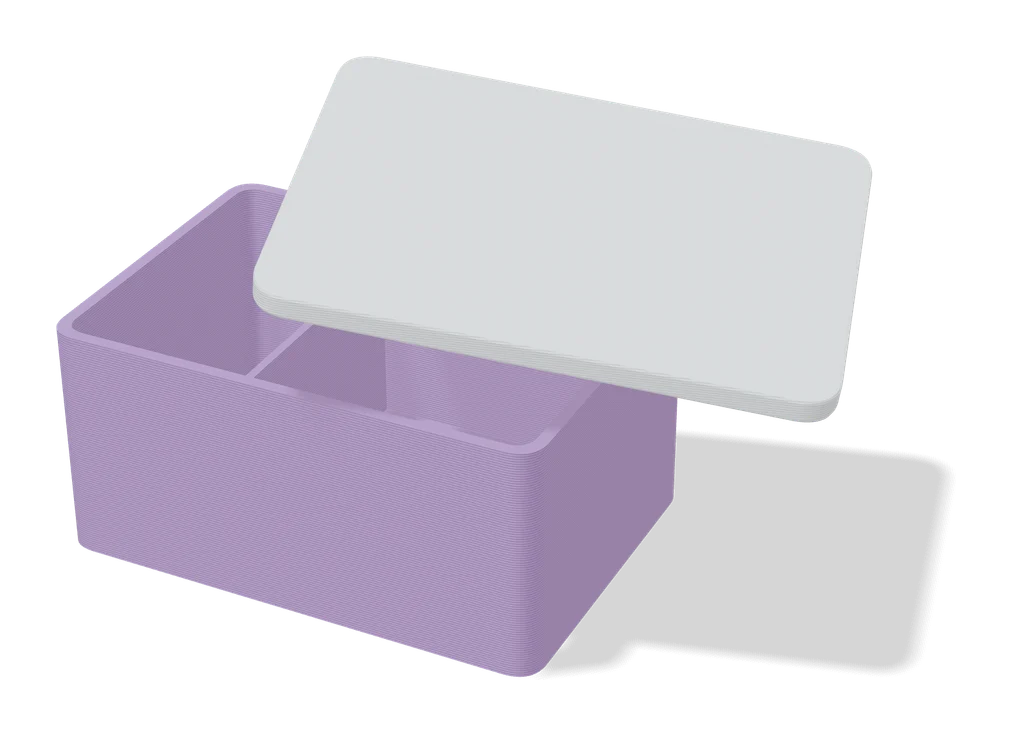
Customizable Box with Slide Lid
Custom-size storage box with a sliding, stackable lid and optional compartments
Boxes
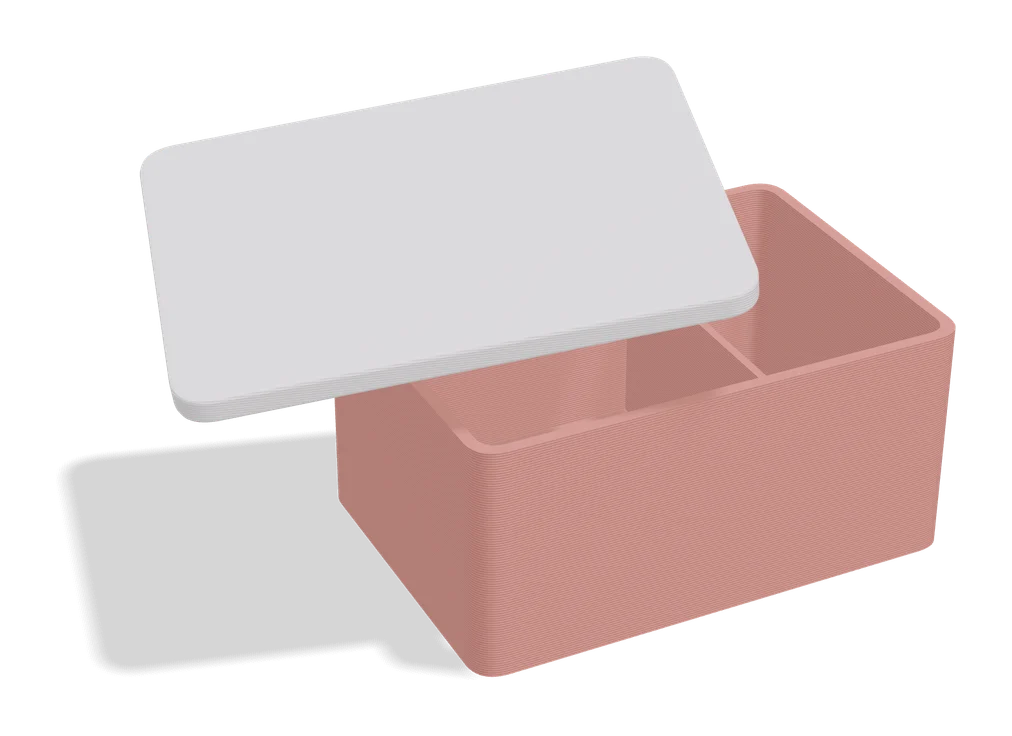
Any Box Generator
Hinged boxes in any size, with textures, latches or magnets, dividers and Gridfinity fit
Boxes
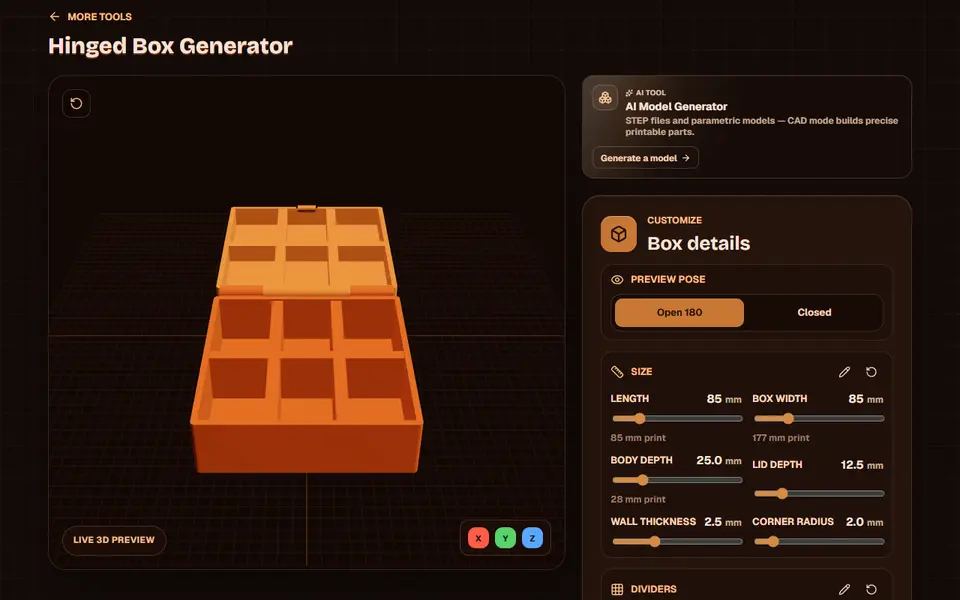
Obloid Hinged Box Generator
Print-in-place hinged snap-fit boxes with dividers and lid text, sized with sliders