What is Tenebrae?
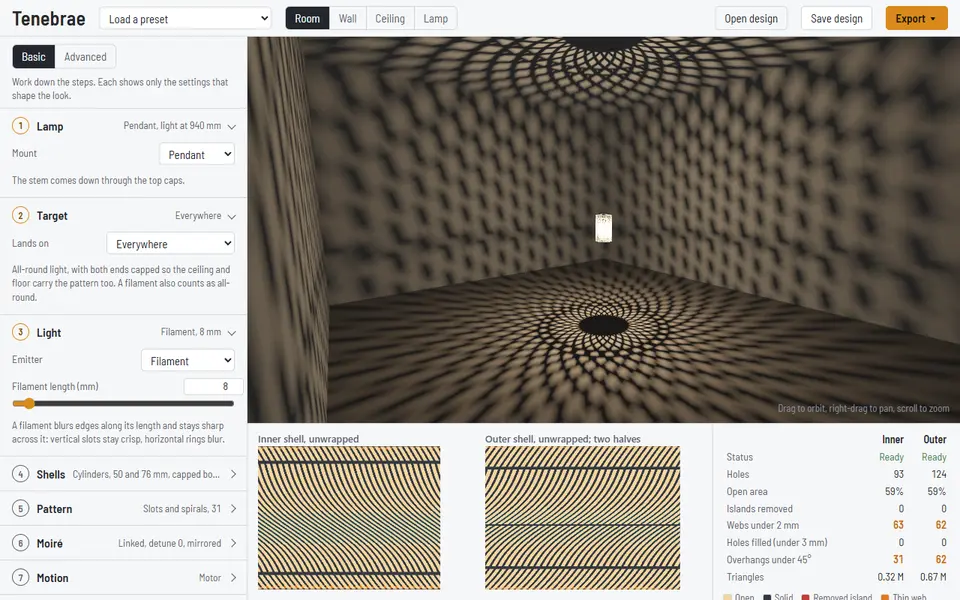
Tenebrae designs shadow lamps made of two perforated shells, cylinders or spheres, nested around one LED. Light reaches the room only where both shells are open, so the two patterns combine into moiré lobes on the ceiling and walls, and turning the outer shell moves them. The preview traces the light through both shells into a room, with room, wall, ceiling and lamp views.
The sidebar works through eight steps: table lamp or pendant, where the pattern should land, the light (ideal point, LED die, filament or frosted bulb), the shells, the pattern (slots and spirals, rings and waves, phyllotaxis dots, Voronoi cells or a superformula lattice), the moiré detune, manual twist or a motor, and the process (FDM, SLS or laser-cut sheet). There are fourteen presets, a Randomize button with per-slider locks, and a Basic mode that shows the 23 main controls. Checks under the preview remove floating islands and count thin webs, tiny holes and FDM overhangs for each shell.
The 3D print export is a ZIP with one watertight STL per shell, half or cap, the design file, a checks report, and shell profiles with a Fusion script for designing a base in CAD; the laser-cut export gives SVG and DXF files. It is free with no account, and the code is MIT licensed, which covers the software, not prints. The tutorial suggests matte black PETG or ASA and names a specific LED, driver and stem, so finishing the lamp takes a small electronics build. It suits makers who want a lamp that draws on the ceiling and are happy to wire it up.
What you can make
- Two-shell shadow lamps
- Moiré ceiling and wall patterns
- Table uplights and pendants
- Laser-cut lamp shells as SVG or DXF
How to use Tenebrae
- Load a preset such as the table uplight
- Pick the target, the light and the shells
- Tune the pattern and moiré, and read the checks
- Export the STL ZIP or the laser-cut files
What you'll need to print it
Filament and parts that suit what you make with Tenebrae.
PETG
- Bambu Lab PETG Basic (affiliate link) Amazon
- Polymaker PETG (affiliate link) Polymaker EU: 3DJake (affiliate link)
Code gives 15% off your first order at Polymaker.
Silk PLA
Translucent filament
Also handy
Filament dryers and dry boxes
- SUNLU FilaDryer S4 (affiliate link) Amazon
- Polymaker PolyDryer (affiliate link) Polymaker
Some of these are affiliate links: we may earn a small commission, at no extra cost to you. More about that
Tenebrae pros
- Room preview that traces the light through both shells
- Print checks for islands, thin webs, small holes and overhangs
- STL for printing, or SVG and DXF for laser cutting
Tenebrae cons
- Many settings, and the LED, driver and stem are a separate DIY build
- Steeply twisted slots and spheres do not print well on FDM without supports
Rate Tenebrae
One rating per account. Signing in takes one email link, no password.
Reviews
Made with Tenebrae
Read next
Tenebrae alternatives
Vase, planter and lamp generators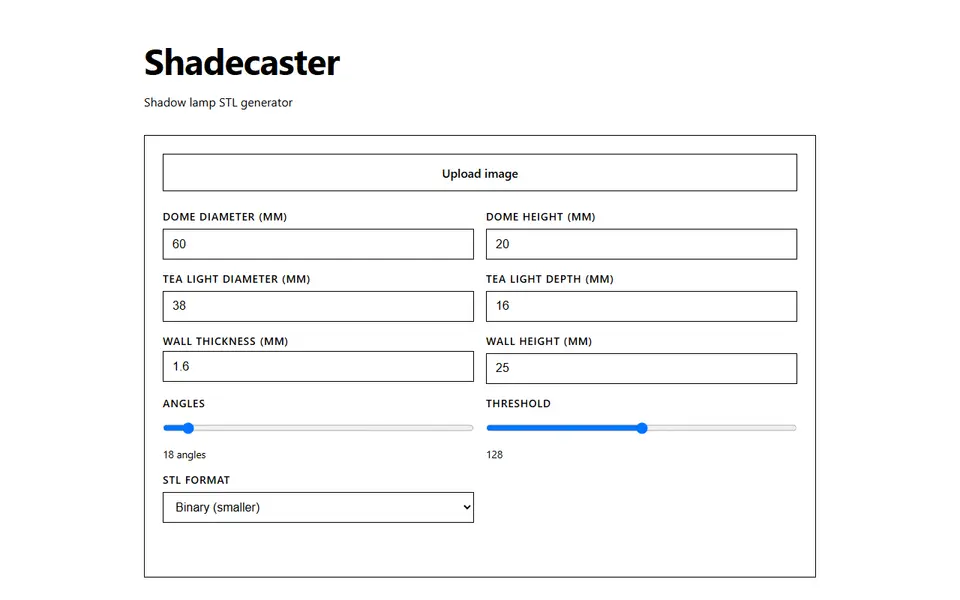
Vases & Lamps
Shadecaster
Free shadow lamp dome that throws your uploaded silhouette onto the wall over a tea light, as STL
Vases & Lamps
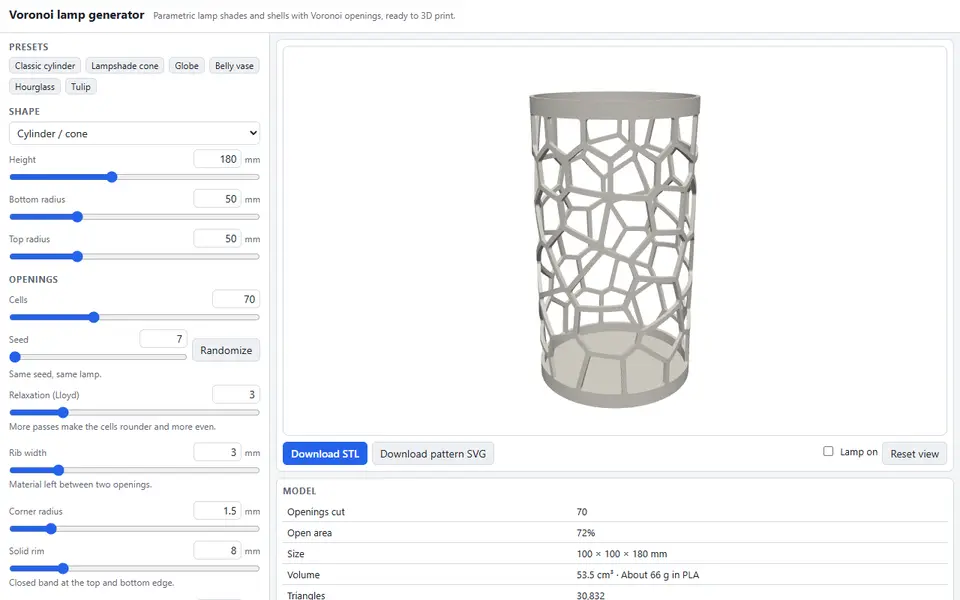
Voronoi Lamp Generator
Free lamp shades, globes and vases cut with Voronoi openings, with a light-on shadow preview; STL and flat SVG pattern
Vases & Lamps
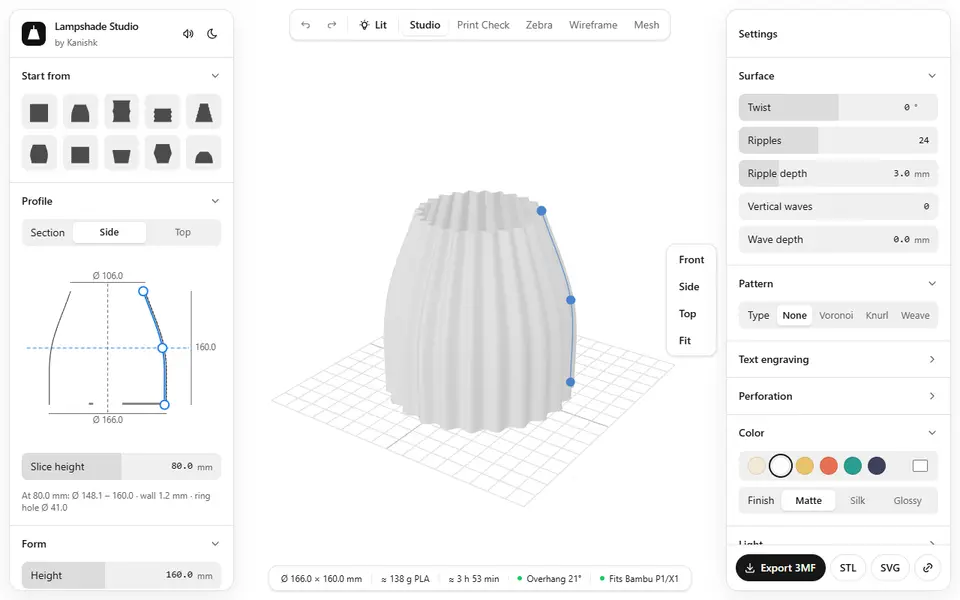
Lampshade Studio
Free browser lampshade designer with patterns, perforations, a lit preview and E27 or E14 fittings, as STL or 3MF
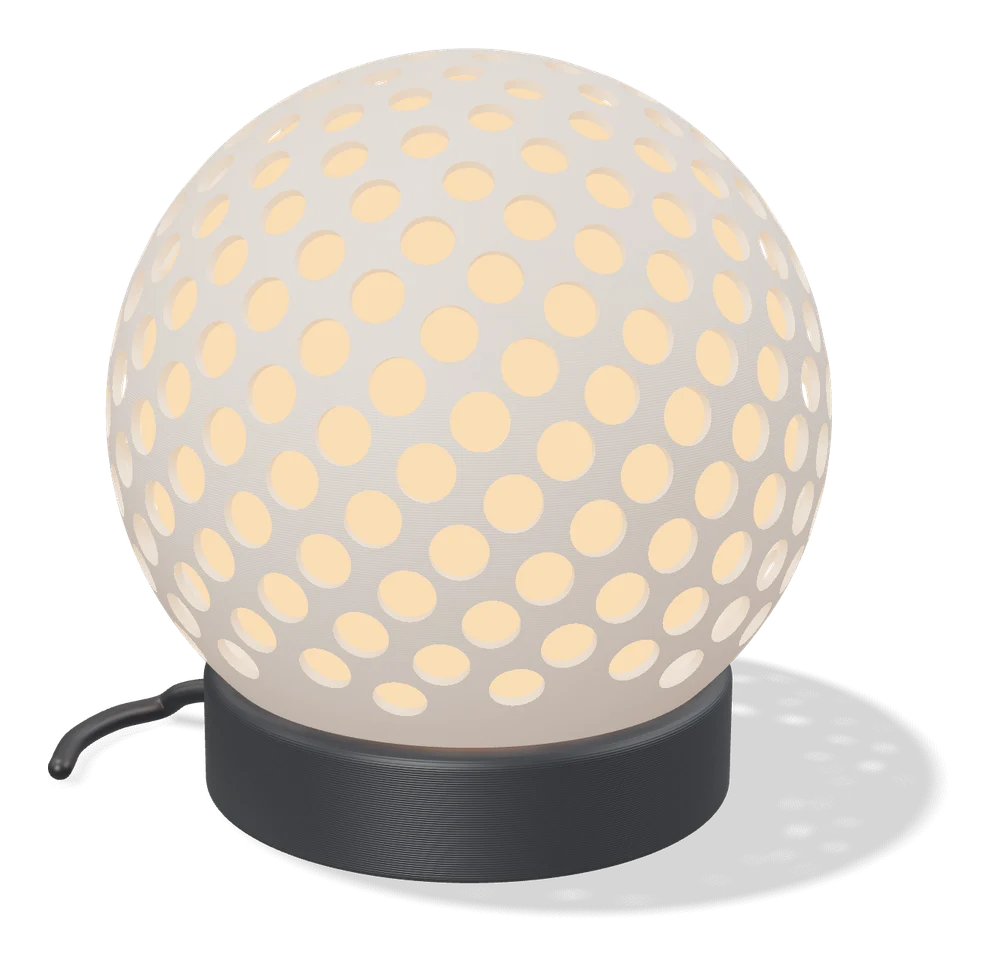
Vases & Lamps
LumHaus (MakerLab)
Design complete printable lamps: shade, base and socket, with live 3D preview
Vases & Lamps
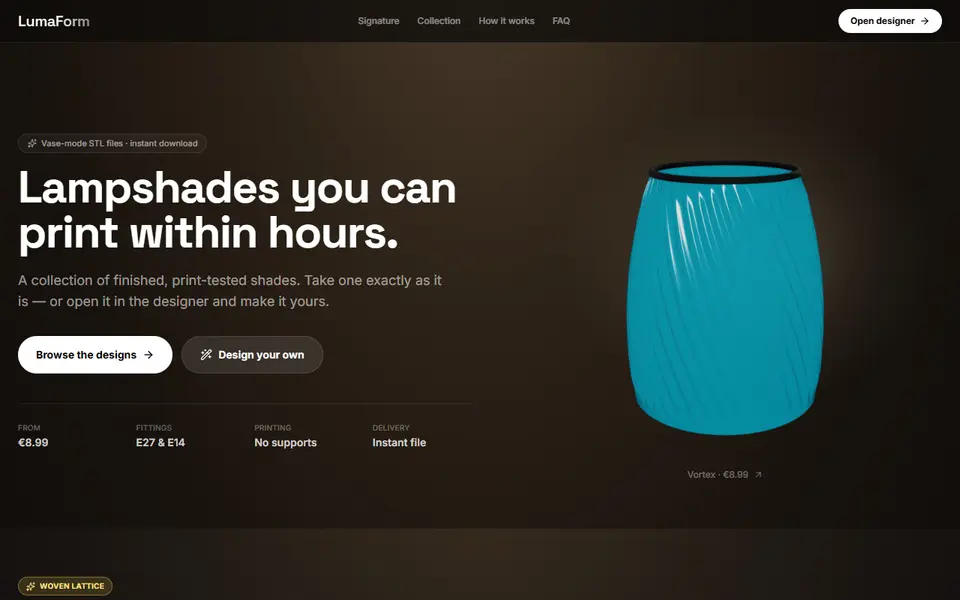
LumaForm
Browser designer for vase-mode lampshades with E27 and E14 fittings, sold as paid STL downloads
Vases & Lamps
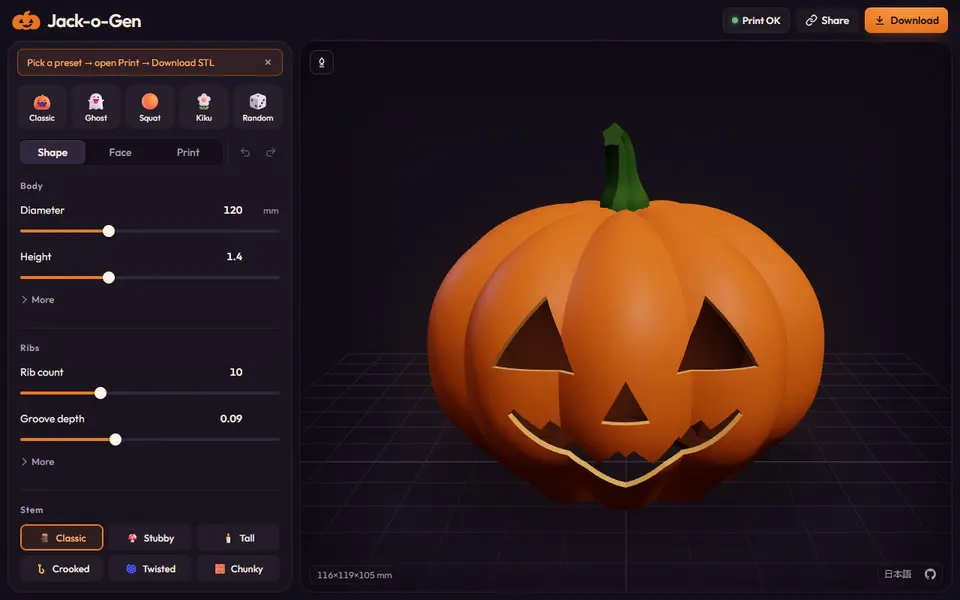
Jack-o-Gen
Free, open-source jack-o'-lantern designer: shape the pumpkin, drag the face, download an STL or two-color 3MF