Container CAD
Plain open-top containers sized to fill one drawer exactly, exported as STL
Container CAD is a free browser tool for filling one specific drawer with snug, custom-sized boxes. Free as of September 2026, including all STL downloads; the site says it might charge in the future. Exports STL; no account needed. Last checked .
Opens containercad.com
What is Container CAD?
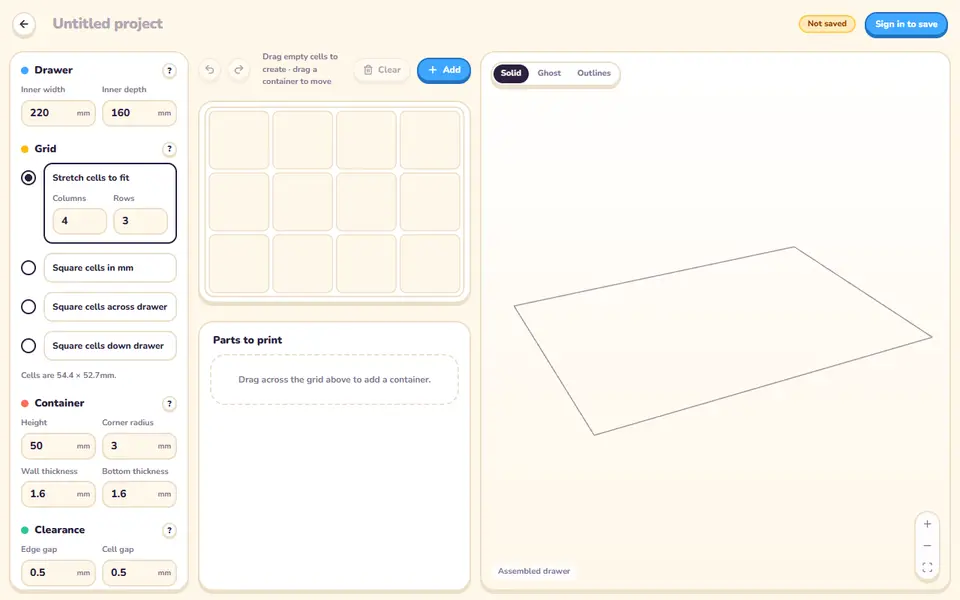
Container CAD is a free browser app for filling a drawer with plain, open-top printed boxes that fit it exactly. You type in the inside width and depth of the drawer, choose how the grid is divided, and then drag across the grid to mark where each container goes. A 3D view shows the whole drawer assembled, and a parts list groups identical boxes with their outer size and how many to print.
The useful part is the sizing math. You set one gap between the drawer walls and the outer boxes and another between neighboring boxes, and the app works out every container size from those. A stretch grid fills the drawer edge to edge with rectangular cells. A square grid keeps every cell square, so a box still fits after a quarter turn, and any leftover strip can take narrow partial containers. Height, corner radius, wall thickness and bottom thickness apply to all boxes.
It suits anyone with IKEA Kallax, kitchen or desk drawers who wants a tidy layout without Gridfinity baseplates. Files come out as STL, one per box type or several bundled in a zip. An account is only needed to save a project. Its maker announced it on Hacker News in September 2026.
What you can make
- Drawer organizer boxes sized to one specific drawer
- Open-top containers in 1x1, 2x1, 2x2 and other grid sizes
- Narrow partial containers for the leftover strip of a drawer
- A full drawer layout as a zip of STL files
How to use Container CAD
- Open the editor and enter the inside width and depth of your drawer
- Pick a stretch grid or a square grid and set the columns, rows or cell size
- Drag across the grid to place containers of different sizes
- Adjust height, corner radius, wall thickness and the edge and cell gaps
- Download each part as STL, or select several and download them as a zip
What you'll need to print it
Filament and parts that suit what you make with Container CAD.
Matte PLA
PETG
6 x 2 mm magnets
Also handy
Print removal and cleanup tools
Some of these are affiliate links: we may earn a small commission, at no extra cost to you. More about that
Container CAD pros
- Works out every box size from the drawer size and the gaps you choose, so there is no measuring or math per box
- Square grid mode lets boxes be turned a quarter turn and still fit, with optional partial cells for the leftover strip
- No account needed to design or download, and identical boxes are grouped with a print count
Container CAD cons
- Boxes are plain open-top containers: the only shape settings are height, corner radius, wall and bottom thickness, with no lids, dividers or labels
- Every container in a drawer shares one height; selecting a box only lets you resize, move or delete it
- Announced in September 2026, with almost no community feedback at our check, and it exports STL only, no 3MF
Rate Container CAD
One rating per account. Signing in takes one email link, no password.
Reviews
Made with Container CAD
Read next
Container CAD alternatives
Gridfinity and storage generators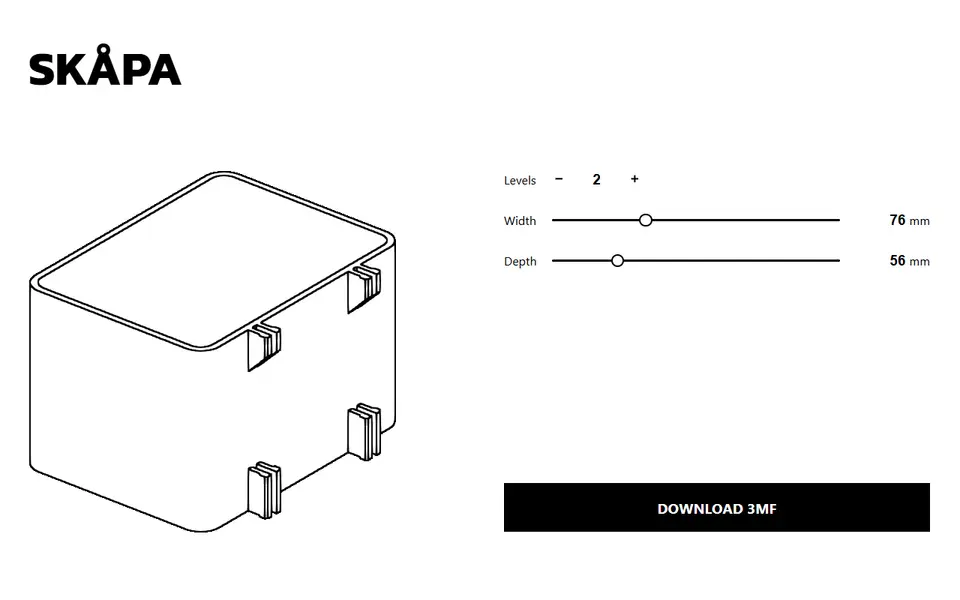
Storage
SKÅPA
Clip-on boxes for IKEA SKADIS pegboards, sized to the width, depth and height you pick
Storage
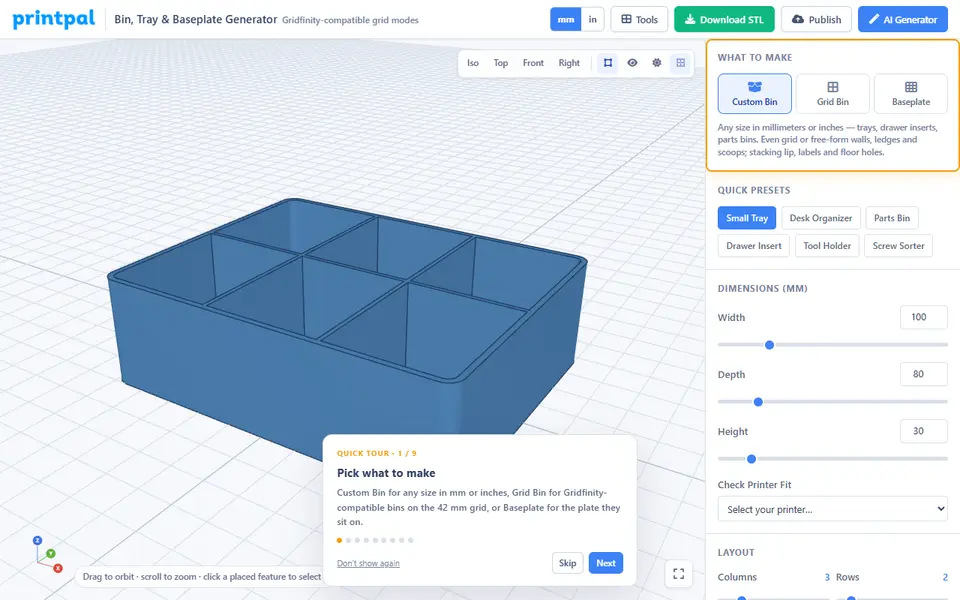
PrintPal Bin, Tray & Baseplate Generator
Storage bins, sorting trays and Gridfinity-compatible bins and baseplates; free to design, download needs Pro
Storage
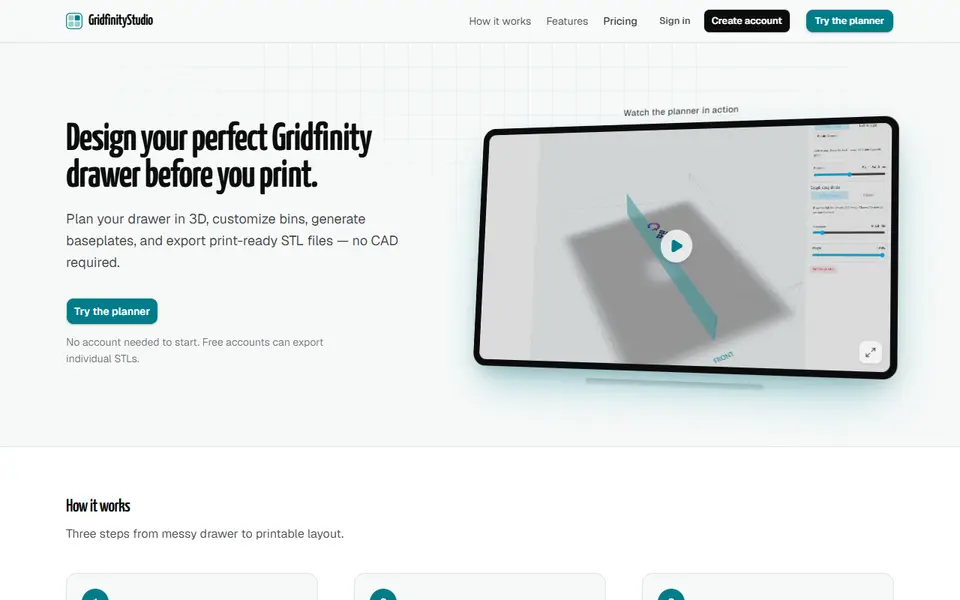
GridfinityStudio (gridfinitystudio.com)
Plan a whole Gridfinity drawer in 3D, with bins, baseplates and photo-traced tool holders, then export STLs
Storage
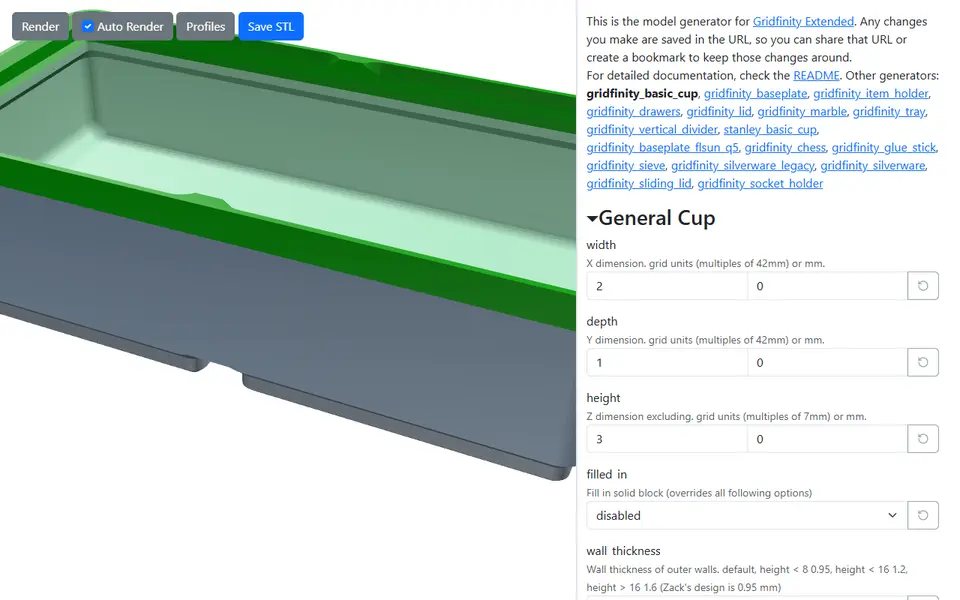
Gridfinity Extended Generators
Free in-browser generators for Gridfinity bins, baseplates, lids, drawers and holders
Storage
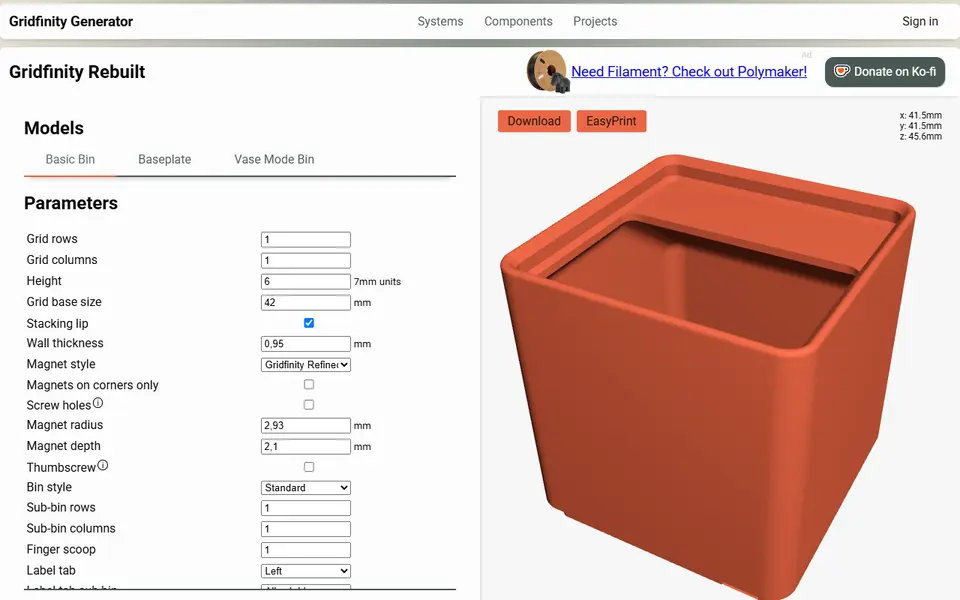
Perplexing Labs Gridfinity Generator
Browser generator for Gridfinity bins, baseplates, openGrid, Multiboard and HSW parts
Storage
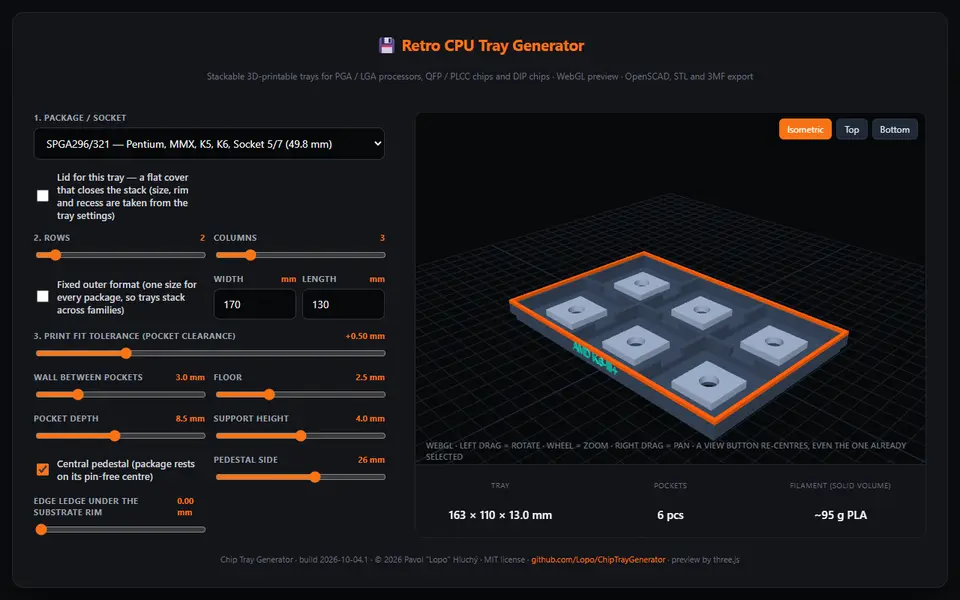
Chip Tray Generator
Free browser generator for stackable storage trays for retro CPUs and QFP, PLCC and DIP chips, sized from datasheets