Customizable Modular Weekly Planner / Timetable
School timetable wall board with your own title and snap-on subject tiles
Customizable Modular Weekly Planner / Timetable is a free browser tool on MakerWorld for kids' weekly school timetables. Free for personal use; MakerWorld login needed to customize and download. Exports STL and 3MF. Last checked .
Opens makerworld.com
About this generator
Customizable Modular Weekly Planner is a free MakerWorld customizer by NSHOP studio that makes a school timetable board with snap-on subject tiles. In the Customize form you set a title, a second line for a name or school year, the subject names and a week that runs Monday to Saturday or Monday to Sunday. The board has a column for each day, lesson slots split into morning and afternoon, a wavy border and two hanging holes, and the sample renders put a short motto across the middle.
Each subject prints as a small tile that presses onto studs in a lesson slot, so you move them when the schedule changes instead of printing a new board. The board and the tiles are generated as separate parts, and the text is meant for a second color with an AMS or a manual filament swap. The script comes in English and Vietnamese versions, and the page also has ready print profiles for a small stand and a tool for pulling off tight tiles.
It suits parents and teachers who want a reusable class schedule. The default board is large, so A1 owners report shrinking the prime tower to fit it, and adding Sunday or extra lessons can push it past the size limit so the generator fails until you trim margins or tiles.
What you can make
- Weekly class timetable boards
- Snap-on subject tiles
- Six-day or seven-day wall planners
- Tile puller tool and board stand
How to use Customizable Modular Weekly Planner / Timetable
- Open the model page on MakerWorld, sign in and click Customize
- Set the title, name line, subject names, lesson rows and six or seven days
- Generate the board and the subject tiles and download the files
- Print the text in a second color, then press the tiles onto the board
What you'll need to print it
Filament and parts that suit what you make with Customizable Modular Weekly Planner / Timetable.
Multicolor filament systems
Large-format printers
Some of these are affiliate links: we may earn a small commission, at no extra cost to you. More about that
Customizable Modular Weekly Planner / Timetable pros
- Subject tiles snap on and off, so one board lasts the whole school year
- Title, name line, subjects, days and lesson count are set in a simple form
- English and Vietnamese versions, plus a small puller tool for tight tiles
Customizable Modular Weekly Planner / Timetable cons
- The default board is large; A1 owners report it collides with the prime tower unless they shrink the tower
- Adding Sunday or more lessons can exceed the size limit, and generation then fails until you trim margins or tiles
- Needs a MakerWorld account, and the license allows personal use only
Rate Customizable Modular Weekly Planner / Timetable
One rating per account. Signing in takes one email link, no password.
Reviews
Made with Customizable Modular Weekly Planner / Timetable
Read next
Customizable Modular Weekly Planner / Timetable alternatives
Sign and text to STL generators
Signs & Text
Customizable Name Sign Generator
Layered name sign: a script name set into a big first letter
Signs & Text
EU License Plate Generator - Custom Text
Desk-size EU-style number plates with your own registration, country code and colors
Signs & Text
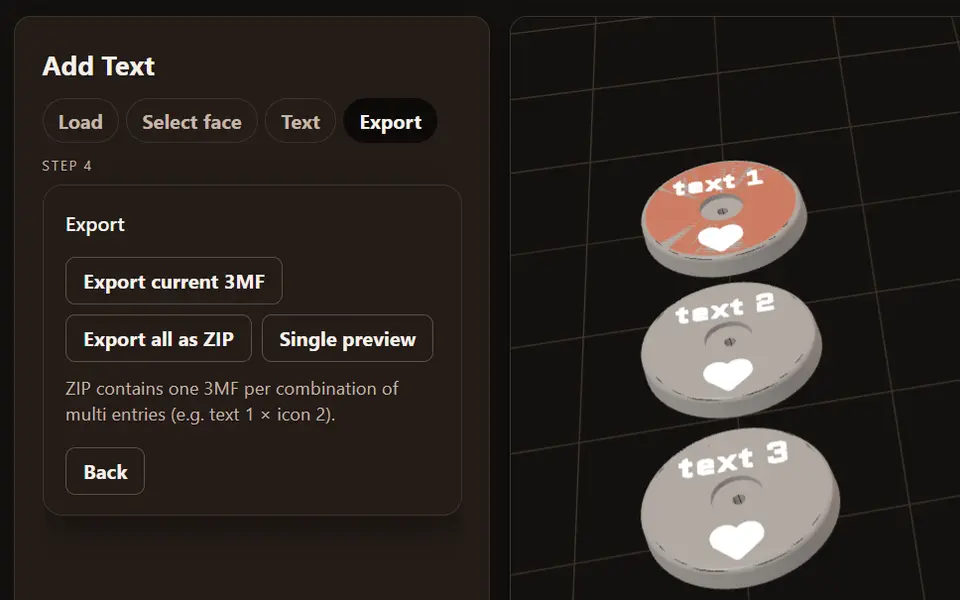
Add Batch Text to 3MF (z42)
Free browser tool that puts text and icons on a flat face of your own 3MF model, in batches, as a ZIP
Signs & Text
Customizable Parametric Lithophane Text
Slatted text card that shows different words as you tilt it
Signs & Text
Customizable Parametric Pencil Slide-On Name
Standing 3D name with a hole through it that slides onto a pencil or pen
Signs & Text
Layered Initial and Name Sign
Big serif initial with a script name set into it, built from the name you type