Add Batch Text to 3MF (z42)
Free browser tool that puts text and icons on a flat face of your own 3MF model, in batches, as a ZIP
Add Batch Text to 3MF (z42) is a free browser tool for putting a list of names or labels on your own model in one go. Free; needs a free account (username and password). Exports 3MF. Last checked .
Opens cad.z42.at
What is Add Batch Text to 3MF (z42)?
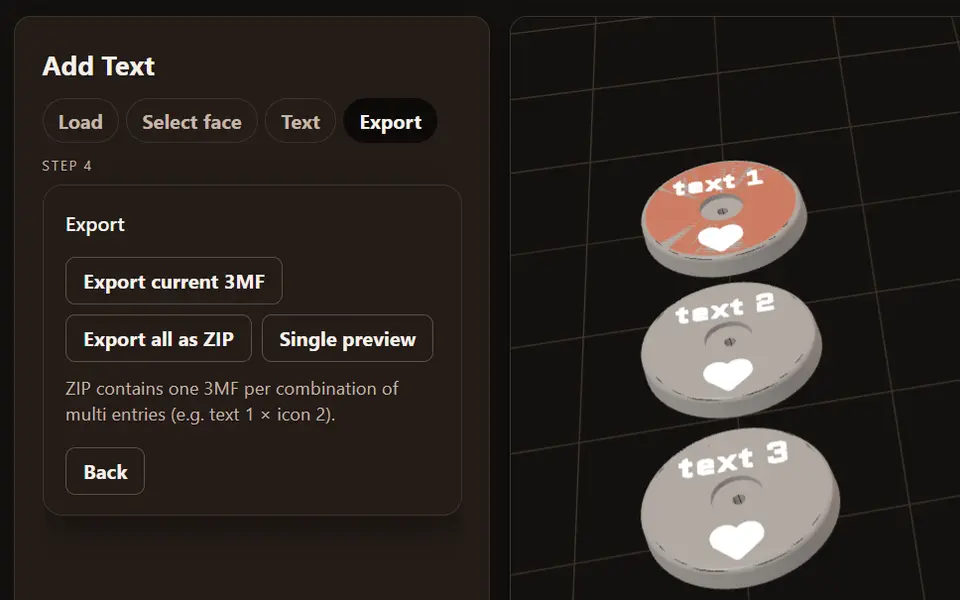
Add Batch Text to 3MF puts text and icons on a model you already have, without CAD. You load your own 3MF file, which is processed entirely in your browser, click a flat surface of the model, and add one or more texts or icons (from the Font Awesome set) to it. A 3D preview shows the result.
The batch part is what makes it useful. You can enter several values for a text or an icon, and the export makes one 3MF per combination (for example text 1 with icon 2), so a whole set of name tags, labeled bins or personalized gifts comes out as one ZIP instead of one by one in the slicer. You can also export only the current model, or step through each version in a single preview first. The output is 3MF, so the text stays a separate part for a second color.
It is made by Stefan, the Austrian maker behind the Filament Swatch Generator on the same site, and runs under the same free account (username and password; an email address is optional and the app sends no mail, so there is no password reset). He has confirmed that selling the prints is fine. The text goes on flat faces only, so curved surfaces such as a mug or a ball are not supported.
What you can make
- Name tags in batches
- Labeled storage bins
- Personalized gifts with names
- Text and icons on your own 3MF model
How to use Add Batch Text to 3MF
- Sign in and open Add Text
- Load your 3MF model and select a flat face
- Add your texts or icons, with several values for a batch
- Export one 3MF or all versions as a ZIP
What you'll need to print it
Filament and parts that suit what you make with Add Batch Text to 3MF.
Multicolor PLA
Matte PLA
Multicolor filament systems
Some of these are affiliate links: we may earn a small commission, at no extra cost to you. More about that
Add Batch Text to 3MF pros
- Works on your own model, not a fixed template
- One 3MF per combination of texts and icons, as a ZIP
- Runs in the browser; your model is not uploaded
Add Batch Text to 3MF cons
- Needs an account, and there is no password reset by email
- Text and icons go on flat faces only
- 3MF in and out only
Rate Add Batch Text to 3MF
One rating per account. Signing in takes one email link, no password.
Reviews
Made with Add Batch Text to 3MF
Read next
Add Batch Text to 3MF alternatives
Sign and text to STL generators
Signs & Text
Custom Minecraft Name Plate
Your name as Minecraft-style stone letters on a grass block base
Signs & Text
Customizable Name Sign Generator
Layered name sign: a script name set into a big first letter
Signs & Text
Customizable Parametric Pencil Slide-On Name
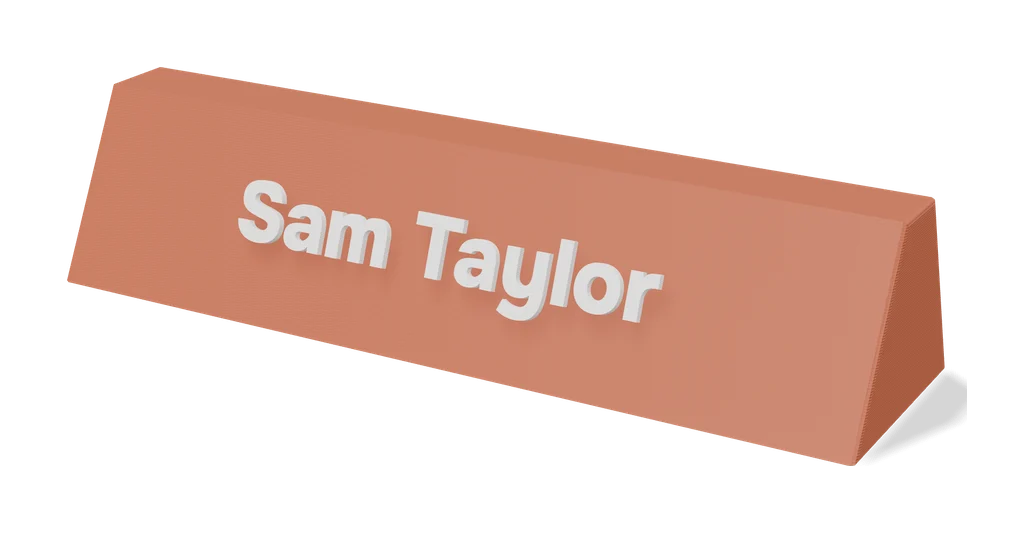
Standing 3D name with a hole through it that slides onto a pencil or pen
Signs & Text
Customizable Parametric Lithophane Text
Slatted text card that shows different words as you tilt it
Signs & Text
Layered Initial and Name Sign
Big serif initial with a script name set into it, built from the name you type
Signs & Text
3D Name Craft (3D PrintCraft)
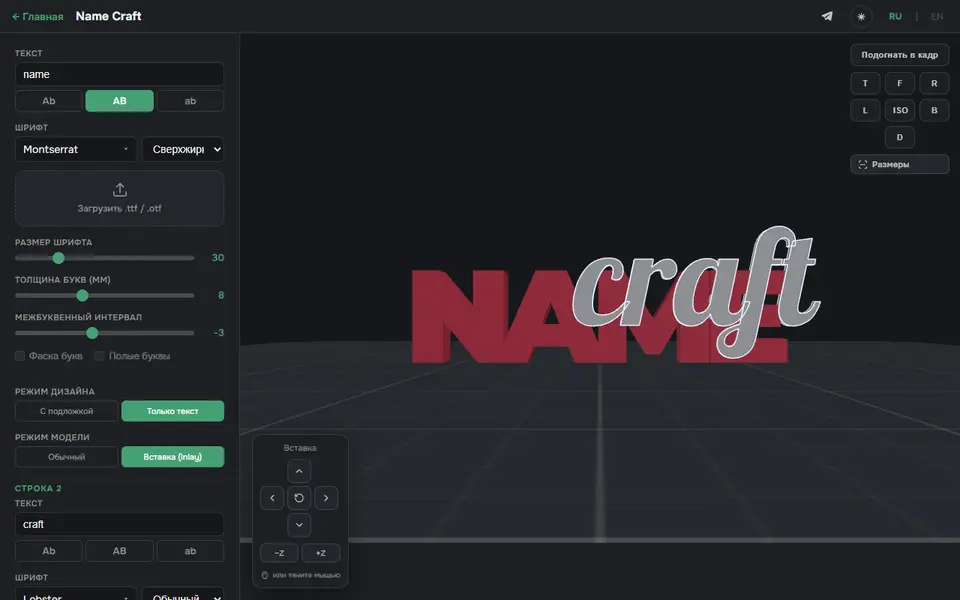
Type one or two lines of text and export a name sign as STL or a two-part inlay 3MF