What is Dabba?
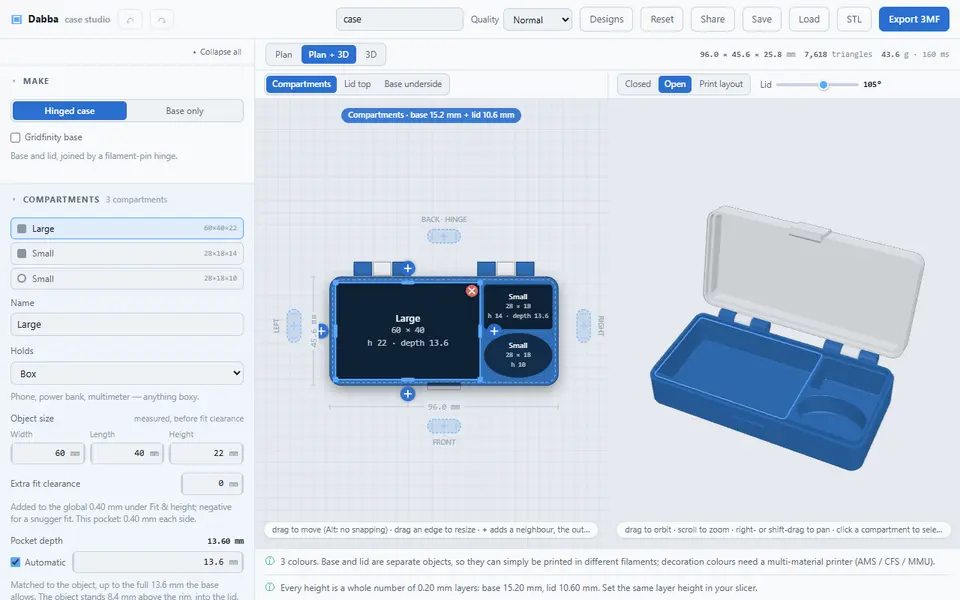
Dabba builds a hinged case around things you own. You measure each object, pick what it is (a box, round or capsule shape, a lying or stepped cylinder, one of 37 battery sizes, hex bits, memory cards or a custom shape) and the case gets a pocket for it with a fit clearance. The plan view lets you drag, resize and add compartments, and the 3D view shows the case closed, open at any angle, or laid out for printing.
You can make a base and lid joined by a filament-pin hinge, or a base only for a tray or drawer insert, and put either on a Gridfinity base with optional magnet holes. Further settings cover wall, floor and lid thickness, finger notches, an alignment lip, lid dividers, rounded or chamfered edges, clasps (snap hooks, magnets, snap bumps and latches), 27 outside textures, and text, borders and pictures on the lid top and base underside, each in its own color. Pick your printer to check that the parts fit its bed.
Export 3MF lays out the base upright with the lid open beside it, with colors written the way Bambu Studio writes them, so they come through in Bambu Studio, OrcaSlicer, Creality Print and PrusaSlicer. STL gives the same layout in one color. For the hinge you push a piece of 1.75 mm filament through the knuckles. It is free, has no account, and keeps designs in the browser, as a saved file or as a share link. The code is open source under GPL-3.0, which covers the software, not the prints, and the project says nothing about selling them. It is new (October 2026) and suits anyone who wants a fitted case for a tool, gadget or set of batteries.
What you can make
- Hinged cases with fitted pockets
- Battery and memory card cases
- Trays and drawer inserts
- Cases on a Gridfinity base
How to use Dabba
- Measure the objects that go in the case
- Add a compartment for each and set its size and shape
- Choose the hinge, clasps and lid in the side panel
- Export the 3MF and push filament through the hinge after printing
What you'll need to print it
Filament and parts that suit what you make with Dabba.
Matte PLA
- Bambu Lab PLA Matte (affiliate link) Amazon
- Polymaker Panchroma Matte PLA (formerly PolyTerra) (affiliate link) Polymaker EU: 3DJake (affiliate link)
Code gives 15% off your first order at Polymaker.
6 x 2 mm magnets
Multicolor filament systems
Also handy
Print removal and cleanup tools
Some of these are affiliate links: we may earn a small commission, at no extra cost to you. More about that
Dabba pros
- Pockets sized from your own measurements, with presets for 37 battery sizes, bits and cards
- 3MF laid out ready to print, with colors that carry into Bambu Studio, OrcaSlicer and PrusaSlicer
- Free, open source and no account
Dabba cons
- Many settings, so a first case takes some time
- A new one-person project with no word on selling prints
Rate Dabba
One rating per account. Signing in takes one email link, no password.
Reviews
Made with Dabba
Read next
Dabba alternatives
Box and enclosure generators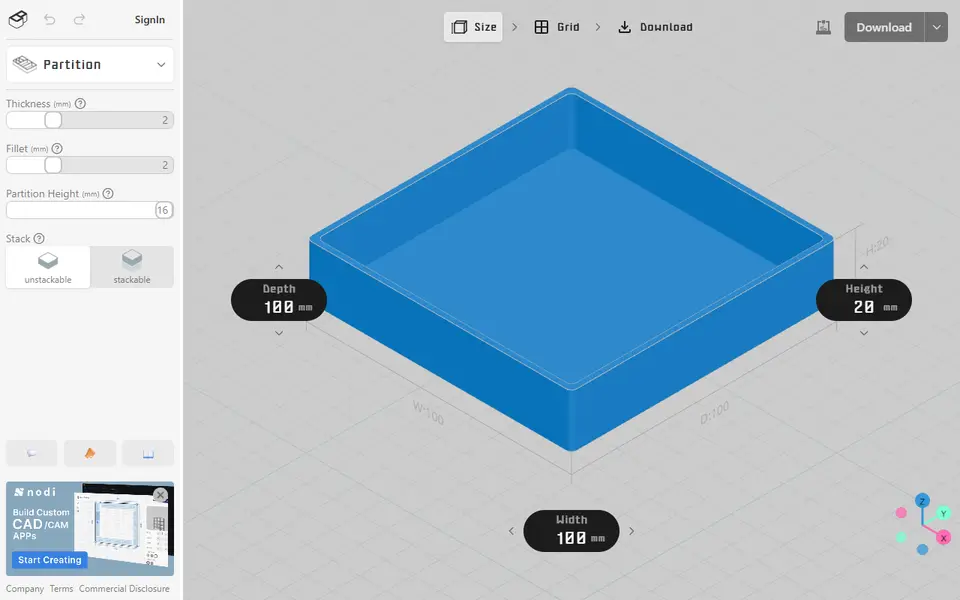
Boxes
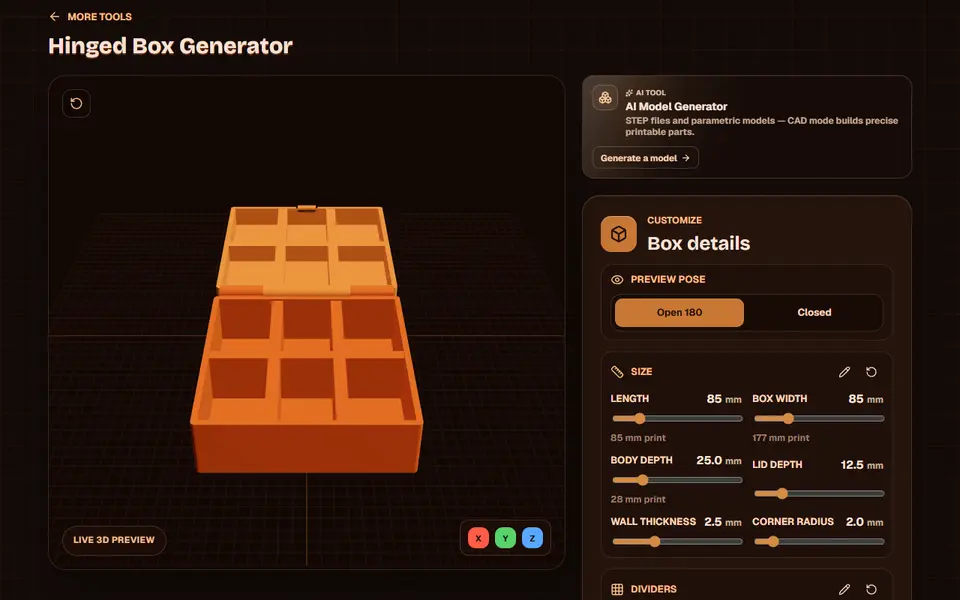
Obloid Hinged Box Generator
Print-in-place hinged snap-fit boxes with dividers and lid text, sized with sliders
Boxes
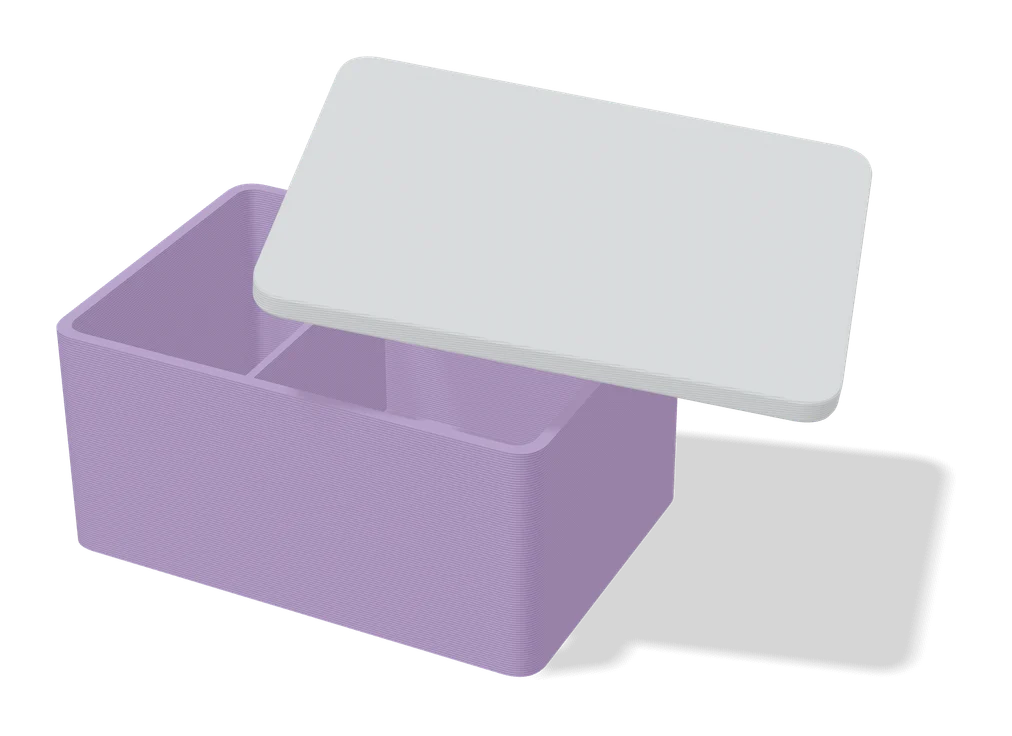
Customizable Rugged Box (Vostok Labs)
Compact rugged box with a print-in-place hinge, sized in MakerWorld, no screws or assembly
Boxes
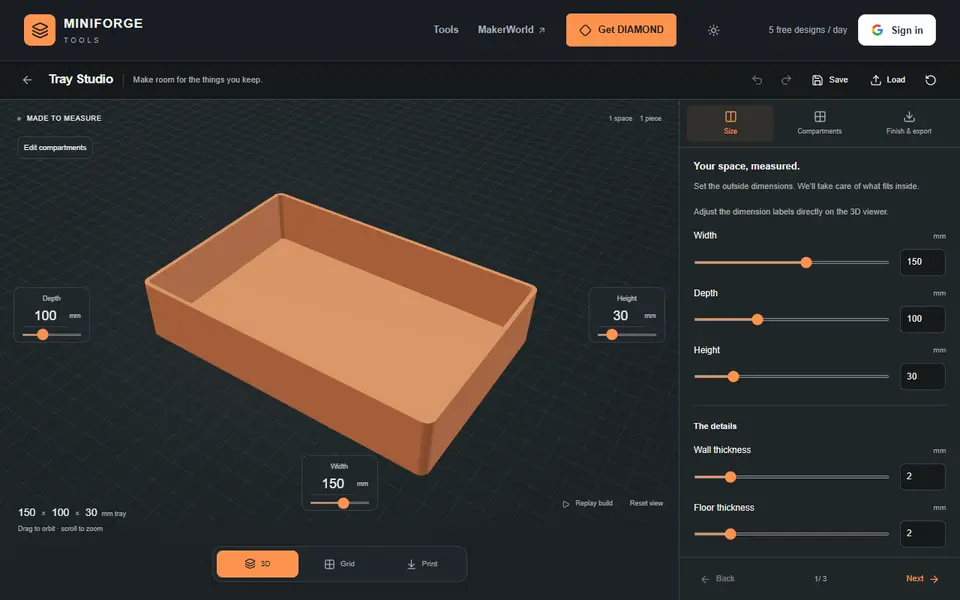
MiniForge Tray Studio
Rectangular organizer trays and lift-off boxes with nested compartments and stacking rings
Boxes
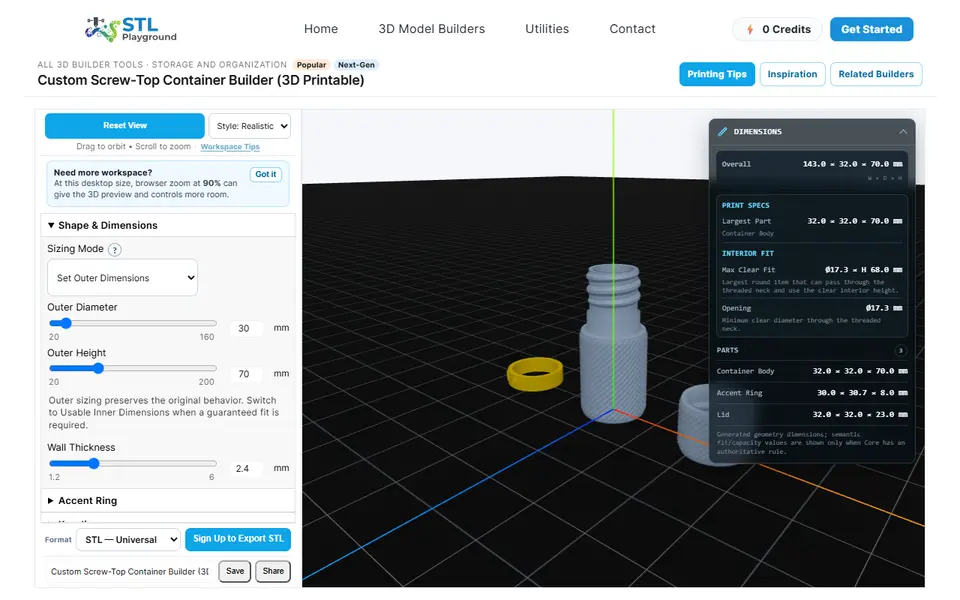
STL Playground Screw-Top Container Builder
Threaded jars with a screw-on lid, knurled grip and an optional text ring, in any height and diameter
Boxes
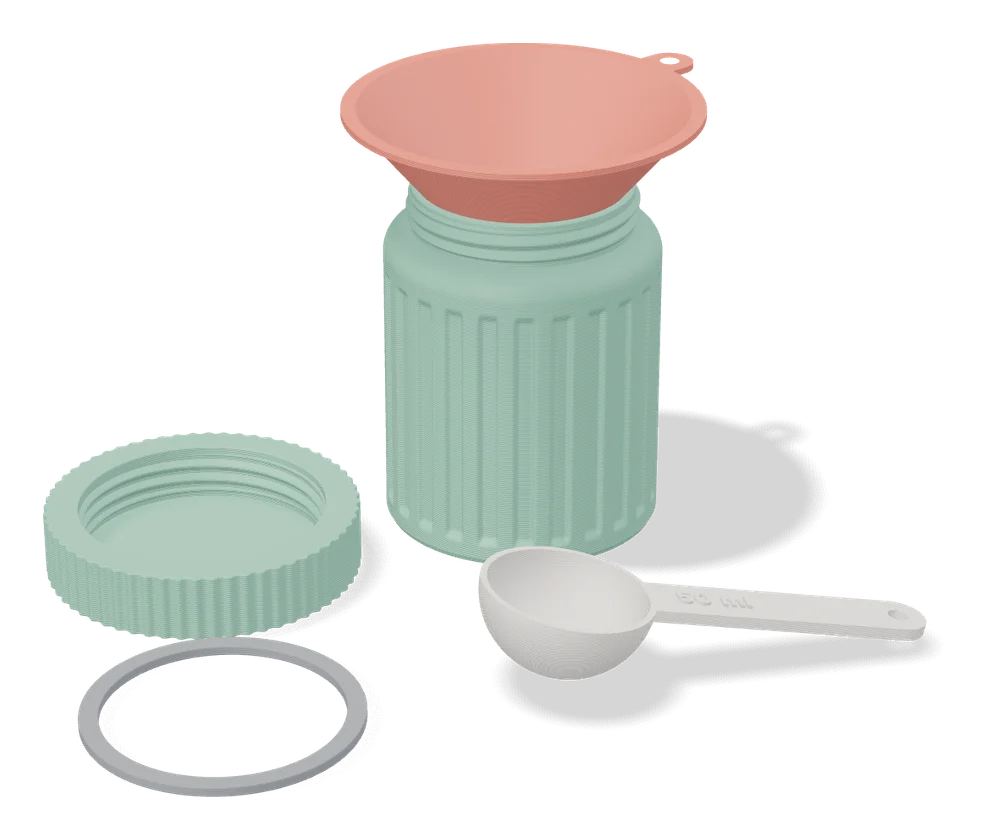
Jar Generator (Fletch)
Screw-top jars with patterned walls and lids, set up in MakerWorld's online customizer