MiniForge Tray Studio
Rectangular organizer trays and lift-off boxes with nested compartments and stacking rings
MiniForge Tray Studio is a freemium browser tool for custom compartment trays and lidded boxes. Free for personal use, 5 designs a day with a Google sign-in; the DIAMOND tier on Patreon allows commercial use. Exports STL and 3MF. Last checked .
Opens tools.miniforge.io
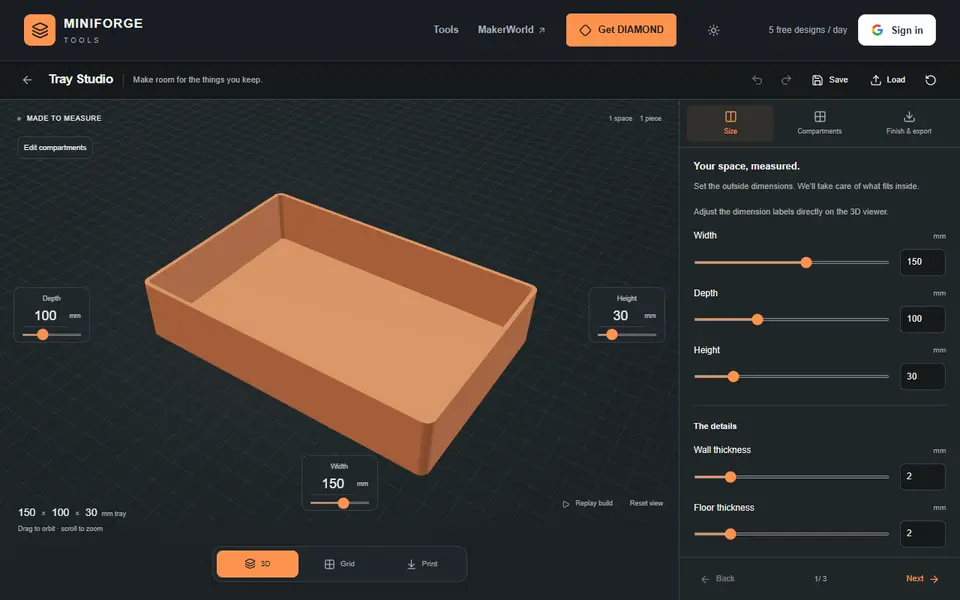
What is MiniForge Tray Studio?
MiniForge Tray Studio makes rectangular organizer trays and boxes with a lift-off lid in your browser. You set the outside width, depth and height, the wall and floor thickness, the corner radius and the clearances, then split the inside into compartments, and split those again, as deep as you need.
Dividers can be built into one printed tray or made removable as separate flat plates that slot in. Boxes can get a lift-off lid and optional stacking rings so trays with the same footprint locate on each other. For the fit, the page suggests starting at 0.25 mm per mating side and printing the free fit-test pieces first.
It exports a single STL, a ZIP of named STL parts with assembly instructions, or a Bambu 3MF, and saves editable JSON projects. Exporting needs a Google sign-in, and the free version allows 5 designs a day for personal use. Commercial use needs DIAMOND on Patreon.
What you can make
- Organizer trays with compartments
- Lidded storage boxes
- Stackable trays
- Removable divider sets
How to use MiniForge Tray Studio
- Set the outside size, walls and corner radius
- Split the inside into compartments and choose built-in or removable dividers
- Add a lid or stacking rings and print a fit test
- Sign in with Google and export the STL, ZIP or Bambu 3MF
What you'll need to print it
Filament and parts that suit what you make with MiniForge Tray Studio.
Matte PLA
- Bambu Lab PLA Matte (affiliate link) Amazon
- Polymaker Panchroma Matte PLA (formerly PolyTerra) (affiliate link) Polymaker EU: 3DJake (affiliate link)
Code gives 15% off your first order at Polymaker.
PETG
M3 screws
Also handy
Some of these are affiliate links: we may earn a small commission, at no extra cost to you. More about that
MiniForge Tray Studio pros
- Compartments inside compartments, built in or as removable dividers
- Lift-off lids and stacking rings for matching trays
- Free fit-test pieces and a clear clearance starting point
MiniForge Tray Studio cons
- Rectangular shapes only, and no Gridfinity base
- Exports need a Google sign-in, 5 designs a day on the free plan; commercial use needs DIAMOND
Rate MiniForge Tray Studio
One rating per account. Signing in takes one email link, no password.
Reviews
Made with MiniForge Tray Studio
Read next
MiniForge Tray Studio alternatives
Box and enclosure generators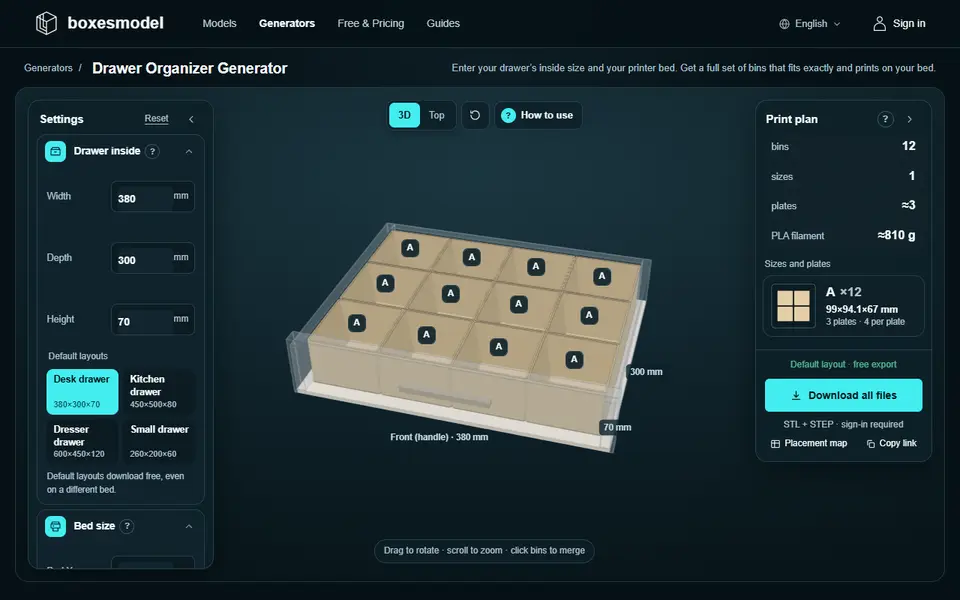
Boxes
BoxesModel
Storage models and generators for 3D printing: 700+ resizable boxes, drawer organizers and tiled pegboards
Boxes
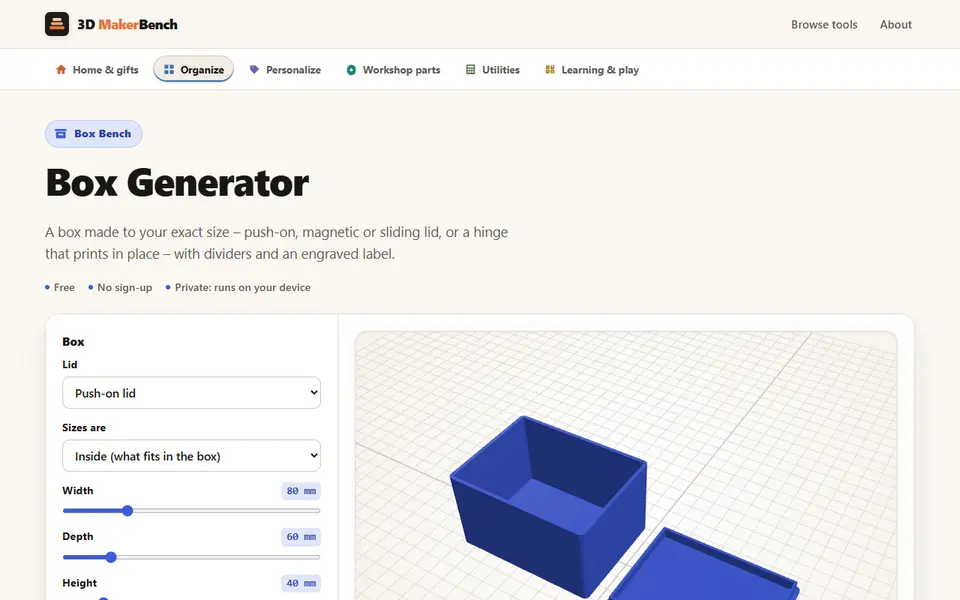
Box Generator (3D MakerBench)
Free boxes to your exact size with a push-on, magnetic, sliding or hinged lid, as one STL, no account
Boxes
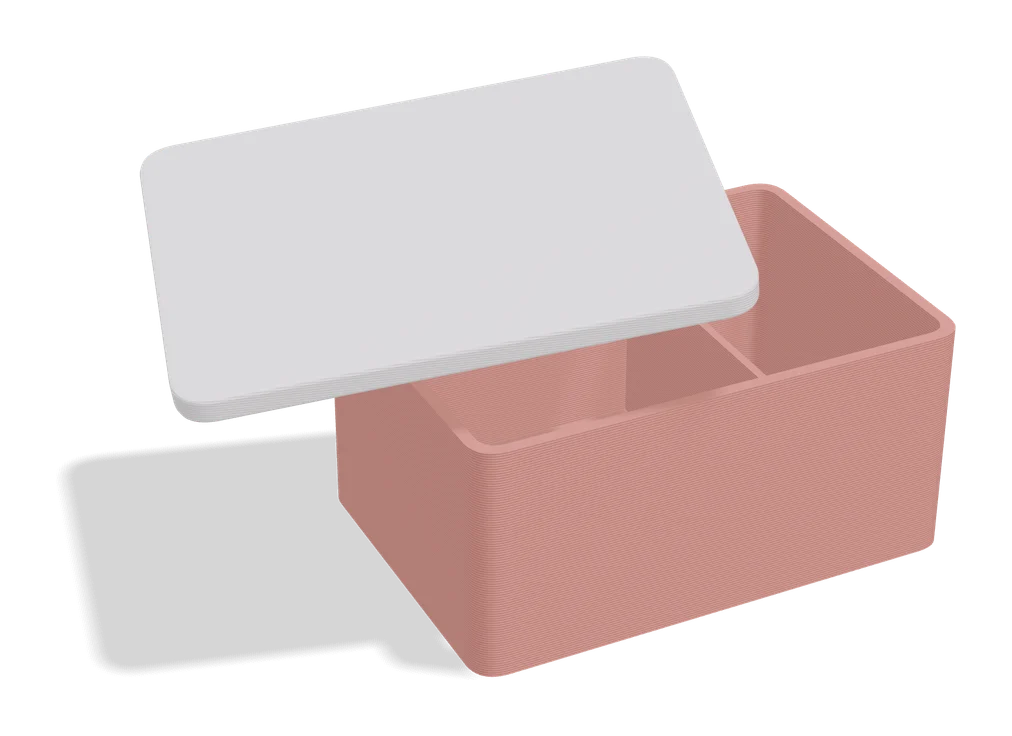
Any Box Generator
Hinged boxes in any size, with textures, latches or magnets, dividers and Gridfinity fit
Boxes
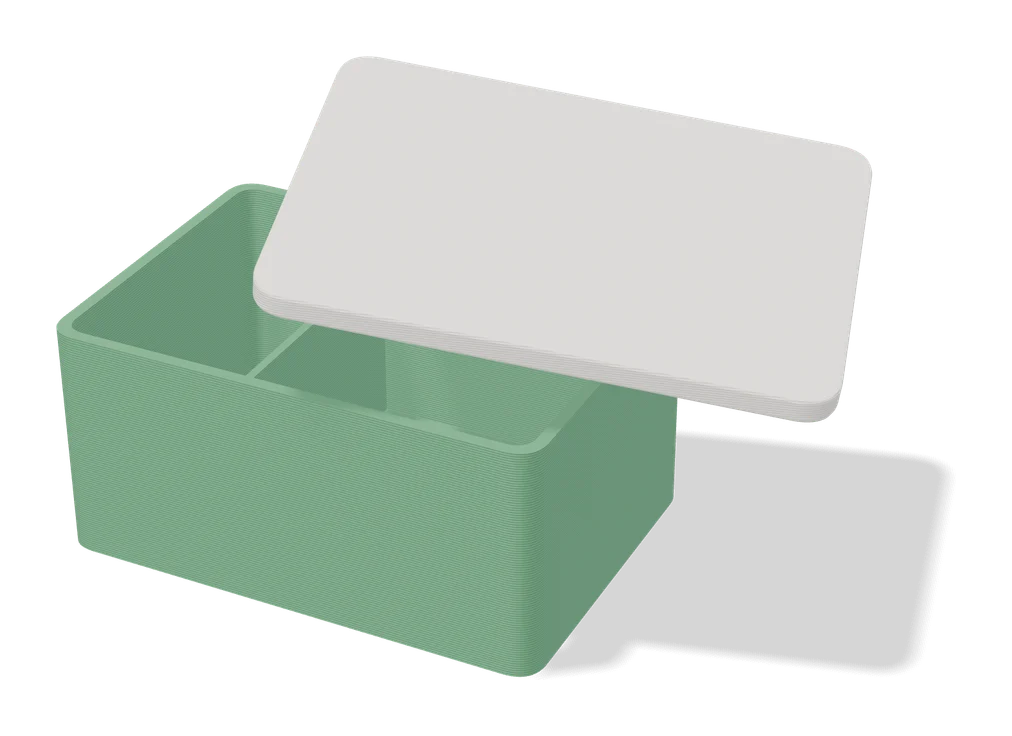
Large Customizable Print-in-Place Box (Vostok Labs)
Large hinged storage box you size in MakerWorld, printed in place, with an optional removable top tray
Boxes
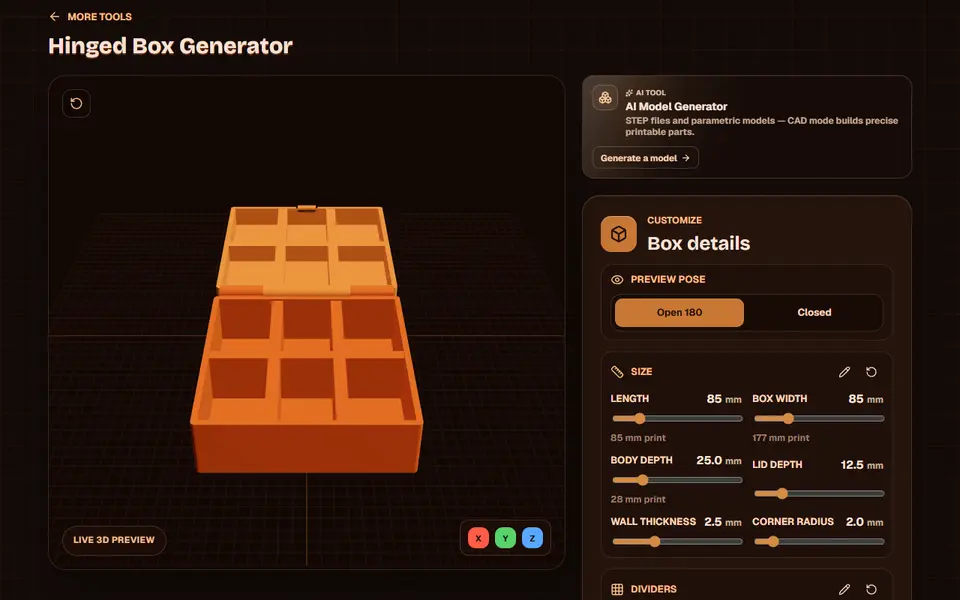
Obloid Hinged Box Generator
Print-in-place hinged snap-fit boxes with dividers and lid text, sized with sliders
Boxes
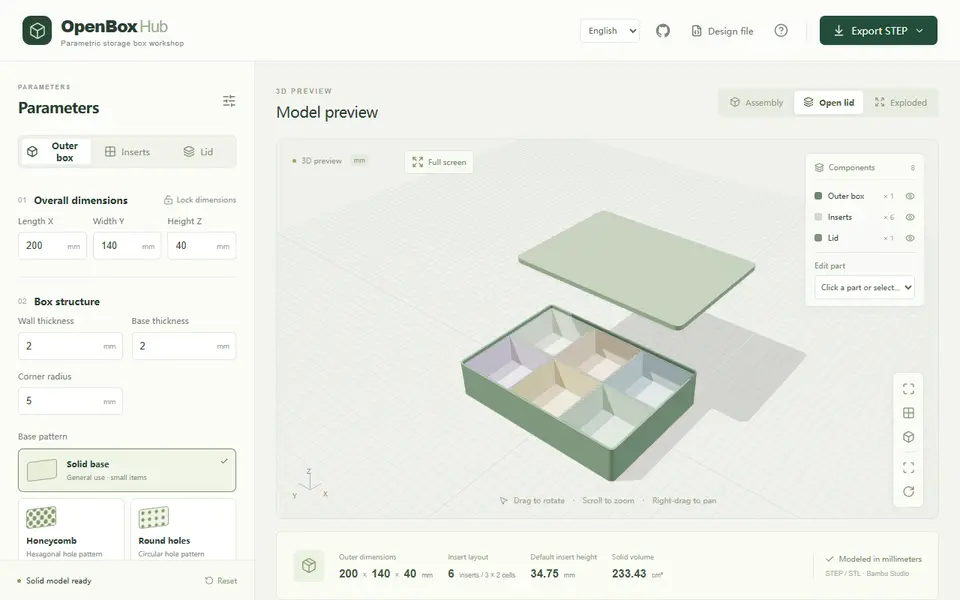
OpenBoxHub
Free storage box with a lid and removable inner trays you merge into L or ring shapes; exports STEP, STL or FreeCAD