What is Gridfinity Carve?
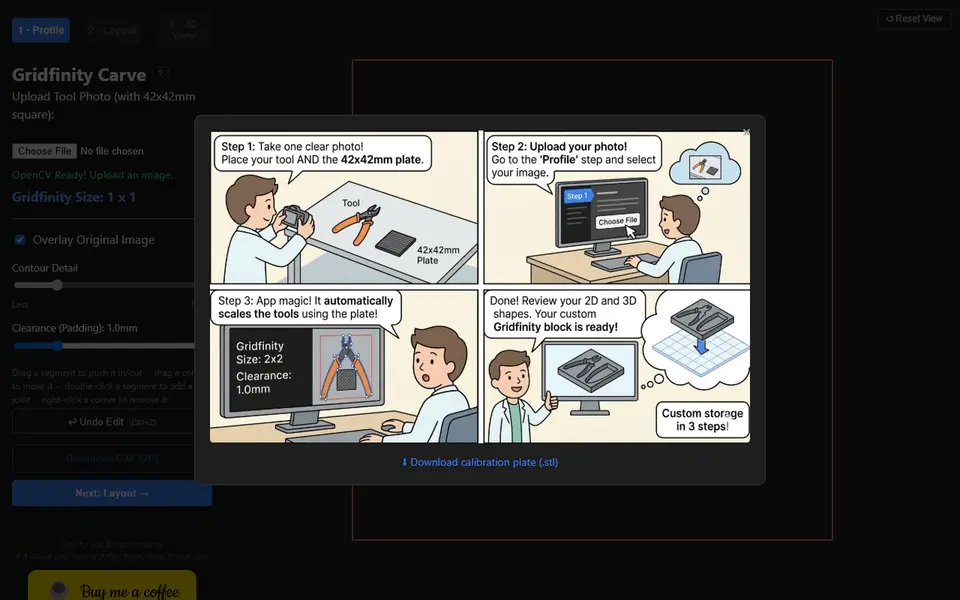
Gridfinity Carve is a free browser tool that turns a photo of a hand tool into a Gridfinity bin with a pocket cut to its shape. You print the 42 x 42 mm calibration plate offered in the help screen, lay it next to your pliers or cutter and take one photo from above. The app finds the square, uses it to work out the real scale and traces the outline of the tool in your browser.
You then set the clearance around the pocket and how detailed the outline should be, and you can drag edges and corners to fix any spot the tracing got wrong. In the layout step you choose the bin size in grid cells, move the pocket into place, stamp extra copies of the same shape, cut rectangle or round holes and add raised text on the top face. The last step sets the wall height and downloads an STL. A 2D DXF of the outline and an Onshape FeatureScript export, in beta as of September 2026, are also there if you want to keep editing elsewhere.
It suits people who want a snug, shadow-board style drawer without measuring anything. Each photo gives one traced shape, so two different tools cannot share a bin. The footer calls the app open source, but it links no code repository.
What you can make
- Gridfinity bins with tool-shaped pockets
- Bins holding several copies of one tool
- Bins with extra rectangle or round cutouts
- Bins with raised text on the top face
- 2D DXF outlines of tools
How to use Gridfinity Carve
- Print the 42 x 42 mm calibration plate from the help screen
- Photograph your tool next to the plate from above and upload it
- Adjust clearance and contour detail, fixing the outline if needed
- Pick the grid size, place the pocket and add any extra cutouts or text
- Set the wall height and download the STL
What you'll need to print it
Filament and parts that suit what you make with Gridfinity Carve.
Matte PLA
PETG
6 x 2 mm magnets
Also handy
Print removal and cleanup tools
Some of these are affiliate links: we may earn a small commission, at no extra cost to you. More about that
Gridfinity Carve pros
- Gets the pocket size from a photo, using a printed 42 mm plate for scale
- Traced outline can be corrected by hand, with undo
- Free with no signup, plus DXF and Onshape FeatureScript exports
Gridfinity Carve cons
- Traces one tool per photo, so different tools cannot share a bin
- Bin settings stop at grid size and wall height, with no magnet or stacking lip controls
- You need to print the calibration plate and take a clean top-down photo first
Rate Gridfinity Carve
One rating per account. Signing in takes one email link, no password.
Reviews
Made with Gridfinity Carve
Read next
Gridfinity Carve alternatives
Gridfinity and storage generators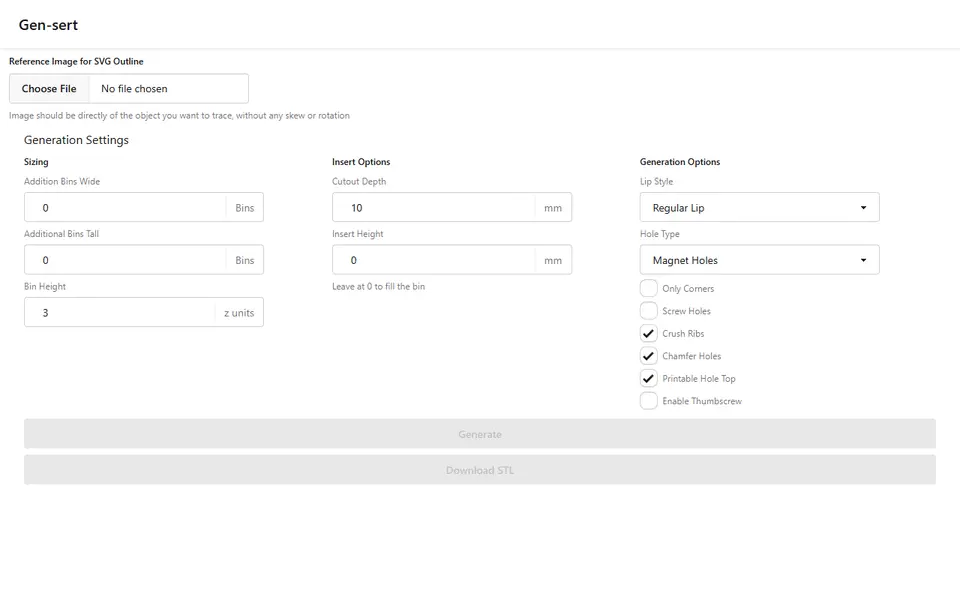
Storage
Gensert
Free Gridfinity tool insert from a photo: trace the outline by hand, get a fitted bin as STL, no account
Storage
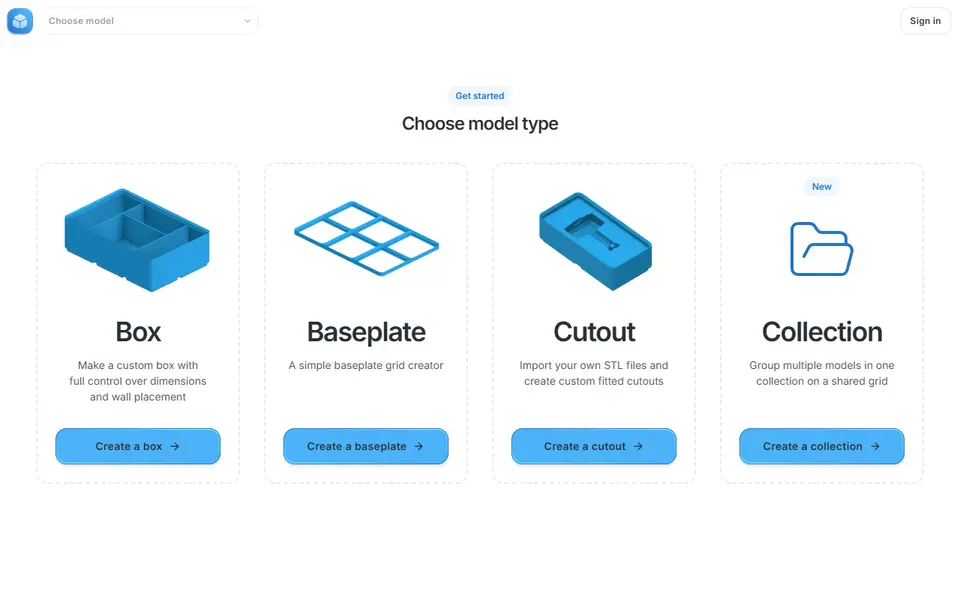
Gridfinity Generator
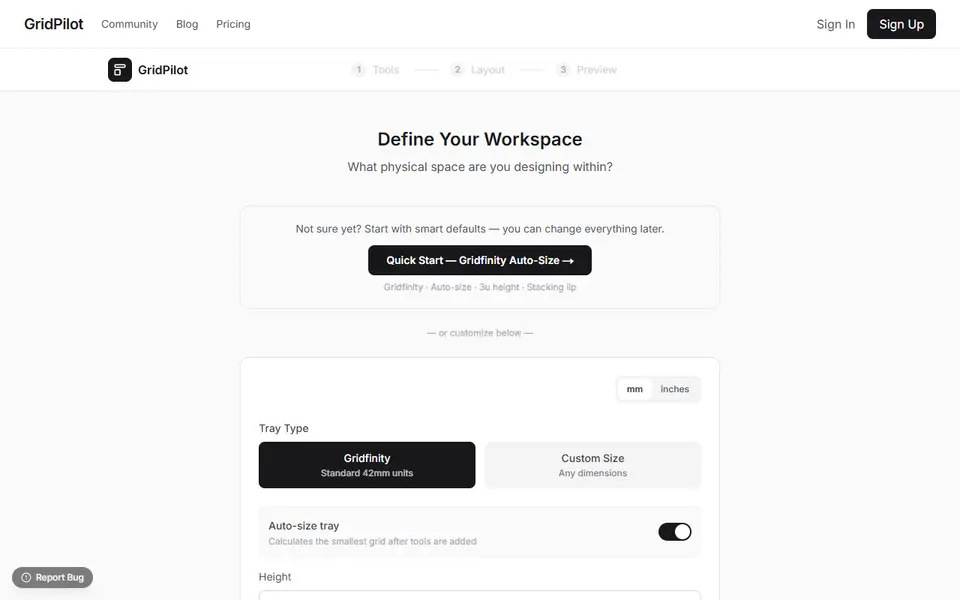
Interactive Gridfinity editor for bins, baseplates and cutouts on a shared grid
Storage
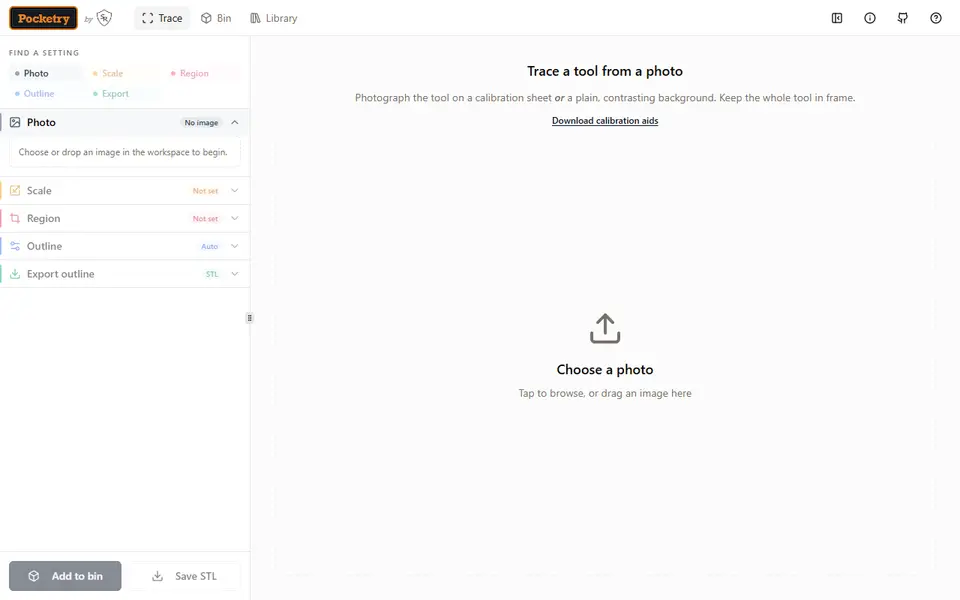
Tracemate
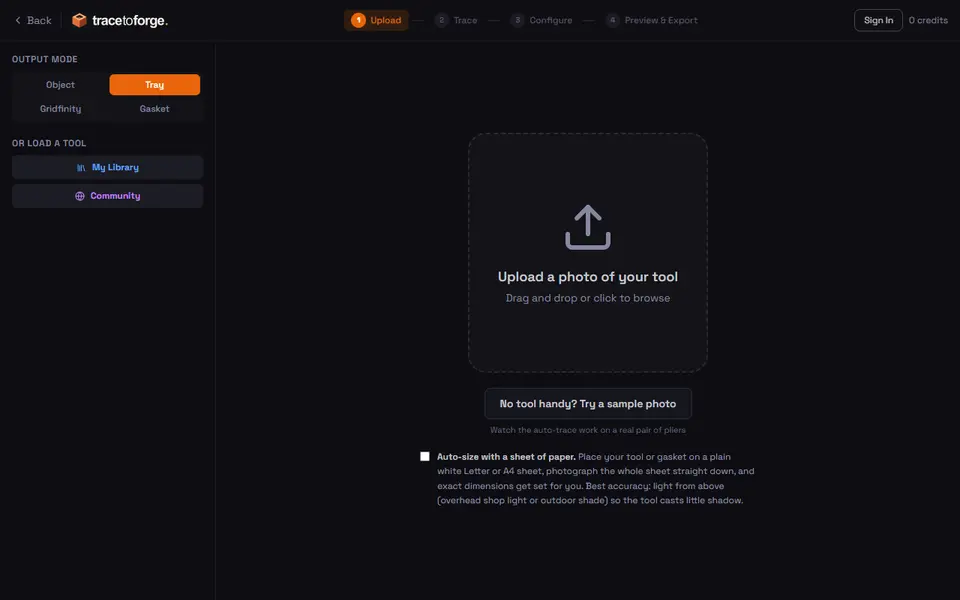
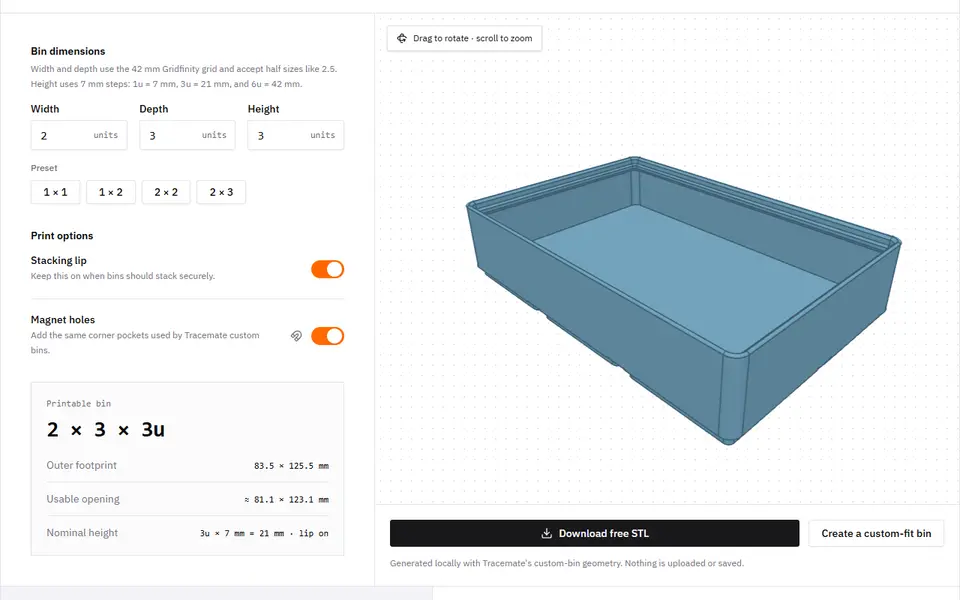
Photograph a tool on a sheet of paper and get a custom-fit Gridfinity bin as an STL