Lovcad
AI text to CAD: describe a part in plain words and get a parametric model with real dimensions
Lovcad is a freemium browser tool for functional parts with real dimensions, such as brackets and housings. New accounts get 100 permanent credits after email verification. Plans: Starter $20/month (2,000 credits), Pro $50, Studio $80, Max $120; one-time packs from $25 for 2,000 credits. Credits pay for AI requests, not a fixed number of models. Exports STEP, STL, 3MF, OBJ, GLB and SVG. Last checked .
Opens lovcad.com
What is Lovcad?
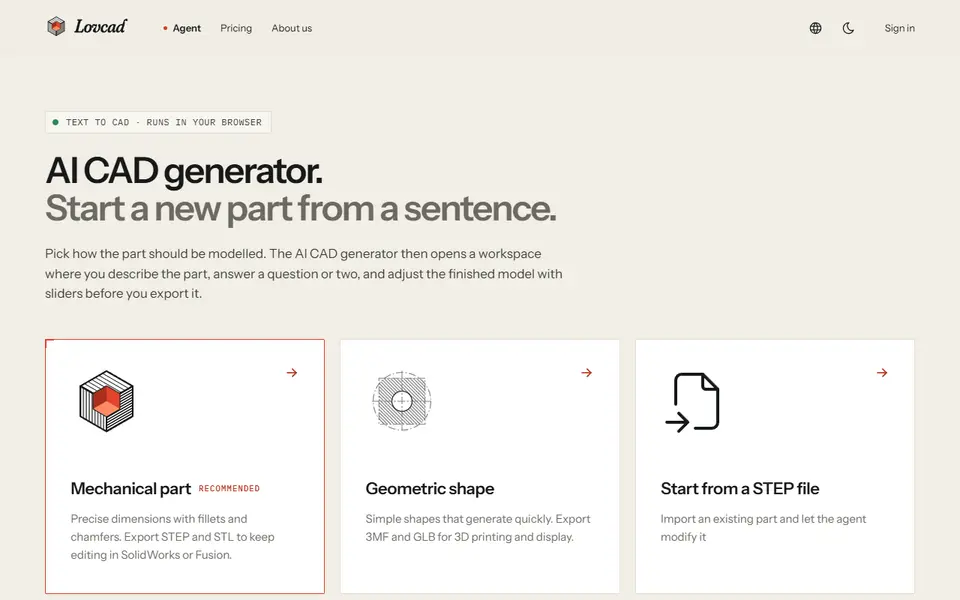
Lovcad is an AI text to CAD tool in the browser. You describe a part in everyday words, such as a bracket, a flange, a housing or a gear, and an AI agent writes the model. When a key dimension is missing it asks first, and after each build it checks several views against your request. The result is a parametric model in millimeters: hole count, thickness and diameter become sliders that rebuild the part in the browser without a new AI request.
There are two modeling modes. Mechanical part uses exact-surface modeling, so holes, fillets and threaded holes are true geometry and the STEP export can be edited further in SolidWorks or Fusion. Geometric shape uses boolean and mesh modeling for lattices, cut-outs and sculptural printed parts. You can attach up to four sketches or photos or a PDF drawing, start from an existing STEP file, make engineering drawings (PDF, DXF or SVG) and run manufacturing checks for FDM printing, CNC and injection molding.
Exports include STEP, STL, 3MF, OBJ, GLB, DXF and SKP. A new account gets 100 permanent credits after email verification; after that it runs on paid plans from $20 a month or one-time credit packs from $25. As with any AI CAD tool, check the dimensions and fits before you print.
What you can make
- Brackets, flanges and housings
- Gears and multi-part assemblies
- Parametric parts with exact STEP
- Lattices and sculptural printed parts
How to use Lovcad
- Sign up and verify your email to get the free credits
- Pick Mechanical part or Geometric shape and describe the part with its sizes
- Answer the agent's questions and adjust the parameter sliders
- Export STL or 3MF for your slicer, or STEP for a CAD program
What you'll need to print it
Filament and parts that suit what you make with Lovcad.
PETG
- Bambu Lab PETG Basic (affiliate link) Amazon
- Polymaker PETG (affiliate link) Polymaker EU: 3DJake (affiliate link)
Code gives 15% off your first order at Polymaker.
Digital calipers
M3 heat-set inserts
Also handy
Filament dryers and dry boxes
- SUNLU FilaDryer S4 (affiliate link) Amazon
- Polymaker PolyDryer (affiliate link) Polymaker
Some of these are affiliate links: we may earn a small commission, at no extra cost to you. More about that
Lovcad pros
- Parametric results: dimensions become sliders you can change without a new AI request
- Exact-surface STEP for mechanical parts, so you can keep working in CAD
- Asks about missing dimensions and checks its own build against your request
Lovcad cons
- Needs an account, and the free credits are a one-time start
- Credits pay per AI request, so the cost of one part is hard to predict
- AI output can contain dimensional errors, so every part needs checking
Rate Lovcad
One rating per account. Signing in takes one email link, no password.
Reviews
Made with Lovcad
Read next
Lovcad alternatives
Gear, knob and part generators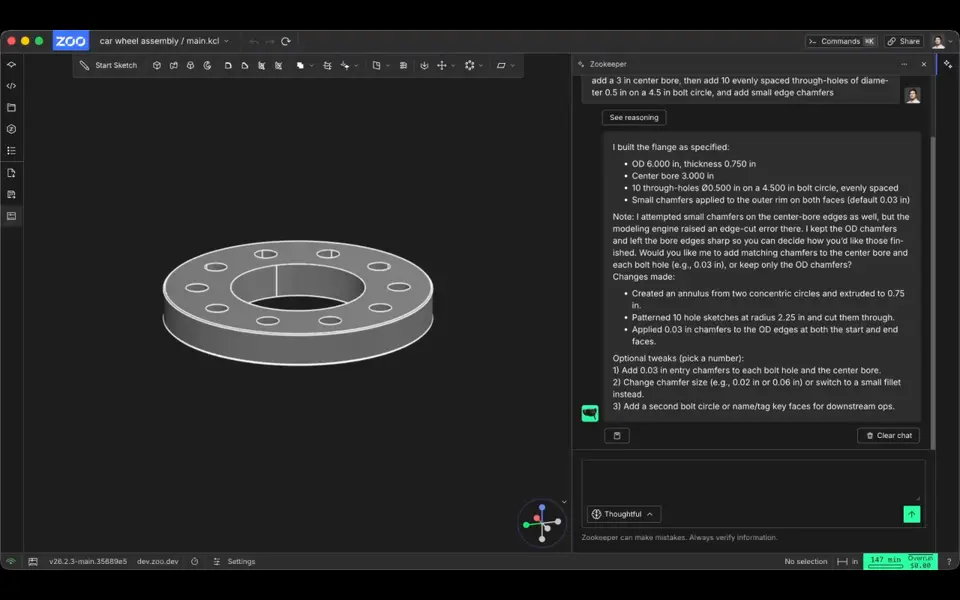
AI to 3D
Zookeeper (Zoo Text-to-CAD)
Describe a part with its measurements and get an editable CAD model to export as STL
Mechanical Parts
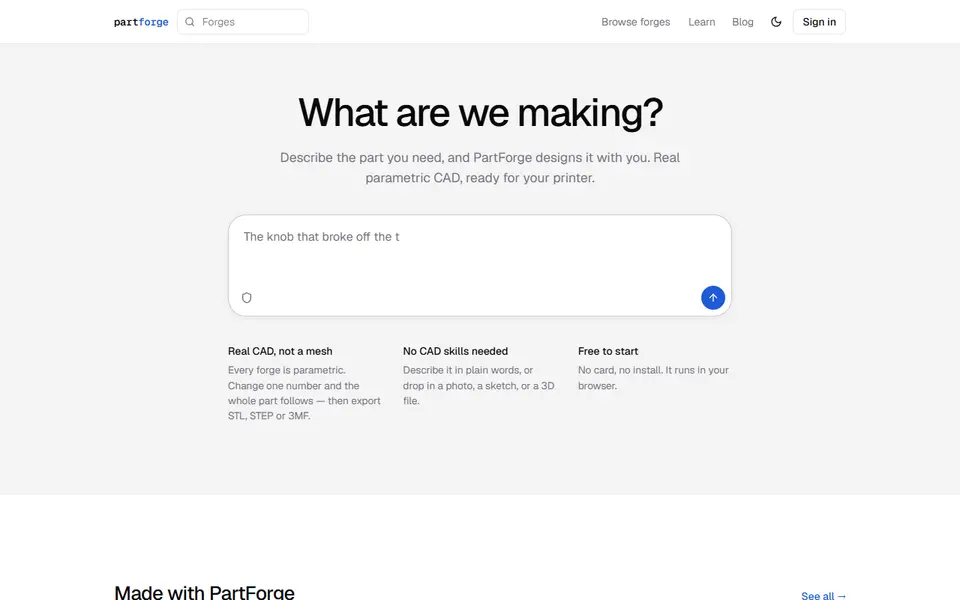
PartForge
Describe a part in words, a photo or a sketch and get parametric CAD with sliders, exported as STL, 3MF or STEP
Mechanical Parts
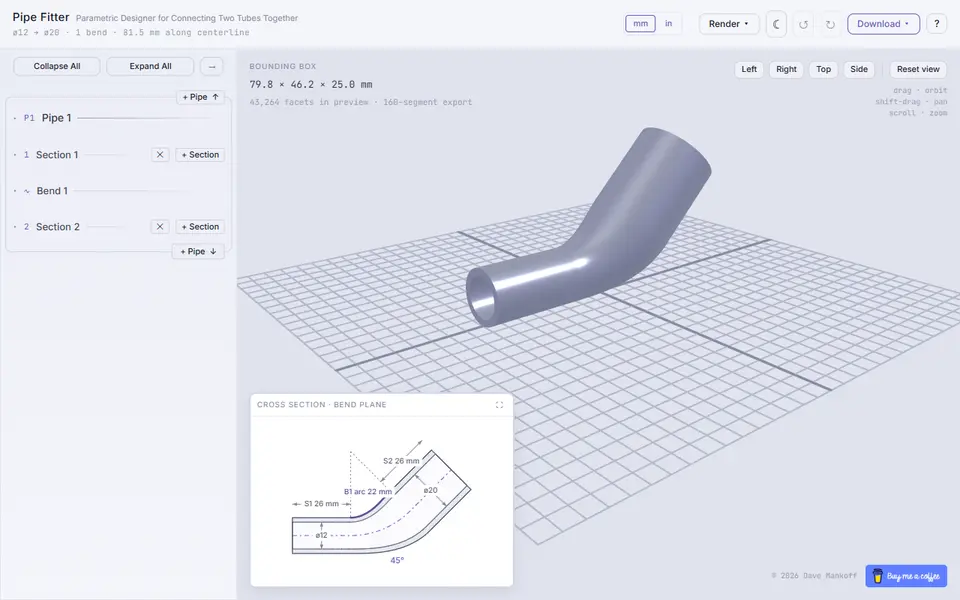
PipeFitter
Adapters that join two pipes or hoses, with bends, barbs, flanges and slip joints
Mechanical Parts
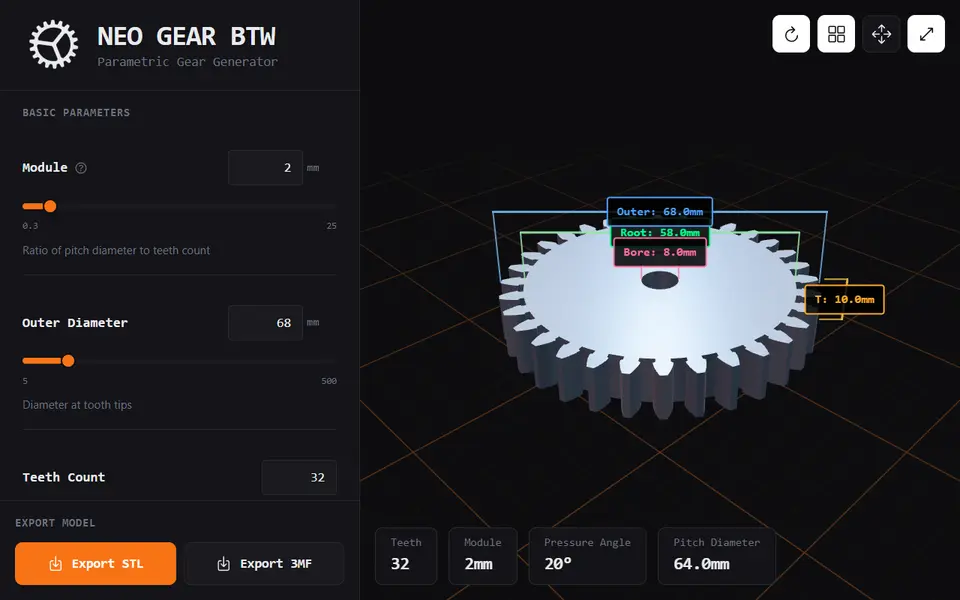
Neo Gear
Free spur and helical gear generator with profile shift and keyed, D, hex or square bores, as STL or 3MF
Mechanical Parts
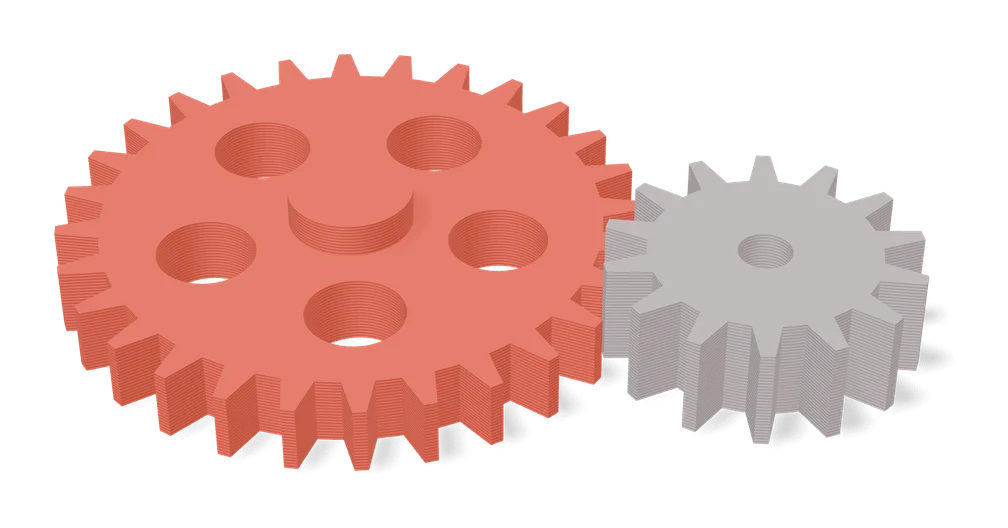
Gear Generator by Koolm
Spur, ring, bevel, crown and worm gears plus racks, all from one MakerWorld form
Mechanical Parts
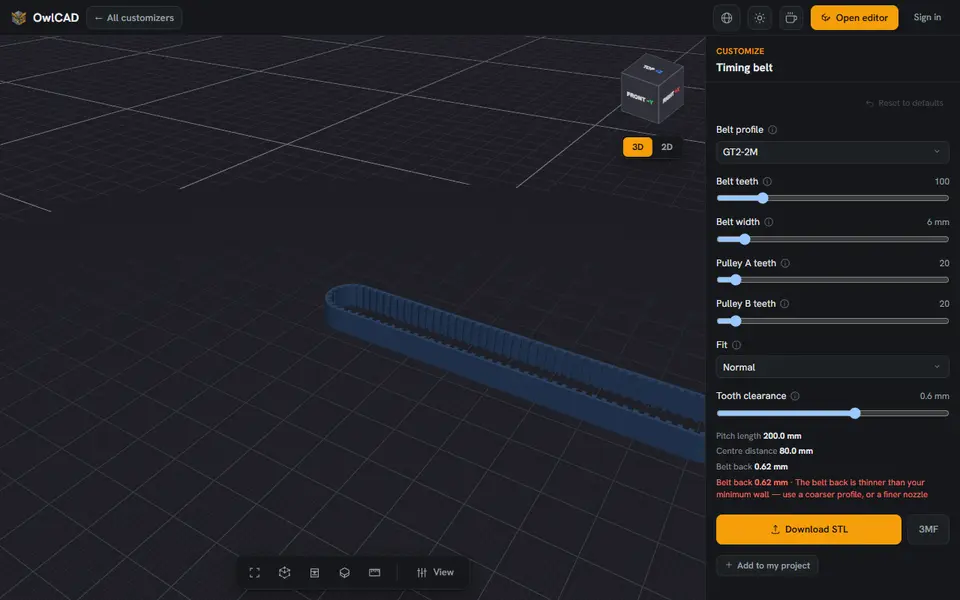
Timing Belt Generator (OwlCAD)
A closed toothed belt as one seamless loop, sized to the two pulleys it runs on