What is mc-print?
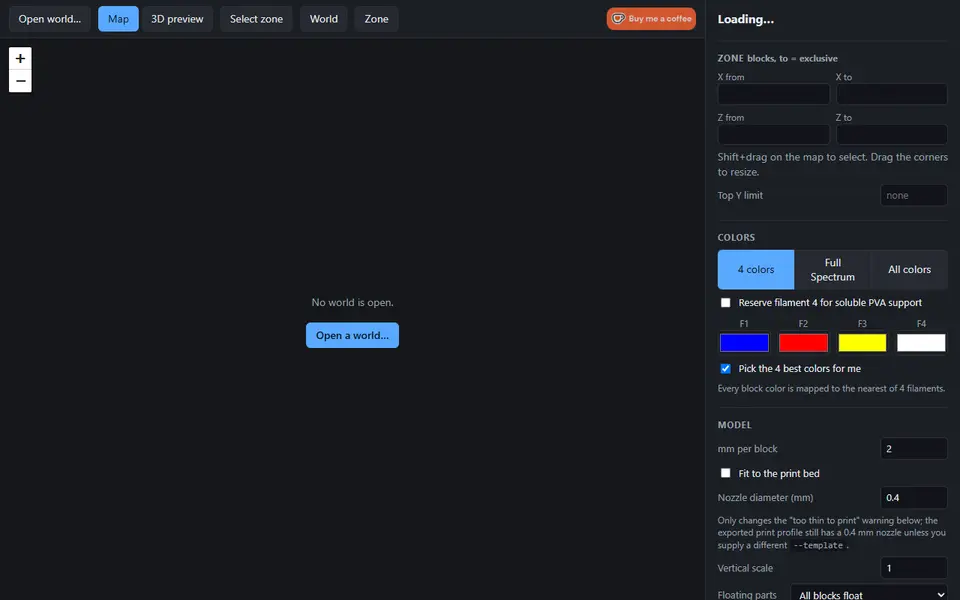
mc-print turns a zone of your own Minecraft Java world into a multicolor 3D print. You open the world folder, or a .zip of it, in the browser, draw a zone on a zoomable top-down map or type its block coordinates, check it in a 3D preview and export. The world is read on your computer and never uploaded. The first visit downloads about 16 MB of app code, which is then cached.
There are three color modes: 4 colors maps every block to the nearest of four filaments (picked for you or set by hand), Full Spectrum adds the mixed filaments of Snapmaker Orca, and All colors is for looking only and cannot be exported. You set the mm per block (2 mm by default) or fit the zone to the print bed, a top Y limit, vertical scale, base and color depth, and choose whether bridges and overhangs float (print with supports), only trees float, or everything is filled solid. Filament 4 can be kept for soluble PVA support. Zones go up to 400 blocks per side, and Java worlds from 1.12 and older or 1.18 and newer are supported; 1.13 to 1.17 worlds have to be opened once in 1.18 first.
Export 3MF gives a Snapmaker Orca project for the Snapmaker U1 with the parts already assigned to filaments. For other printers, the STL zip holds one STL per filament to load as parts of one object in your slicer. It is free, with no account and a Ko-fi tip link. The code is open source under the MIT license, which covers the software, not your prints, and the site says nothing about selling them. It suits Minecraft players with a multi-material printer who want a build or a landscape on the shelf.
What you can make
- Multicolor prints of Minecraft builds
- Minecraft landscapes and terrain zones
- One STL per filament for any slicer
- Snapmaker U1 projects with mixed colors
How to use mc-print
- Open your world folder or a .zip of it
- Shift+drag a zone on the map or type its coordinates
- Pick the colors and scale, then press Preview
- Export the 3MF, or the STL zip for other slicers
What you'll need to print it
Filament and parts that suit what you make with mc-print.
Matte PLA
- Bambu Lab PLA Matte (affiliate link) Amazon
- Polymaker Panchroma Matte PLA (formerly PolyTerra) (affiliate link) Polymaker EU: 3DJake (affiliate link)
Code gives 15% off your first order at Polymaker.
Multicolor filament systems
Some of these are affiliate links: we may earn a small commission, at no extra cost to you. More about that
mc-print pros
- Reads the world on your own computer, nothing is uploaded
- Parts come assigned to four filaments, with one STL per filament for other printers
- Free and open source, no account
mc-print cons
- The 3MF project is set up for the Snapmaker U1; other printers get the STL zip and need the colors set by hand
- Java Edition only, and 1.13 to 1.17 worlds must be opened in 1.18 or newer first
Rate mc-print
One rating per account. Signing in takes one email link, no password.
Reviews
Made with mc-print
Read next
mc-print alternatives
Terrain and map generators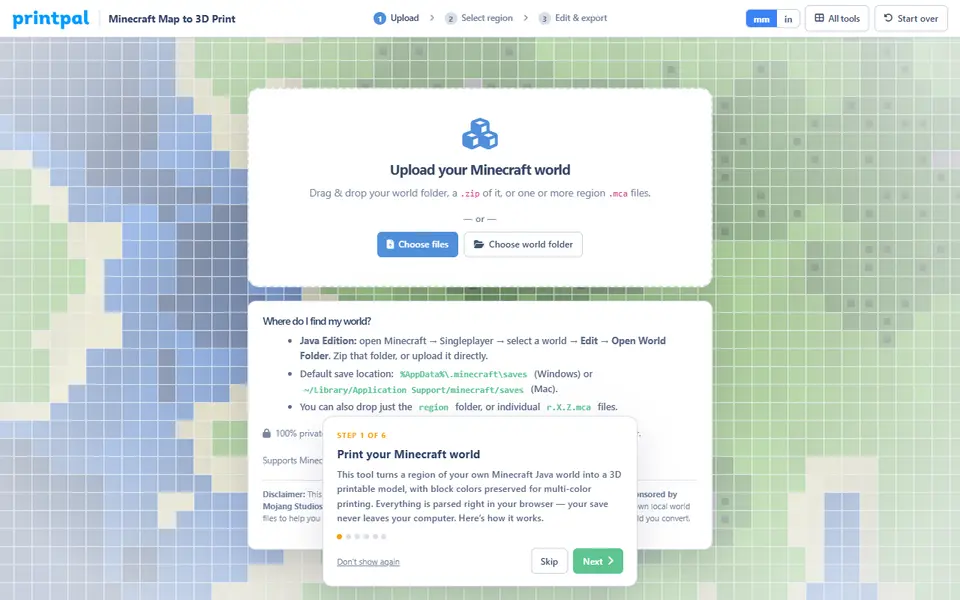
Maps & Terrain
PrintPal Minecraft Map to 3D Print
Turns part of your Minecraft Java world into a full-color 3MF or OBJ, or a plain STL
Puzzles & Games
Mineways
Free desktop exporter that turns a selected area of a Minecraft Java world into a printable model
Maps & Terrain
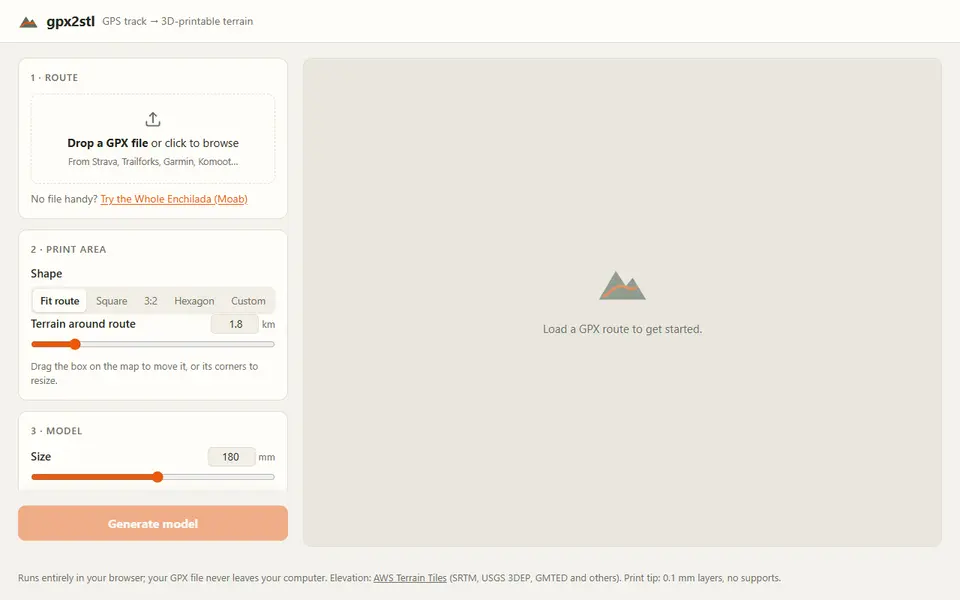
gpx2stl
Free browser tool that turns a GPX track into a terrain relief with the route as a ridge, groove or color inlay
Maps & Terrain
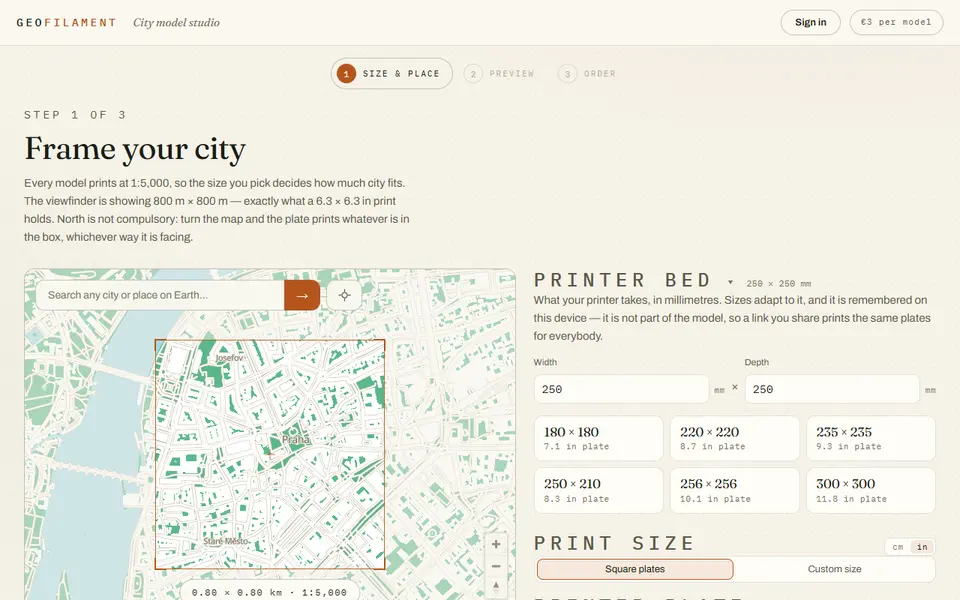
GeoFilament
Any place on Earth as a city model at 1:5,000, multicolor or stacked for one spool, from 3 EUR per model
Maps & Terrain
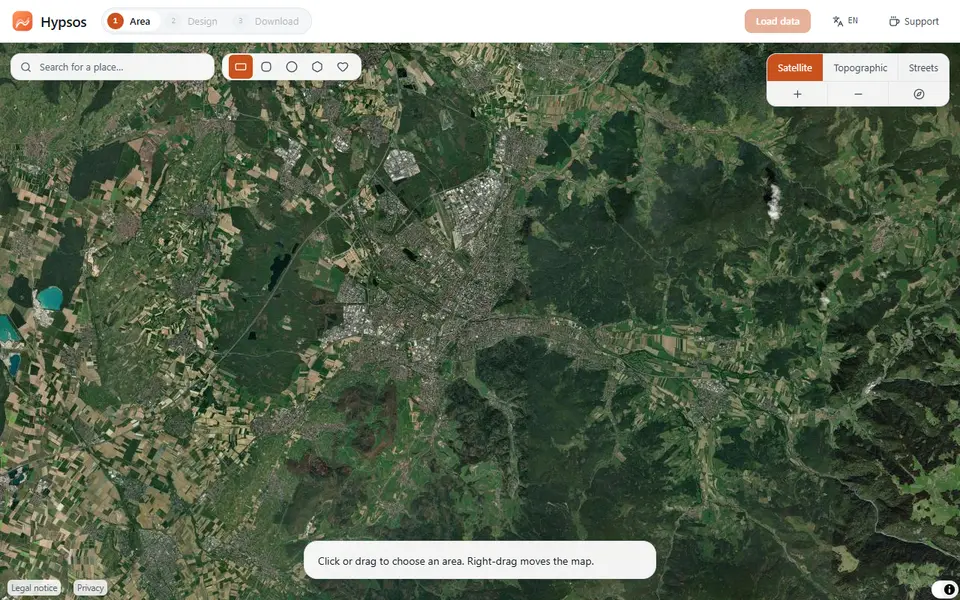
Hypsos
Free 3D map tiles of any place with terrain, streets, water, woods and buildings, as a color 3MF or STL
Maps & Terrain
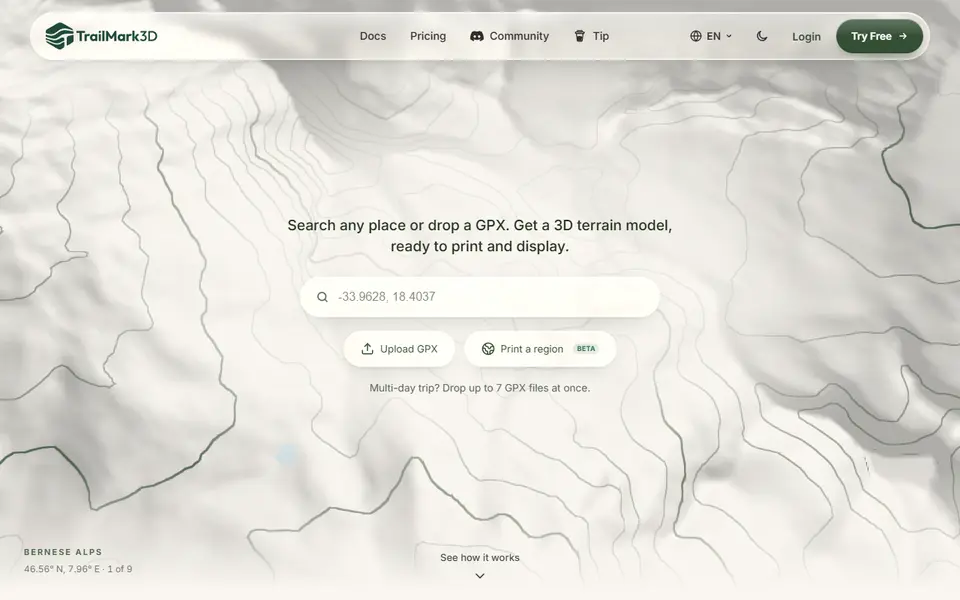
TrailMark3D
Terrain models of a place or GPX route with water, landcover and jigsaw split, STL or 3MF; free account to download