PrintPal Minecraft Map to 3D Print
Turns part of your Minecraft Java world into a full-color 3MF or OBJ, or a plain STL
PrintPal Minecraft Map to 3D Print is a paid browser tool for minecraft players with a multicolor printer. Converting a world needs an active PrintPal plan: Pro at $10 a month ($96 billed yearly), Studio at $25 a month, or a CAD Agent plan, which is priced separately ($20 a month or pay-as-you-go credits). The page description calls the tool free, but its code blocks loading a world without one of these plans. Exports 3MF, OBJ and STL; an account is needed to download. Last checked .
Opens printpal.io
About this generator
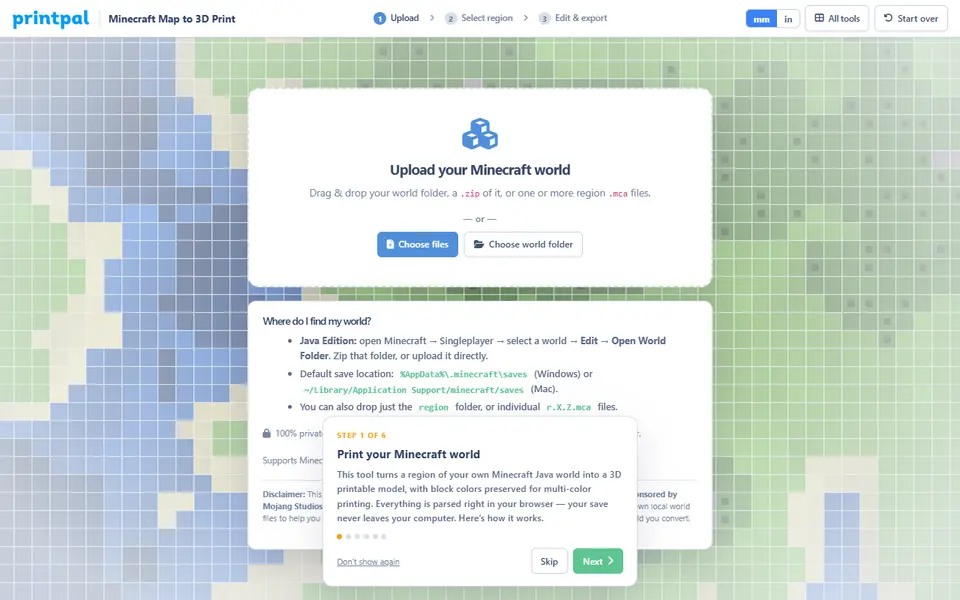
PrintPal Minecraft Map to 3D Print is a paid browser tool that turns part of a saved Minecraft Java Edition world into a printable block model that keeps each block's color. You drop in the world folder, a zip of it or individual .mca region files. Worlds from version 1.13 onward are read, Bedrock worlds were not supported as of September 2026, and the files are processed in your browser instead of being uploaded.
First you get a top-down map of the whole world. You drag a rectangle over the build or landscape you want (the page suggests staying around 160 by 160 blocks), load it into a 3D viewer and trim a crop box along all three axes. Switches remove water and lava, plants, leaves and small floating pieces, you set the longest side in millimeters, and the colors can be merged down to between 2 and 16 filament slots to match your AMS.
Export is a 3MF with the colors written in, ready to map to filaments in Bambu Studio or OrcaSlicer, an OBJ plus MTL in a zip, or a single-color STL. The page looks open to everyone, but loading a world needs a paid PrintPal Pro, Studio or CAD Agent plan. It suits Minecraft players with a multicolor printer who want a favorite build on the shelf.
What you can make
- Full-color Minecraft build models
- Minecraft terrain dioramas
- AMS-ready multicolor 3MF files
- Single-color STL test prints
How to use PrintPal Minecraft Map to 3D Print
- Log in with a PrintPal Pro, Studio or CAD Agent plan and open the converter
- Drop in your world folder, a zip of it or .mca region files
- Drag a rectangle over the area on the top-down map and load it into 3D
- Trim the crop box, remove water or plants, set the size and filament slots
- Download the 3MF, OBJ or STL and assign filaments in your slicer
What you'll need to print it
Filament and parts that suit what you make with PrintPal Minecraft Map to 3D Print.
Matte PLA
Multicolor filament systems
Some of these are affiliate links: we may earn a small commission, at no extra cost to you. More about that
PrintPal Minecraft Map to 3D Print pros
- Keeps every block color and can merge them down to the number of AMS slots you have
- Crop box plus switches for water, plants, leaves and floating bits give a cleaner print
- World files are read locally in the browser, not sent to a server
PrintPal Minecraft Map to 3D Print cons
- Needs a paid PrintPal plan, even though the page looks free and open
- Java Edition 1.13 and newer only; Bedrock worlds are not supported
- Large selections slow the editor, so the page advises about 160 by 160 blocks or less
Rate PrintPal Minecraft Map to 3D Print
One rating per account. Signing in takes one email link, no password.
Reviews
Made with PrintPal Minecraft Map to 3D Print
Read next
PrintPal Minecraft Map to 3D Print alternatives
Terrain and map generators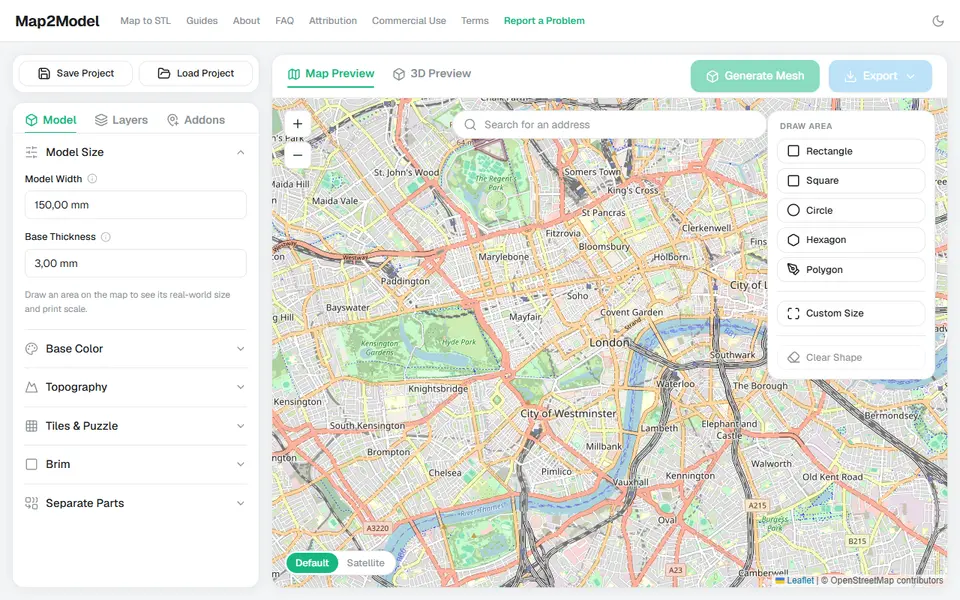
Maps & Terrain
Map2Model
Draw an area on a map and export a city or terrain model as STL or multicolor 3MF
Maps & Terrain
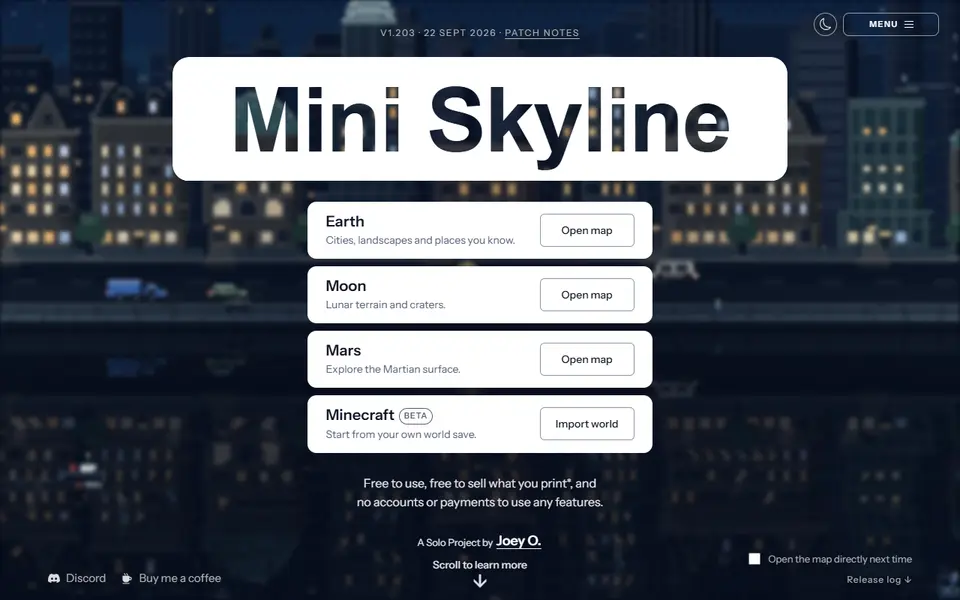
Mini Skyline
Turns a real city or landscape into a multicolor 3MF relief model in your browser
Maps & Terrain
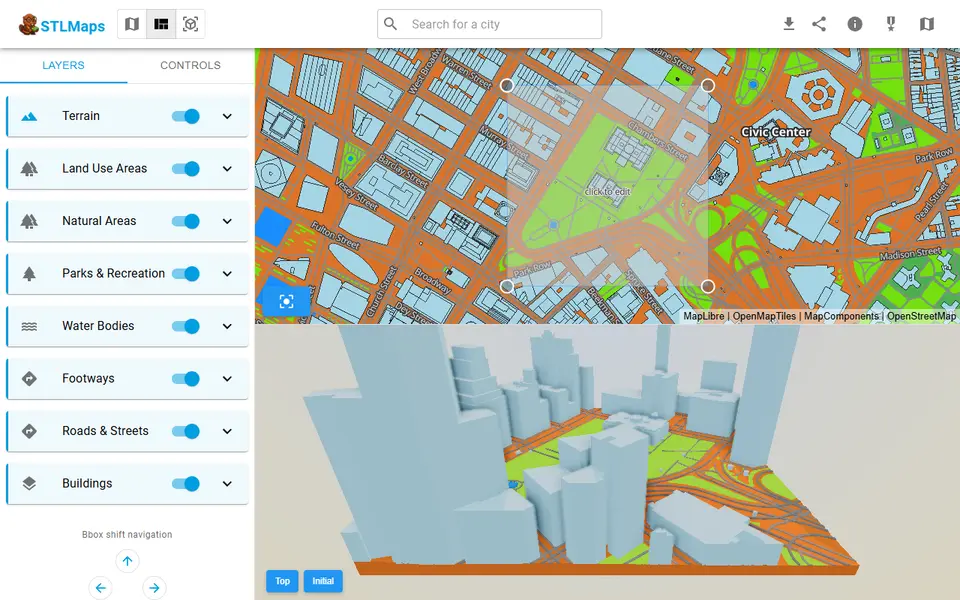
STLmaps
Draw a box on a city map and get its terrain, roads and buildings as STL or 3MF
Maps & Terrain
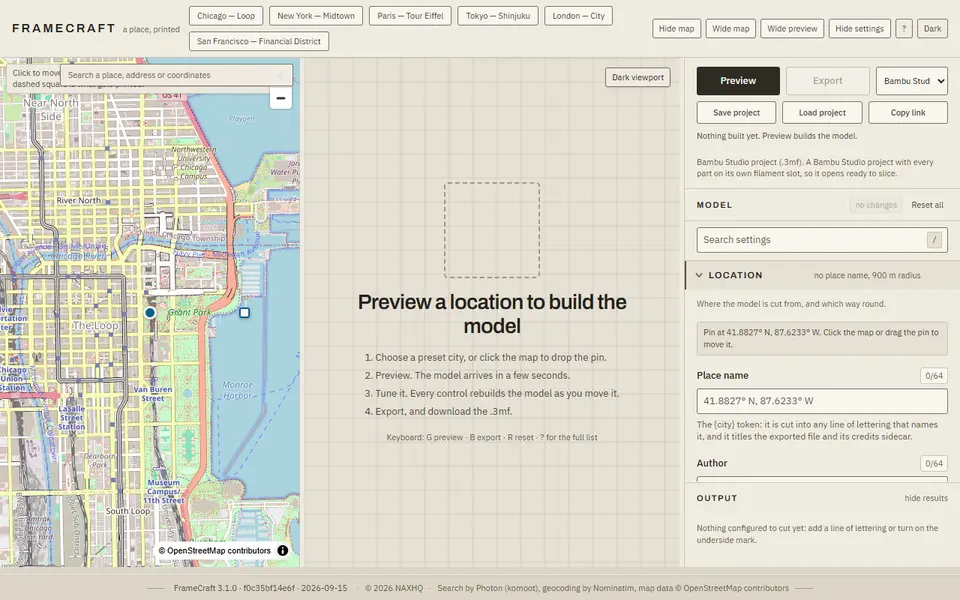
FrameCraft
Free browser app that turns any OpenStreetMap location into a framed miniature city, with a multicolor Bambu 3MF
Maps & Terrain
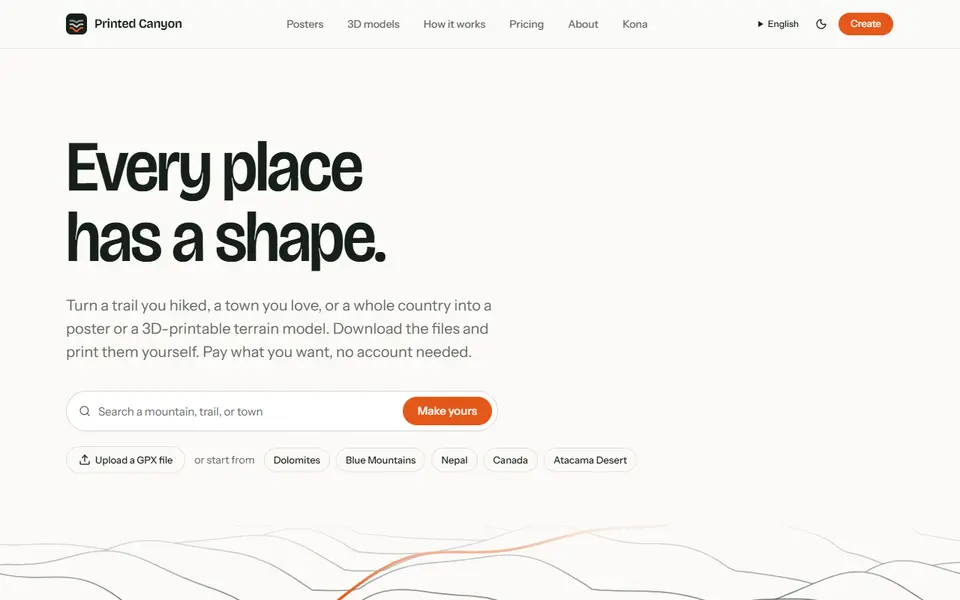
Printed Canyon
Pay-what-you-want terrain models and posters from a place or GPX route, as STL, 3MF or GLB, no account
Maps & Terrain
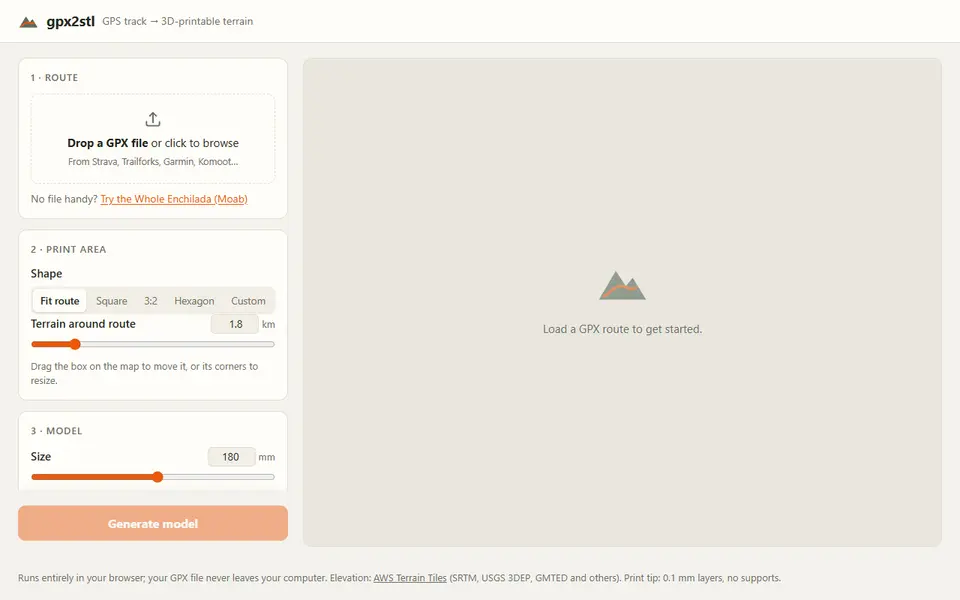
gpx2stl
Free browser tool that turns a GPX track into a terrain relief with the route as a ridge, groove or color inlay