MiniForge Clicker Studio
Custom MX-switch fidget clickers from your artwork, text, icons or a keyboard layout
MiniForge Clicker Studio is a freemium browser tool for a desk fidget clicker with your own logo or initials. Free for personal use with MiniForge branding, up to 5 designs a day with a Google sign-in; the DIAMOND tier on Patreon adds commercial use, batch export and unlimited exports. Exports STL and 3MF. Last checked .
Opens tools.miniforge.io
What is MiniForge Clicker Studio?
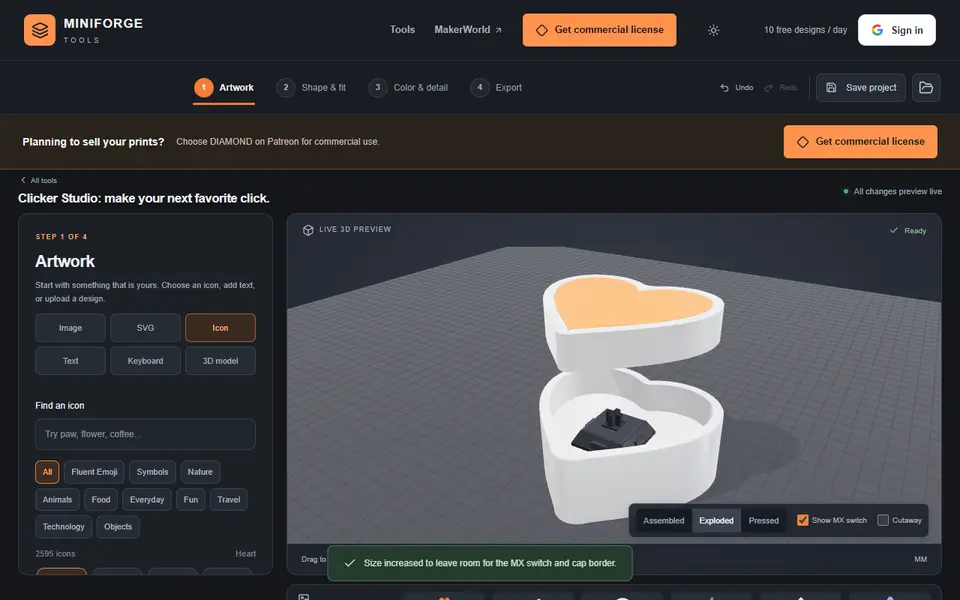
Clicker Studio builds a fidget clicker around real Cherry MX-style keyboard switches. You start with the artwork on the cap: an icon from a large library, text, your own image or SVG, or a small keyboard layout. Then you pick the base shape (follow the artwork outline, rounded square, circle, hexagon, heart or star), the size, the cap and body heights and one to three switches, and you can add a keychain loop.
The fit settings are what make it print well: you set the gap between cap and body, the stem socket and the switch pocket clearance, and a free fit test prints five stem sockets so you can find the right value for your printer first. A live 3D preview shows the clicker assembled, exploded, pressed or cut away, and you choose the body and cap colors.
Exports are STL or a multicolor Bambu 3MF and need a Google sign-in, with 10 free designs a day for personal use. It suits people who want a desk fidget with their own logo or initials.
What you can make
- MX-switch fidget clickers
- Clicker keychains
- Mini keyboards with your own keys
- Logo and initial clickers
How to use MiniForge Clicker Studio
- Pick an icon, text, image or keyboard layout for the cap
- Set the shape, size and number of switches
- Print the fit test and set the clearance
- Sign in and export the STL or Bambu 3MF
What you'll need to print it
Filament and parts that suit what you make with MiniForge Clicker Studio.
Matte PLA
- Bambu Lab PLA Matte (affiliate link) Amazon
- Polymaker Panchroma Matte PLA (formerly PolyTerra) (affiliate link) Polymaker EU: 3DJake (affiliate link)
Code gives 15% off your first order at Polymaker.
PETG
Some of these are affiliate links: we may earn a small commission, at no extra cost to you. More about that
MiniForge Clicker Studio pros
- Fit test print with five stem sockets to dial in the switch fit
- One to three switches and many base shapes
- Assembled, exploded, pressed and cutaway preview
MiniForge Clicker Studio cons
- Exports need a Google sign-in, 5 designs a day on the free plan
- You need MX-style switches; low-profile and optical switches do not fit
Rate MiniForge Clicker Studio
One rating per account. Signing in takes one email link, no password.
Reviews
Made with MiniForge Clicker Studio
Read next
MiniForge Clicker Studio alternatives
Puzzle, game and insert generators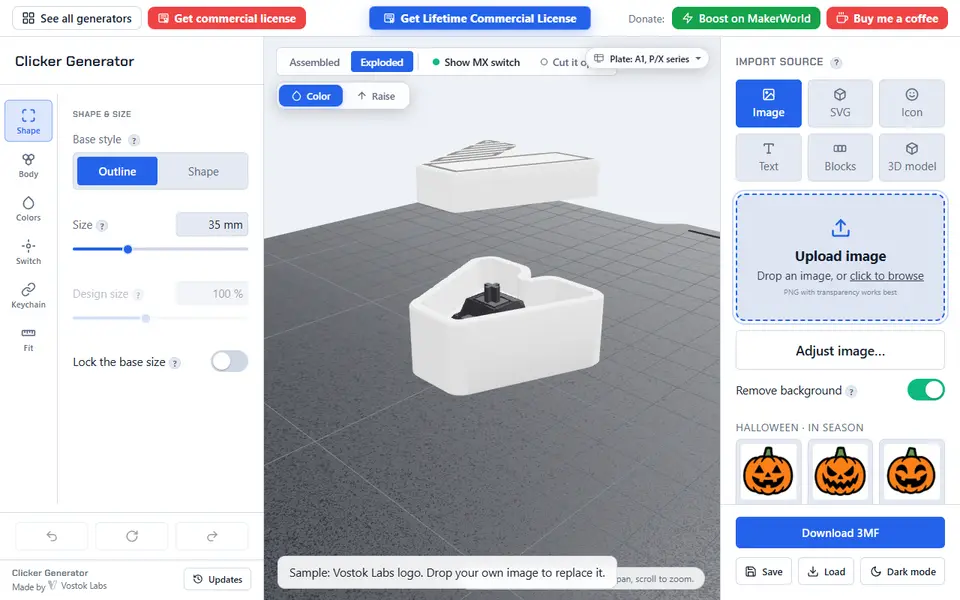
Keychains
Clicker Generator (Vostok Labs)
Turn an image, text, a key layout or your own 3D model into a multicolor fidget clicker built around an MX switch
Puzzles & Games
Musical Fidget Generator
Pocket fidget with tuned note bars that plays a melody you enter note by note
Puzzles & Games
Flexi Toy Maker (MakerLab)
Turn an image into a bendable, hinged flexi toy or keychain to print
Puzzles & Games
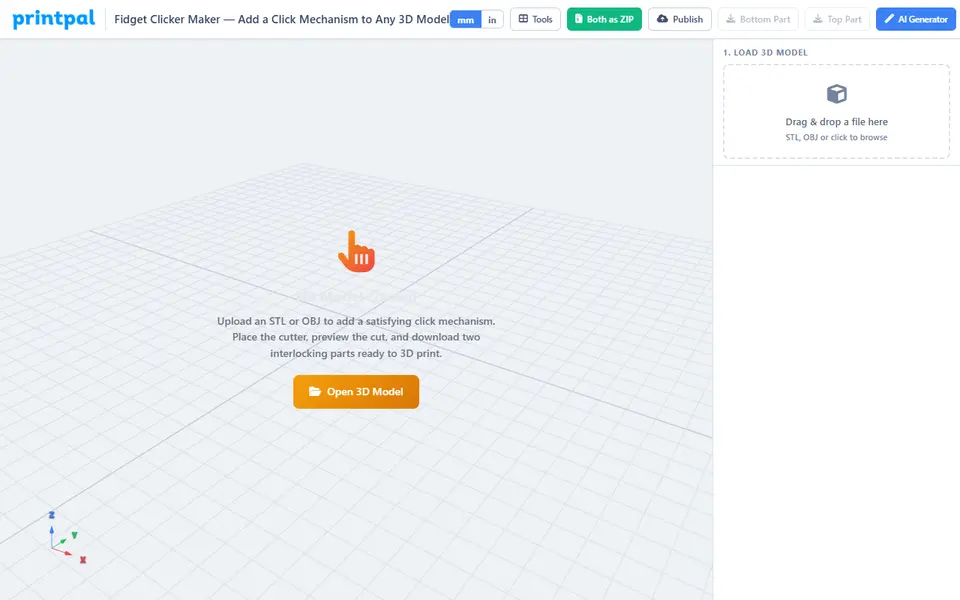
PrintPal Fidget Clicker Maker
Cuts a printed snap-click mechanism into any STL, no switch needed; free to design, export needs Pro
Puzzles & Games
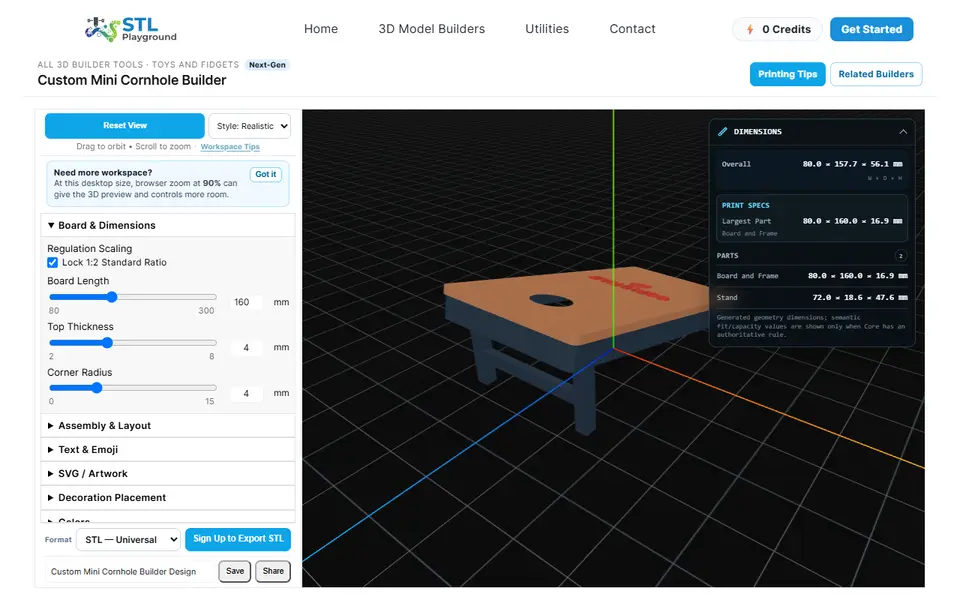
STL Playground Mini Cornhole Builder
Tabletop cornhole set with names, emoji, fonts or your own SVG logo on the boards
Puzzles & Games
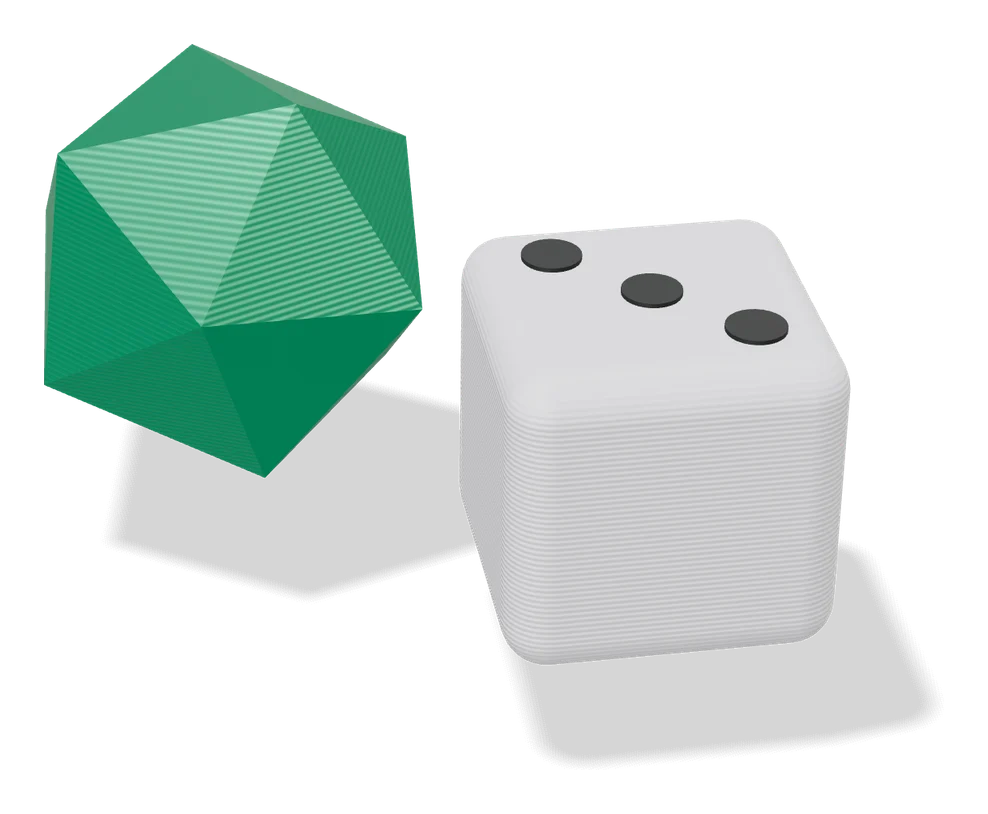
Customizable Dice - D20, D12, D10, D8, D6, D4
Polyhedral dice from d4 to d20 with your own text, emoji or SVG on every face