PrintPal Fidget Clicker Maker
Cuts a printed snap-click mechanism into any STL, no switch needed; free to design, export needs Pro
PrintPal Fidget Clicker Maker is a paid browser tool for adding a click to a figurine or keychain you already have. Free to design in the browser; exporting the STL parts needs PrintPal Pro ($10 a month) or Studio ($25 a month), with 20% off when billed yearly. Exports STL; an account is needed to download. Last checked .
Opens printpal.io
What is PrintPal Fidget Clicker Maker?
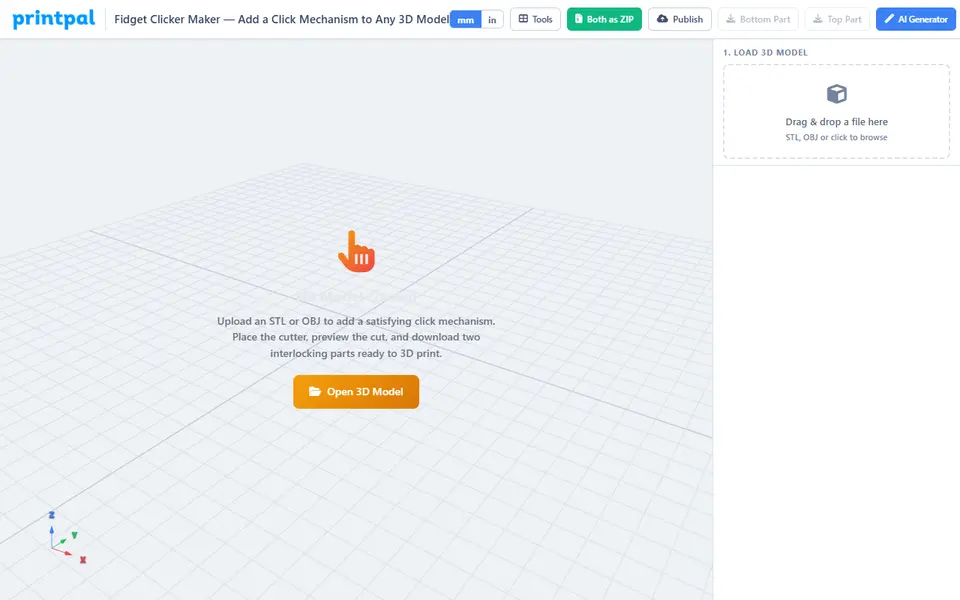
PrintPal's Fidget Clicker Maker turns a 3D model you already have into a clicking fidget toy. You upload an STL or OBJ, and the tool places an MX-style clicker cutter at the most interior point of the model at mid-height, scaling the model up if it is too small. It then splits the model on a flat plane and cuts the click shape into both halves. The printed halves snap together and click as the snap features pass each other, with no metal switch or spring.
You rotate the model so the click runs straight up, scale it from 1 to 2,000% (the cutter stays a fixed size in millimeters), and move the cutter with arrows, typed coordinates or a drag handle in the viewer. There are three styles: Regular, a two-part snap on the cut; Embedded, which hides the seam inside the model; and In a Box, which sets the top half into a 40 x 40 x 22 mm base, with up to 8 characters of front text as a separate part for a second color. An exploded view and an assembly animation let you check the cut.
Designing is free in the browser and the model stays on your computer, but the export buttons open a paywall: downloading the two STLs or a ZIP needs PrintPal Pro ($10 a month) or Studio ($25 a month). The FAQ says you keep full rights to the STLs and may sell prints. Your source mesh must be watertight. It suits sellers who want to add a click to their own figurines or keychains.
What you can make
- Clicking fidget toys from your own models
- Clicker keychains and keycaps
- Figurines on a clicking box base
How to use PrintPal Fidget Clicker Maker
- Upload an STL or OBJ
- Rotate the model so the click runs straight up
- Pick Regular, Embedded or In a Box and place the cutter
- Click Cut Model into 2 Parts, then subscribe and download both STLs
What you'll need to print it
Filament and parts that suit what you make with PrintPal Fidget Clicker Maker.
Matte PLA
- Bambu Lab PLA Matte (affiliate link) Amazon
- Polymaker Panchroma Matte PLA (formerly PolyTerra) (affiliate link) Polymaker EU: 3DJake (affiliate link)
Code gives 15% off your first order at Polymaker.
PETG
Some of these are affiliate links: we may earn a small commission, at no extra cost to you. More about that
PrintPal Fidget Clicker Maker pros
- Works with any STL or OBJ you already have
- Fully printed click, no MX switch or other hardware
- Three styles, including a box base for figurines
PrintPal Fidget Clicker Maker cons
- Export needs a paid PrintPal plan, although the FAQ calls it free
- Source models must be watertight or the cut fails
- The click comes from the plastic's flex, so results vary with print settings
Rate PrintPal Fidget Clicker Maker
One rating per account. Signing in takes one email link, no password.
Reviews
Made with PrintPal Fidget Clicker Maker
Read next
PrintPal Fidget Clicker Maker alternatives
Puzzle, game and insert generators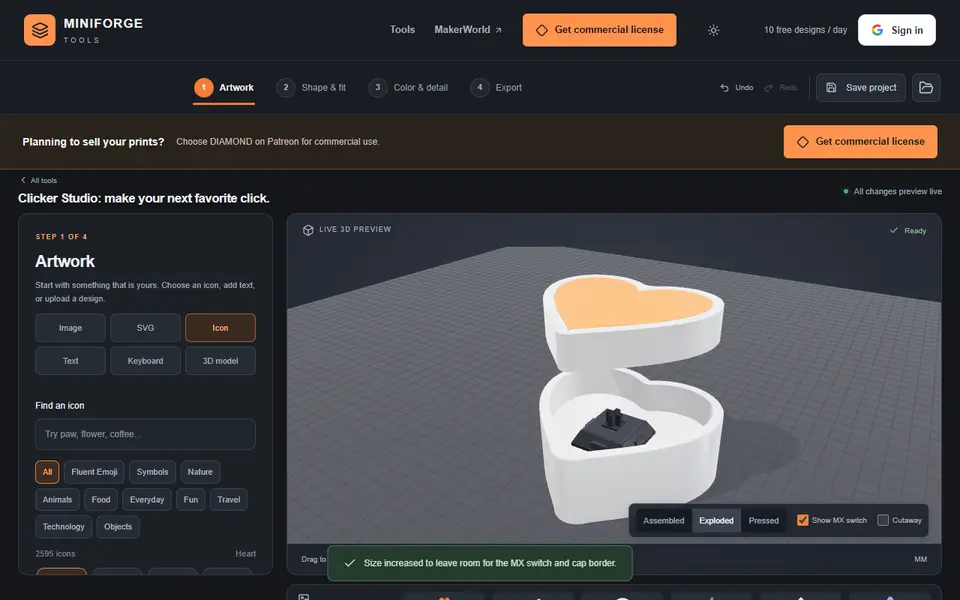
Puzzles & Games
MiniForge Clicker Studio
Custom MX-switch fidget clickers from your artwork, text, icons or a keyboard layout
Keychains
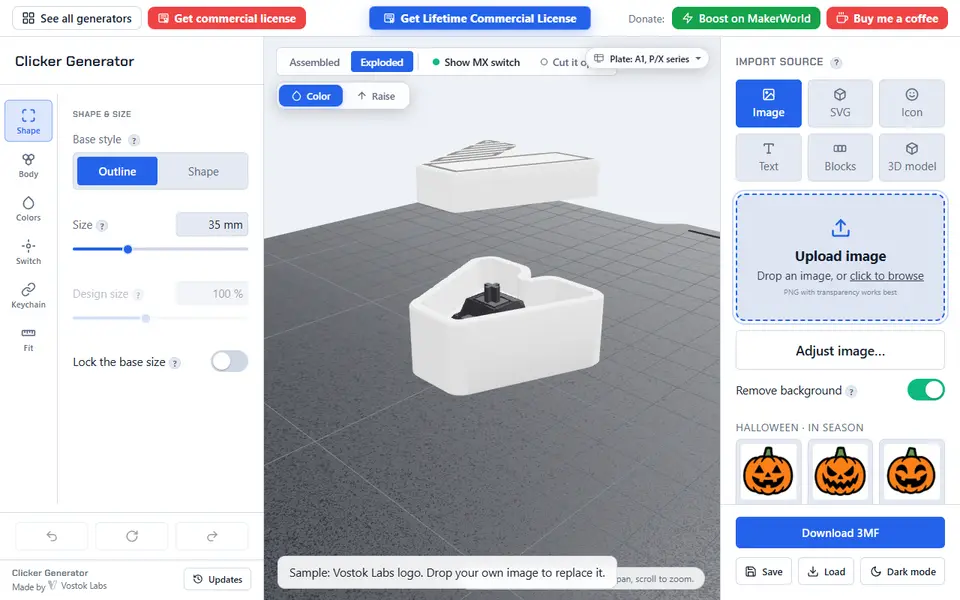
Clicker Generator (Vostok Labs)
Turn an image, text, a key layout or your own 3D model into a multicolor fidget clicker built around an MX switch
Puzzles & Games
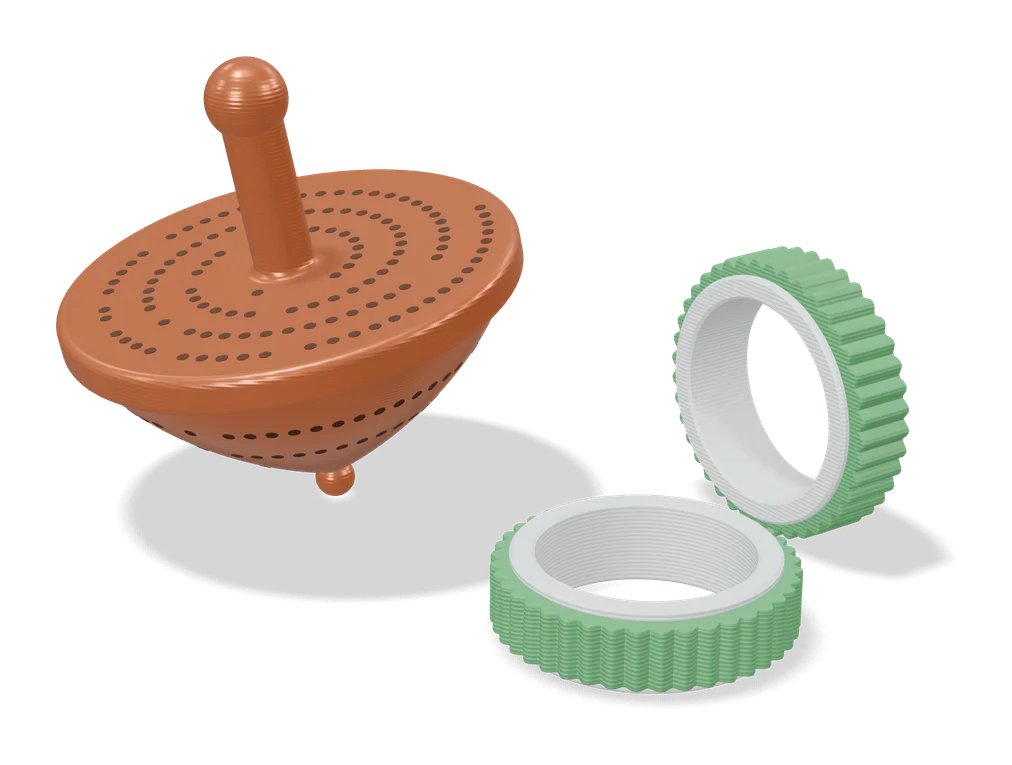
Customizable Ring Fidget Spinner (Fletch)
Fidget ring in your US ring size, with a spinning outer band in one of 16 textured patterns
Puzzles & Games
Flexi Toy Maker (MakerLab)
Turn an image into a bendable, hinged flexi toy or keychain to print
Puzzles & Games
Musical Fidget Generator
Pocket fidget with tuned note bars that plays a melody you enter note by note
Puzzles & Games
Flexifier
Turn a simple image into a print-in-place flexi toy with hinges or ball joints