MyLaserTools 3D Dual-View Text Generator
Turns two words into one 3D object that reads as each word from a different side
MyLaserTools 3D Dual-View Text Generator is a free browser tool for two-word illusion gifts with a wide choice of fonts. Free with unlimited downloads and no account. The site's optional Pro plan ($14.99 a month) adds unlimited Map Designer exports, unlimited saved designs and the right to resell the digital files, none of which you need to print a dual-view piece. Exports STL and 3MF. Last checked .
Opens mylasertools.com
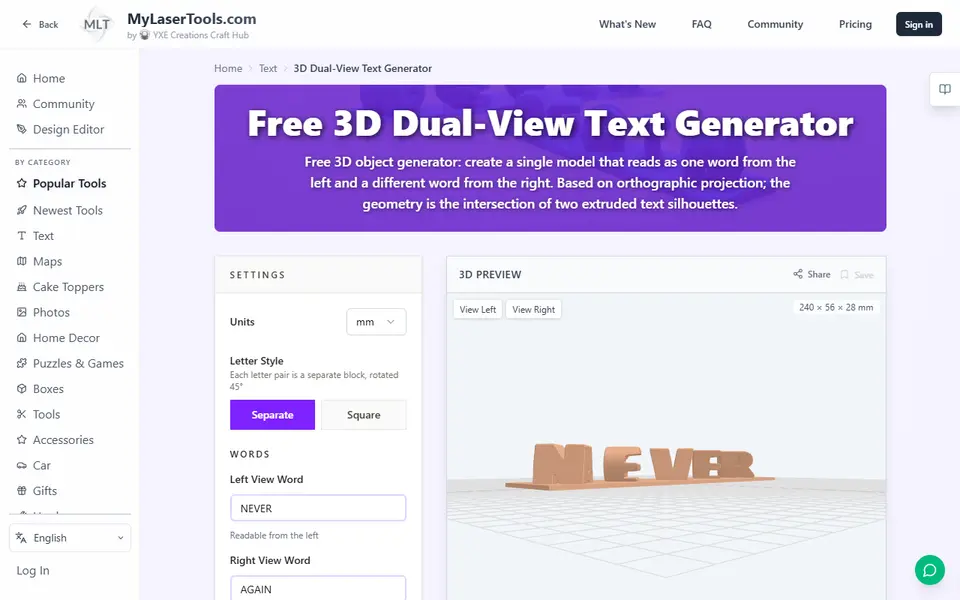
About this generator
The MyLaserTools 3D Dual-View Text Generator is a free browser tool that turns two words into one solid object: one word reads from the left, and the other shows when you turn it 90 degrees and look from the right. It extrudes both words at right angles and keeps only the volume they share. MyLaserTools is run by YXE Creations Craft Hub and started out with laser cut files.
You type the two words, pick one of 180 fonts and choose a letter style. Separate turns each letter pair into its own block set at 45 degrees, while Square merges the letters into one connected square shape. If the words differ in length, a fill symbol such as a heart, star or crown stands in for the missing letters. Number fields and sliders set the object height, letter spacing, vertical offset and the thickness of an optional base plate, and View Left and View Right buttons let you check both readings in the 3D preview.
Downloads are free, need no account and come with a commercial license for the prints. It offers more font and symbol choice than most ambigram tools, but it exports one single-color mesh and the files are large.
What you can make
- Two-word illusion desk pieces
- Couple and family name gifts
- Name and graduation year trophies
- Shelf decor word pairs such as GAME and OVER
How to use MyLaserTools 3D Dual-View Text Generator
- Open the 3D Dual-View Text Generator on mylasertools.com
- Type the left view word and the right view word, then pick a bold font
- Choose the Separate or Square letter style, a fill symbol and the object height
- Check both readings with the View Left and View Right buttons
- Download the STL or 3MF and slice it with the base plate on the bed
What you'll need to print it
Filament and parts that suit what you make with MyLaserTools 3D Dual-View Text Generator.
Matte PLA
Multicolor PLA
Multicolor filament systems
Some of these are affiliate links: we may earn a small commission, at no extra cost to you. More about that
MyLaserTools 3D Dual-View Text Generator pros
- 180 searchable fonts plus a symbol library sorted into themes to fill gaps when the two words differ in length
- View Left and View Right buttons and a live size readout let you check both words before exporting
- Free with no account or download limit, and you may sell what you print
MyLaserTools 3D Dual-View Text Generator cons
- Exports a single mesh in one color, so there is no ready-made multicolor split
- Dense meshes even at the default Low resolution, so a five-letter pair already gives an STL above 10 MB
- Letter pairs with steep overhangs may need supports, and the site's own guide suggests fine layers for the angled faces
Rate MyLaserTools 3D Dual-View Text Generator
One rating per account. Signing in takes one email link, no password.
Reviews
Made with MyLaserTools 3D Dual-View Text Generator
Read next
MyLaserTools 3D Dual-View Text Generator alternatives
Sign and text to STL generators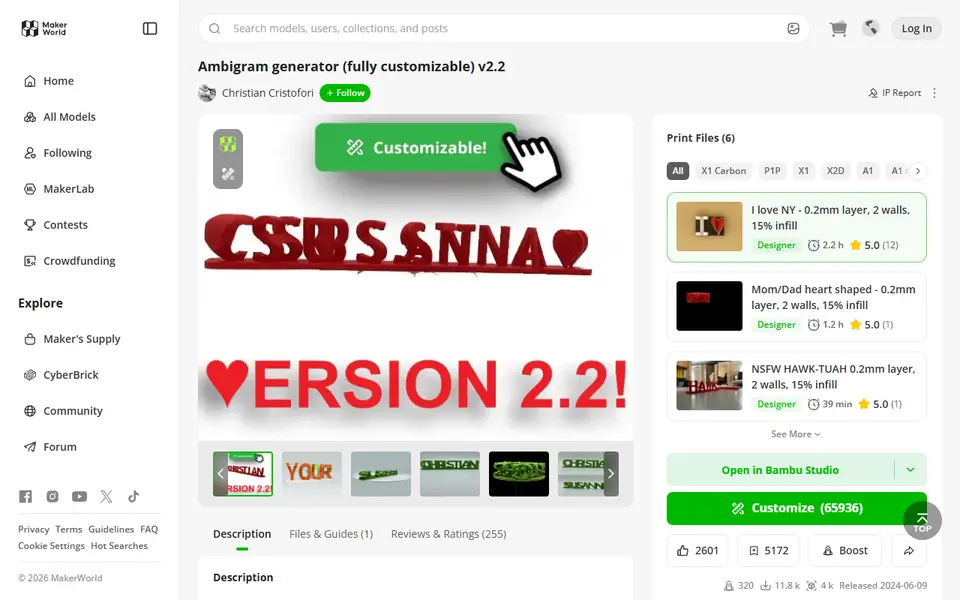
Signs & Text
Ambigram Generator
Dual-text illusion block that shows one name from one side and another from the other
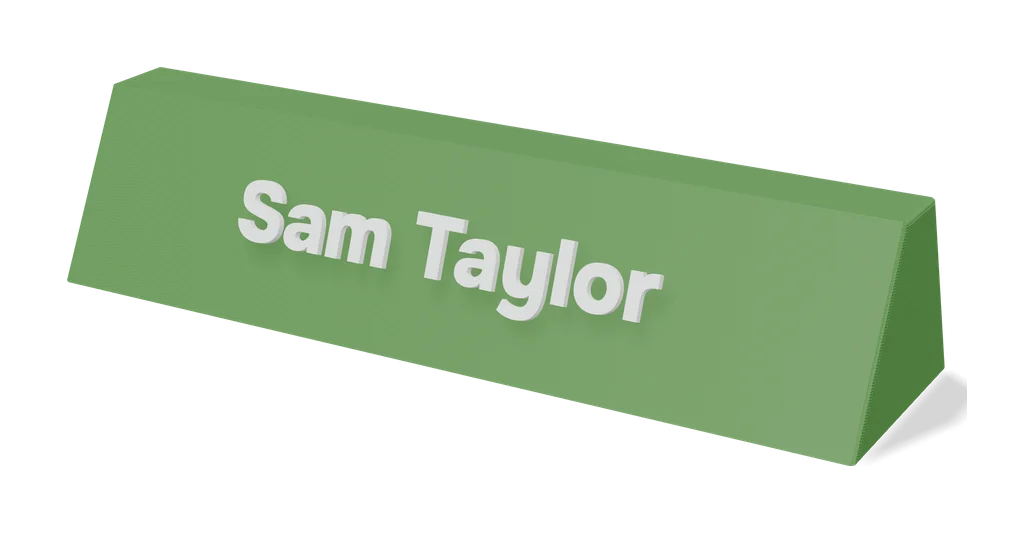
Signs & Text
Dual Text Illusion v2.0
Two words in one block of 3D letters: each one reads from a different angle
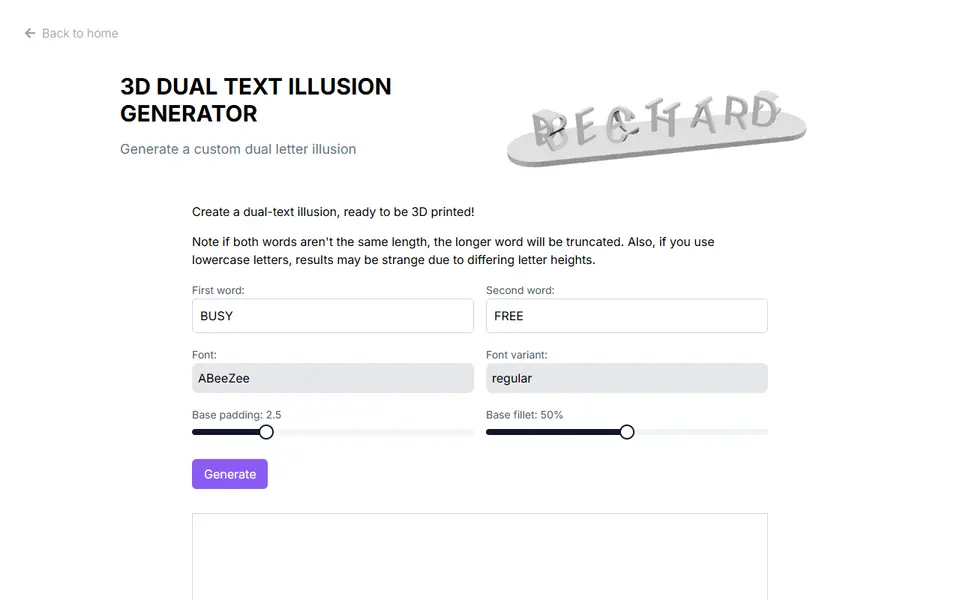
Signs & Text
3D Dual Text Illusion Generator (richardbt)
Merges two words into one row of 3D letters, each word readable from its own side
Signs & Text
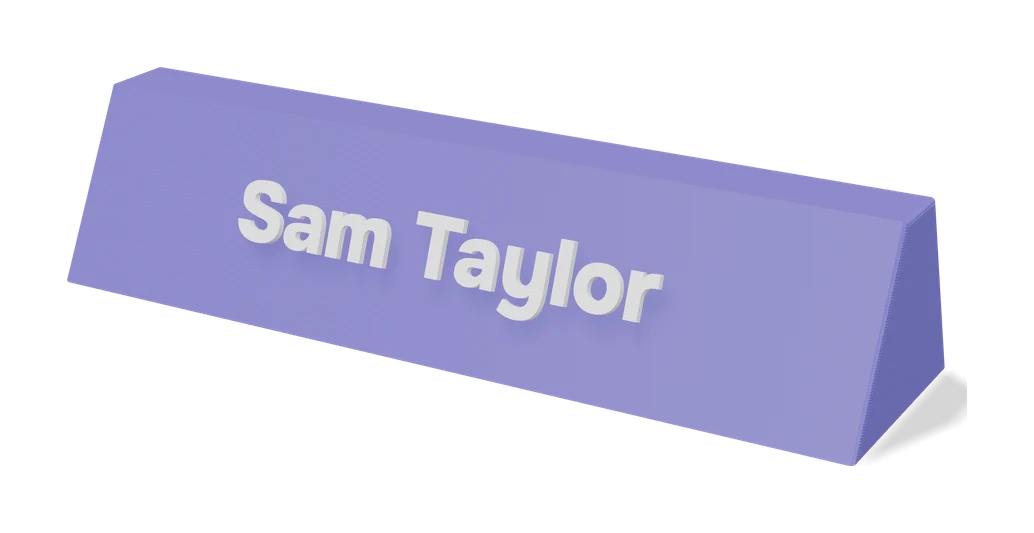
Customizable Name Sign Generator
Layered name sign: a script name set into a big first letter
Signs & Text
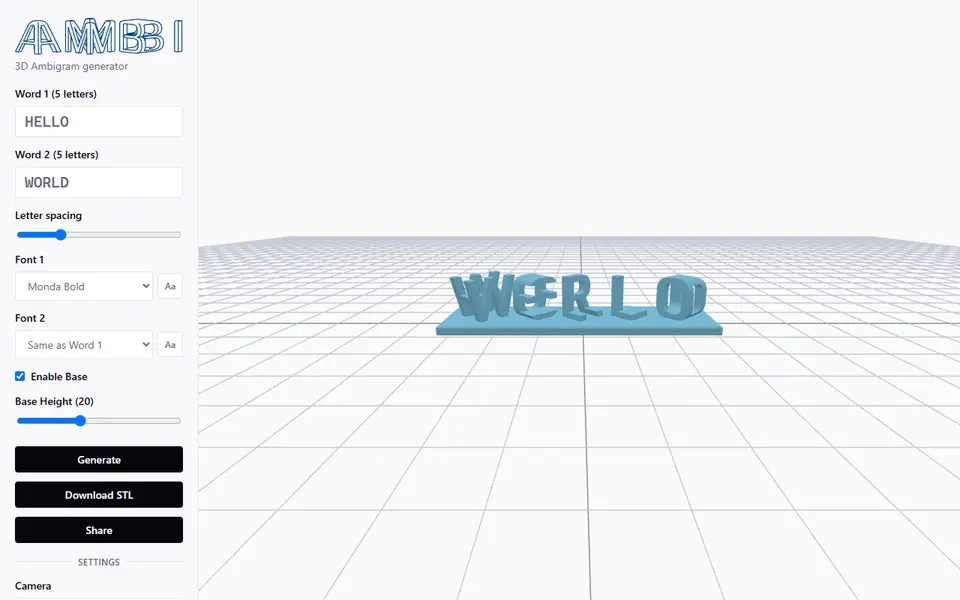
Ambi 3D Ambigram Generator
Merges two words of equal length into a 3D ambigram STL, right in your browser
Signs & Text
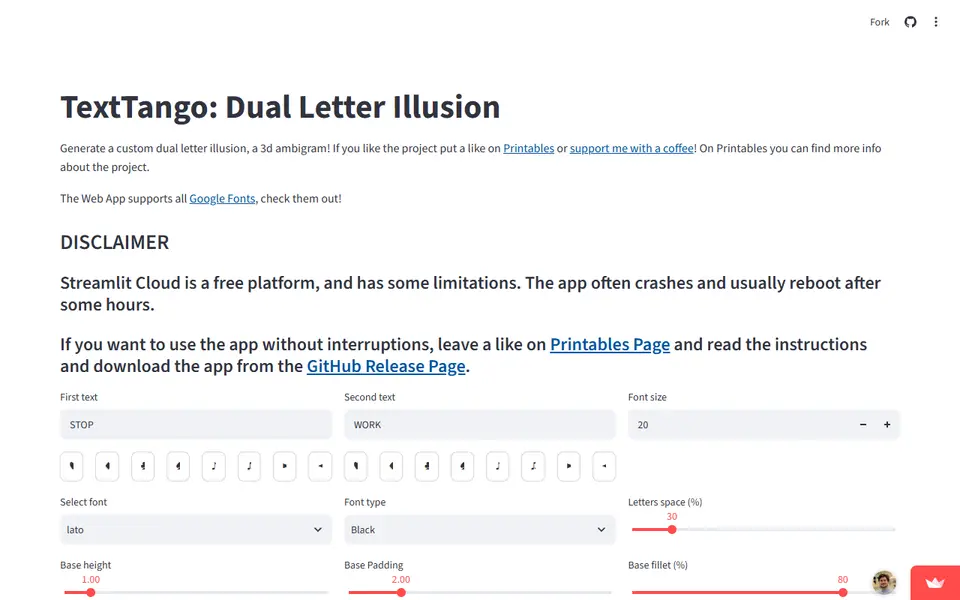
TextTango: Dual Letter Illusion
Turns two words of the same length into a 3D ambigram that reads as a different word from each side