Dual Text Illusion v2.0
Two words in one block of 3D letters: each one reads from a different angle
Dual Text Illusion v2.0 is a free browser tool on MakerWorld for two-name gifts and illusion desk plates. Free with a MakerWorld login. Standard Digital File License, so no selling prints; the designer offers commercial rights through a paid membership. Exports STL and 3MF. Last checked .
Opens makerworld.com
What is Dual Text Illusion v2.0?
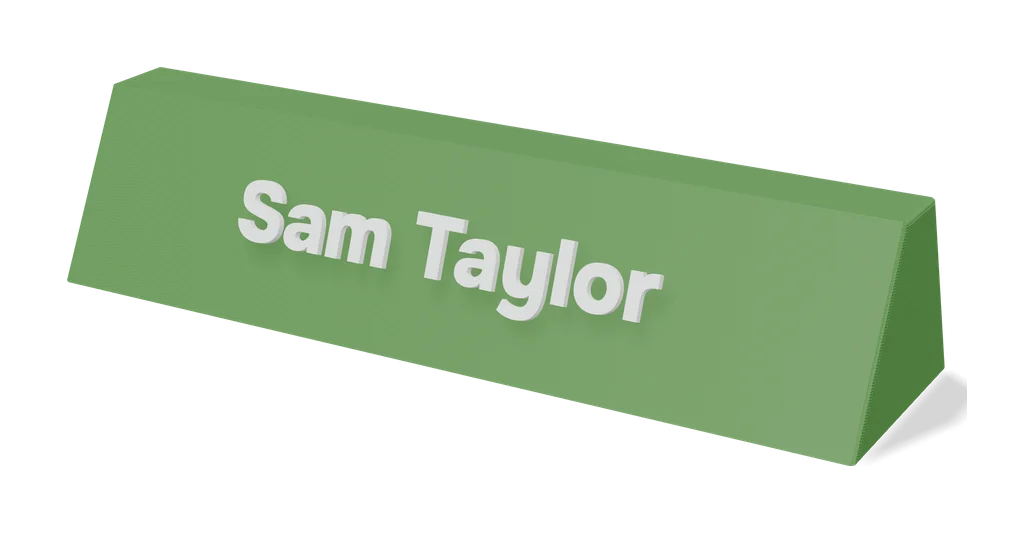
Dual Text Illusion v2.0 is a free customizable model on MakerWorld that merges two words into one row of 3D letters: from one side you read the first word, and turning the piece 90 degrees shows the second. Neverland Forge wrote it in OpenSCAD, but you only fill in a form, and it has been customized more than 37,000 times since November 2025. People use it for couple names, a name and a job title, or a nickname on a desk plate.
You click Customize, type the two words and pick one of eight bold fonts, such as Liberation Sans, DejaVu Serif or Arial Black. Text is set in capitals. When one word is shorter, a padding symbol such as a heart, star or music note fills the gap, and an option swaps it for a Noto emoji. The base has its own settings for thickness, margins and a rounded fillet, and a curvature value bends the plate one way or the other. Version 2 adds an extra extrusion setting so wide letters like W and M stay readable.
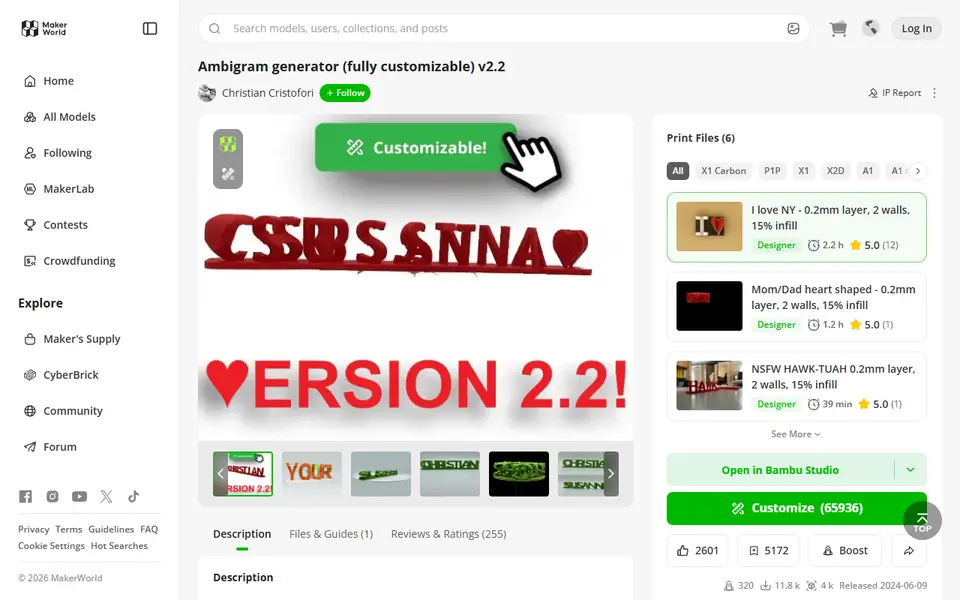
It does the same trick as the Ambigram Generator listed here, which offers more fonts, base shapes and viewing angles. Pick this one if you want a curved plate or an emoji as the padding symbol. Plan on printing it with supports under the letters.
What you can make
- Two-word illusion name plates
- Couple and family name gifts
- Name and job title desk signs
- Curved plates with a heart, star or emoji
How to use Dual Text Illusion v2.0
- Log in to MakerWorld on a computer, open the model and click Customize
- Type the two words and pick a font and size
- Choose a padding symbol or emoji and set the base thickness, fillet and curve
- Generate, download the STL or 3MF and slice it with supports under the letters
What you'll need to print it
Filament and parts that suit what you make with Dual Text Illusion v2.0.
Matte PLA
Multicolor PLA
Multicolor filament systems
Some of these are affiliate links: we may earn a small commission, at no extra cost to you. More about that
Dual Text Illusion v2.0 pros
- Eight bold fonts, symbol padding and optional Noto emoji give plenty of looks
- Base thickness, fillet and curvature settings make the plate look finished
- The demo print profile (0.2 mm, Bambu A1) uses about 41 g of PLA and takes just over two hours
Dual Text Illusion v2.0 cons
- Letters need supports and some commenters had failed prints; the description warns against tree supports, but the designer's later replies recommend them
- Capitals only and tuned for Latin letters and numbers; the designer says Customize works properly only in a desktop or laptop browser
- Hearts or stars only fill out a shorter word, so equal-length names need the symbol pasted in by hand; two commenters also said their second word read backwards
Rate Dual Text Illusion v2.0
One rating per account. Signing in takes one email link, no password.
Reviews
Made with Dual Text Illusion v2.0
Read next
Dual Text Illusion v2.0 alternatives
Sign and text to STL generators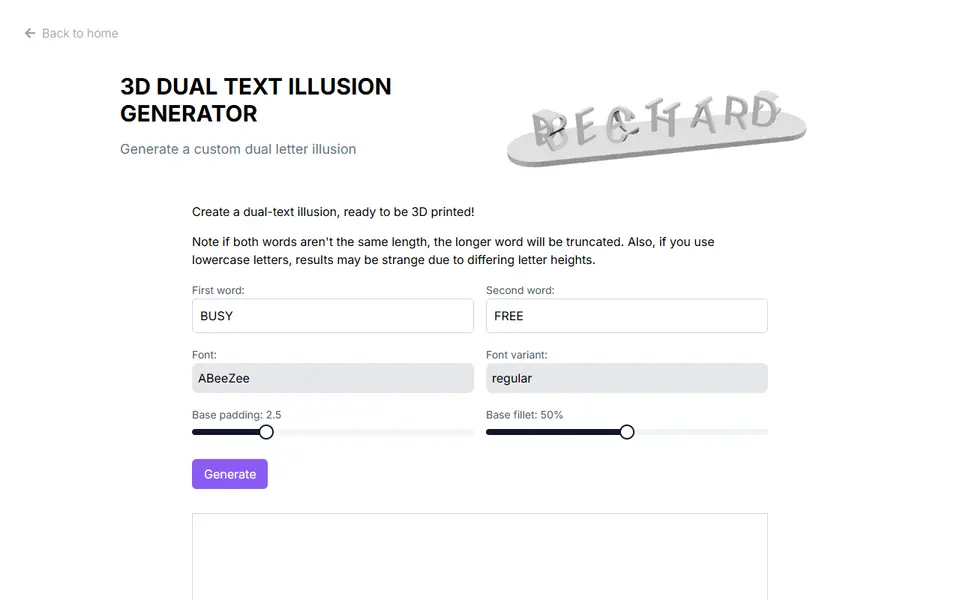
Signs & Text
3D Dual Text Illusion Generator (richardbt)
Merges two words into one row of 3D letters, each word readable from its own side
Signs & Text
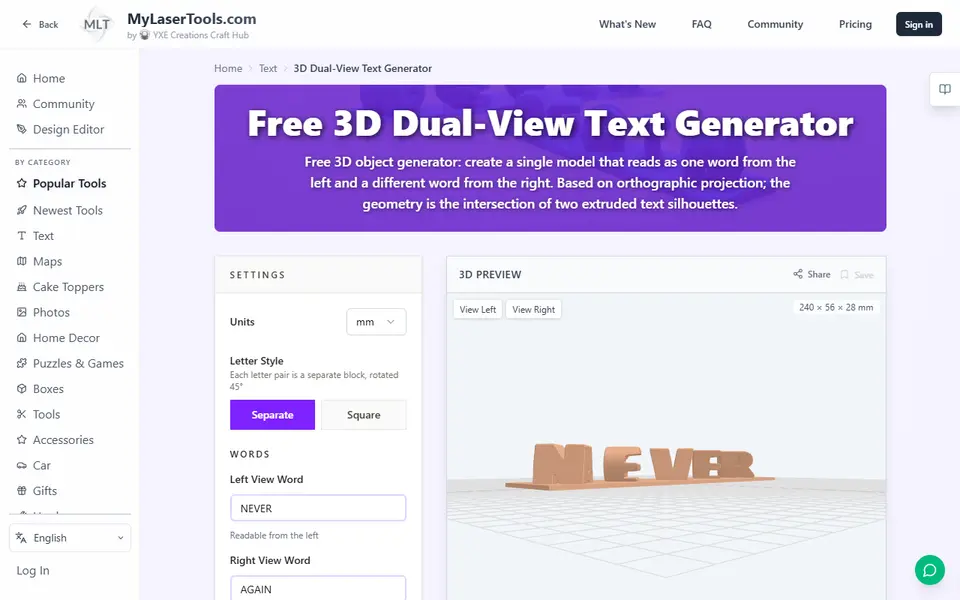
MyLaserTools 3D Dual-View Text Generator
Turns two words into one 3D object that reads as each word from a different side
Signs & Text
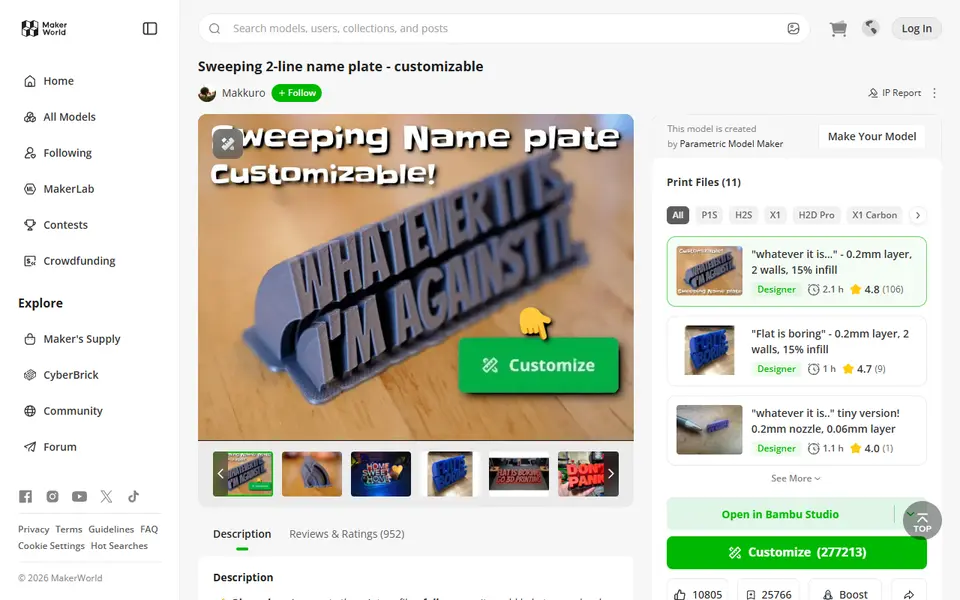
Sweeping 2-Line Name Plate
Hugely popular curved desk name plate you customize in MakerWorld's browser editor
Signs & Text
Ambigram Generator
Dual-text illusion block that shows one name from one side and another from the other
Signs & Text
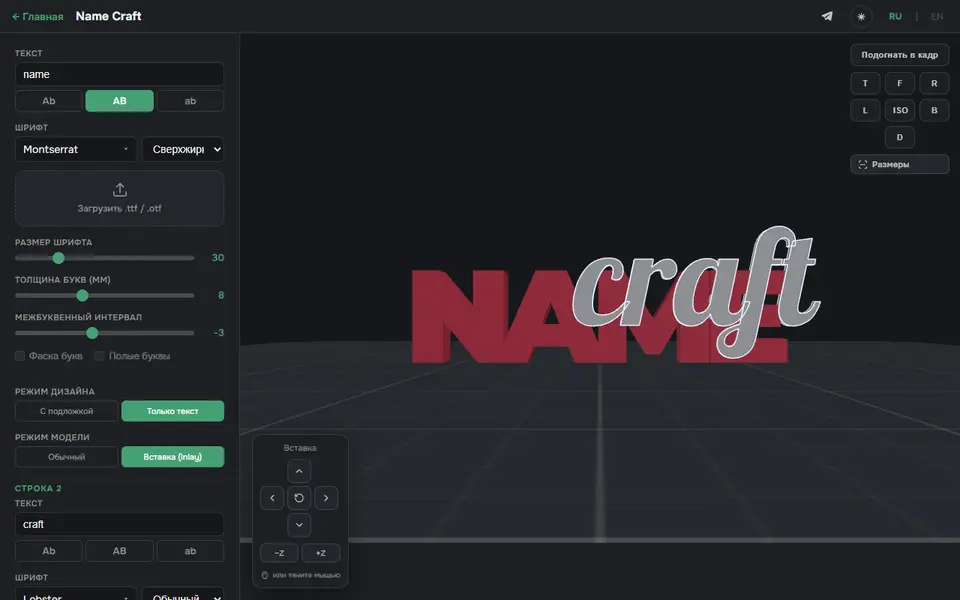
3D Name Craft (3D PrintCraft)
Type one or two lines of text and export a name sign as STL or a two-part inlay 3MF
Signs & Text
Custom Minecraft Name Plate
Your name as Minecraft-style stone letters on a grass block base