3D Dual Text Illusion Generator (richardbt)
Merges two words into one row of 3D letters, each word readable from its own side
3D Dual Text Illusion Generator (richardbt) is a free browser tool for quick two-word illusion gifts in a font of your choice. Free, no sign-up; a personal side project with no paid tier. Exports 3MF. Last checked .
Opens richardbt.com
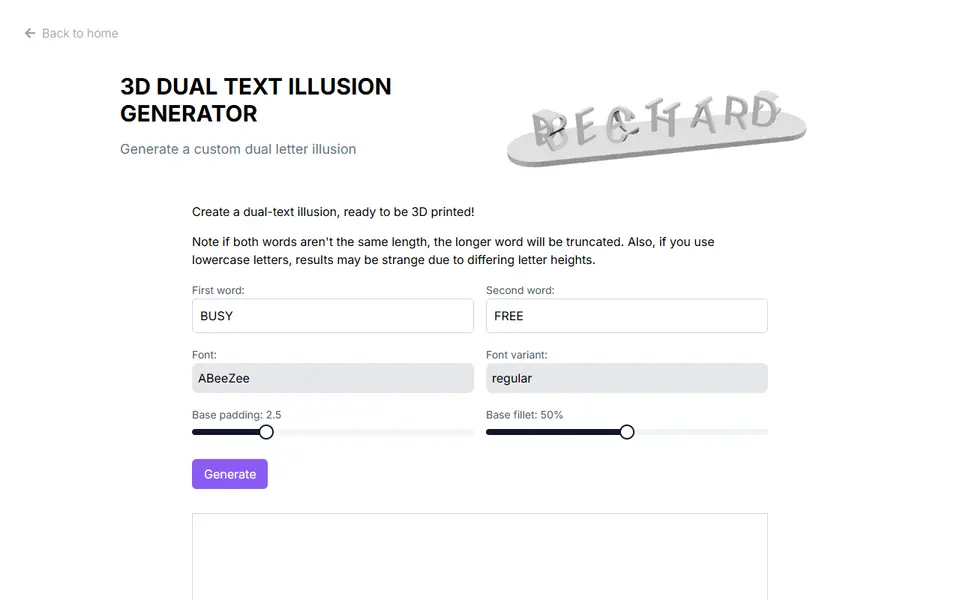
About this generator
3D Dual Text Illusion Generator is a free browser tool from Richard Beattie's personal site that turns two words into a single row of intersecting 3D letters. Seen from one angle the letters spell the first word, and from an angle 90 degrees away they spell the second. It is the familiar dual-name effect people print for couples, desks and shelves.
The form is short. You type both words, pick a font family and variant from the Google Fonts list (about 1,955 families in September 2026), and use two sliders to set the padding and corner rounding of the flat base the letters stand on. Generate builds the model inside the page, shows a 3D preview and offers a 3MF download. Keep both words the same length, because the longer one gets cut off, and use capitals, since lowercase letters of mixed heights can give odd shapes.
There are no controls for overall size, letter spacing or depth, and the file is one single-color part saved with meters as its unit, so plan to check and rescale it in your slicer. It suits anyone who wants a quick illusion gift in a particular font without signing up anywhere.
What you can make
- Dual-name illusion blocks
- Two-word desk decorations
- Couple name gifts
- Ambigram-style word art
How to use 3D Dual Text Illusion Generator
- Type the first and second word, same length, in capitals
- Pick a Google font and a variant
- Set the base padding and fillet sliders
- Click Generate, check the preview and download the 3MF
- Scale the model in your slicer and print
What you'll need to print it
Filament and parts that suit what you make with 3D Dual Text Illusion Generator.
Matte PLA
Multicolor PLA
Multicolor filament systems
Some of these are affiliate links: we may earn a small commission, at no extra cost to you. More about that
3D Dual Text Illusion Generator pros
- Any font from the Google Fonts catalog, including its style variants
- Runs in the browser with a 3D preview, no account and no install
- Adds a rounded base with adjustable padding and corner fillet
3D Dual Text Illusion Generator cons
- No size setting, and the 3MF declares meters as its unit, so check the scale in your slicer before printing
- Both words must be the same length and lowercase letters can come out oddly
- 3MF only, single color, and a one-person side project with only a comment thread for support
Rate 3D Dual Text Illusion Generator
One rating per account. Signing in takes one email link, no password.
Reviews
Made with 3D Dual Text Illusion Generator
Read next
3D Dual Text Illusion Generator alternatives
Sign and text to STL generators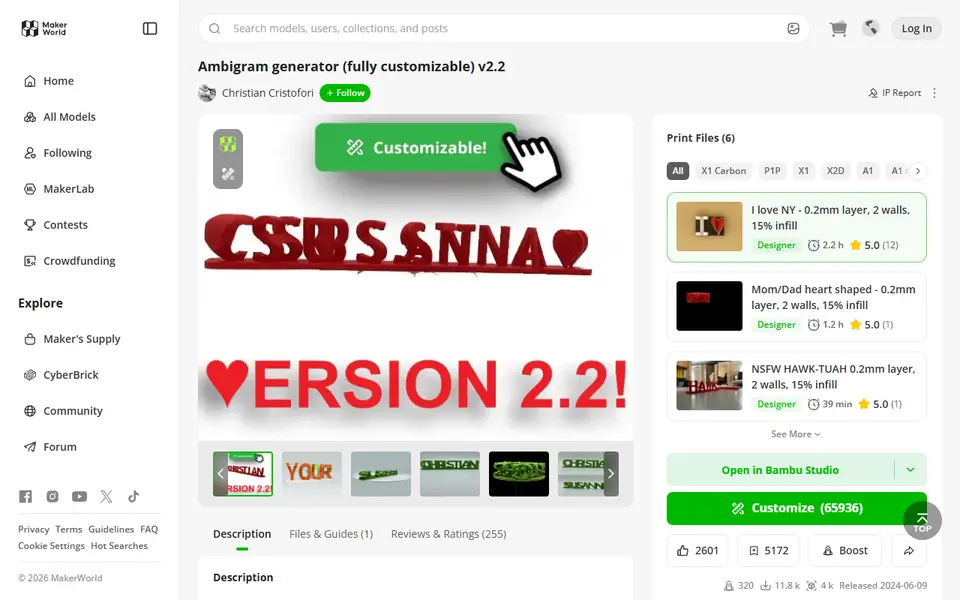
Signs & Text
Ambigram Generator
Dual-text illusion block that shows one name from one side and another from the other
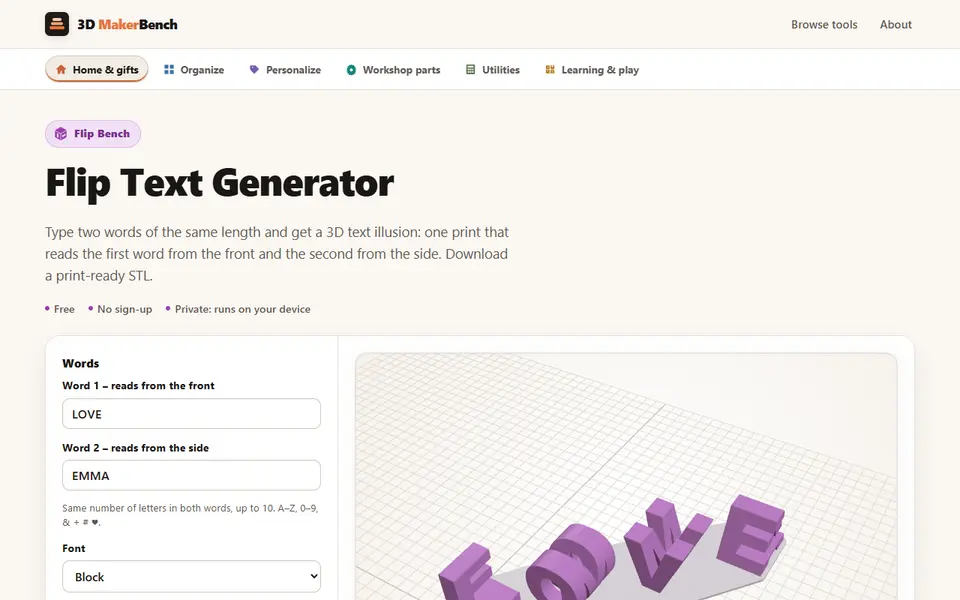
Signs & Text
Flip Text Generator (3D MakerBench)
Free browser 3D text illusion: one print reads one word from the front and another from the side
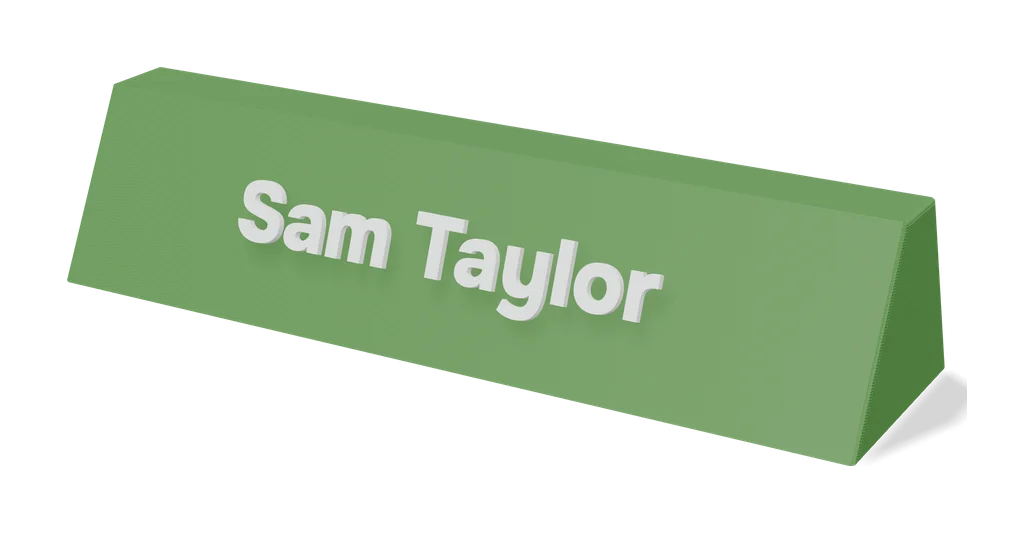
Signs & Text
Dual Text Illusion v2.0
Two words in one block of 3D letters: each one reads from a different angle
Signs & Text
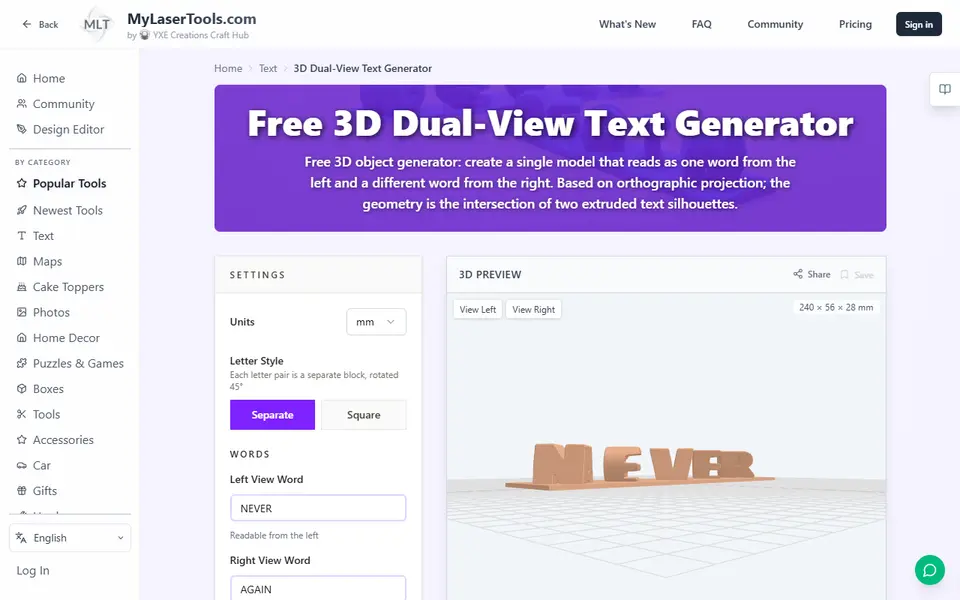
MyLaserTools 3D Dual-View Text Generator
Turns two words into one 3D object that reads as each word from a different side
Signs & Text
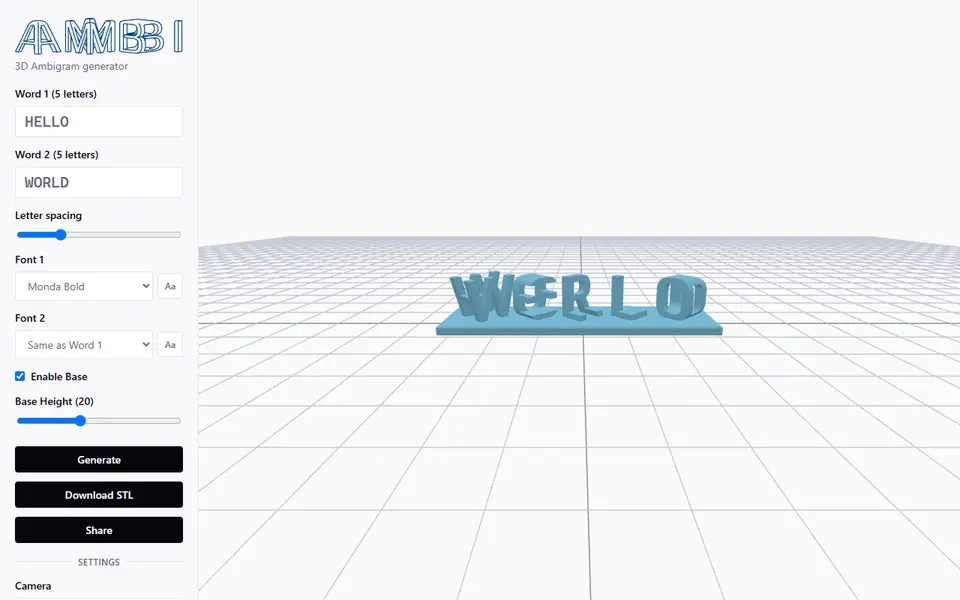
Ambi 3D Ambigram Generator
Merges two words of equal length into a 3D ambigram STL, right in your browser
Signs & Text
Custom Minecraft Name Plate
Your name as Minecraft-style stone letters on a grass block base