Ambi 3D Ambigram Generator
Merges two words of equal length into a 3D ambigram STL, right in your browser
Ambi 3D Ambigram Generator is a free browser tool for quick two-word ambigrams without a login. Free with no paid plan seen; the source code is open under the MIT or Apache 2.0 license. Exports STL; no account needed. Last checked .
Opens ambi3d.com
What is Ambi 3D Ambigram Generator?
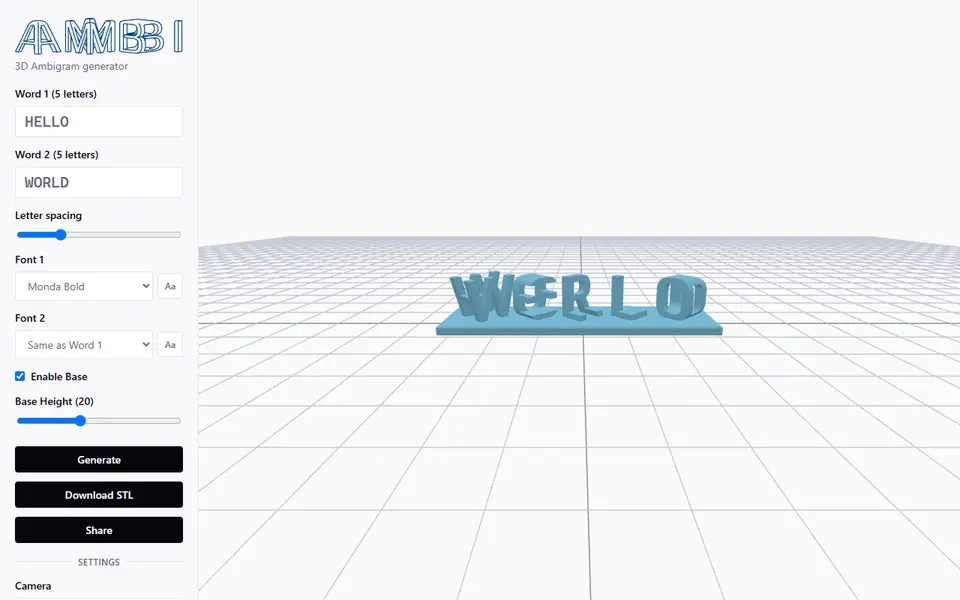
Ambi is a free, open-source browser tool that turns two words with the same number of letters into a 3D ambigram you can print. It extrudes each letter of the first word and the matching letter of the second, turns one of them 90 degrees and keeps only the part where they overlap. The finished row of blocks reads as one word from one side and as the other word from the side at right angles. It comes from ijanos on GitHub and replaces the same developer's older 3dwords tool on rekettye.com.
You type the two words, pick a font for each side from 19 choices such as Bungee, Orbitron, Pacifico and Press Start 2P, and set the letter spacing. A base plate is on by default and has its own height slider. Click Generate, turn the preview around and download a binary STL. The app flags letter pairs that leave floating bits or drop below the baseline, and the Share button saves your settings in a link.
The model is built on your own computer and no account is needed; the developer says the site uses no tracking or cookies. It does the same job as the MakerWorld Ambigram Generator in this directory without a login, but it has no base shapes or extra viewing angles and exports STL only.
What you can make
- Two-word ambigram blocks
- Couple and name-pair gifts
- Word-pair desk pieces such as LOVE and HATE
- Ambigrams with or without a base plate
How to use Ambi 3D Ambigram Generator
- Open ambi3d.com in a browser that supports WebGL
- Type two words with the same number of letters
- Pick a font for each word and set the letter spacing and base height
- Click Generate and check the preview and any warnings
- Download the STL and slice it
What you'll need to print it
Filament and parts that suit what you make with Ambi 3D Ambigram Generator.
Matte PLA
Multicolor PLA
Multicolor filament systems
Some of these are affiliate links: we may earn a small commission, at no extra cost to you. More about that
Ambi 3D Ambigram Generator pros
- Runs in the browser with no account or sign-up, and the code is open source
- 19 fonts, and each word can use its own font
- Warns about letter pairs with floating pieces or descenders before you print
Ambi 3D Ambigram Generator cons
- Both words must have exactly the same number of characters
- STL only, one fixed 90 degree layout and no choice of base shape
- Small hobby project with little community feedback; on a phone it asks you to rotate to landscape
Rate Ambi 3D Ambigram Generator
One rating per account. Signing in takes one email link, no password.
Reviews
Made with Ambi 3D Ambigram Generator
Read next
Ambi 3D Ambigram Generator alternatives
Sign and text to STL generators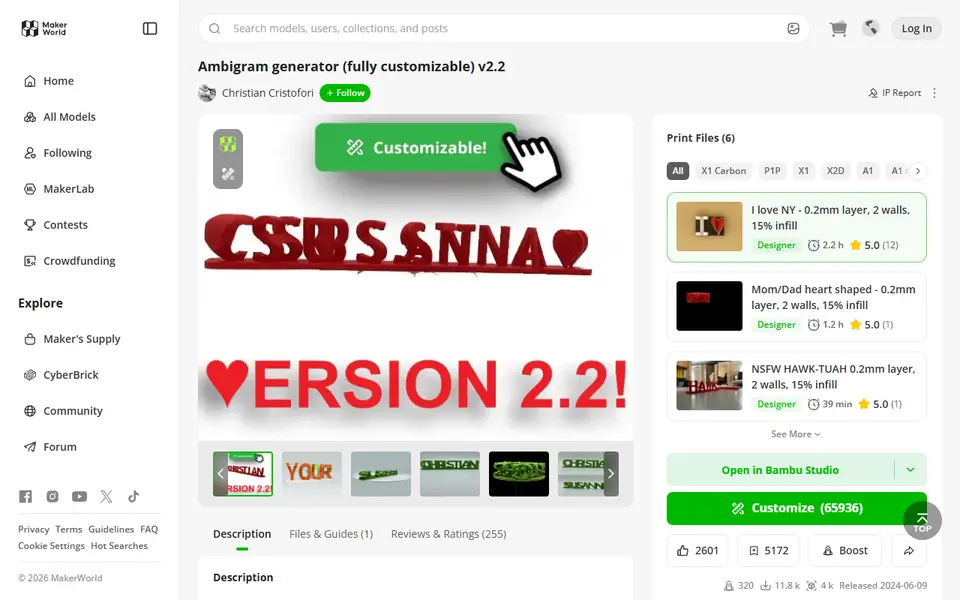
Signs & Text
Ambigram Generator
Dual-text illusion block that shows one name from one side and another from the other
Signs & Text
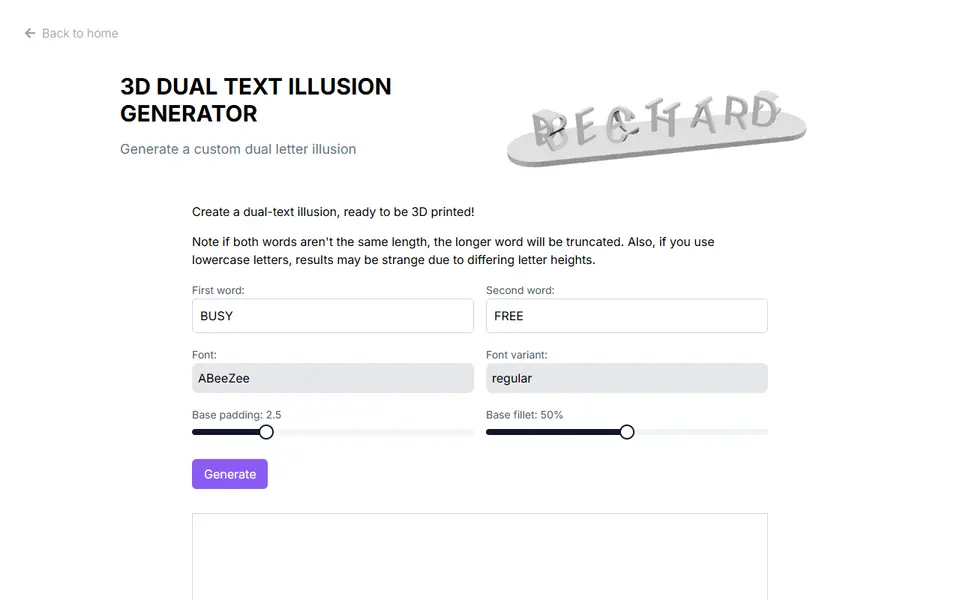
3D Dual Text Illusion Generator (richardbt)
Merges two words into one row of 3D letters, each word readable from its own side
Signs & Text
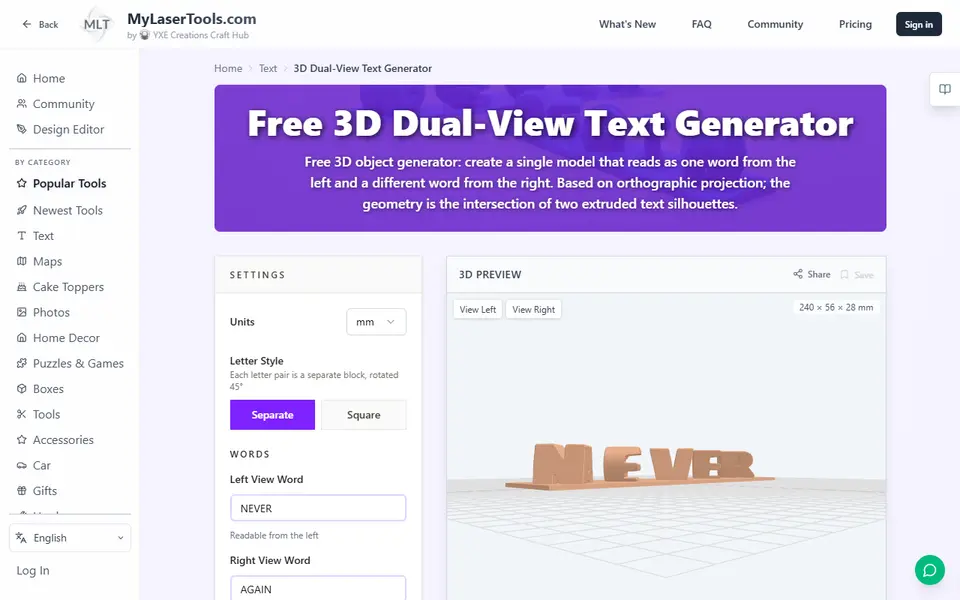
MyLaserTools 3D Dual-View Text Generator
Turns two words into one 3D object that reads as each word from a different side
Signs & Text
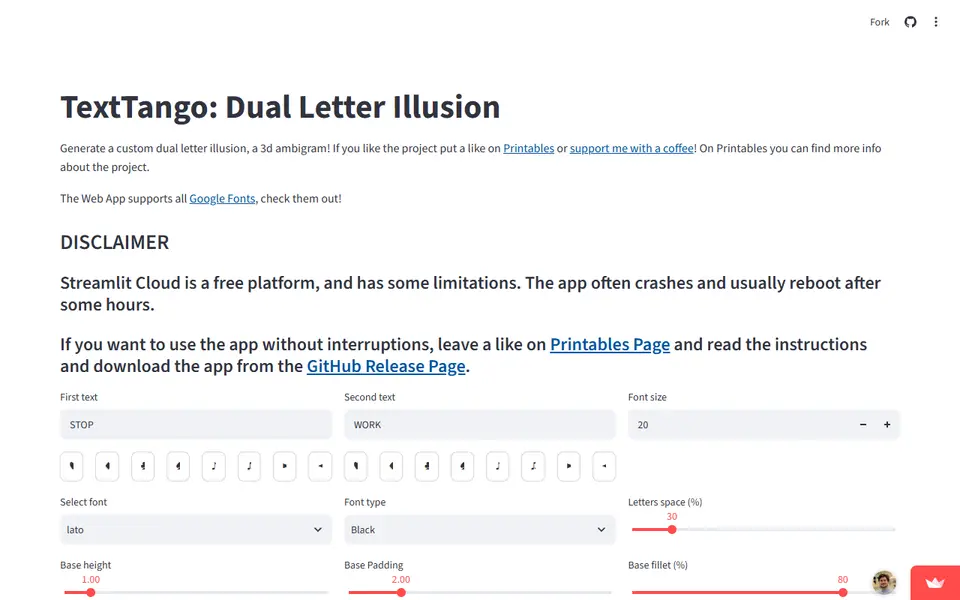
TextTango: Dual Letter Illusion
Turns two words of the same length into a 3D ambigram that reads as a different word from each side
Signs & Text
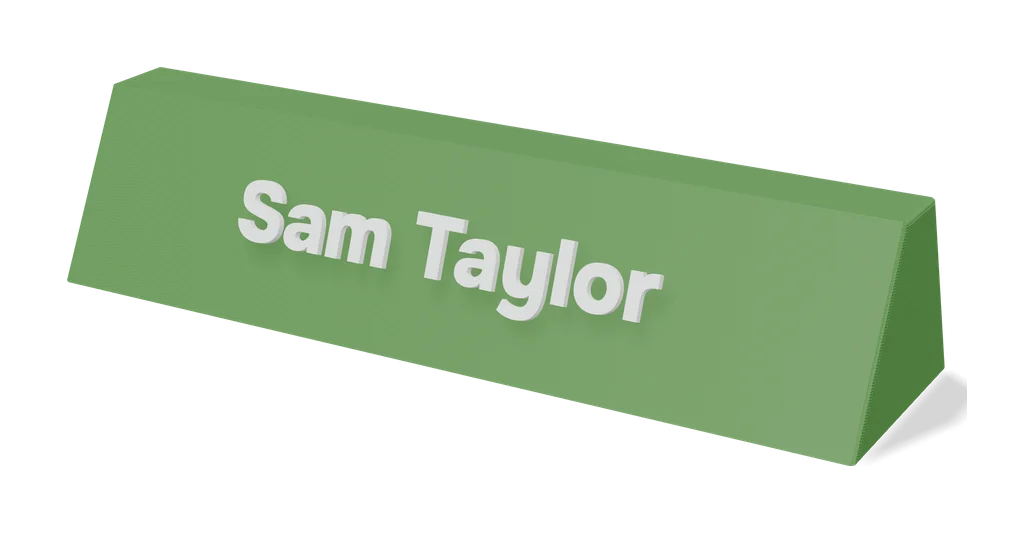
Dual Text Illusion v2.0
Two words in one block of 3D letters: each one reads from a different angle
Signs & Text
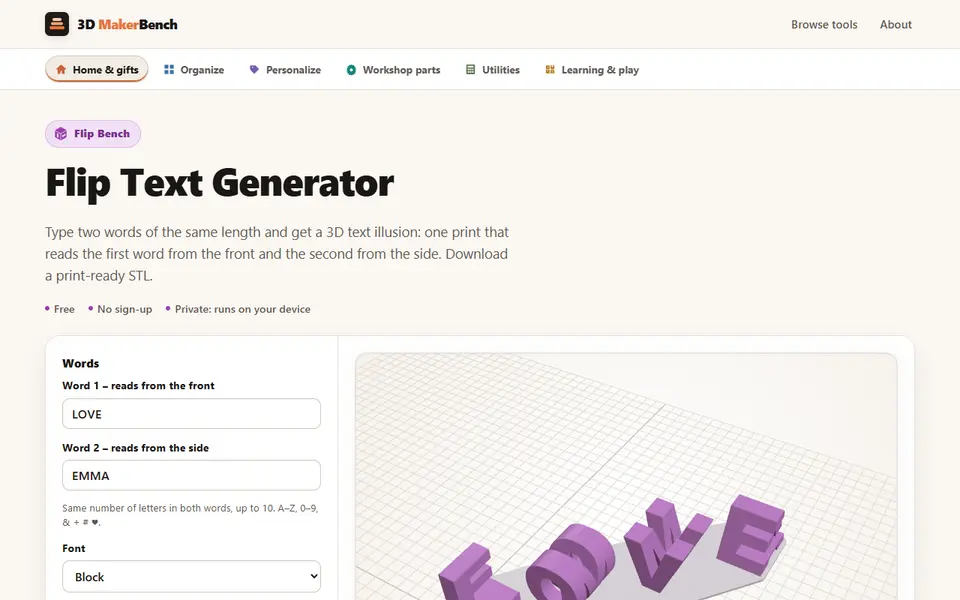
Flip Text Generator (3D MakerBench)
Free browser 3D text illusion: one print reads one word from the front and another from the side