TextTango: Dual Letter Illusion
Turns two words of the same length into a 3D ambigram that reads as a different word from each side
TextTango: Dual Letter Illusion is a free browser and desktop tool for two-name gifts and desk illusion pieces. Free, no sign-up; the author links an optional PayPal donation. Exports STL and STEP. Last checked .
Opens dual-letter-illusion.streamlit.app
About this generator
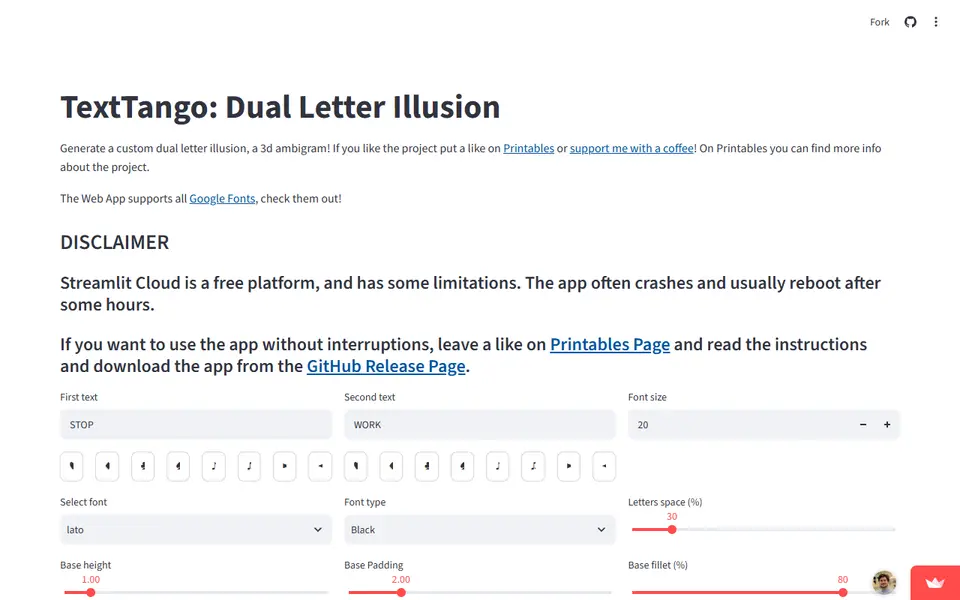
TextTango is a free browser tool that turns two words into a dual letter illusion, often called a 3D ambigram. It is an open-source project by the maker Lucandia: each pair of letters is extruded, turned 90 degrees apart and intersected, so the finished piece reads as one word from one side and as the other word from a side at right angles to it. Its Printables project page has about 265 likes and more than 5,000 downloads.
You type the two words, which should be the same length and ideally all capitals, then pick a font size, a Google Font and its weight. Sliders set the gap between letters and the height, padding and corner rounding of the base plate, and an optional toggle adds small round pads under chosen letters. Buttons add card-suit symbols, music notes and pointer arrows. A render takes a few seconds, shows a 3D preview and gives you an STL or STEP file.
The STEP option helps if you want to add a hole or other detail in CAD later. The app runs on free Streamlit hosting, and the author warns it often crashes and can stay down for hours. Windows and macOS builds on GitHub run the same app on your own computer, but they are slow to start. It suits two-name gifts and desk curiosities.
What you can make
- Two-word 3D ambigram illusions
- Couple and family name pieces
- Desk ornaments with two names or words
- Word pairs with heart or card-suit symbols
How to use TextTango: Dual Letter Illusion
- Open the TextTango web app
- Type two words of the same length, in capitals
- Pick a font, weight and size, then adjust letter spacing and the base
- Click Render and check the 3D preview
- Download the STL (or STEP) and slice it
What you'll need to print it
Filament and parts that suit what you make with TextTango: Dual Letter Illusion.
Matte PLA
Multicolor PLA
Multicolor filament systems
Some of these are affiliate links: we may earn a small commission, at no extra cost to you. More about that
TextTango: Dual Letter Illusion pros
- Free and open source (GPL-3.0), with no account needed in the browser
- Bundles the Google Fonts library with a choice of weights, plus buttons for card suits and music notes
- Exports STEP as well as STL, so the result can be edited in CAD afterwards
TextTango: Dual Letter Illusion cons
- The free Streamlit hosting often crashes, by the author's own warning, and can stay down for hours
- Both words need the same length and lowercase letters give poor results, which limits word pairs
- Desktop builds date from December 2024 and start slowly; the author mentions up to five minutes on low-end PCs
Rate TextTango: Dual Letter Illusion
One rating per account. Signing in takes one email link, no password.
Reviews
Made with TextTango: Dual Letter Illusion
Read next
TextTango: Dual Letter Illusion alternatives
Sign and text to STL generators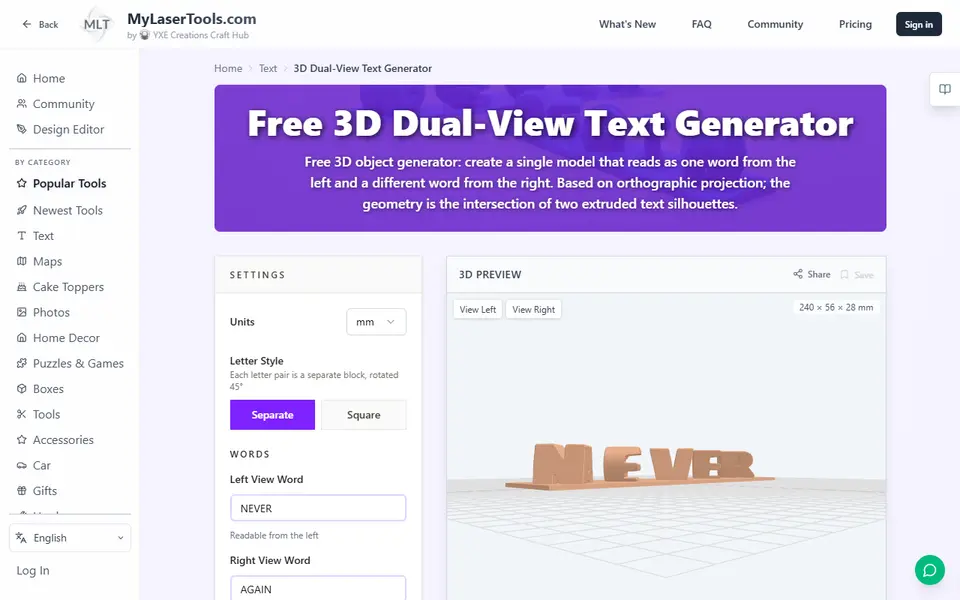
Signs & Text
MyLaserTools 3D Dual-View Text Generator
Turns two words into one 3D object that reads as each word from a different side
Signs & Text
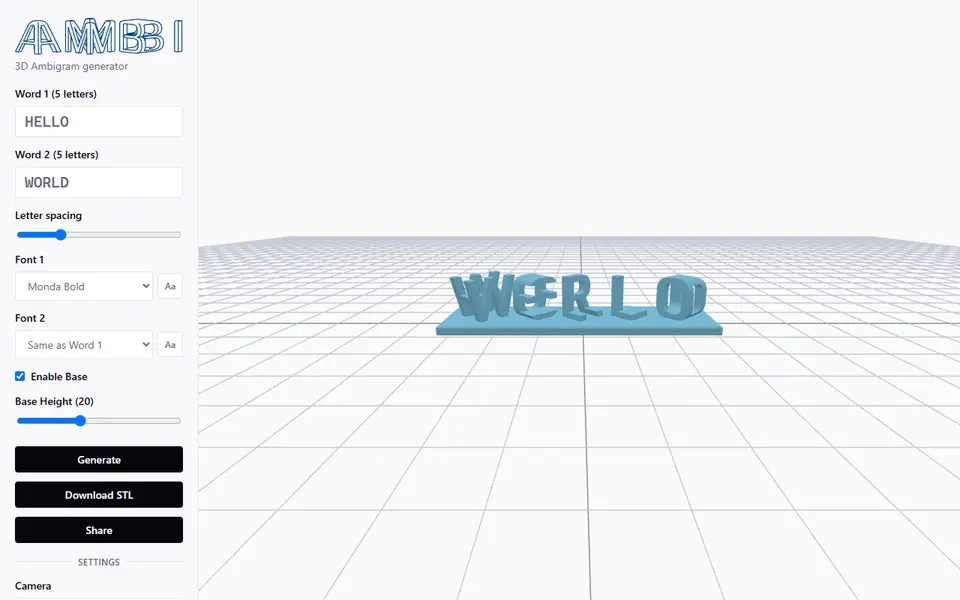
Ambi 3D Ambigram Generator
Merges two words of equal length into a 3D ambigram STL, right in your browser
Signs & Text
Dual Text Illusion v2.0
Two words in one block of 3D letters: each one reads from a different angle
Signs & Text
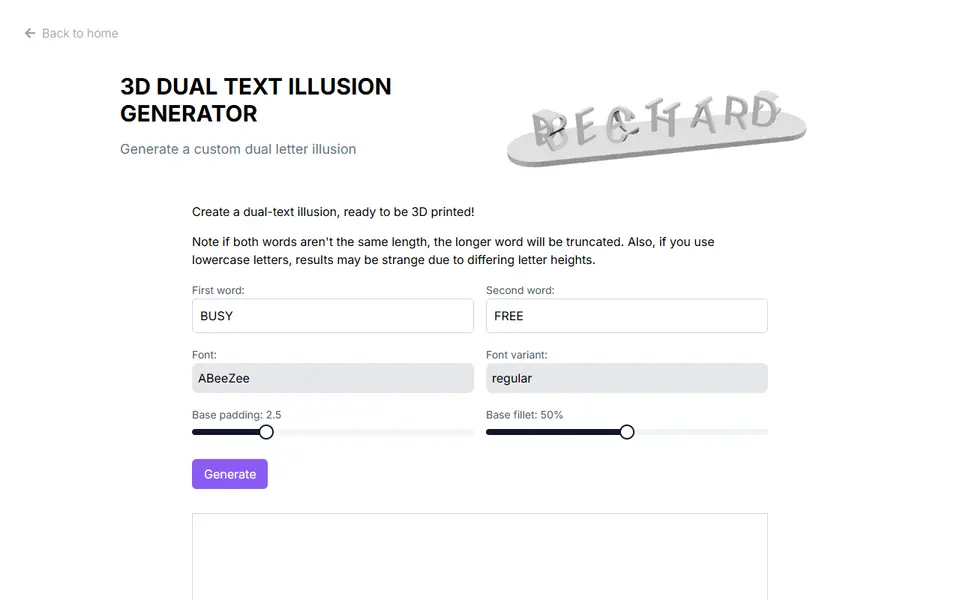
3D Dual Text Illusion Generator (richardbt)
Merges two words into one row of 3D letters, each word readable from its own side
Signs & Text
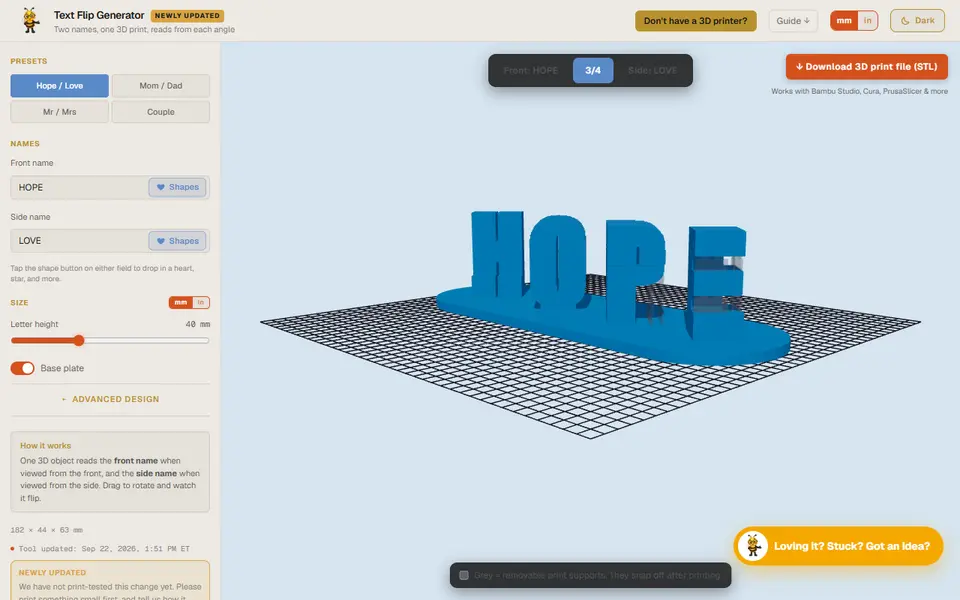
Designer Bee Text Flip Generator
One 3D print that reads as one name from the front and another from the side
Signs & Text
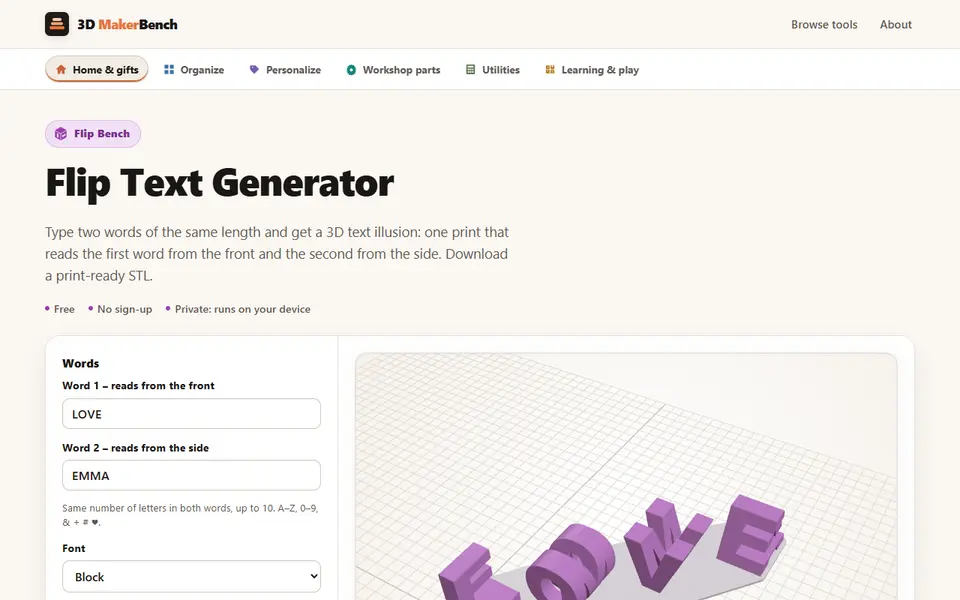
Flip Text Generator (3D MakerBench)
Free browser 3D text illusion: one print reads one word from the front and another from the side