Designer Bee Text Flip Generator
One 3D print that reads as one name from the front and another from the side
Designer Bee Text Flip Generator is a free browser tool for two-name gifts for couples and families. Free, no signup; the site FAQ says the things you make are yours to sell. Exports STL. Last checked .
Opens designerbee.build
About this generator
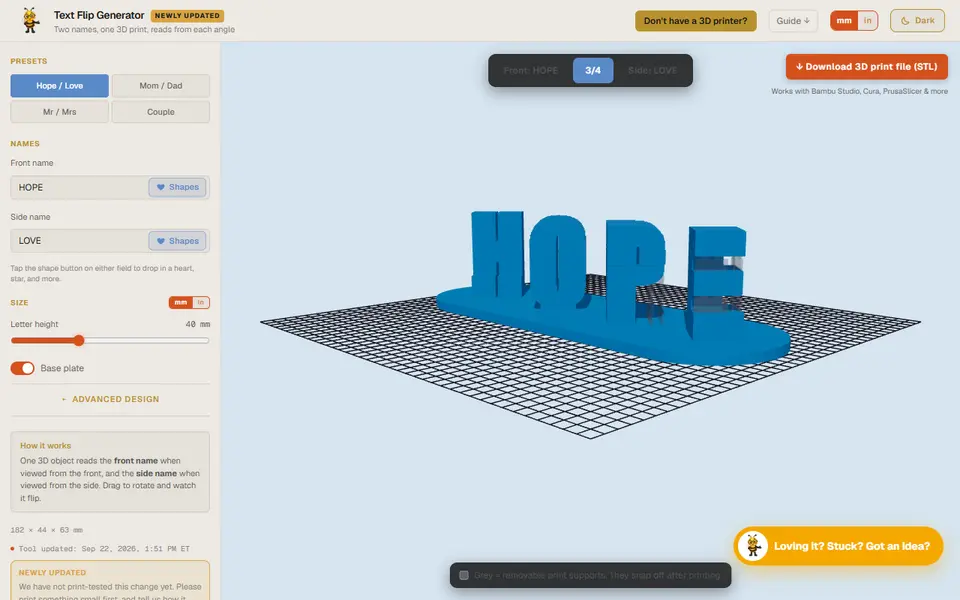
Designer Bee Text Flip Generator is a free browser tool for a classic optical trick: a single printed block that shows one word when you look at it from the front and a different word when you turn it 90 degrees. It comes from Designer Bee, a one-person site of free maker tools that also has box, lithophane and clock-hand generators.
You type a front name and a side name, or start from a preset such as Hope/Love, Mom/Dad or Mr/Mrs. A Shapes button on each field drops one of eight small symbols, such as a heart, star or balloon, into the word. Letter height runs from 20 to 80 mm, the base plate can be switched on or off, and there are four fonts: Impact, Arial Black, Verdana and Georgia. Front, side and three-quarter views in the live preview show whether both words read clearly.
What sets it apart is the print prep. Thin snap-off support blades are built into the STL under overhangs such as the arms of E, F and T, and you enter your layer height so they stop just short of the letters and lift away by hand. You can also switch them off and use slicer supports. The download is a single-color binary STL, and short names of similar length give the cleanest result.
What you can make
- Dual-name flip sculptures
- Couple and wedding name gifts
- Mom/Dad and Mr/Mrs desk pieces
- Word illusions with heart or star symbols
How to use Designer Bee Text Flip Generator
- Open the Text Flip Generator
- Type a front name and a side name, or pick a preset
- Set letter height and base plate, then pick a font under Advanced Design
- Enter your print layer height under Advanced Design and check both views
- Download the STL and print it with slicer supports turned off
What you'll need to print it
Filament and parts that suit what you make with Designer Bee Text Flip Generator.
Matte PLA
Multicolor PLA
Multicolor filament systems
Some of these are affiliate links: we may earn a small commission, at no extra cost to you. More about that
Designer Bee Text Flip Generator pros
- Breakaway supports are built in and sized to your layer height
- Presets and eight inline symbols make quick gifts easy
- Free, no signup, and the site says you may sell what you make
Designer Bee Text Flip Generator cons
- STL only, one color, and just four fonts
- Letters with thin diagonals or curves, such as X or S, can end up delicate
- A small Designer Bee wordmark is added to the back of the base unless you switch it off
Rate Designer Bee Text Flip Generator
One rating per account. Signing in takes one email link, no password.
Reviews
Made with Designer Bee Text Flip Generator
Read next
Designer Bee Text Flip Generator alternatives
Sign and text to STL generators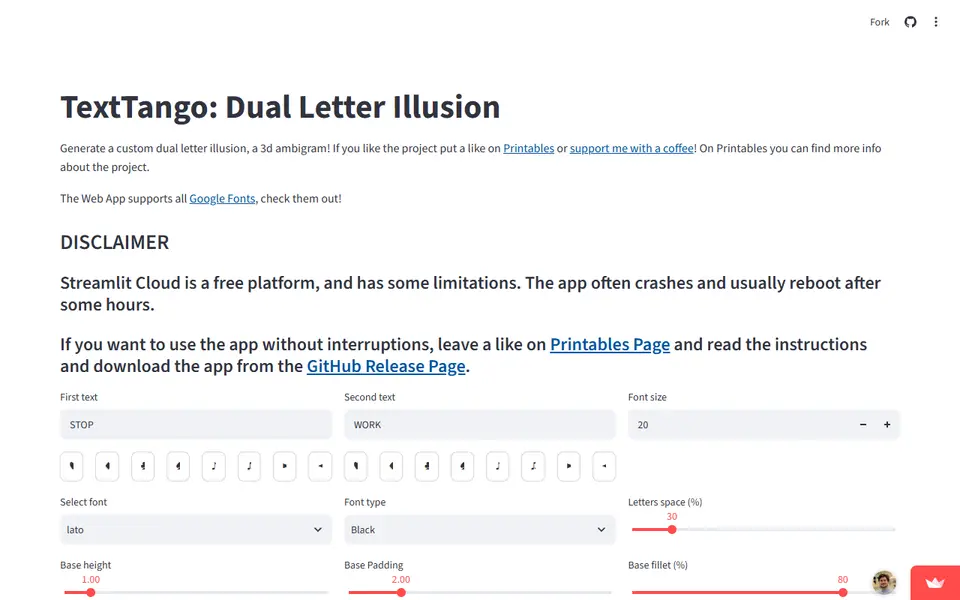
Signs & Text
TextTango: Dual Letter Illusion
Turns two words of the same length into a 3D ambigram that reads as a different word from each side
Signs & Text
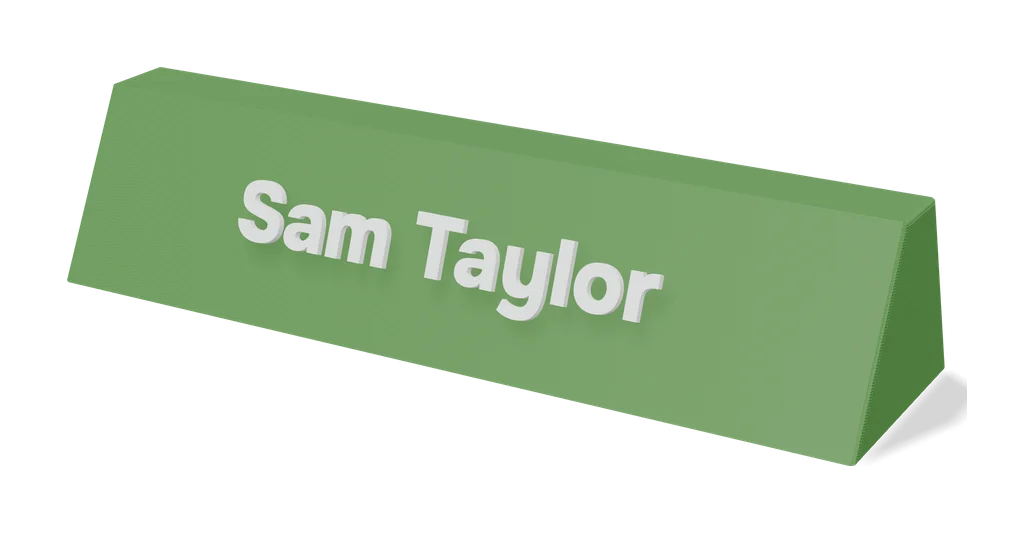
Dual Text Illusion v2.0
Two words in one block of 3D letters: each one reads from a different angle
Signs & Text
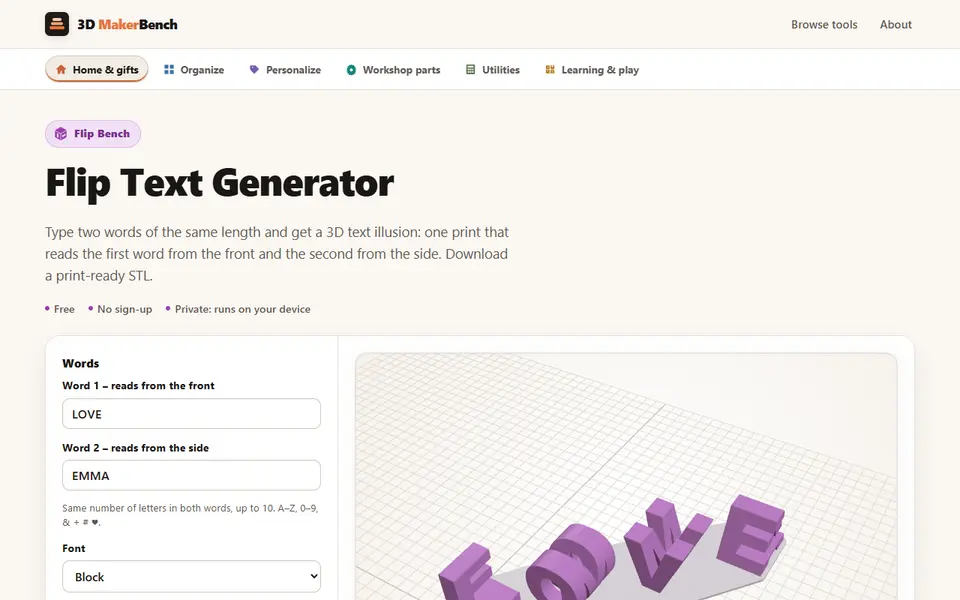
Flip Text Generator (3D MakerBench)
Free browser 3D text illusion: one print reads one word from the front and another from the side
Signs & Text
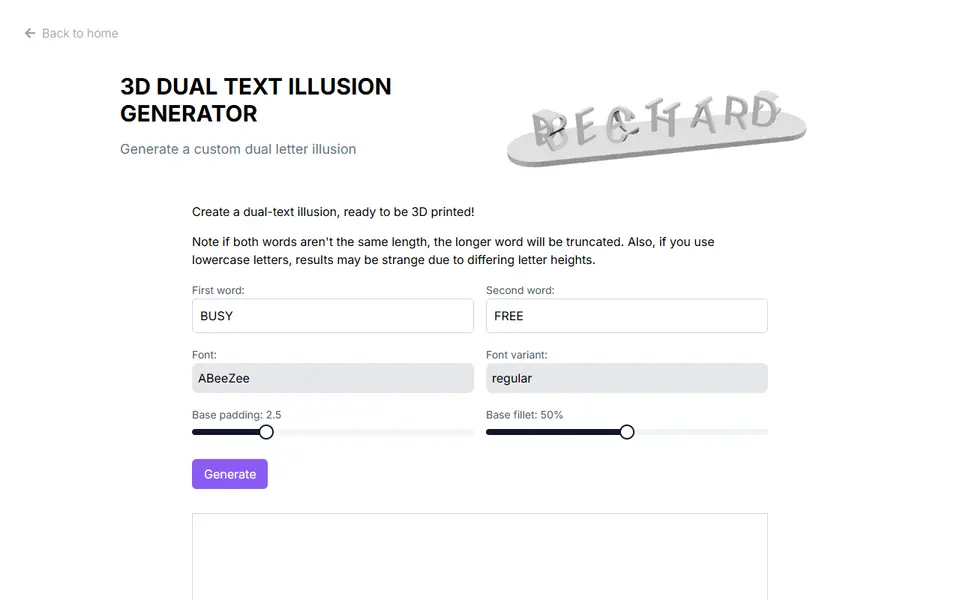
3D Dual Text Illusion Generator (richardbt)
Merges two words into one row of 3D letters, each word readable from its own side
Signs & Text
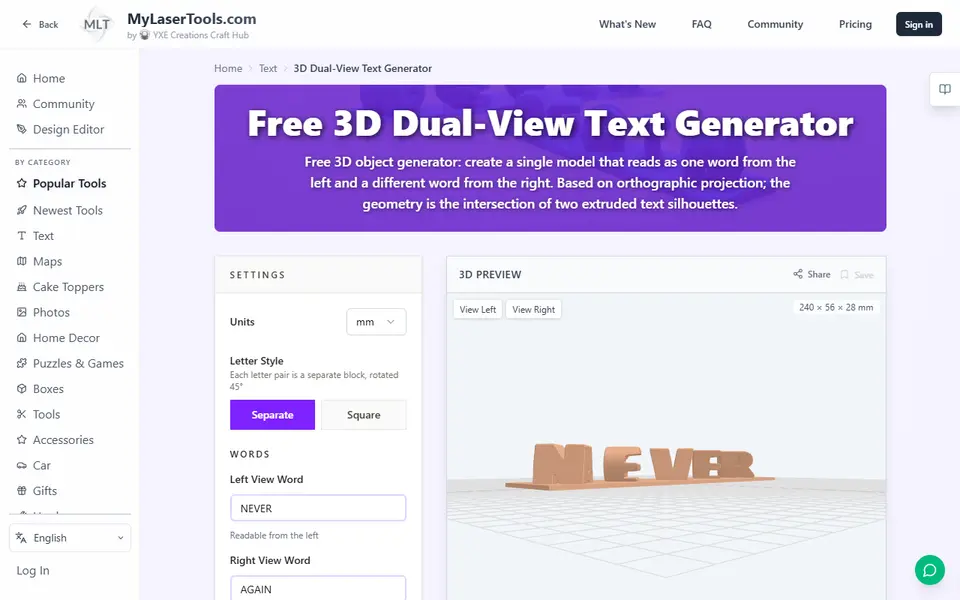
MyLaserTools 3D Dual-View Text Generator
Turns two words into one 3D object that reads as each word from a different side
Signs & Text
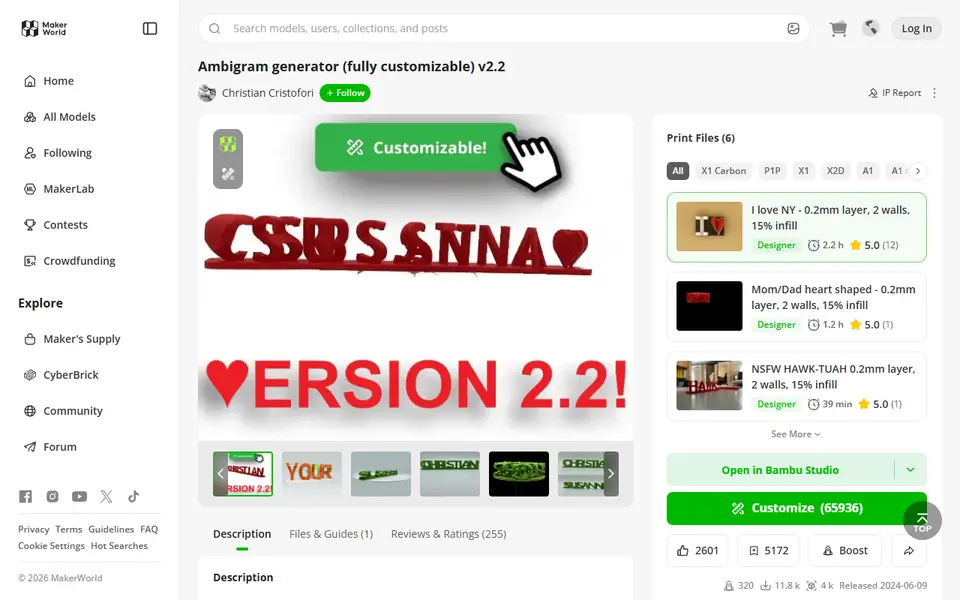
Ambigram Generator
Dual-text illusion block that shows one name from one side and another from the other