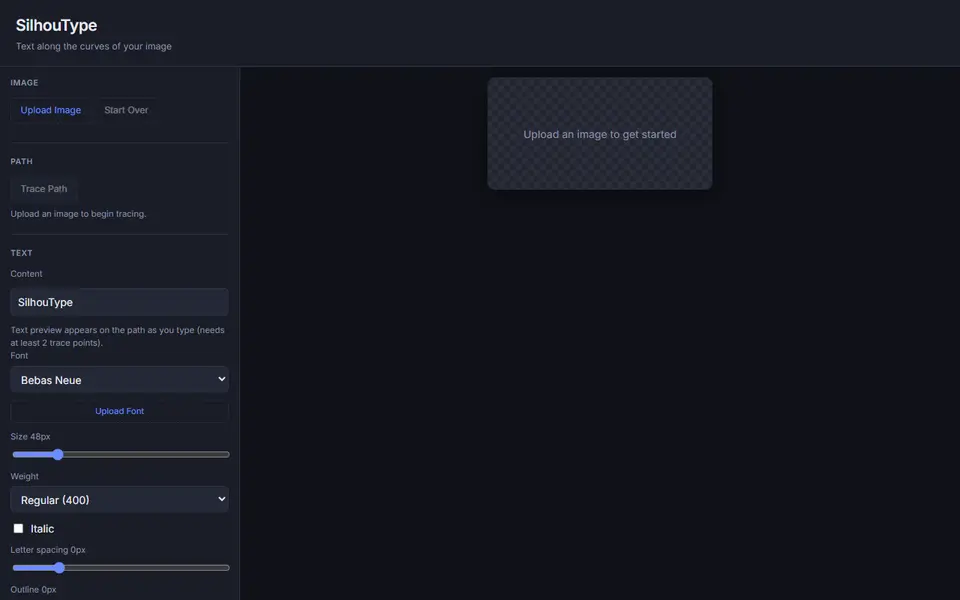
What is SilhouType?
SilhouType places text along a curve that you trace over your own image. You upload a picture, click Trace Path and click points along an outline, such as the edge of a mountain, a pet or a logo, and the points are smoothed into a curve. Then you type your text and it follows that curve, with a live preview over the image.
There are six built-in fonts (Bebas Neue, Roboto, Oswald, Playfair Display, Pacifico and Inter) and you can upload your own font. You can set the size, weight, italic, letter spacing and an outline, and flip the text to the other side of the path. Undo Point and Clear Path help when tracing.
Exports are an SVG of the text with a transparent background, and an STL of the text only, extruded 1 mm thick with no base plate; the image itself is not part of the model. That makes it a starting point for a sign, a stencil or a layer to add to another model rather than a finished print. It is free, has no account and is made by TechJeeper; the README states an MIT license for the code and says nothing about selling prints. It suits makers who want curved lettering that follows a shape.
What you can make
- Text that follows an image outline
- Curved lettering for signs
- Curved text SVGs for cutting or stencils
How to use SilhouType
- Upload an image
- Click Trace Path, click along the outline and finish the path
- Type the text and pick the font and size
- Export the STL or SVG
What you'll need to print it
Filament and parts that suit what you make with SilhouType.
Matte PLA
Multicolor PLA
Multicolor filament systems
Some of these are affiliate links: we may earn a small commission, at no extra cost to you. More about that
SilhouType pros
- Text follows any curve you trace on your own image
- Six fonts plus your own, with outline and letter spacing
- SVG and STL export, free and without an account
SilhouType cons
- The STL is just 1 mm thick letters with no base, so spaced words come out as loose pieces
- You trace the curve by hand, point by point
Rate SilhouType
One rating per account. Signing in takes one email link, no password.
Reviews
Made with SilhouType
Read next
SilhouType alternatives
Sign and text to STL generators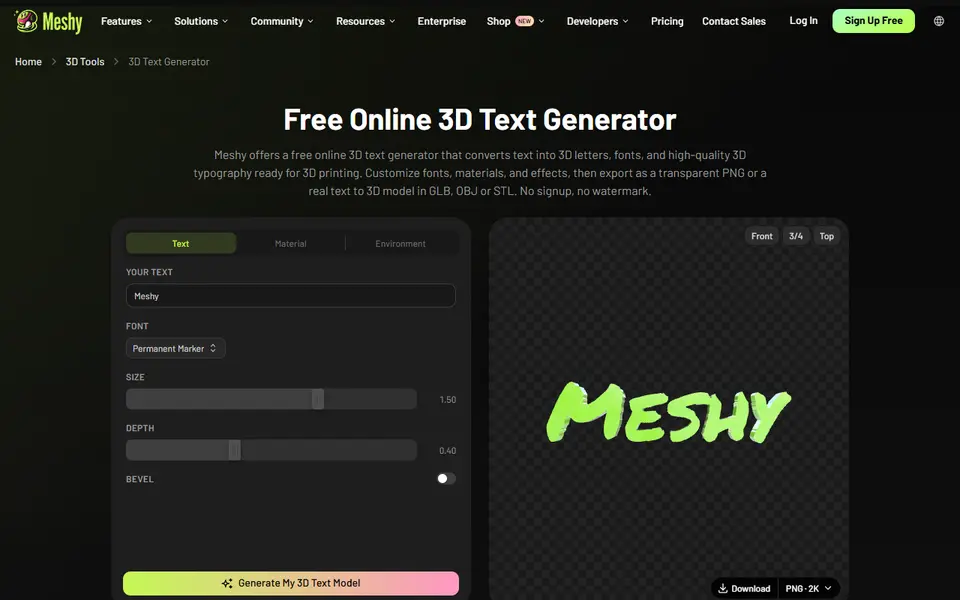
Signs & Text
Meshy 3D Text Generator
Free browser tool that turns a word into 3D letters in 20 fonts, exported as STL, OBJ or GLB, no account
Signs & Text
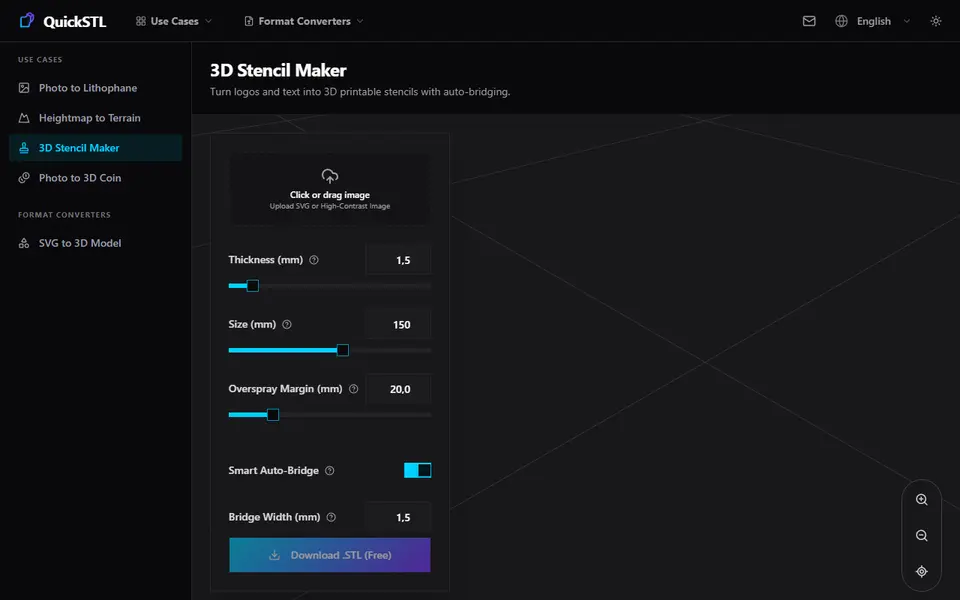
QuickSTL 3D Stencil Maker
Turns a logo or lettering image into a spray stencil with automatic bridges
Signs & Text
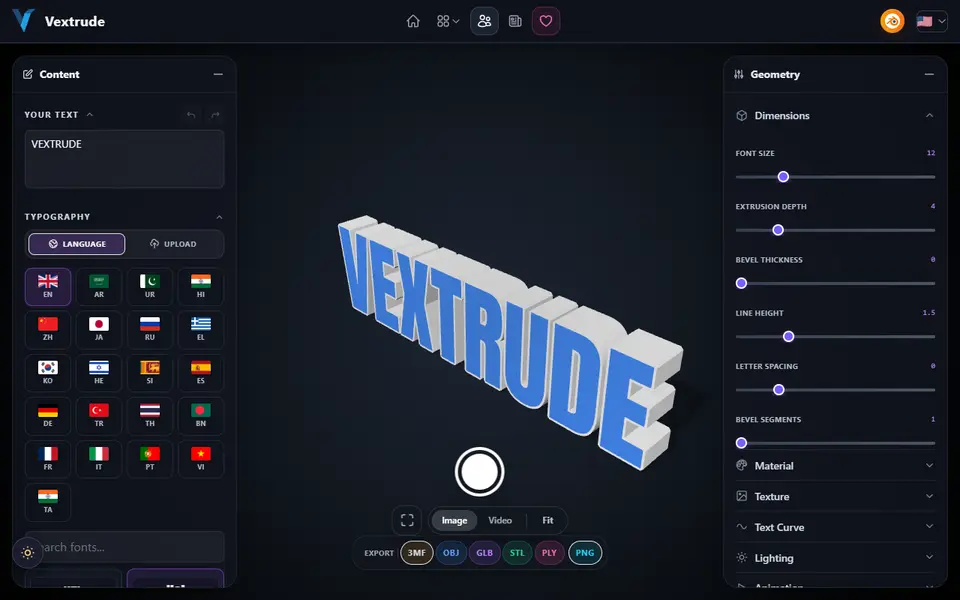
Vextrude 3D Text Generator
Browser 3D text maker with fonts for 21 languages and curved text, exports STL and 3MF
Signs & Text
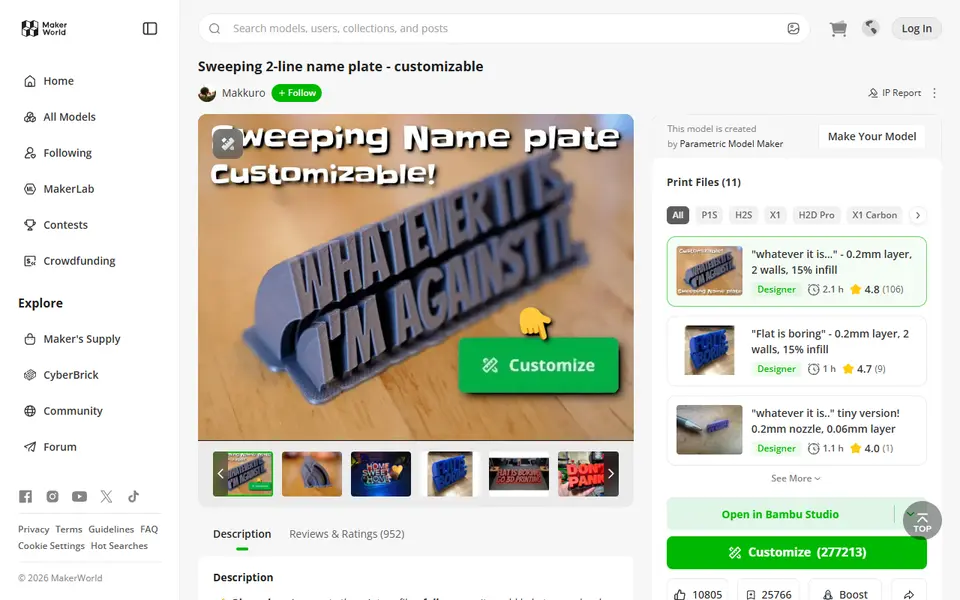
Sweeping 2-Line Name Plate
Hugely popular curved desk name plate you customize in MakerWorld's browser editor
Signs & Text
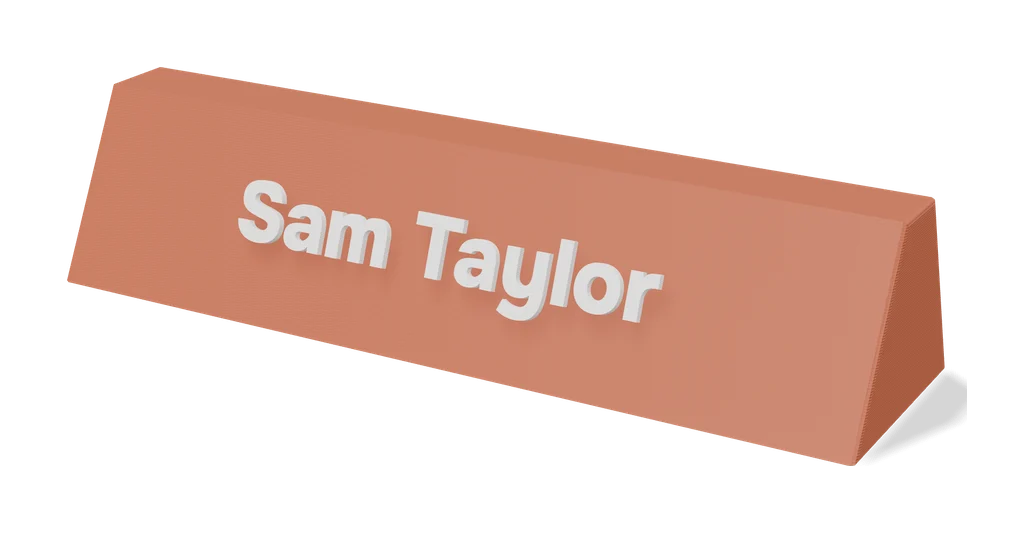
Multi-Line Stencil Generator
Stencil plates for up to five lines of text, with 11 bridged fonts and an SVG logo option
Signs & Text
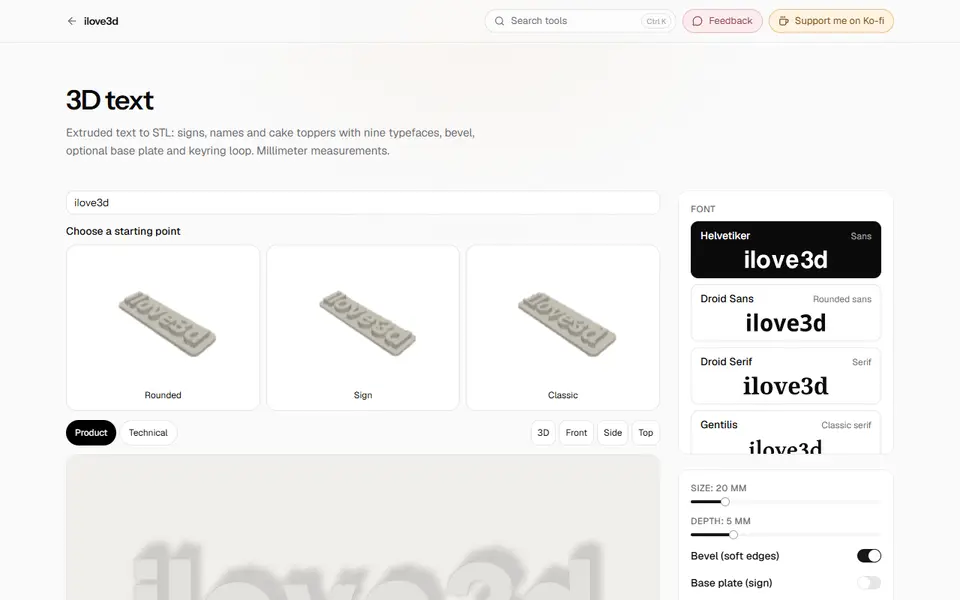
3D Text (ilove3d)
Free browser tool for extruded 3D text with nine fonts, base plate and keyring loop, as STL or GLB