What is Tomoshibi?
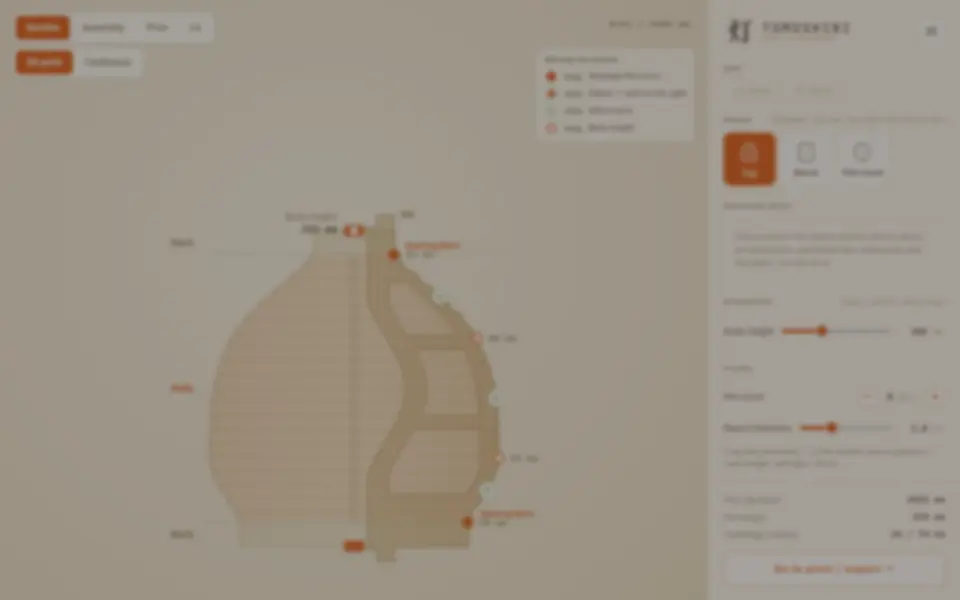
Tomoshibi generates the forming mold that a washi paper lantern is built on. You draw the lantern's cross-section in a section editor by dragging control points, starting from an egg, barrel or flat round template, and the app builds the mold parts to match: radial ribs that carry the lamp curve and grooves for bamboo, two hubs that hold the ribs, a stand to turn the mold while you work, and two opening rings that stay in the finished lantern.
The panel sets body height, rib count, board thickness, bamboo diameter and pitch, an optional spiral winding and leg sockets on the bottom ring. Four views show the section, the assembled mold, the parts laid out on your print bed and the lit lantern. Export is one ZIP with the STL parts, a full-scale A4 PDF template for cutting the washi panels and a JSON backup of the design. Without a printer, a cardboard mode gives A4 cutting templates for the same mold instead.
The craft part is yours: wind bamboo rods into the grooves, paste the washi over them, let it dry, pull the mold out through the openings and fit your own light. The in-app build guide walks through each step. It is free, runs in the browser without an account, and the interface is in English or Japanese. The code is MIT licensed, and selling printed molds and original lanterns made with them is welcome. Tomoshibi is meant for designs of your own: the maker does not encourage copying existing products. It suits makers who want a paper lamp in a shape of their own and do not mind some handwork.
What you can make
- Washi lantern forming molds
- Ribs with bamboo grooves and two hubs
- A mold stand and opening rings
- Full-scale washi panel templates
How to use Tomoshibi
- Pick the egg, barrel or flat round template
- Drag the points in the section view and set rib count and bamboo size
- Open the Print view, set your bed size and export the ZIP
- Print the parts, assemble the mold and follow the build guide
What you'll need to print it
Filament and parts that suit what you make with Tomoshibi.
Matte PLA
- Bambu Lab PLA Matte (affiliate link) Amazon
- Polymaker Panchroma Matte PLA (formerly PolyTerra) (affiliate link) Polymaker EU: 3DJake (affiliate link)
Code gives 15% off your first order at Polymaker.
LED bases and puck lights
- Bambu Lab LED Lamp Kit Bambu Lab
- Bambu Lab Remote Controlled 16-color RGBW Puck Lights (2 pcs) Bambu Lab
Silk PLA
Some of these are affiliate links: we may earn a small commission, at no extra cost to you. More about that
Tomoshibi pros
- Draw any lantern silhouette and the mold parts follow it
- Warns when ribs will not come back out of the opening or parts do not fit your bed
- Free and open source, with a build guide and a washi cutting template
Tomoshibi cons
- The mold is only the start: winding bamboo, pasting washi and fitting a light are handwork
- Meant for original designs; copying existing lanterns is not encouraged
Rate Tomoshibi
One rating per account. Signing in takes one email link, no password.
Reviews
Made with Tomoshibi
Read next
Tomoshibi alternatives
Vase, planter and lamp generators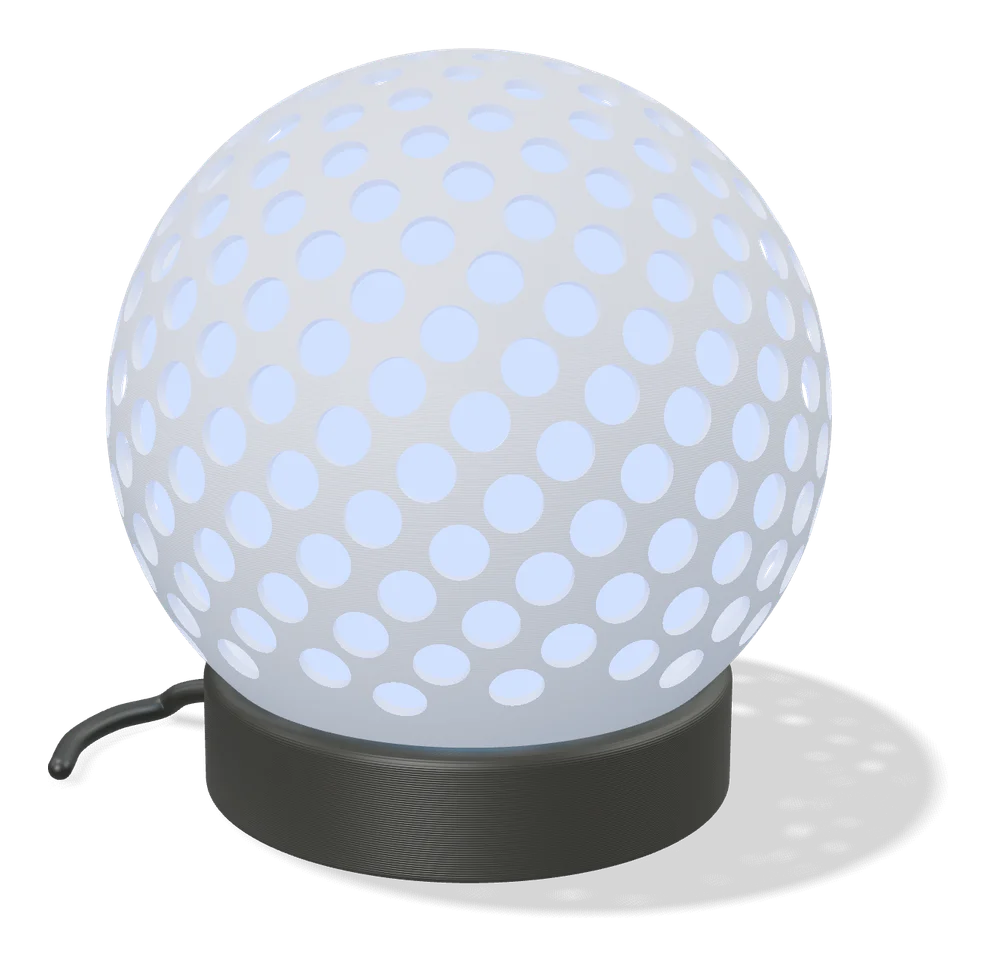
Vases & Lamps
Make My Lantern (MakerLab)
Turns a picture of an animal or object into a hollow, patterned lantern shade
Vases & Lamps
Jack-o-Gen
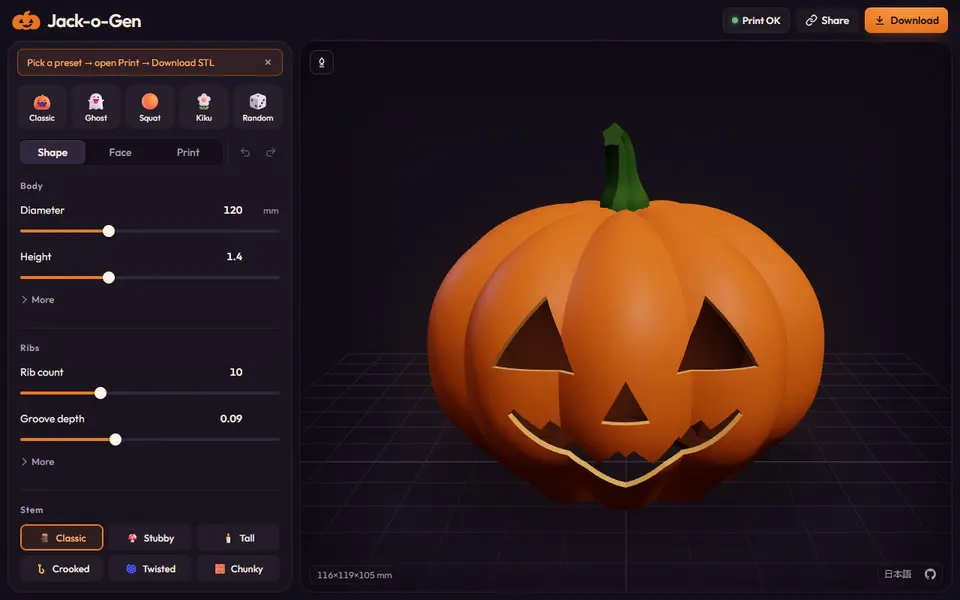
Free, open-source jack-o'-lantern designer: shape the pumpkin, drag the face, download an STL or two-color 3MF
Vases & Lamps
VaseMaker
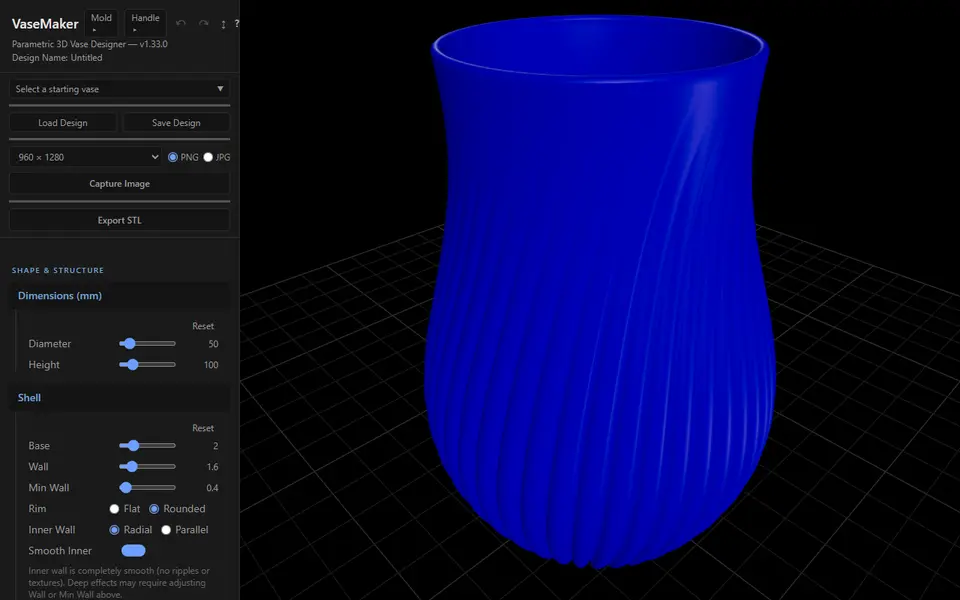
Free vase designer with 29 cross-sections, shape morphing and 13 textures, plus a plaster slip-casting mold maker
Vases & Lamps
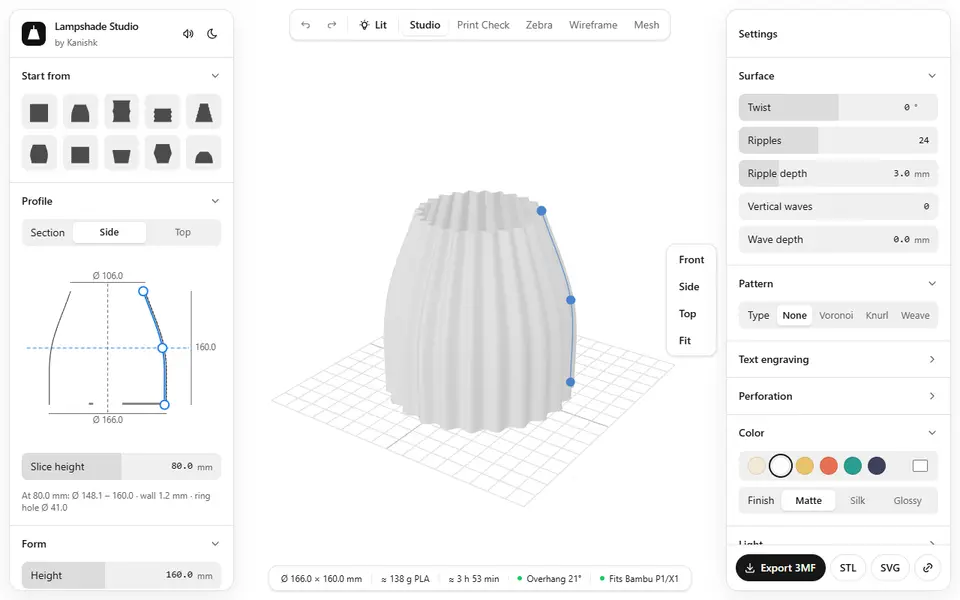
Lampshade Studio
Free browser lampshade designer with patterns, perforations, a lit preview and E27 or E14 fittings, as STL or 3MF
Vases & Lamps
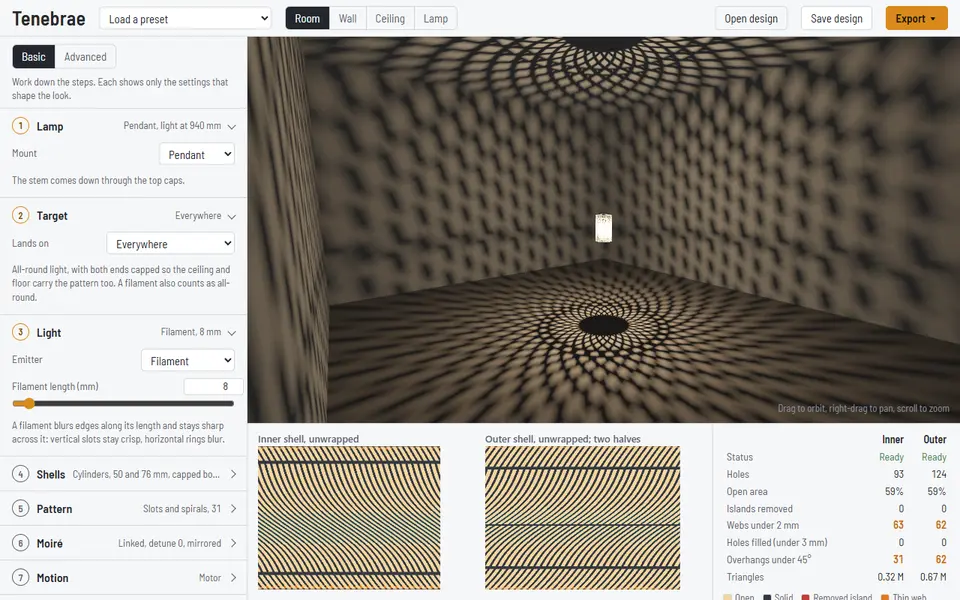
Tenebrae
Free studio for two-shell shadow lamps that throw moiré patterns on the ceiling, as STL or laser-cut SVG and DXF