Tucked: Gridfinity Tray Maker
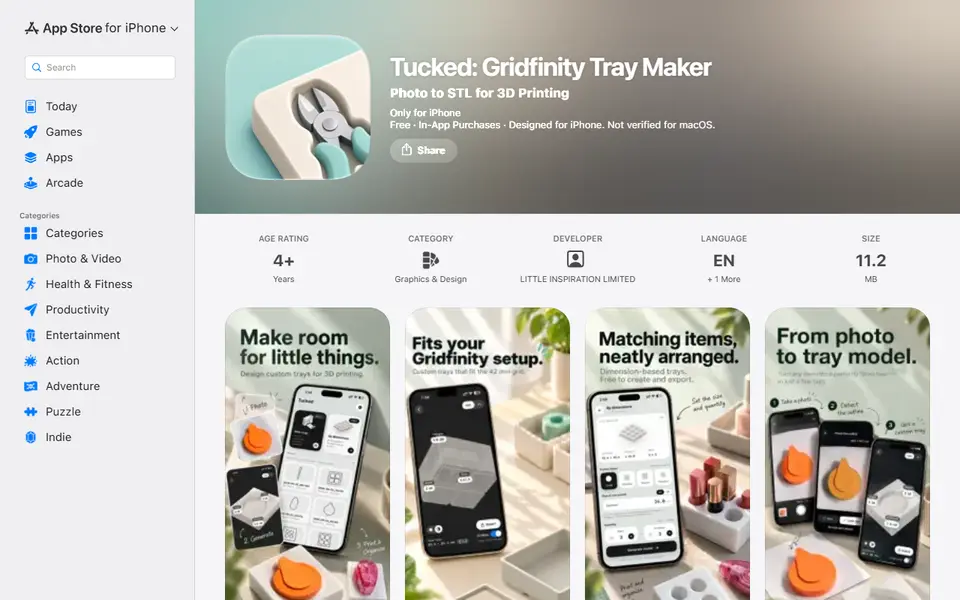
iPhone app that turns a photo of an object into a fitted tray or Gridfinity bin as STL
Tucked: Gridfinity Tray Maker is a freemium phone app for quick fitted trays for tools from an iPhone photo. Free app; trays from dimensions free; photo trays: 5 free credits, then $3.99 for 10 or $8.99 for 30 (no expiry). Exports STL; no account needed. Last checked .
Opens apps.apple.com
What is Tucked: Gridfinity Tray Maker?
Tucked is an iPhone app that makes a storage tray with a pocket shaped like your object. Lay the object on a sheet of A4 or US Letter paper, take a photo from above, and the app finds the outline on the device, using the paper for scale. You can refine the outline, then set the depth, clearance and finger notches and add more pockets to the same tray.
Gridfinity mode sizes the result to the 42 mm grid so it drops into an existing baseplate; otherwise you get a flat-bottomed tray. You can also skip the photo and build a tray from typed dimensions. The app exports an STL for your slicer. It is not a 3D scanner: it works from the outline, so it suits flat-ish things such as scissors, knives, pens and small tools.
The app is free. Trays from dimensions are free with no limit, and photo trays use credits: 5 come free, then packs cost $3.99 for 10 or $8.99 for 30, and they do not expire. It needs iOS 17 or later.
What you can make
- Gridfinity bins with fitted pockets
- Tool and knife trays
- Drawer inserts for pens and small items
How to use Tucked: Gridfinity Tray Maker
- Put the object on A4 or US Letter paper and photograph it from above
- Check the detected outline
- Set depth, clearance, finger notches and Gridfinity mode
- Export the STL and slice it
What you'll need to print it
Filament and parts that suit what you make with Tucked: Gridfinity Tray Maker.
Matte PLA
- Bambu Lab PLA Matte (affiliate link) Amazon
- Polymaker Panchroma Matte PLA (formerly PolyTerra) (affiliate link) Polymaker EU: 3DJake (affiliate link)
Code gives 15% off your first order at Polymaker.
PETG
6 x 2 mm magnets
Also handy
Print removal and cleanup tools
Some of these are affiliate links: we may earn a small commission, at no extra cost to you. More about that
Tucked: Gridfinity Tray Maker pros
- Outline detected automatically from one photo, with paper for scale
- Gridfinity mode snaps the tray to the 42 mm grid
- Dimension-based trays are free with no limit
Tucked: Gridfinity Tray Maker cons
- iPhone only, no Android or browser version
- Works from a flat outline, not a 3D scan
- Photo trays need credits after the first five
Rate Tucked: Gridfinity Tray Maker
One rating per account. Signing in takes one email link, no password.
Reviews
Made with Tucked: Gridfinity Tray Maker
Read next
Tucked: Gridfinity Tray Maker alternatives
Gridfinity and storage generators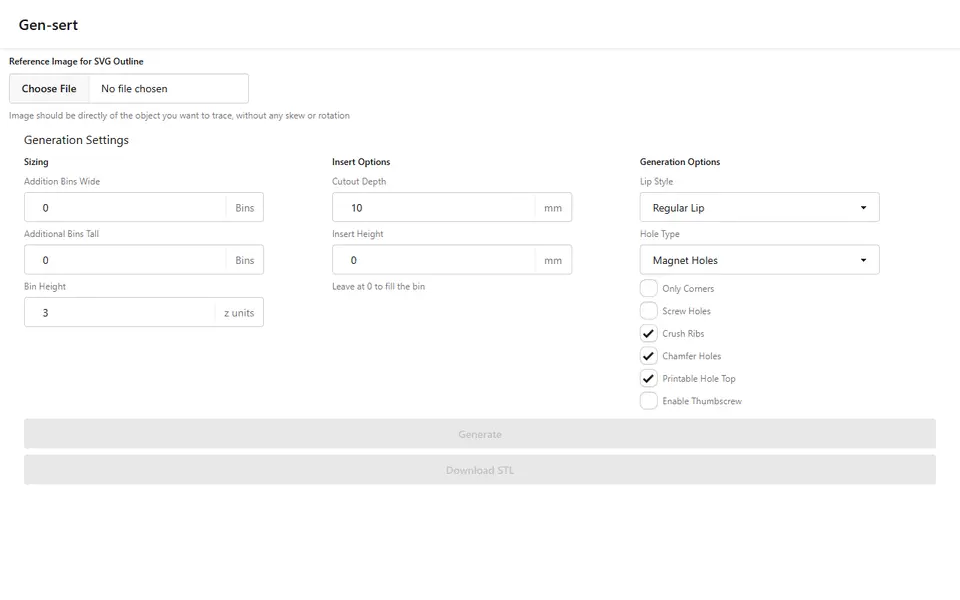
Storage
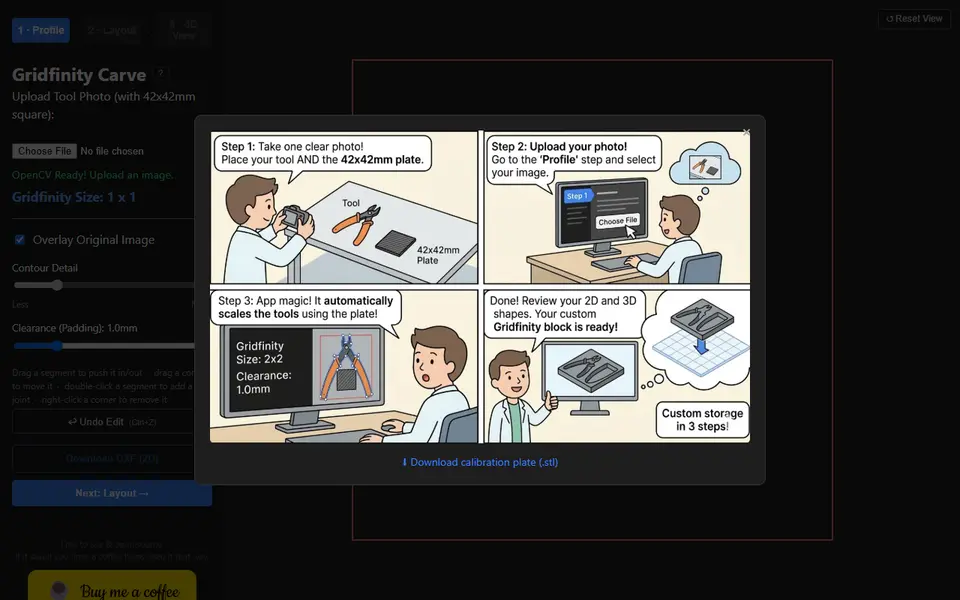
Gensert
Free Gridfinity tool insert from a photo: trace the outline by hand, get a fitted bin as STL, no account
Storage
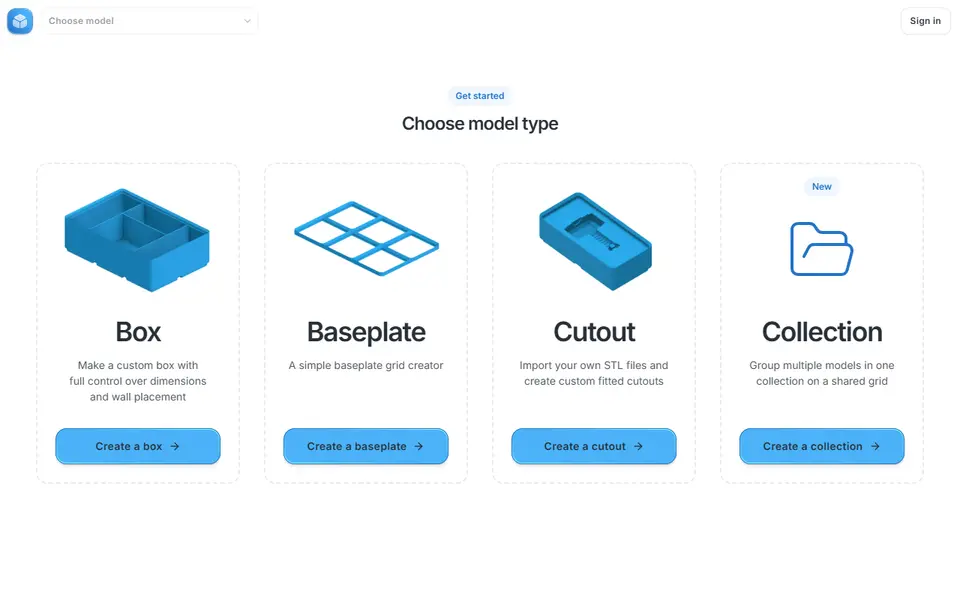
Gridfinity Generator
Interactive Gridfinity editor for bins, baseplates and cutouts on a shared grid
Storage
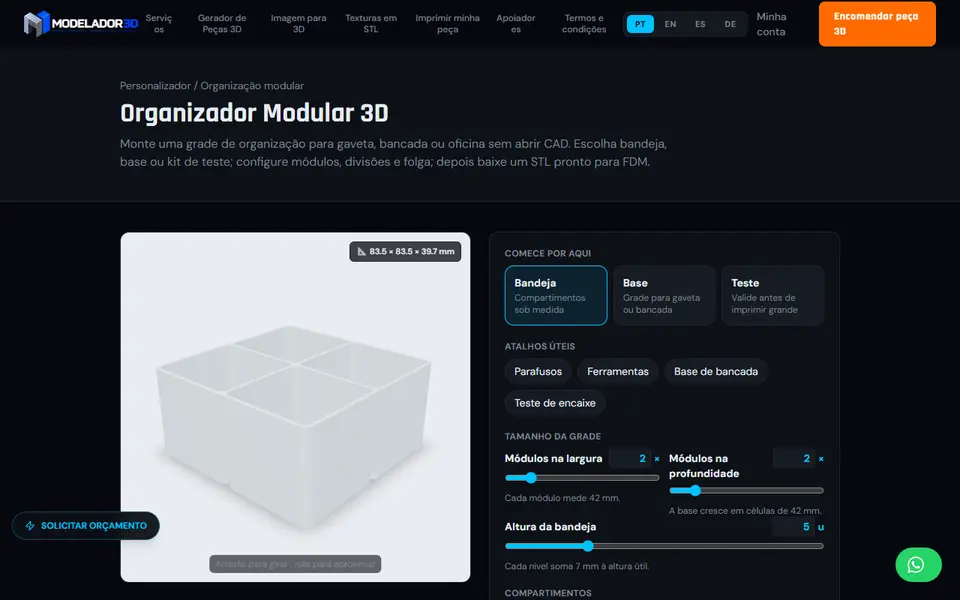
Modelador 3D Modular Organizer Generator
42 mm modular drawer trays and base grids with your own dividers, plus a fit-test kit
Storage
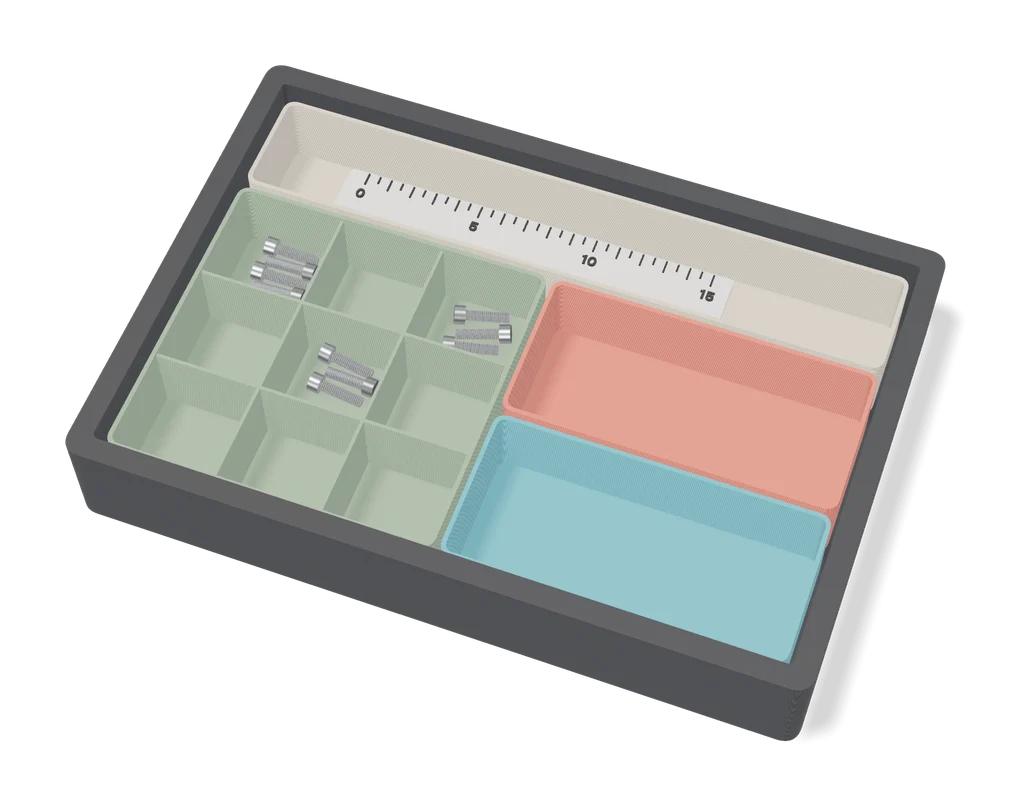
The Ultimate Parametric Drawer Organizer System
Simple custom-size drawer trays that tile and stack, no Gridfinity base needed
Storage
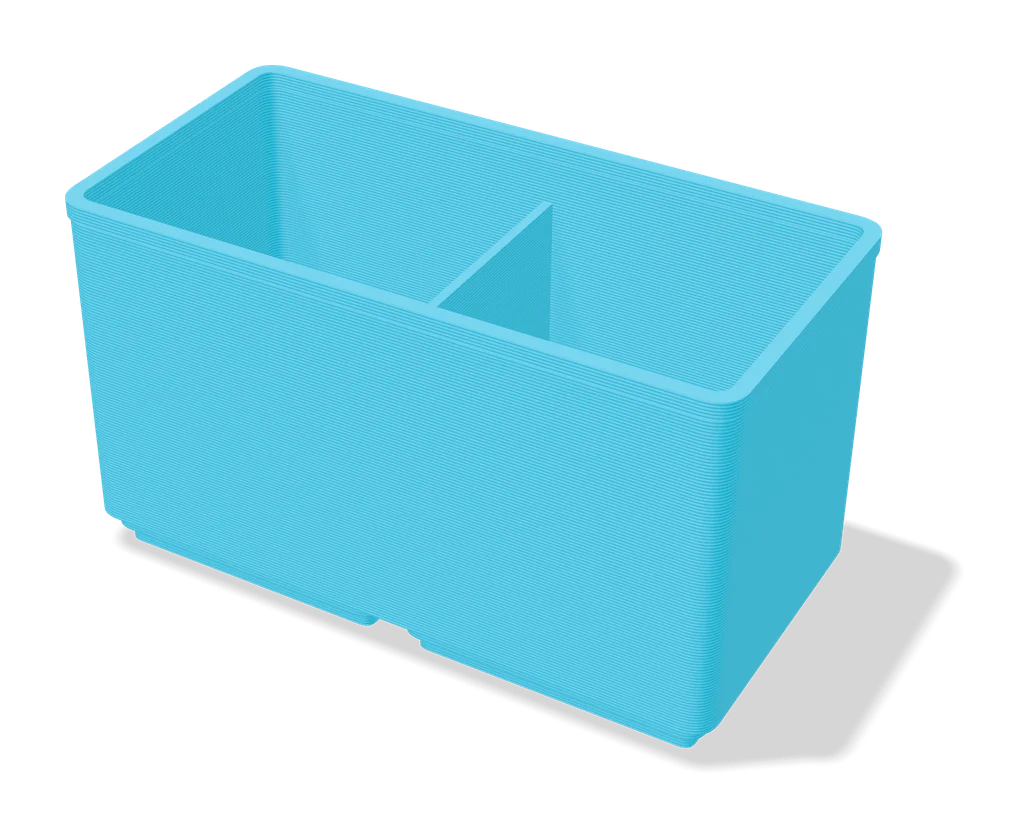
Ultimate Gridfinity Drawer Configurator
Enter your drawer size and get a fitted Gridfinity grid, bins and lids