Cuttle 3D Print templates
Type-a-name templates for keychains, bag tags, ornaments and signs that download as a ready 3MF or STL
Cuttle 3D Print templates is a freemium browser tool for personalized name keychains, tags and ornaments for gifts or a craft shop. Free plan with free templates, 10 downloads a month and 5 editor projects, personal use only; Cuttle Pro $24 a month or $216 a year for all Pro templates, unlimited downloads, own fonts and images and commercial use. Exports 3MF, STL and SVG; an account is needed to download. Last checked .
Opens cuttle.xyz (affiliate link)
What is Cuttle 3D Print templates?
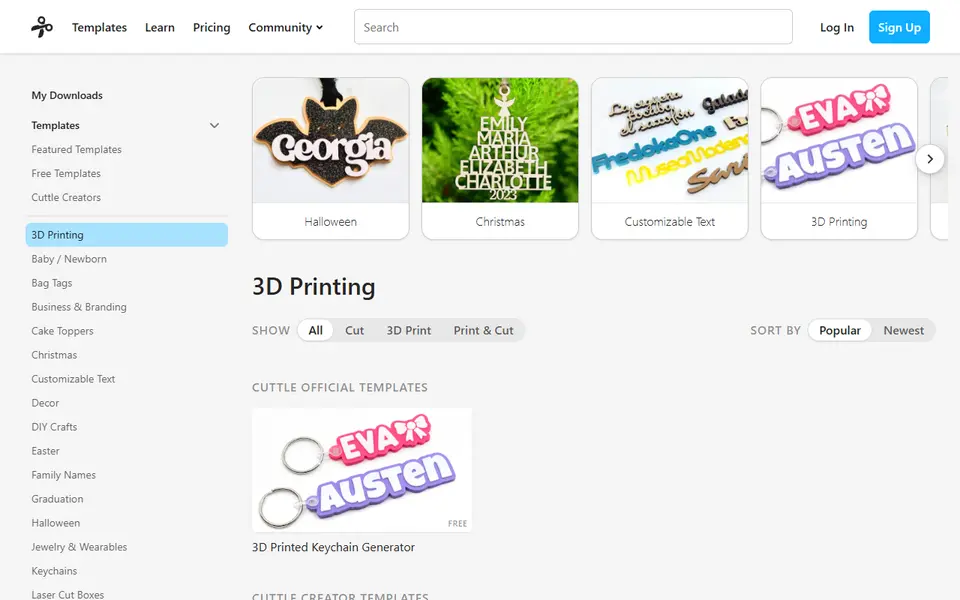
Cuttle is a browser design tool best known for laser cutting and Cricut templates, and since March 2026 it also makes 3D print files. On a template page you type text, choose a font and options, and click Download for a ready-to-print 3MF or STL. The 3D Printing category lists about 350 templates, most made by Cuttle Creators: name keychains, bag tags, hair tie holders, Christmas ornaments, cake toppers, place cards, sign stands, letter beads, playdough stamps and small trays and boxes.
The official 3D Printed Keychain Generator is free: you set the name, font, size, outline and the hole size and placement, and you can drop icons into the text. Nearly all the other 3D print templates are marked Pro. In the Cuttle Editor you can also make your own files by drawing each layer in a different color and setting its height, so anyone who makes SVGs for cutting can turn them into a layered print.
The free plan gives you the free templates, 10 downloads a month and 5 editor projects, for personal use only. Cuttle Pro costs $24 a month or $216 a year and adds 1,000+ Pro templates, unlimited downloads, your own fonts and images, 1,000,000+ icons and commercial use. The pricing page describes these limits per account, so expect to sign up before you download. It suits crafters and small sellers who want personalized name items without modeling.
What you can make
- Name keychains and bag tags
- Christmas ornaments and gift tags
- Cake toppers and place cards
- Hair tie holders, sign stands and small trays
How to use Cuttle 3D Print templates
- Open a template in the 3D Printing category
- Type your name or text and pick a font and options
- Sign in to your Cuttle account
- Click Download 3MF and open it in your slicer
What you'll need to print it
Filament and parts that suit what you make with Cuttle 3D Print templates.
Multicolor PLA
Multicolor filament systems
Some of these are affiliate links: we may earn a small commission, at no extra cost to you. More about that
Cuttle 3D Print templates pros
- Hundreds of type-a-name templates for gifts, tags and ornaments
- Layered 3MF downloads, so a name comes out in several colors
- The same editor also makes SVGs for laser cutters and Cricut
Cuttle 3D Print templates cons
- Almost every 3D print template needs Cuttle Pro
- The free plan allows 10 downloads a month and personal use only
- Selling prints made from a template needs Pro
Rate Cuttle 3D Print templates
One rating per account. Signing in takes one email link, no password.
Reviews
Made with Cuttle 3D Print templates
Read next
Cuttle 3D Print templates alternatives
Sign and text to STL generators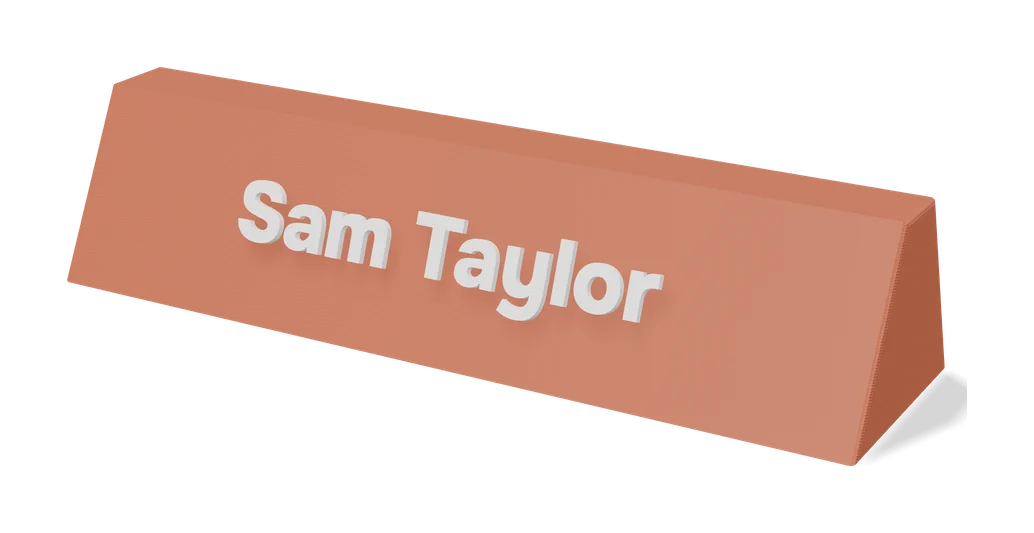
Signs & Text
Make My Sign (MakerLab)
Bambu Lab's browser editor for flat name plates, badges, signs and tags
Keychains
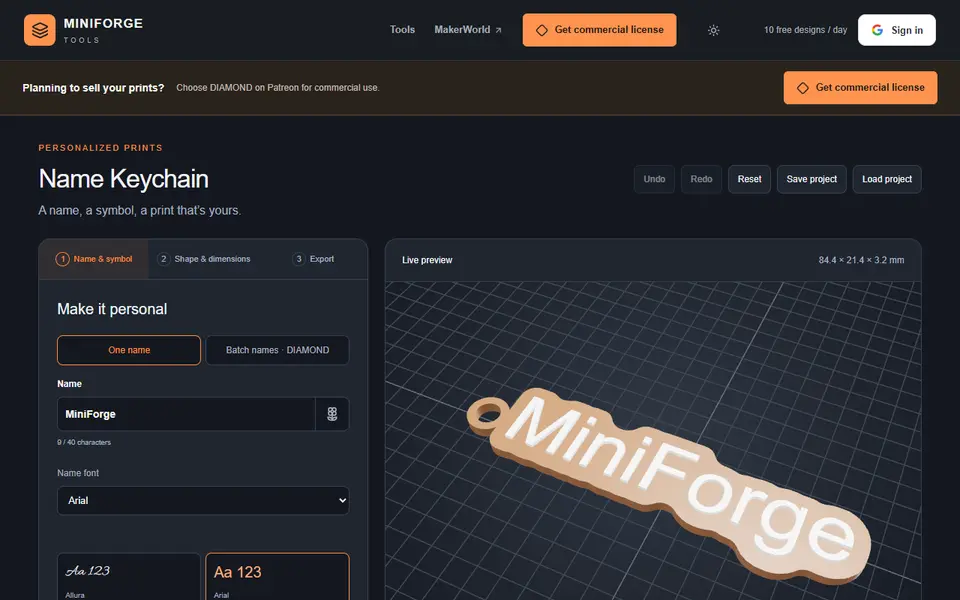
MiniForge Name Keychain
Name keychains with fonts, symbols and multicolor lettering, including Hebrew names
Signs & Text
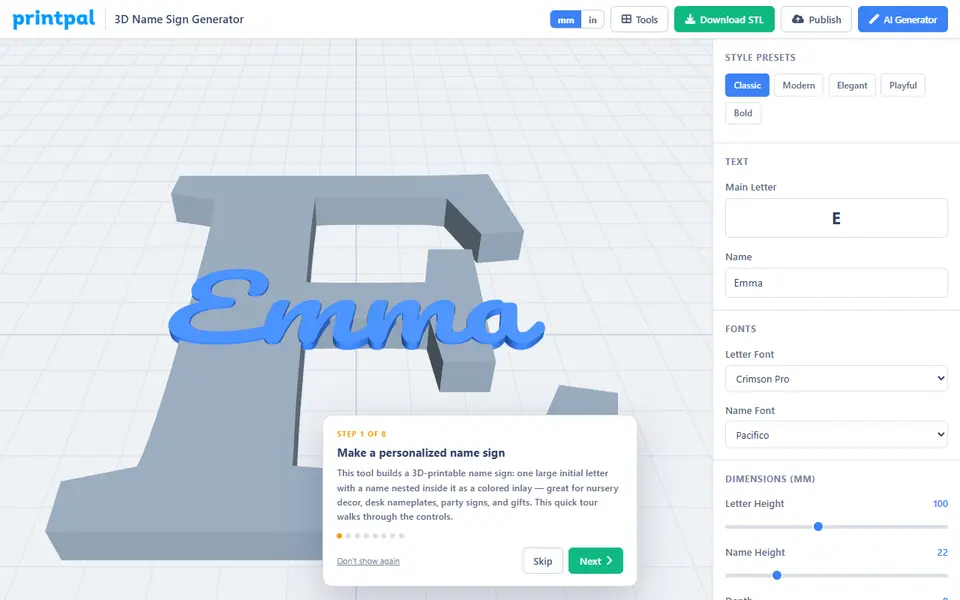
printpal 3D Name Sign Generator
Big initial letter with a name inlaid in its face, exported as a two-part STL
Signs & Text
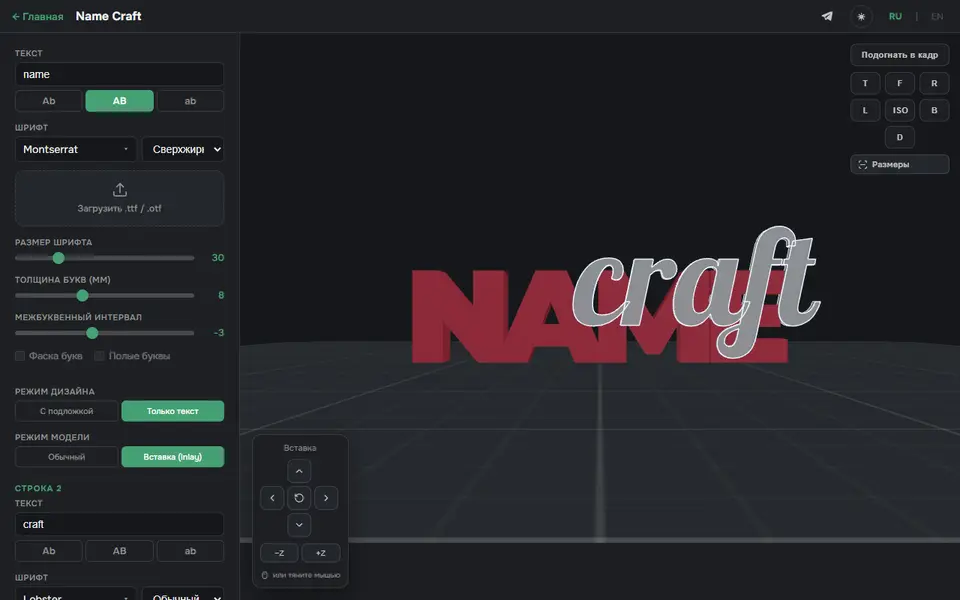
3D Name Craft (3D PrintCraft)
Type one or two lines of text and export a name sign as STL or a two-part inlay 3MF
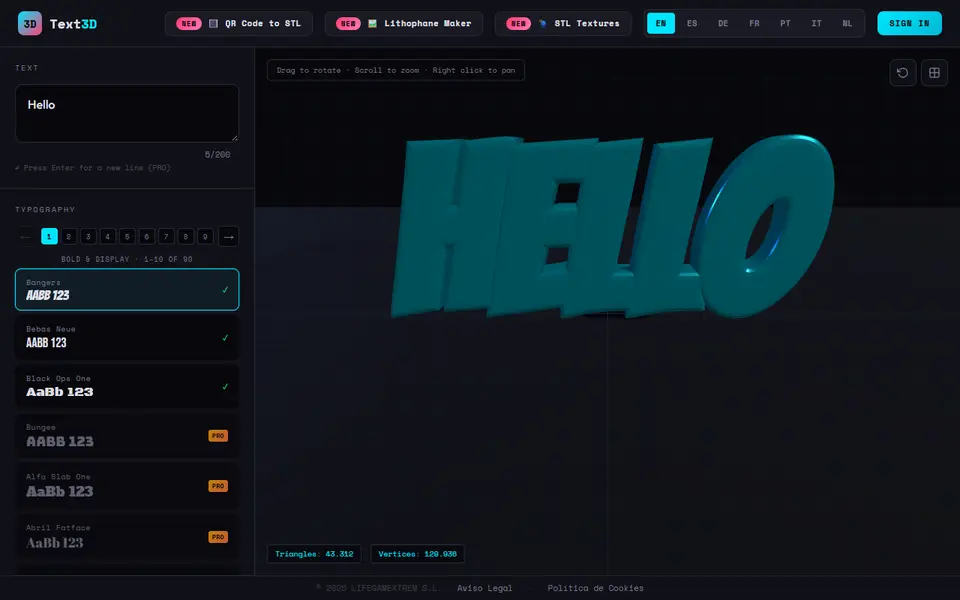
Signs & Text
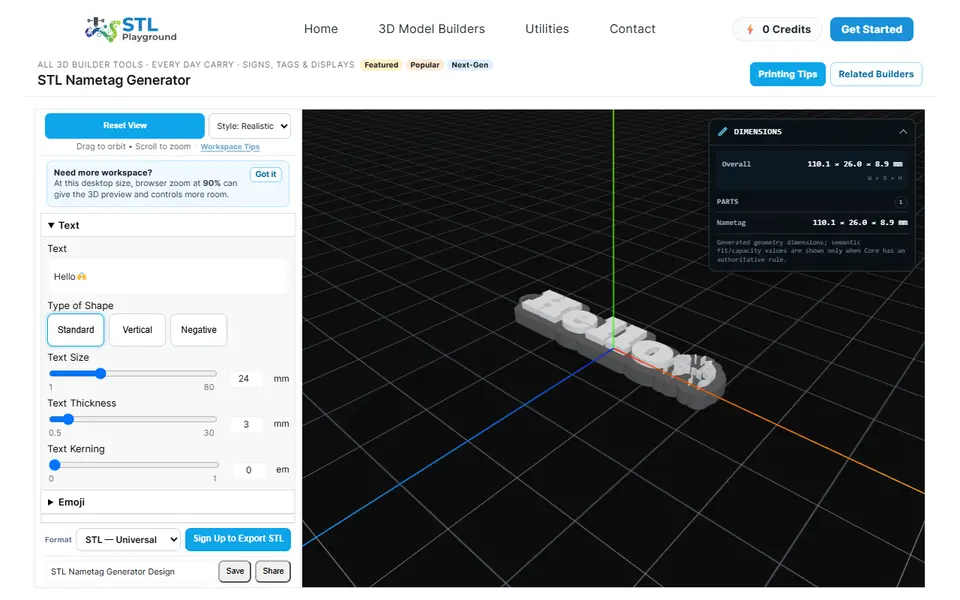
STL Playground Nametag Generator
Browser builder for name tags, bag tags and keychains with emoji or your own SVG logo, STL or 3MF