Edge Lift Designer
Free browser tool for a climbing edge lift block with a stepped edge fitted to your own fingers
Edge Lift Designer is a free browser tool for climbers who want an edge lift block shaped to their own fingers. Free, no account, open source (MIT). Exports STL and 3MF. Last checked .
Opens erikeppinger.github.io
What is Edge Lift Designer?
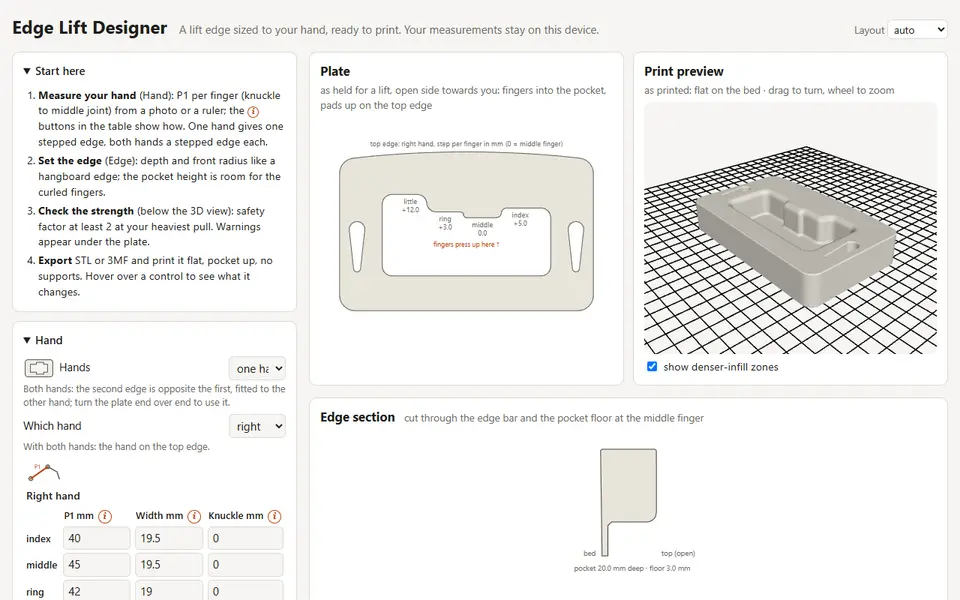
Edge Lift Designer makes a 3D printable lift block for climbing training (edge lifts or block pulls) with an unlevel edge. Each finger's edge height follows the length of that finger's first segment, from knuckle to middle joint, so the shorter fingers meet the edge in the same position as the longer ones. The plate follows the familiar lift-block layout: a rounded frame with a pocket, printed pocket up, with cord holes in the side bars.
You can type your hand measurements in or take them from a photo with a ruler in it. Detect hand places the knuckles and joints for you (MediaPipe, running on your device), and you drag them into place. One hand gives one stepped edge, both hands give a stepped edge each. You set the edge depth, front radius, pocket size, frame and cord hole shape, and a strength check shows a safety factor for your heaviest pull and material strength. Export is an STL, or a 3MF for PrusaSlicer, OrcaSlicer or Bambu Studio that carries layer height, walls, infill and optional denser-infill zones.
It is free, needs no account and runs in your browser; measurements and photos stay on your device. The code is open source under the MIT license on GitHub. The README notes that evidence for unlevel edges is still thin, and that you print and train at your own risk.
What you can make
- Edge lift blocks for finger training
- Unlevel edges fitted to your hand
- Two-hand lift plates
How to use Edge Lift Designer
- Measure your fingers by hand or from a photo with a ruler
- Set the edge depth, front radius and pocket size
- Check the safety factor at your heaviest pull
- Export STL or 3MF and print it flat, pocket up, without supports
What you'll need to print it
Filament and parts that suit what you make with Edge Lift Designer.
PETG
- Bambu Lab PETG Basic (affiliate link) Amazon
- Polymaker PETG (affiliate link) Polymaker EU: 3DJake (affiliate link)
Code gives 15% off your first order at Polymaker.
Also handy
Filament dryers and dry boxes
- SUNLU FilaDryer S4 (affiliate link) Amazon
- Polymaker PolyDryer (affiliate link) Polymaker
Some of these are affiliate links: we may earn a small commission, at no extra cost to you. More about that
Edge Lift Designer pros
- Edge steps come from your own finger measurements, by hand or from a photo
- Strength check with a safety factor for your heaviest pull
- 3MF files with print settings for PrusaSlicer, OrcaSlicer and Bambu Studio
Edge Lift Designer cons
- Measuring your hand well takes some care, and a tilted photo throws the scale off
- A niche tool: it only makes lift blocks for climbing training
Rate Edge Lift Designer
One rating per account. Signing in takes one email link, no password.
Reviews
Made with Edge Lift Designer
Read next
Edge Lift Designer alternatives
Online 3D model customizers
Customizers
MakerWorld Parametric Model Maker
Customize button on thousands of MakerWorld models, powered by OpenSCAD and Fusion

Customizers
Vol3D Studio
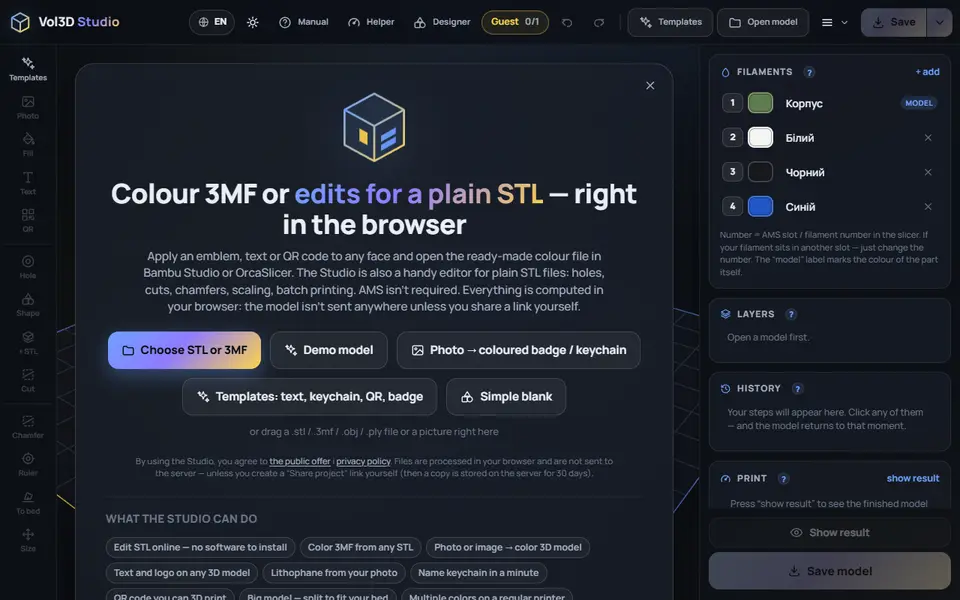
166 templates for keychains, signs, QR plates and gifts, plus color 3MF from any STL; one free save as a guest
Customizers
Lunar Prototypes
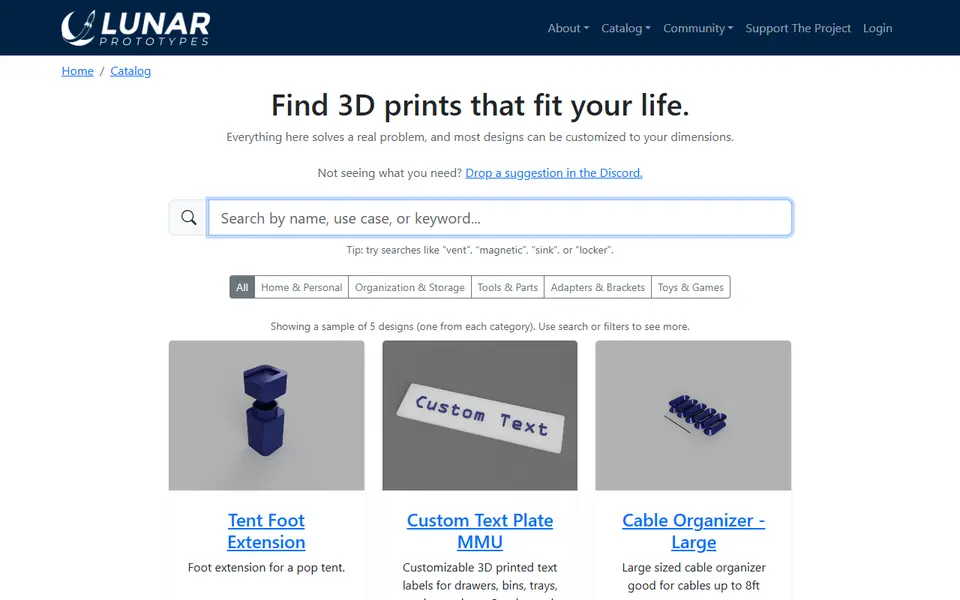
Fit-to-measure brackets, bins, repair parts and toys you size with a web form
Customizers
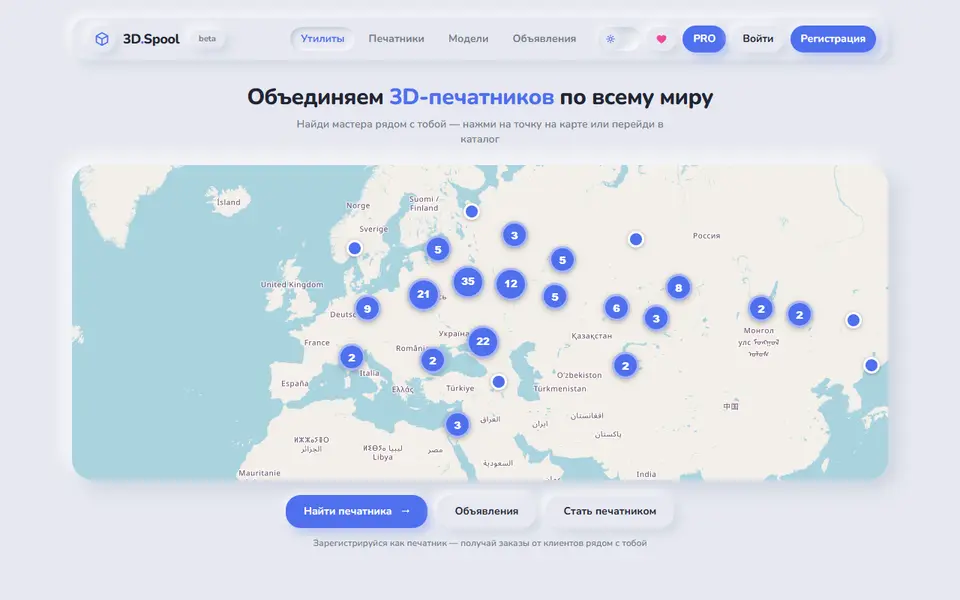
3D.Spool
Russian-language hub of browser STL generators for bins, tags, QR plates and lithophanes
Customizers
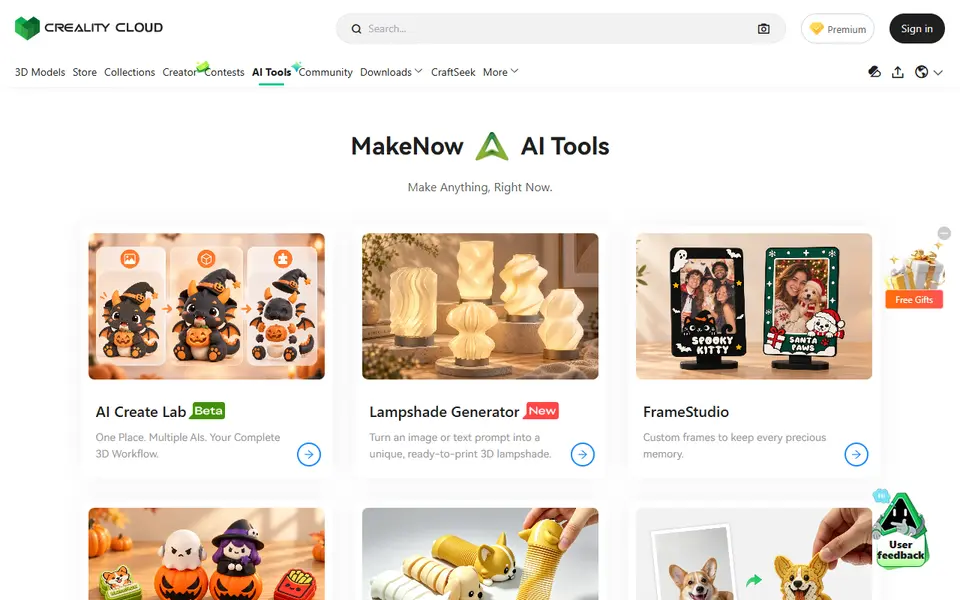
Creality MakeNow AI Tools
Ten Creality Cloud generators that turn photos and text into figurines, keychains, signs, frames and toys