Hey Buddy (Genform)
Turn a shape or your own STL into a cute character with a face and print-in-place moving limbs; Genform plan
Hey Buddy (Genform) is a paid browser tool for cute print-in-place desk toys from everyday shapes. Free to try in the browser; download needs a Genform plan: Starter $29 a month (personal) or Business $49 a month (commercial), $19 and $39 for the first 12 months by Nov 12, 2026; free 7-day Starter trial. Exports STL; an account is needed to download. Last checked .
Opens gen-form.com
What is Hey Buddy (Genform)?
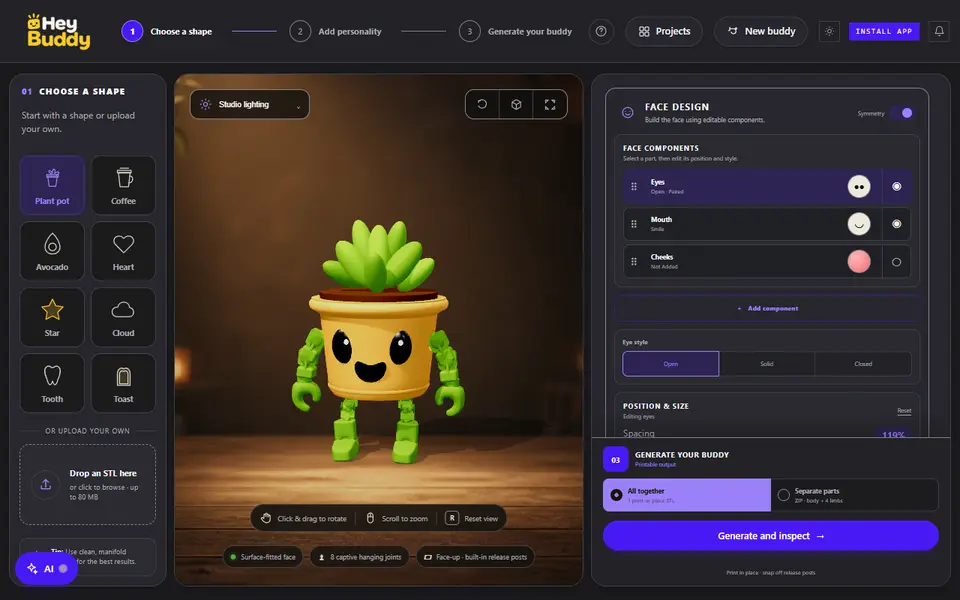
Hey Buddy is a browser studio from Genform that turns a simple object into a little character. You start from one of eight base shapes (plant pot, coffee cup, avocado, heart, star, cloud, tooth or toast) or upload your own STL of up to 80 MB, then add a face that is fitted to the surface of the body, and arms and legs that hang from captive joints and move after printing.
The face is built from parts: eyes (open, solid or closed), a mouth and optional cheeks, each with spacing, height and size sliders, inset or carved into the body at 0.5 to 3.5 mm, plus four expression presets. You set the final size from 55 to 250 mm and the limb style, scale and placement. Generate and inspect builds the mesh and shows a ready-to-print check; the default plant pot came to about 271,000 triangles with eight captive joints, printed face up with release posts you snap off.
You can export one print-in-place STL or a ZIP with the body and four limbs as separate STLs. The studio opens and generates without an account, but the download asks you to open it from a Genform account. Every Genform plan includes it: Starter $29 a month for personal use or Business $49 a month with a license to sell the printed products, with launch prices of $19 and $39 for the first 12 months by November 12, 2026, and a free 7-day Starter trial. It suits makers who want quick desk toys and gifts from everyday shapes.
What you can make
- Characters with moving limbs
- Print-in-place desk toys
- Faces on your own STL
- Character gifts
How to use Hey Buddy
- Open Hey Buddy and pick a base shape or upload an STL
- Build the face from eyes, mouth and cheeks
- Set the final size and limb style
- Generate, sign in to Genform and download the STL or parts ZIP
What you'll need to print it
Filament and parts that suit what you make with Hey Buddy.
Matte PLA
- Bambu Lab PLA Matte (affiliate link) Amazon
- Polymaker Panchroma Matte PLA (formerly PolyTerra) (affiliate link) Polymaker EU: 3DJake (affiliate link)
Code gives 15% off your first order at Polymaker.
White PLA
Silk PLA
Some of these are affiliate links: we may earn a small commission, at no extra cost to you. More about that
Hey Buddy pros
- Print-in-place limbs on captive joints, no assembly
- Works on eight base shapes or your own STL
- Face parts fitted to the body surface with depth control
Hey Buddy cons
- Download needs a Genform account and a paid plan after the trial
- Single-color STL only, no 3MF
Rate Hey Buddy
One rating per account. Signing in takes one email link, no password.
Reviews
Made with Hey Buddy
Read next
Hey Buddy alternatives
Personalized gift generators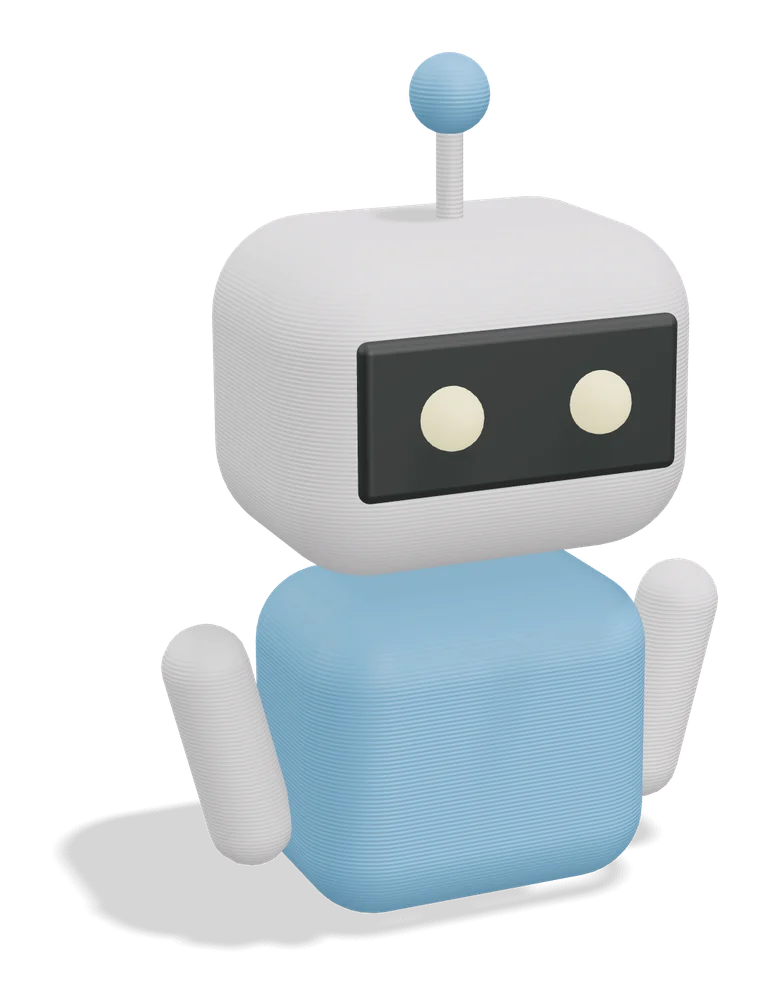
Puzzles & Games
Flexi Toy Maker (MakerLab)
Turn an image into a bendable, hinged flexi toy or keychain to print
Puzzles & Games
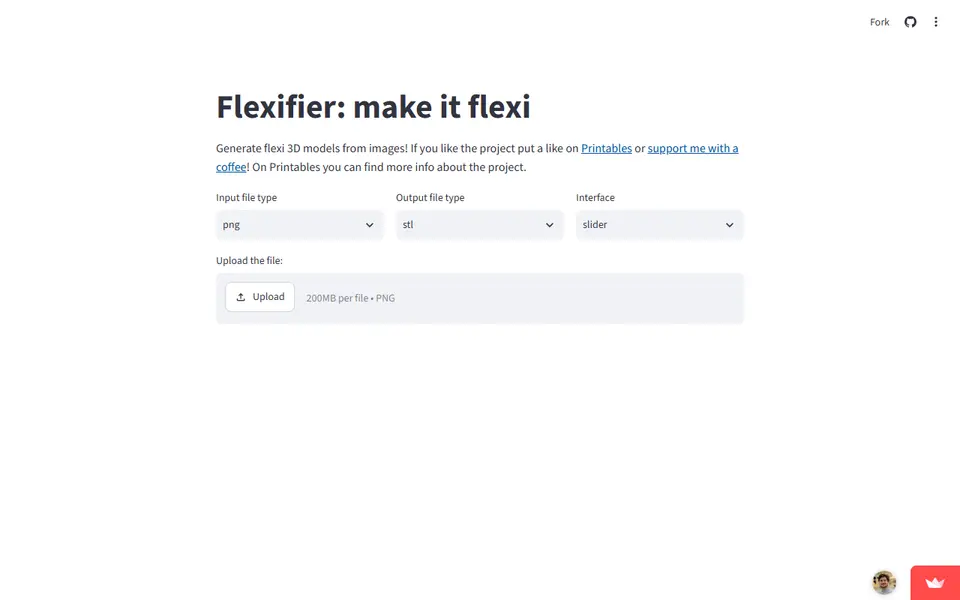
Flexifier
Turn a simple image into a print-in-place flexi toy with hinges or ball joints
Gifts
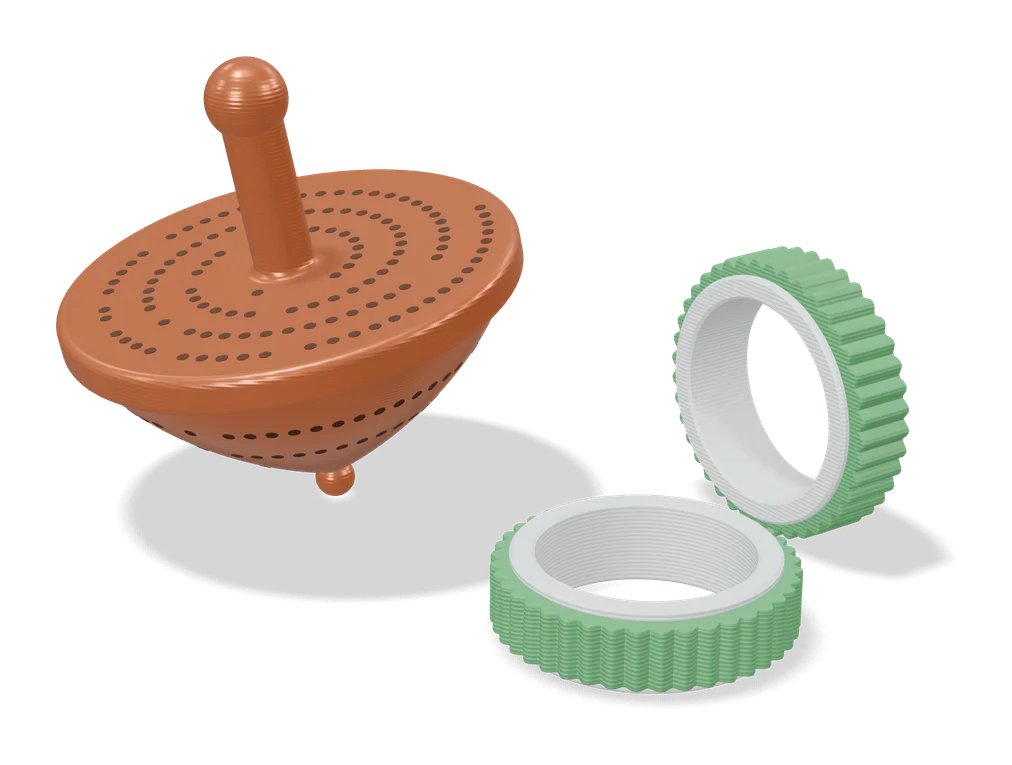
Top Secret Spinning Top
Spinning top full of pinholes that reveals your own hidden message when you spin it under a light
Gifts
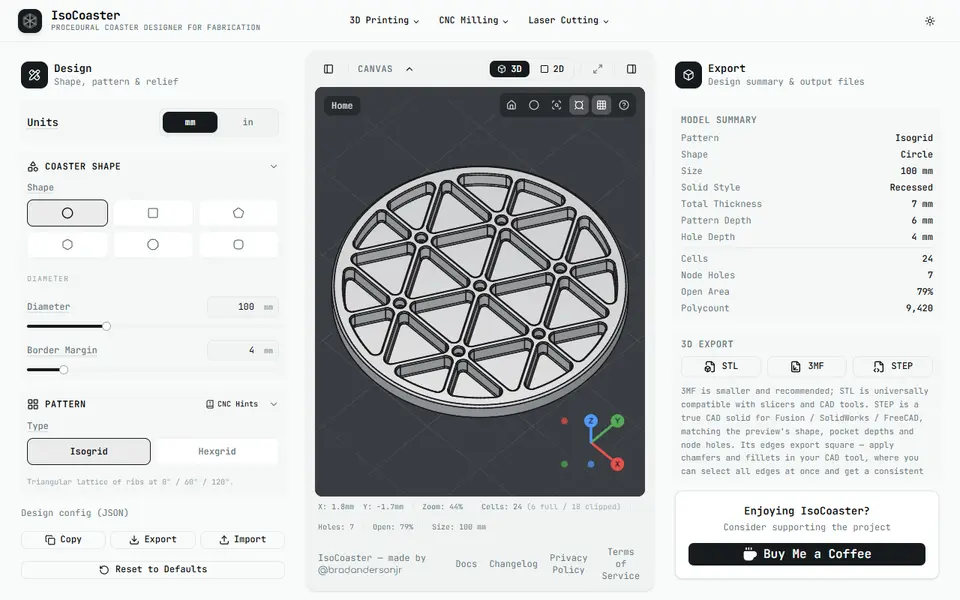
IsoCoaster
Free browser designer for isogrid and hexgrid coasters and trivets, with STL, 3MF and STEP export
Gifts
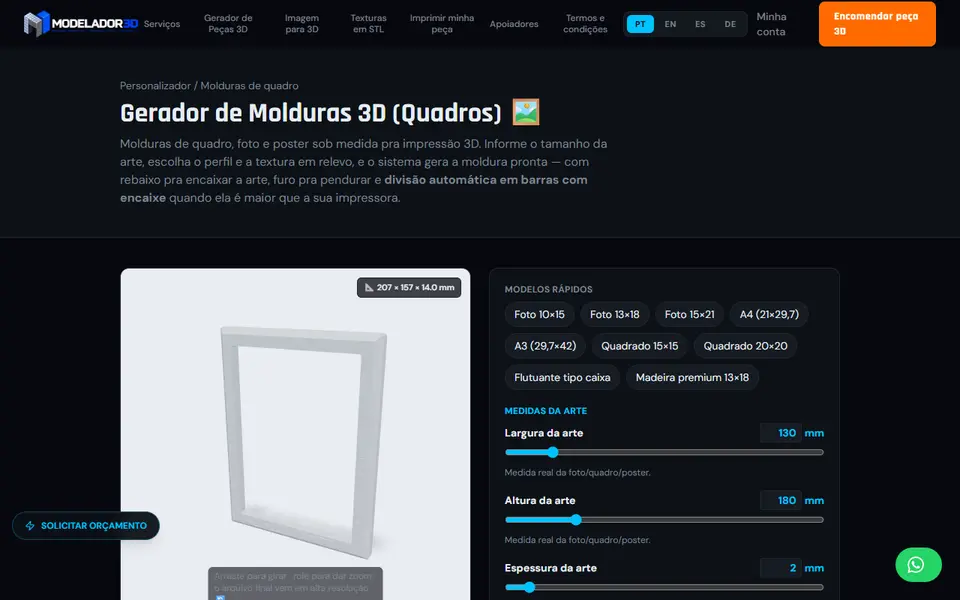
Modelador 3D SnapFrame Picture Frame Generator
Custom-size picture and poster frames with relief texture, split into joined bars when they outgrow your bed
Gifts
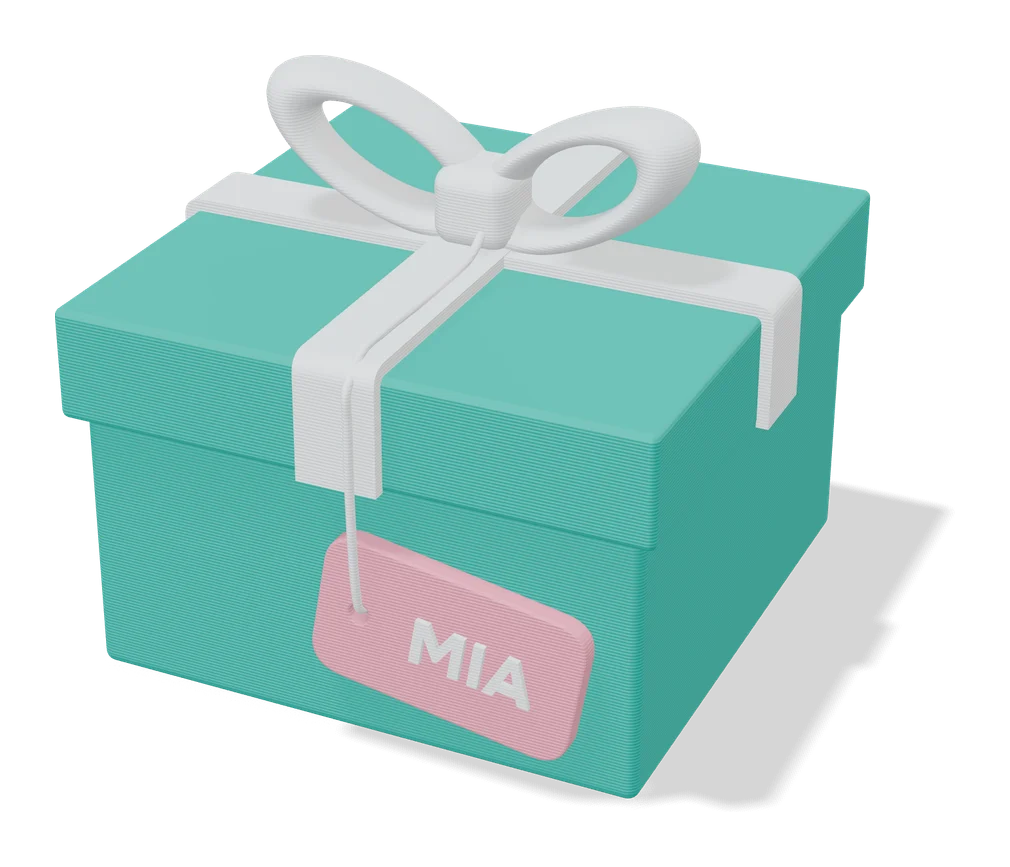
Infinity Card (Fully Customizable)
Snap-together flip greeting card with your own text, artwork, colors and size