Genie Crate
Describe your drawer in a sentence and get a fitted Gridfinity bin layout as STL files
Genie Crate is a free browser tool for filling a drawer with Gridfinity bins without planning the grid yourself. Free to use with no login; no paid plan, credits or usage limit seen on the site. Exports STL. Last checked .
Opens geniecrate.com
What is Genie Crate?
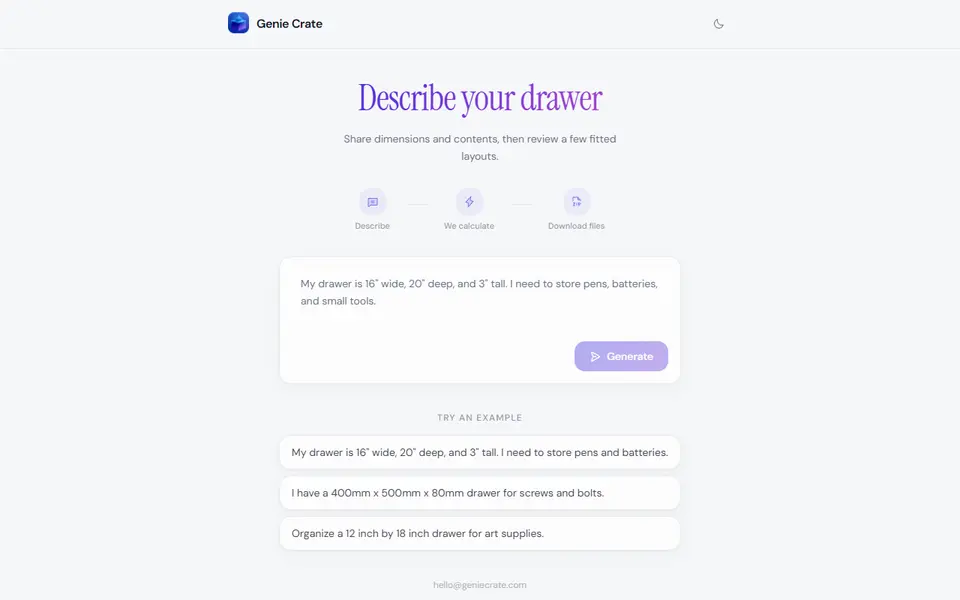
Genie Crate is a free web app that plans a Gridfinity drawer insert from one sentence. You type the inside size of your drawer, in millimeters or inches, and what you want to keep in it, such as pens and batteries or screws and bolts. AI turns that into a grid of 42 mm Gridfinity units and picks a mix of bins, with heights in 7 mm steps, to fill it.
The result screen shows a 3D preview of the drawer that you can orbit, with the grid size and box count underneath. If the first plan does not suit you, one button cycles through other box mixes and another tries different placements of the same boxes. Download files then builds the STLs on the server and gives you a zip. An archived session from March 2026 shows the plan also covers baseplate sections split to fit a 256 mm bed and spacers for the gap between the grid and the drawer walls.
It suits people who want a Gridfinity drawer without counting grid units or learning a bin generator. Beyond the text box there is no form for editing single bins, so anyone with firm ideas about each compartment is better served by a manual Gridfinity tool.
What you can make
- Gridfinity bins sized to fill a drawer
- Complete drawer layouts for tools, stationery or hardware
- Baseplate sections and edge spacers
How to use Genie Crate
- Open geniecrate.com and type your drawer's inside width, depth and height
- Add what you want to store, such as screws, pens or art supplies
- Click Generate and wait while the layout is planned
- Cycle through the options and placements in the 3D preview
- Click Download files and slice the STLs from the zip
What you'll need to print it
Filament and parts that suit what you make with Genie Crate.
Matte PLA
PETG
6 x 2 mm magnets
Also handy
Print removal and cleanup tools
Some of these are affiliate links: we may earn a small commission, at no extra cost to you. More about that
Genie Crate pros
- The only input is a plain sentence with drawer size and contents, so there is no grid maths to do
- Offers several box mixes and placements to flip through before you download
- Free, no account, with a 3D preview of the filled drawer
Genie Crate cons
- No controls for single bins; to change the plan you rephrase the prompt or cycle the options
- No settings for bed size, magnet holes or label tabs; an archived session cut baseplate pieces up to 210 x 252 mm, too big for smaller printers
- New and rarely discussed, with no reviews or community feedback found as of September 2026
Rate Genie Crate
One rating per account. Signing in takes one email link, no password.
Reviews
Made with Genie Crate
Read next
Genie Crate alternatives
Gridfinity and storage generators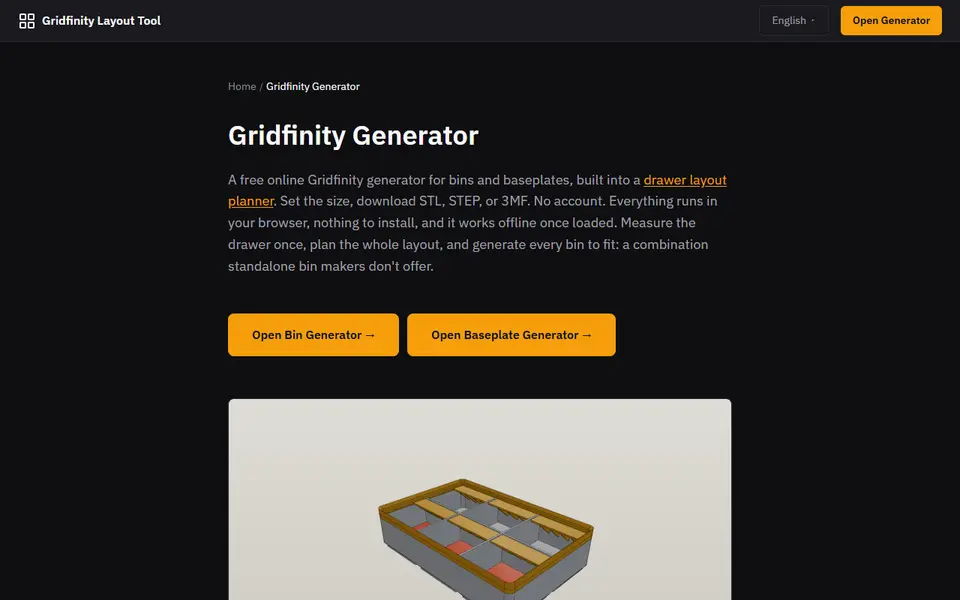
Storage
Gridfinity Layout Tool
Plan a whole drawer of Gridfinity bins, then export custom bins and baseplates
Storage
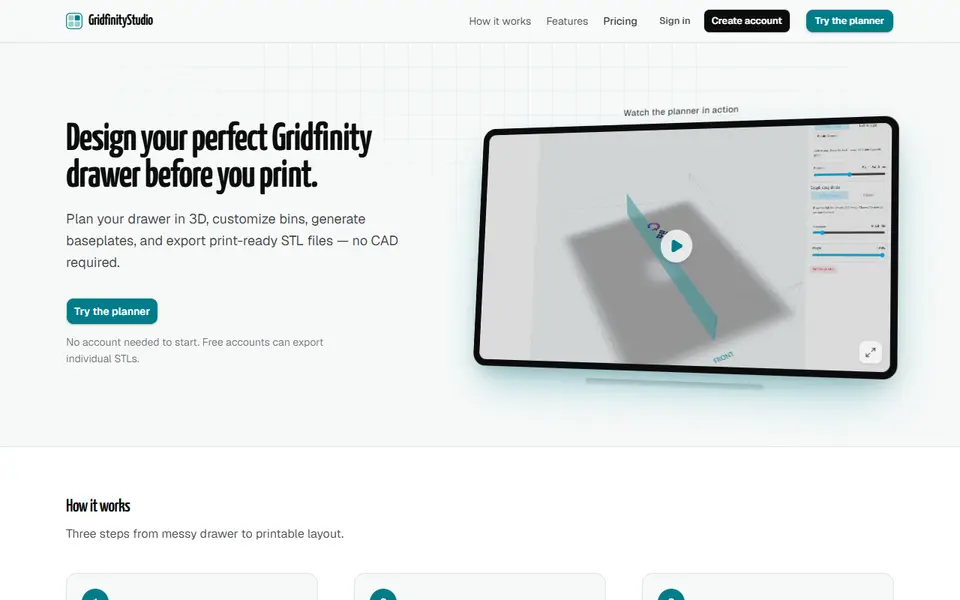
GridfinityStudio (gridfinitystudio.com)
Plan a whole Gridfinity drawer in 3D, with bins, baseplates and photo-traced tool holders, then export STLs
Storage
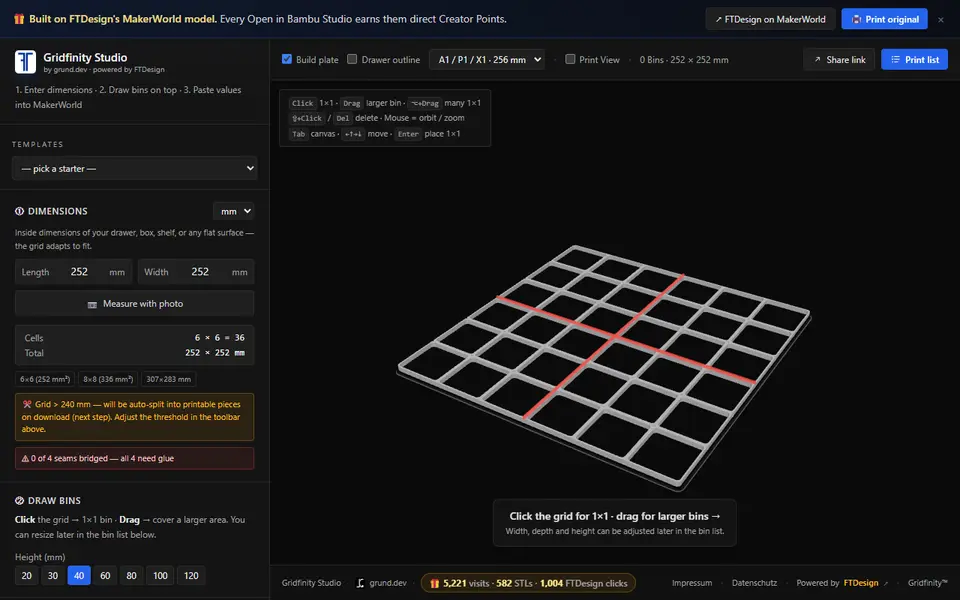
Gridfinity Studio
Plan a Gridfinity layout that fills your drawer, then download bed-sized STL pieces
Storage
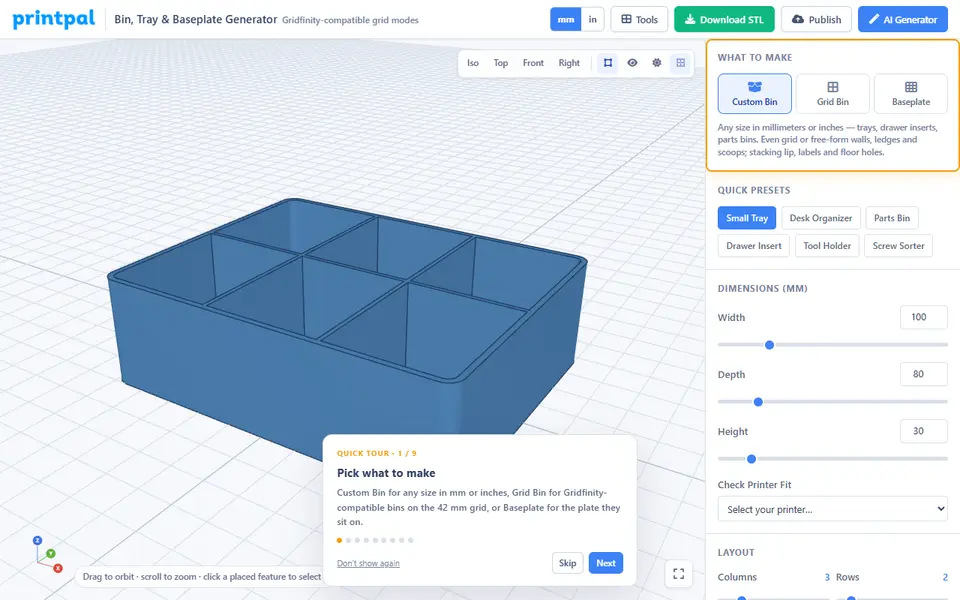
PrintPal Bin, Tray & Baseplate Generator
Storage bins, sorting trays and Gridfinity-compatible bins and baseplates; free to design, download needs Pro
Storage
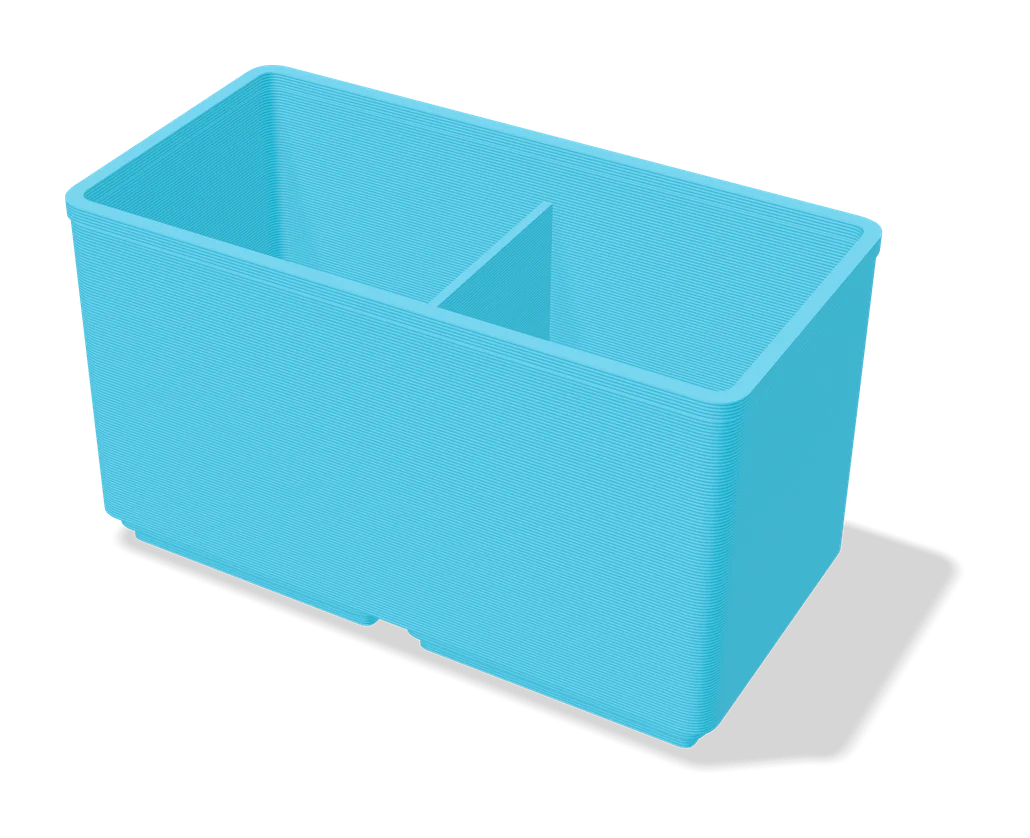
Ultimate Gridfinity Drawer Configurator
Enter your drawer size and get a fitted Gridfinity grid, bins and lids
Storage
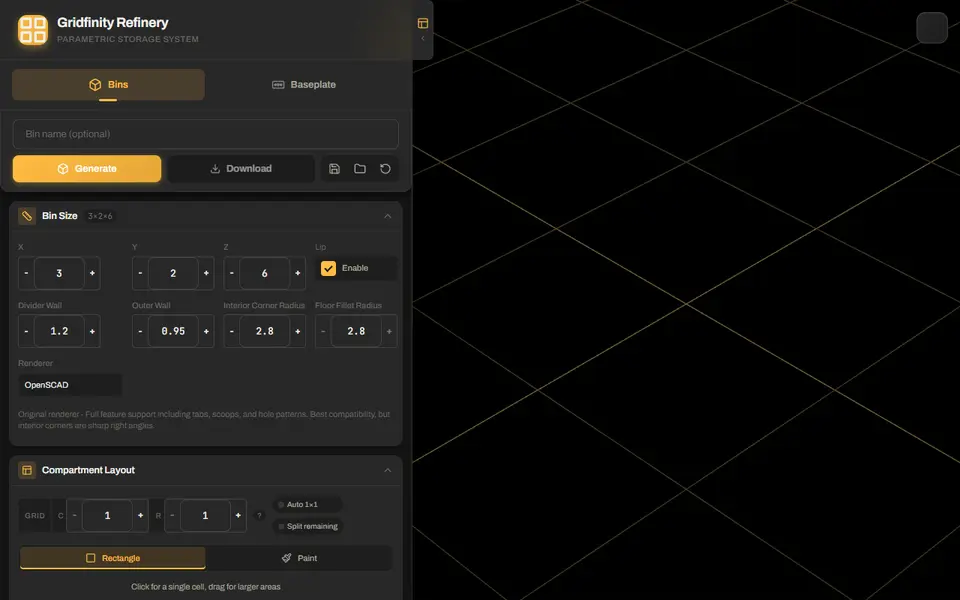
Gridfinity Refinery
Gridfinity bins with drawn compartments, plus baseplates split to fit your bed