What is Gridfinity Studio?
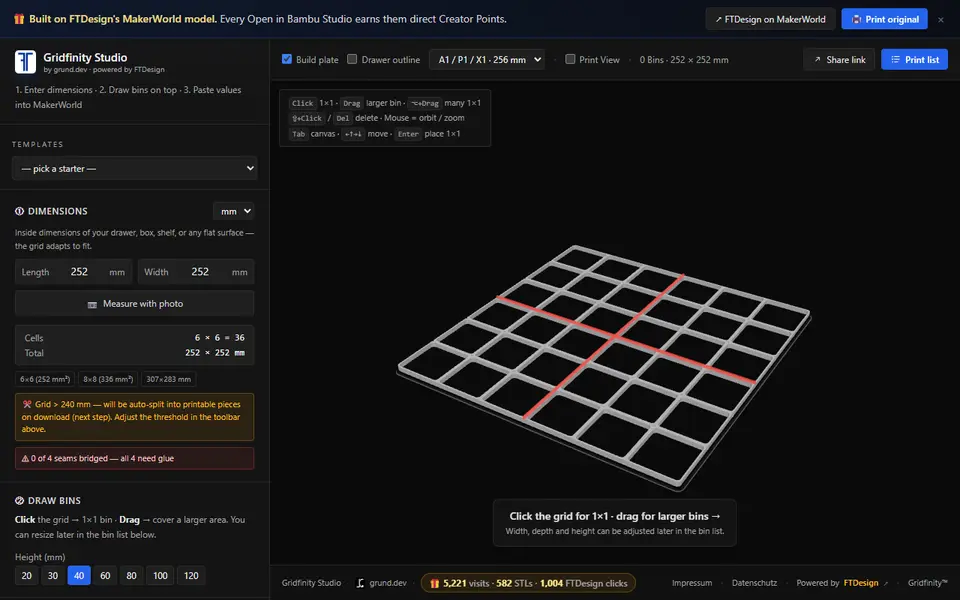
Gridfinity Studio is a free browser tool that plans a Gridfinity layout to fit a drawer exactly and exports the baseplate and bins as STL files. It comes from grund.dev and builds on FTDesign's parametric MakerWorld model. You type the inside length and width of a drawer or box, or estimate them from a phone photo with a bank card in the drawer for scale. Where a full 42 mm cell will not fit, the grid adds one narrower column and one narrower row at the edge, so less than 12 mm of the drawer goes unused.
Then you click the grid to drop 1x1 bins or drag to draw bigger ones, and give each bin its own height from 10 to 200 mm. Four starter layouts cover a hardware box, electronics parts, kitchen utensils and a tool drawer. Pick your build plate (A1 mini, A1/P1/X1 or H2D) and anything too large is cut into pieces that fit, with markers for seams that need glue. The download is a ZIP of STL files sorted into one folder per plate, with a readme, SVG layout drawings and a print plan.
It suits anyone who wants a wall-to-wall drawer insert without doing the sums. The baseplate uses FTDesign's own profile, and the app's OpenSCAD notes say standard bins from other designers will not sit in it.
What you can make
- Drawer-fit Gridfinity baseplates
- Gridfinity bins with individual heights
- Baseplates and bins split to fit your build plate
- Complete drawer layouts as a ZIP of STLs with a print plan
How to use Gridfinity Studio
- Enter the inside length and width of your drawer, or load a starter layout
- Choose your build plate size
- Click or drag on the grid to place bins and set each bin's height
- Open the Print list and download the ZIP of STL files
- Print each plate folder and glue any split pieces together
What you'll need to print it
Filament and parts that suit what you make with Gridfinity Studio.
Matte PLA
PETG
6 x 2 mm magnets
Also handy
Print removal and cleanup tools
Some of these are affiliate links: we may earn a small commission, at no extra cost to you. More about that
Gridfinity Studio pros
- Fills odd drawer sizes with a narrower edge row and column instead of leaving a gap
- Splits baseplates and oversized bins to your build plate and sorts the ZIP by plate
- Starter layouts, share links and a photo-based drawer measure make planning quick
Gridfinity Studio cons
- The baseplate uses FTDesign's own profile, so standard Gridfinity bins from other designers do not fit it
- Bins are plain open boxes with no magnet holes, labels, dividers or stacking lip
- STL only; split pieces must be glued, and as of September 2026 the app warned that seams on split bins had not been print-tested
Rate Gridfinity Studio
One rating per account. Signing in takes one email link, no password.
Reviews
Made with Gridfinity Studio
Read next
Gridfinity Studio alternatives
Gridfinity and storage generators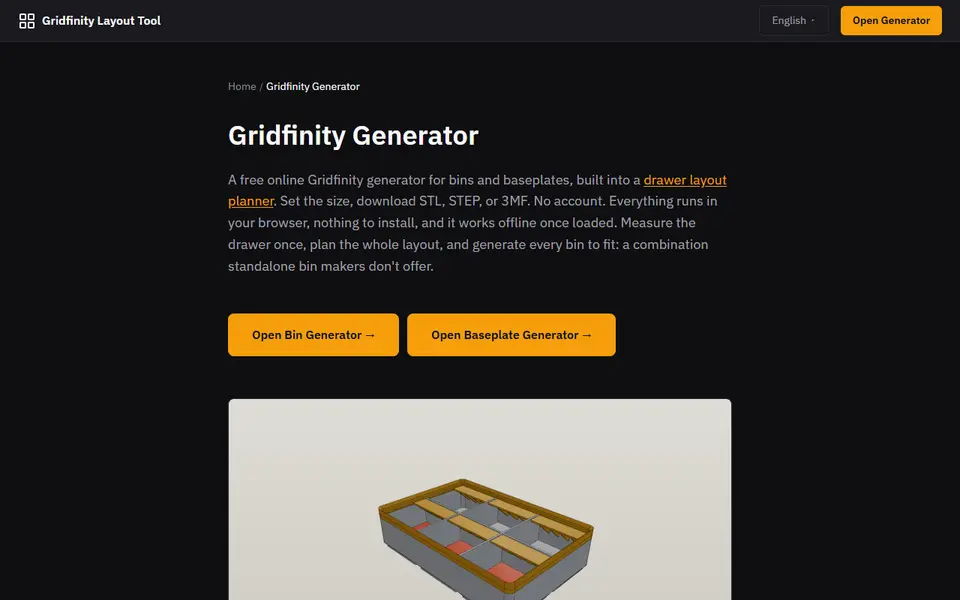
Storage
Gridfinity Layout Tool
Plan a whole drawer of Gridfinity bins, then export custom bins and baseplates
Storage
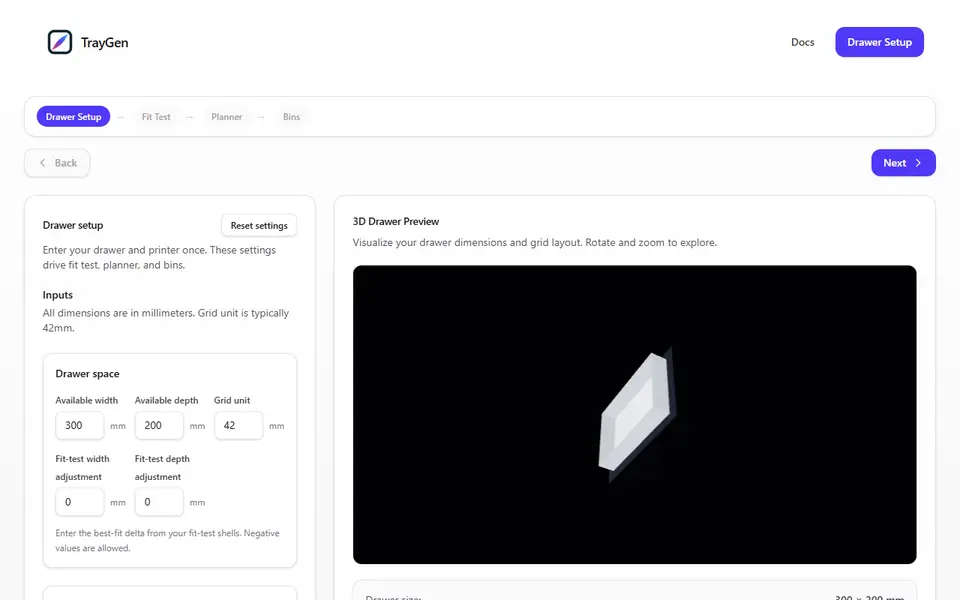
TrayGen
Wall-to-wall Gridfinity drawer bases, with fit-test strips to dial in the size first
Storage
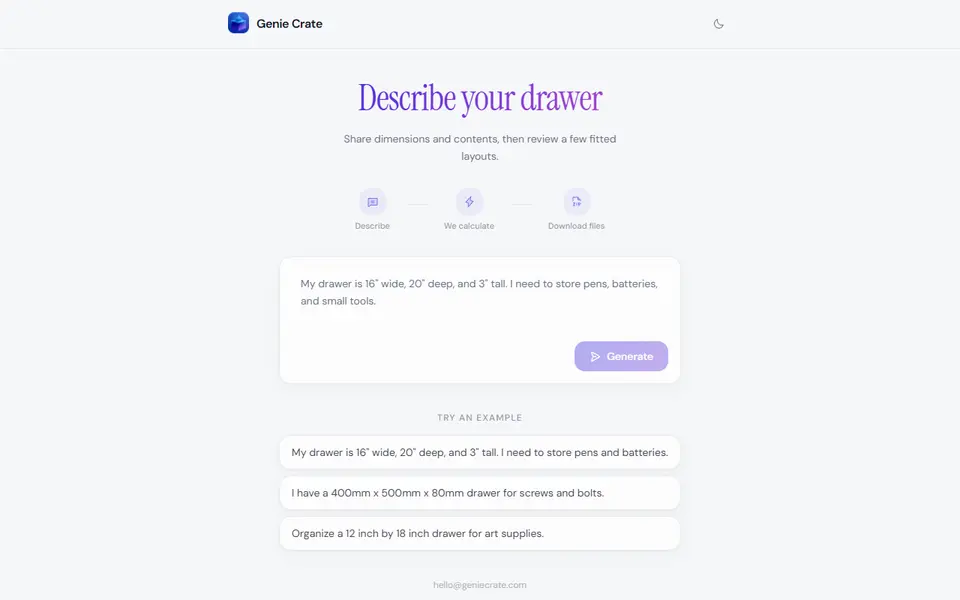
Genie Crate
Describe your drawer in a sentence and get a fitted Gridfinity bin layout as STL files
Storage
GridfinityStudio (gridfinitystudio.com)
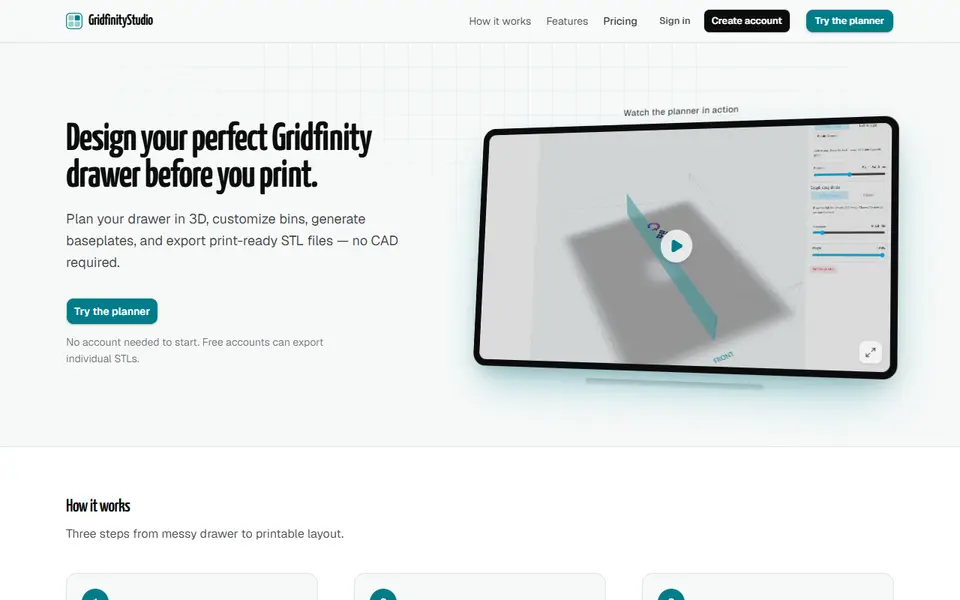
Plan a whole Gridfinity drawer in 3D, with bins, baseplates and photo-traced tool holders, then export STLs
Storage
Gridfinity Refinery
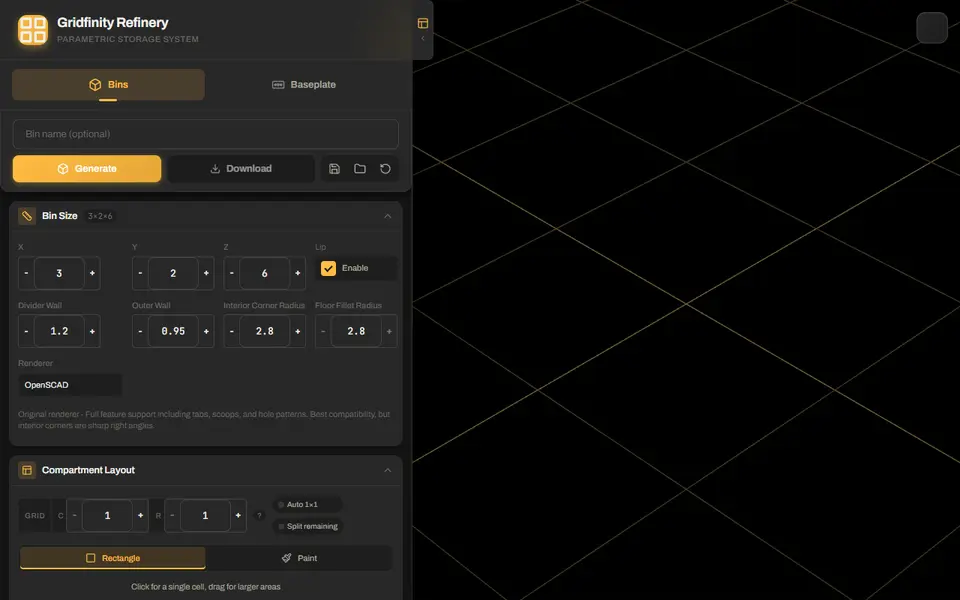
Gridfinity bins with drawn compartments, plus baseplates split to fit your bed
Storage
Ultimate Gridfinity Drawer Configurator
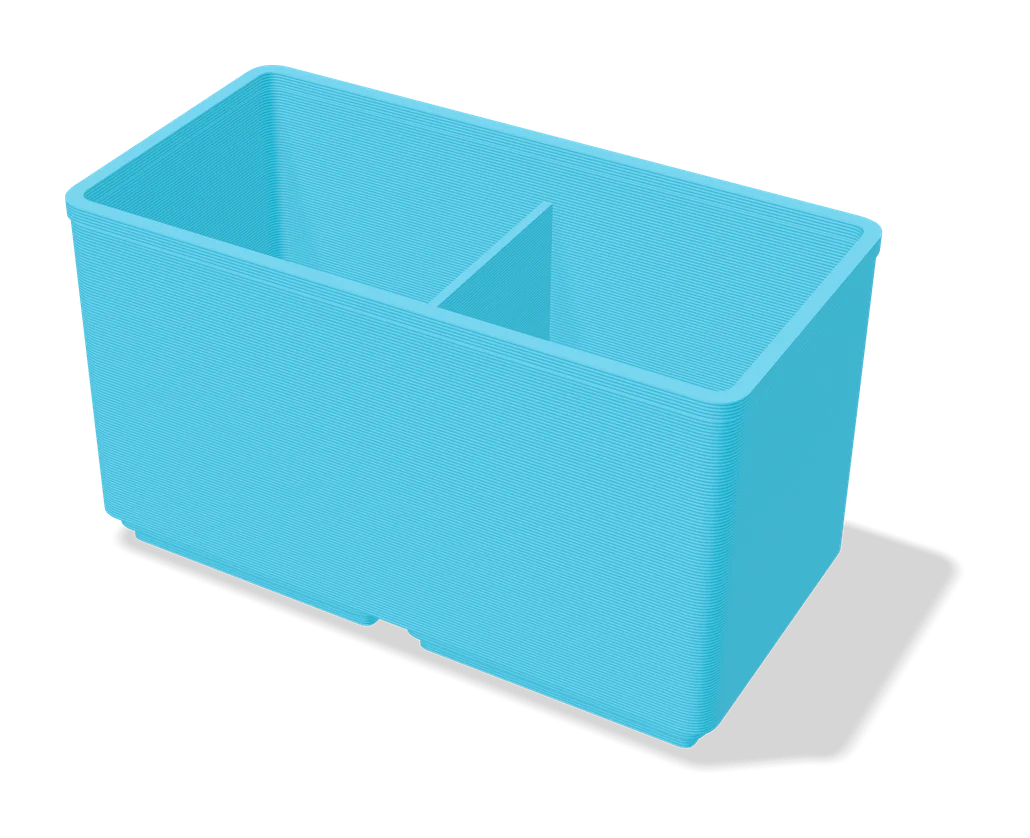
Enter your drawer size and get a fitted Gridfinity grid, bins and lids