MiniForge Name Garland Studio
Printable letter beads on a rope, with separators, end beads and decorations
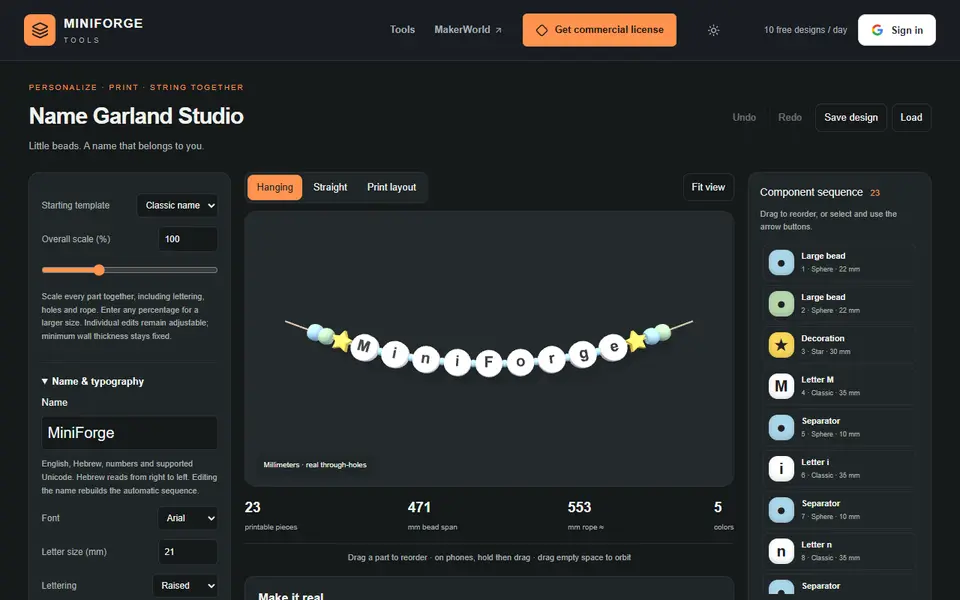
MiniForge Name Garland Studio is a freemium browser tool for a name garland for a nursery or a gift. Free for personal use with MiniForge branding, up to 5 designs a day with a Google sign-in; the DIAMOND tier on Patreon adds commercial use, batch export and unlimited exports. Exports STL, 3MF and GLB. Last checked .
Opens tools.miniforge.io
What is MiniForge Name Garland Studio?
Name Garland Studio spells a name in 3D printed letter beads that you thread on a rope, for a nursery wall or a gift. You type the name (English, Hebrew, numbers and other Unicode), pick a template such as classic, baby garland, starry or rainbow, and choose the bead shape: classic, disc, puffy, square, heart, hexagon or sphere. Letters can be raised, flush or engraved.
Separator beads go between the letters automatically, and you can add large end beads and decorations like stars, hearts, moons, clouds, crowns and rainbows anywhere in the sequence. Color themes set the body, text, separator and decoration colors, and the rope and hole sizes scale with the design. It also estimates the filament weight and cost.
It exports STL, a Bambu 3MF or GLB. The free version adds a small MiniForge engraving on the underside; removing it needs DIAMOND on Patreon. It suits parents and gift makers who want a name garland in their own colors.
What you can make
- Name garlands
- Letter beads
- Nursery wall decorations
- Name gifts with stars and hearts
How to use MiniForge Name Garland Studio
- Type the name and pick a template
- Choose the bead shape, letters and decorations
- Set the colors and the rope size
- Sign in, export and thread the beads on a rope
What you'll need to print it
Filament and parts that suit what you make with MiniForge Name Garland Studio.
Matte PLA
- Bambu Lab PLA Matte (affiliate link) Amazon
- Polymaker Panchroma Matte PLA (formerly PolyTerra) (affiliate link) Polymaker EU: 3DJake (affiliate link)
Code gives 15% off your first order at Polymaker.
Silk PLA
Some of these are affiliate links: we may earn a small commission, at no extra cost to you. More about that
MiniForge Name Garland Studio pros
- Seven bead shapes and raised, flush or engraved letters
- Separators, end beads and decorations placed for you
- Filament weight and cost estimate
MiniForge Name Garland Studio cons
- Small MiniForge mark under the beads on the free version
- Exports need a Google sign-in, 5 designs a day on the free plan
Rate MiniForge Name Garland Studio
One rating per account. Signing in takes one email link, no password.
Reviews
Made with MiniForge Name Garland Studio
Read next
MiniForge Name Garland Studio alternatives
Sign and text to STL generators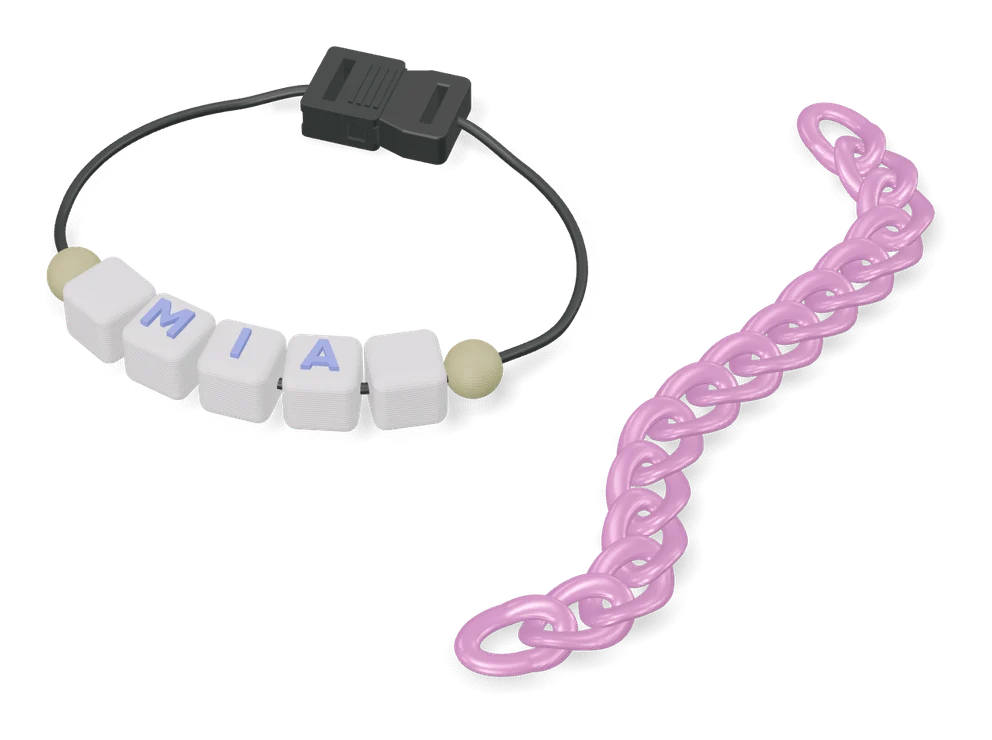
Gifts
Customizable Letter Beads (OGG3D)
Chunky alphabet beads for name bracelets and bag charms, one raised letter per bead
Gifts
Custom Letter Bead Generator
Two-color bubble-letter beads for names and words, with the hole sized to your cord
Signs & Text
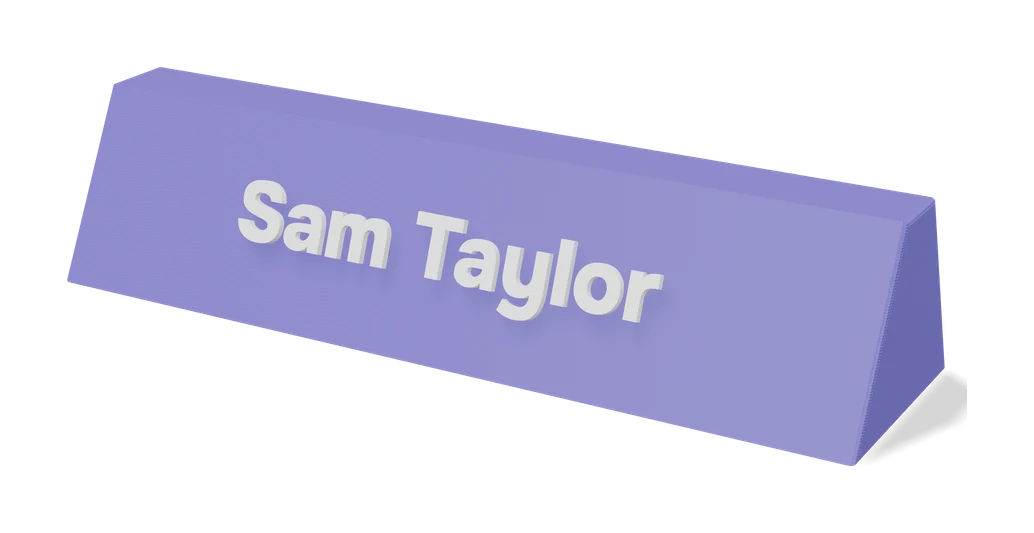
Customizable Name Sign Generator
Layered name sign: a script name set into a big first letter
Signs & Text
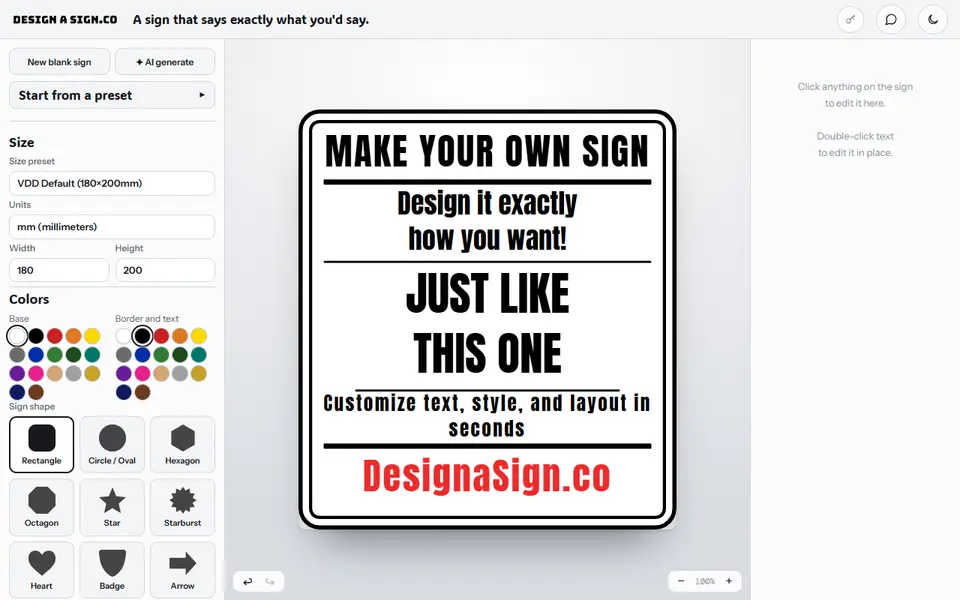
Design a Sign
Browser sign editor that sells the finished design as a color 3MF, an SVG or a printed PETG sign
Signs & Text
Layered Initial and Name Sign
Big serif initial with a script name set into it, built from the name you type
Signs & Text
Custom Minecraft Name Plate
Your name as Minecraft-style stone letters on a grass block base