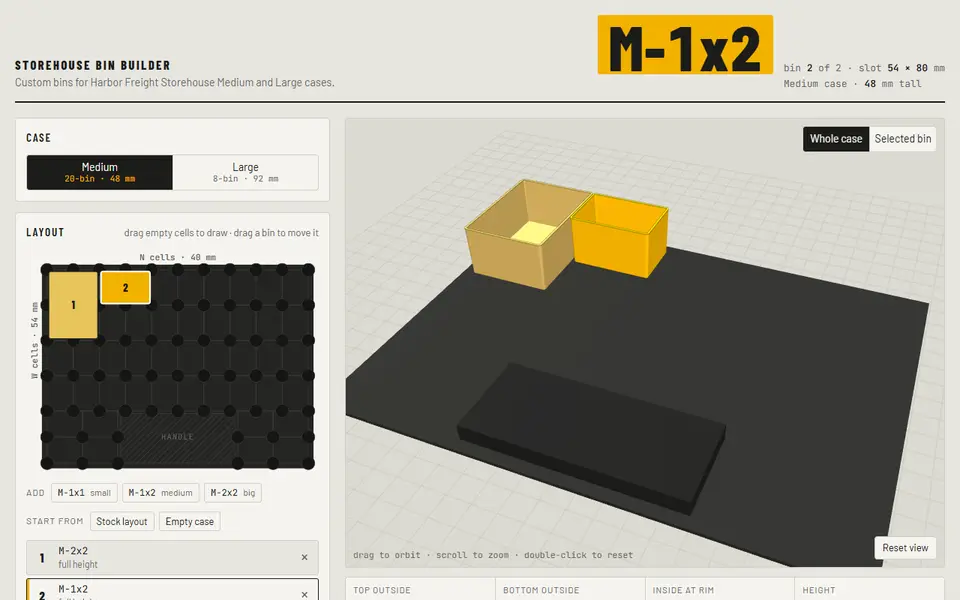
What is Storehouse Bin Builder?
Storehouse Bin Builder makes printable bins that fit the STOREHOUSE portable parts cases sold by Harbor Freight: the 20-bin Medium case (48 mm tall) and the 8-bin Large case (92 mm tall). It is an independent project, not made by Harbor Freight. You start from the stock layout or an empty case and drag across the floor map to draw a bin, counted in 54 x 40 mm cells, then drag bins around to move them. Each bin gets a height, dividers in both directions, optional feet and a label.
Labels are raised letters on a small tilted shelf inside the back wall, so you can read them through the lid; divided bins get a label per compartment, or a blank plate for a sticker. A stacked option puts a shorter bin under one, two or four top trays that plug into its rim, so you get two levels and the lid still closes. Fit settings were measured from stock bins, with a 1.5 degree taper and 0.25 mm clearance per side by default, and a stacking fit test helps you dial in the plug.
Download all bins gives a ZIP of STL files where matching bins share one file, plus a layout.txt with how many of each to print; you can also download one bin, the fit test, or copy the settings for the included OpenSCAD file. It is free and needs no account. The code is public on GitHub, but the repository has no license file.
What you can make
- Custom bins for Harbor Freight STOREHOUSE Medium and Large cases
- Divided bins with a label per compartment
- Stacked bins with plug-in top trays
How to use Storehouse Bin Builder
- Pick the Medium or Large case and start from the stock layout or an empty case
- Drag across empty cells to draw each bin
- Select a bin to set its height, dividers, stacking and label
- Print an M-1x1 or the fit test first, then click Download all bins
What you'll need to print it
Filament and parts that suit what you make with Storehouse Bin Builder.
Matte PLA
- Bambu Lab PLA Matte (affiliate link) Amazon
- Polymaker Panchroma Matte PLA (formerly PolyTerra) (affiliate link) Polymaker EU: 3DJake (affiliate link)
Code gives 15% off your first order at Polymaker.
PETG
Some of these are affiliate links: we may earn a small commission, at no extra cost to you. More about that
Storehouse Bin Builder pros
- Bin sizes measured from the stock bins, with a taper and clearance to match
- Stacked trays give two levels in one slot and the lid still closes
- Matching bins share one STL, with a list of how many to print
Storehouse Bin Builder cons
- Only fits the STOREHOUSE Medium and Large cases
- Feet are off by default, since they would need supports
- No license on the code
Rate Storehouse Bin Builder
One rating per account. Signing in takes one email link, no password.
Reviews
Made with Storehouse Bin Builder
Read next
Storehouse Bin Builder alternatives
Gridfinity and storage generators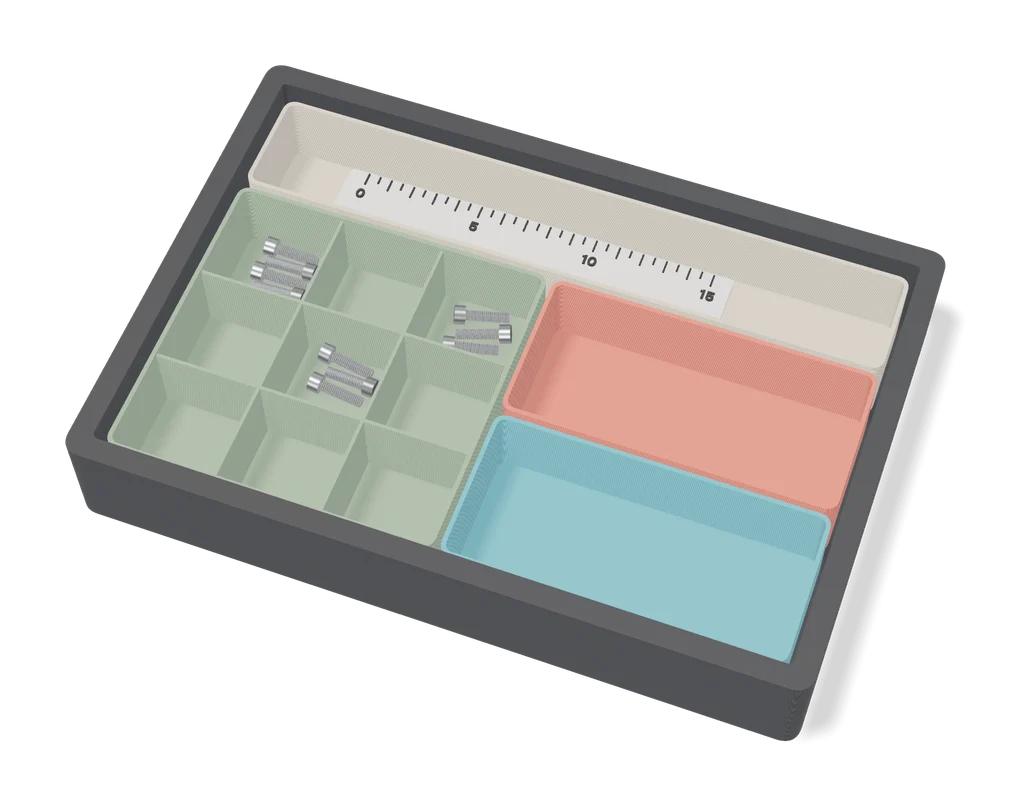
Storage
Parametric Sorting Tray (Benjamin Kott)
Compartment trays for small parts, sized and divided in MakerWorld's online customizer
Storage
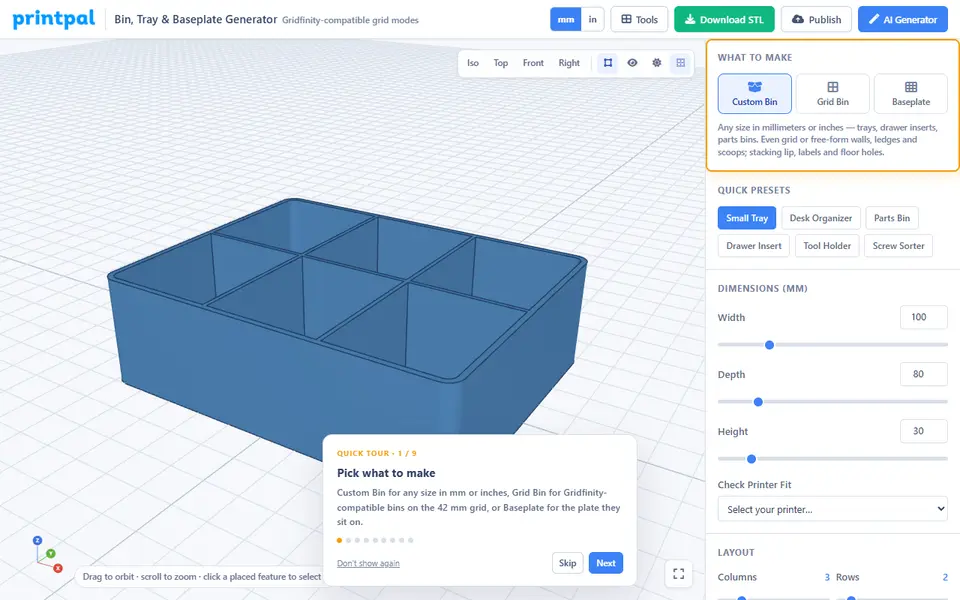
PrintPal Bin, Tray & Baseplate Generator
Storage bins, sorting trays and Gridfinity-compatible bins and baseplates; free to design, download needs Pro
Storage
The Ultimate Parametric Drawer Organizer System
Simple custom-size drawer trays that tile and stack, no Gridfinity base needed
Storage
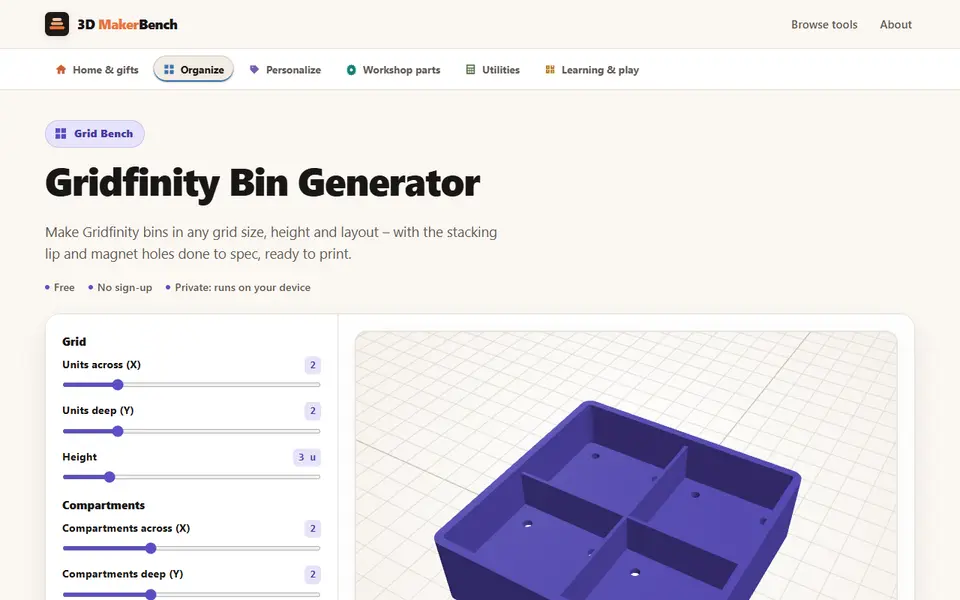
Gridfinity Bin Generator (3D MakerBench)
Free browser Gridfinity bins with compartments, magnet and screw holes, and slots for SD cards and USB plugs
Storage
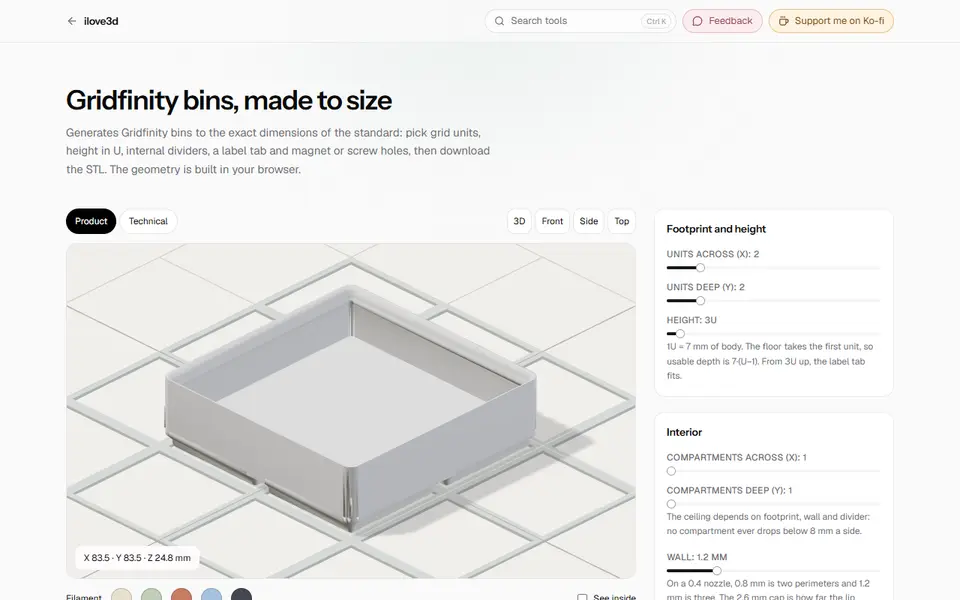
Gridfinity Bins (ilove3d)
Free browser generator for standard Gridfinity bins with dividers, label tab, scoop and magnet holes
Storage
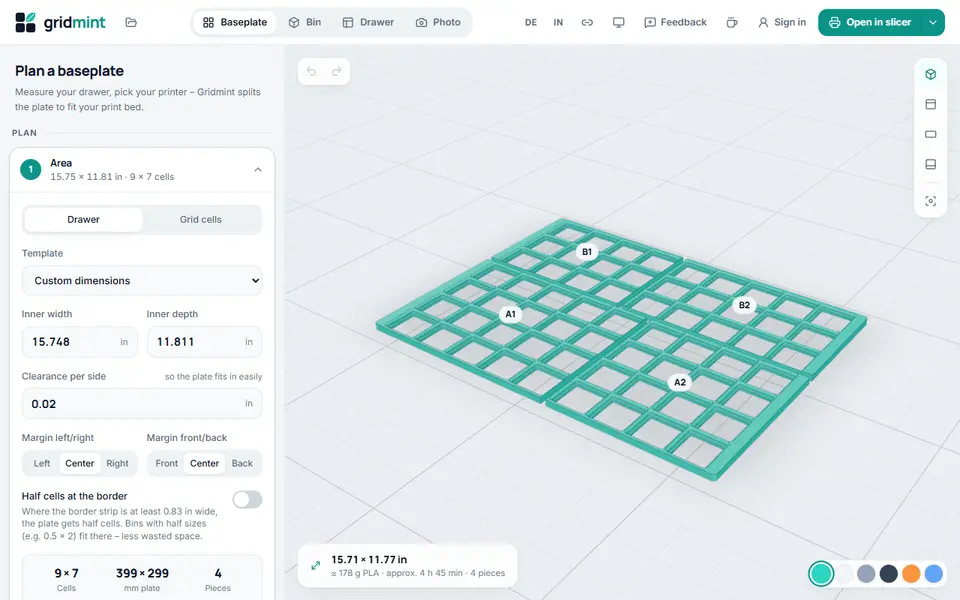
Gridmint
Free Gridfinity drawer planner, bin designer and photo inserts, with a ready Bambu Studio project