CMYKForge Standard
Desktop app that turns a photo into a full-color 3MF by blending cyan, magenta and yellow filament
CMYKForge Standard is a paid desktop app for full-color photo prints on an AMS or other multi-material printer. One-time license: Personal $35, Digital $70, Commercial $199 (Black Friday sale through Dec 1, 2026: $30 and $60). No free trial; all sales final. Exports 3MF; an account is needed to download. Last checked .
Opens cmykforge.org
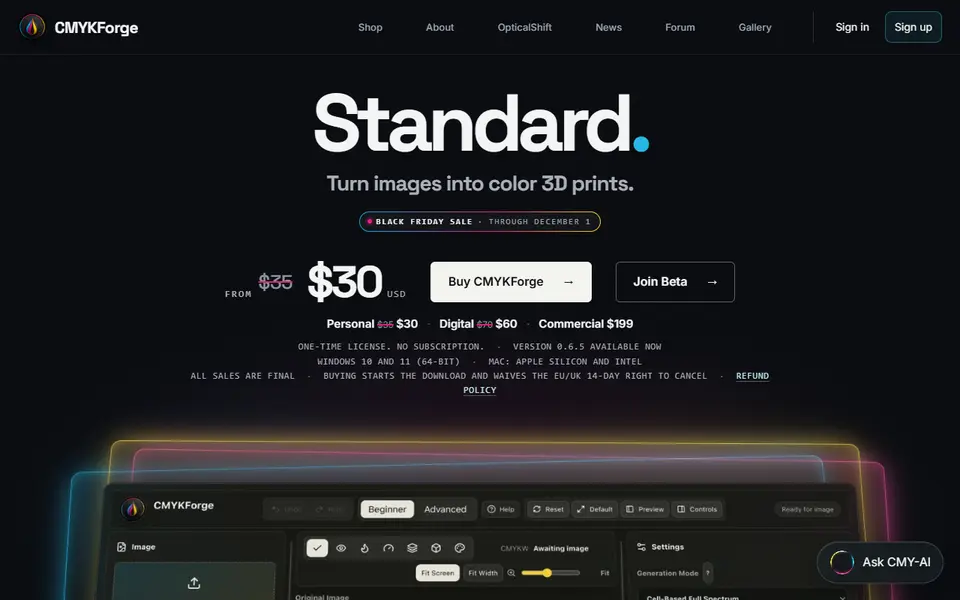
What is CMYKForge Standard?
CMYKForge Standard turns a photo or artwork into a color print for a multi-material FDM printer. Instead of one filament per color, it blends thin layers of cyan, magenta and yellow, with optional black and white, so a handful of spools can show many more colors and smooth gradients. It is a different approach from HueForge, which stacks filament colors by height.
The app removes the background so you can isolate the subject, analyzes the image, plans the CMYK or CMYKW layers and builds the layered model. You get a simulated preview and printability checks, then export a 3MF that you open in a slicer such as OrcaSlicer, with one filament per channel. For good color you enter each filament's transmission distance (TD) and color values. STL and OBJ export are planned but not available yet.
It runs offline on Windows 10 and 11 and on macOS 14 or newer (Apple Silicon and Intel), with no AI step and no dedicated GPU needed. It is a one-time license with no subscription: Personal costs $35 (3 years of updates), Digital $70 adds the right to publish free files, and Commercial $199 adds selling prints and files (5 years of updates). There is no free trial, all sales are final, and you need an account to download the app.
What you can make
- Full-color photo prints from CMY(K) filament
- Color artwork and portrait panels
- Color-blended wall art
How to use CMYKForge Standard
- Buy a license, sign in and download the app
- Load a photo and isolate the subject
- Enter your cyan, magenta, yellow (and black or white) filament profiles
- Check the preview and export the 3MF
- Open it in your slicer and load one filament per channel
What you'll need to print it
Filament and parts that suit what you make with CMYKForge Standard.
Multicolor PLA
Multicolor filament systems
Matte PLA
- Bambu Lab PLA Matte (affiliate link) Amazon
- Polymaker Panchroma Matte PLA (formerly PolyTerra) (affiliate link) Polymaker EU: 3DJake (affiliate link)
Code gives 15% off your first order at Polymaker.
Some of these are affiliate links: we may earn a small commission, at no extra cost to you. More about that
CMYKForge Standard pros
- Many colors from just cyan, magenta and yellow (plus optional black and white)
- One-time license, no subscription, runs offline
- Background removal and printability checks built in
CMYKForge Standard cons
- Needs a multi-material printer with four or five filament slots
- Paid only, with no free trial and no refunds
- Good color depends on calibrated filament TD values; 3MF export only for now
Rate CMYKForge Standard
One rating per account. Signing in takes one email link, no password.
Reviews
Made with CMYKForge Standard
Read next
CMYKForge Standard alternatives
Image to STL and relief generators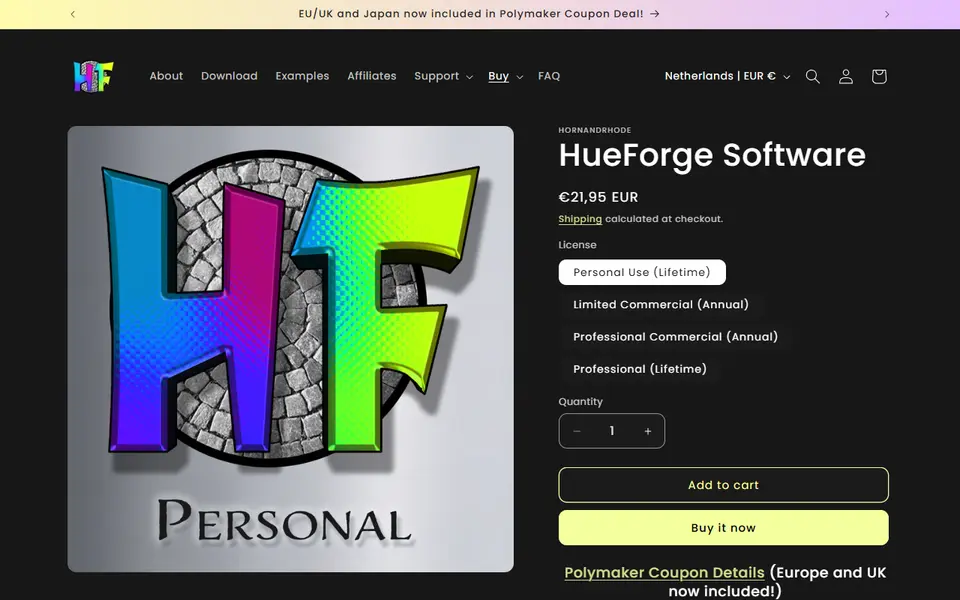
Image to Relief
HueForge
Desktop app that turns images into filament paintings using layered color swaps
Lithophanes
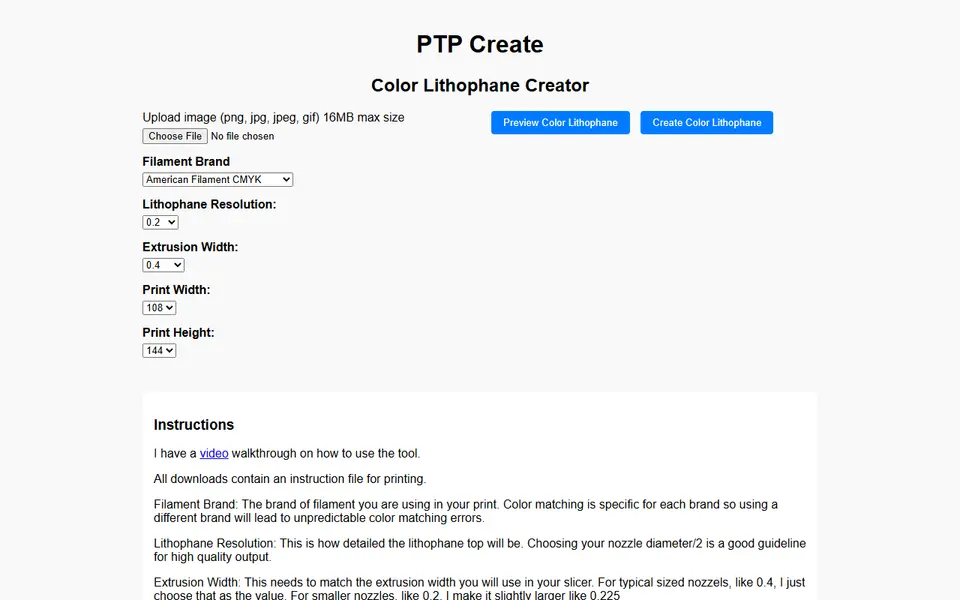
PTP Create Color Lithophane Creator
Turns a photo into a full-color CMYK lithophane for multi-material printers
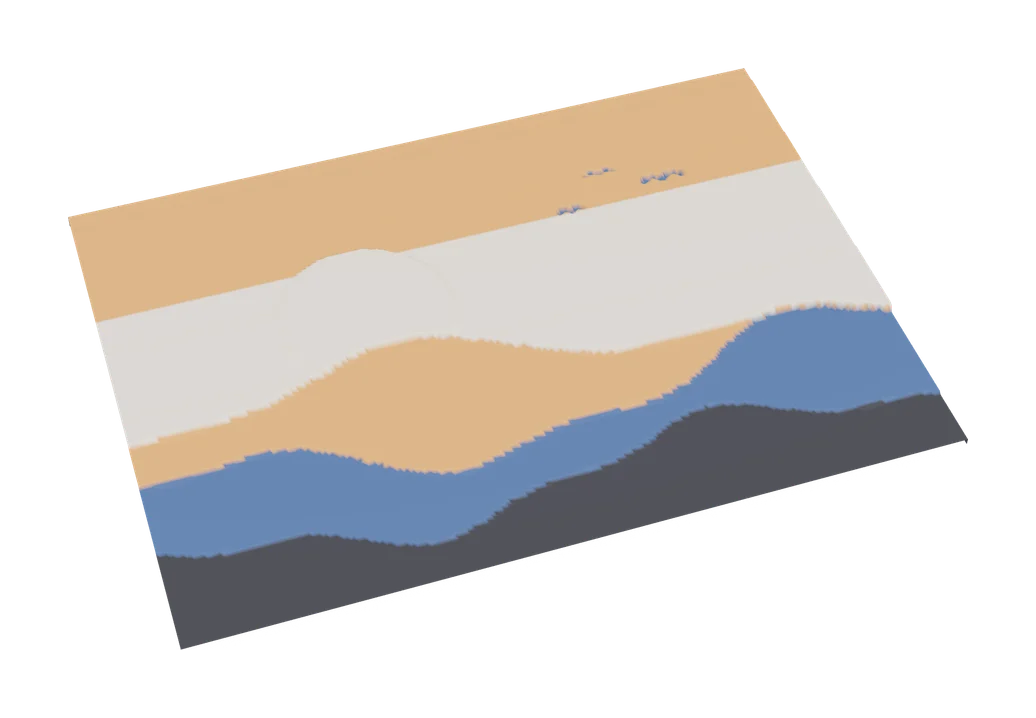
Image to Relief
MakerLab Chroma Canvas
Bambu Lab's free browser tool for HueForge-style filament paintings from any image
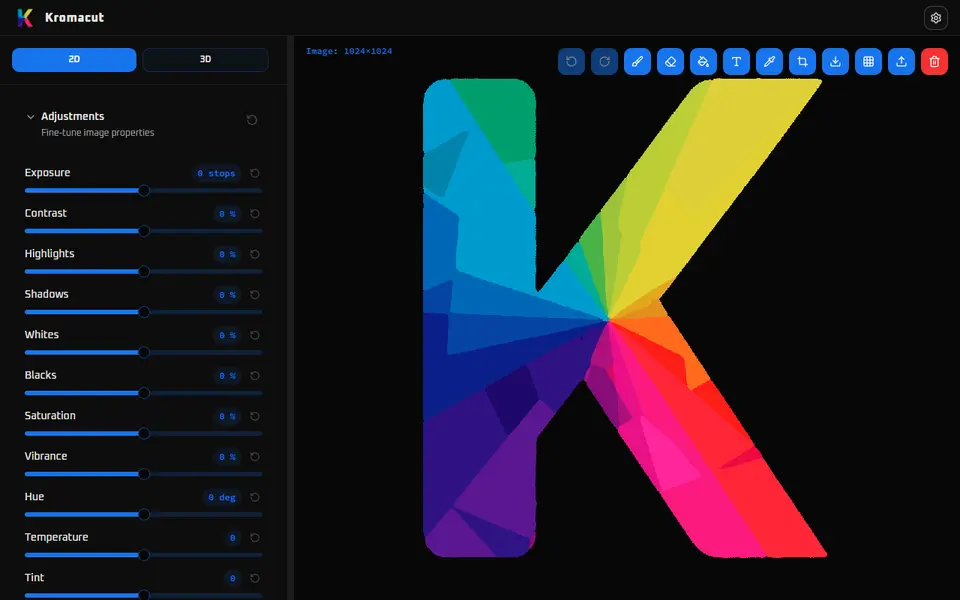
Image to Relief
Kromacut
Free open-source image to color-layer print tool with auto-paint and 3MF export
Image to Relief
ColorStack
Browser filament painting with 3MF export, plus flat multicolor and image to STL
Lithophanes
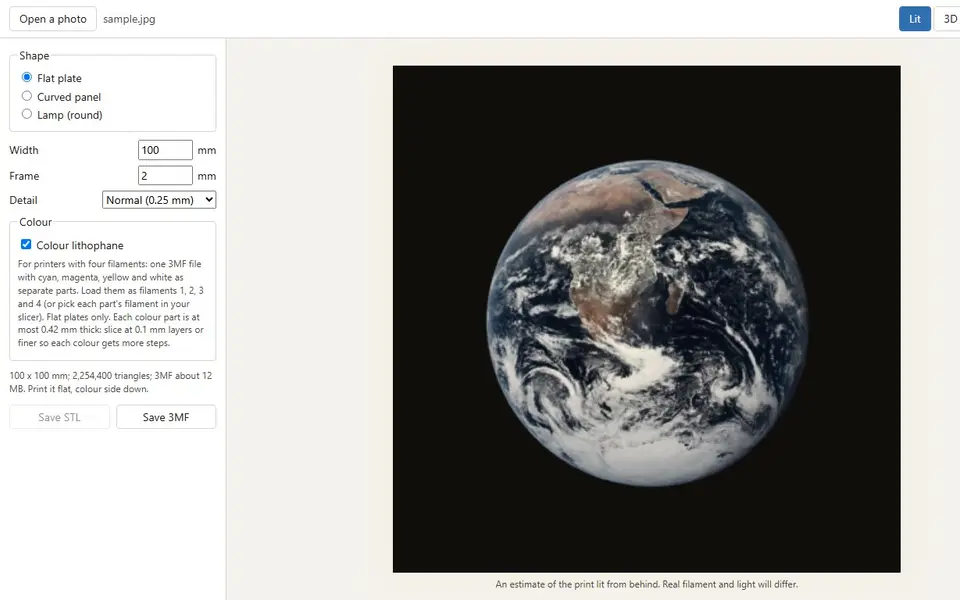
Lithophane Maker by Northgable
Windows app for photo lithophanes; flat plates free, Pro adds curved, round lamps and CMY color