Makerito
Multicolor banners, flags, signs and wall art from your logo, text or image, as a 3MF for the AMS
Makerito is a free browser tool for multicolor banners, flags and signs for an AMS. Free at launch with a limit on how many 3MFs you can generate; the maker plans paid complex models and a plan with higher limits (Oct 2026). You need to sign in to create a model. Exports 3MF, STL and SVG. Last checked .
Opens makerito.com
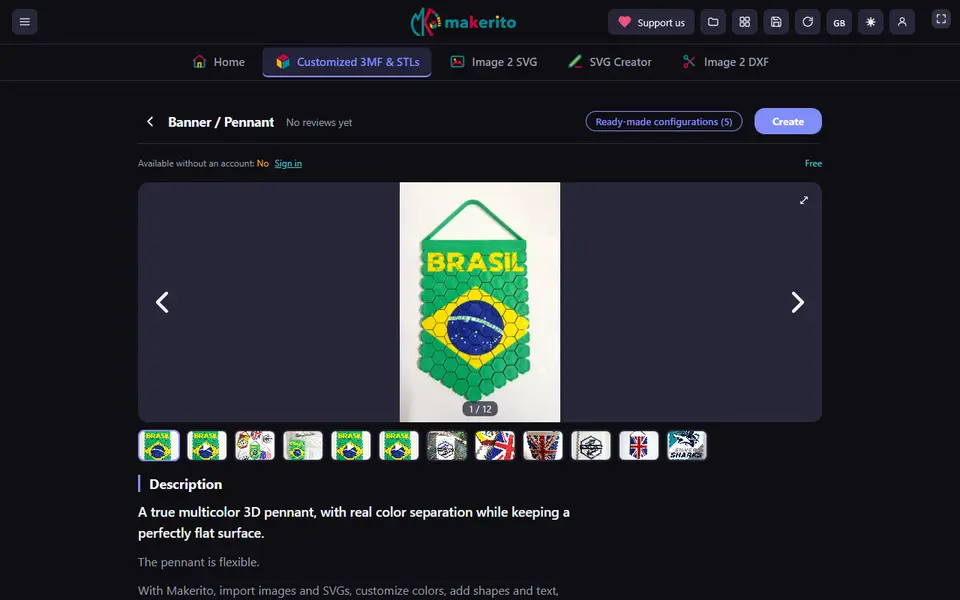
What is Makerito?
Makerito is an online editor for multicolor prints on a Bambu Lab printer with an AMS. You pick a template from the catalog, such as a banner or pennant, a flag, an arrow or diamond sign, a silhouette on a stand or oval wall art, or start from scratch. Then you drop in your logo, an SVG or an image, add shapes and text, move and scale them, and pick a color for each part. Many templates also come with ready-made configurations you can print as they are or change.
The designs are flat and only a few millimeters thick, so color changes waste little filament. Makerito exports a 3MF for Bambu Studio and STL with one file per color, and each template page lists print tips such as the smooth plate and assigning colors per object rather than painting them. Next to the 3D editor it has small tools that turn a photo into a flat-color SVG, draw an SVG from scratch, or turn an image into a DXF for a Silhouette cutter.
The site is free at launch, with a limit on how many 3MFs you can generate and a tip jar for support, and you need to sign in to create a model. The maker plans to make the more complex models paid and to add a plan with higher limits. Generated models are for non-commercial use only. It suits makers who want a club banner, a flag or a name sign in several colors without learning CAD.
What you can make
- Multicolor banners and pennants
- Flags
- Arrow and diamond signs
- Silhouettes on a stand and wall art
- Flat-color SVG and DXF files from an image
How to use Makerito
- Pick a template such as a banner, flag or sign
- Sign in and add your logo, image or text
- Choose a color for each part
- Download the 3MF for Bambu Studio and assign the colors per object
What you'll need to print it
Filament and parts that suit what you make with Makerito.
Matte PLA
- Bambu Lab PLA Matte (affiliate link) Amazon
- Polymaker Panchroma Matte PLA (formerly PolyTerra) (affiliate link) Polymaker EU: 3DJake (affiliate link)
Code gives 15% off your first order at Polymaker.
Multicolor PLA
Multicolor filament systems
Some of these are affiliate links: we may earn a small commission, at no extra cost to you. More about that
Makerito pros
- Flat multicolor designs that keep purge waste low on an AMS
- Logo, SVG, image and text on ready-made templates
- Print tips on every template, and extra image to SVG and DXF tools
Makerito cons
- You need to sign in to create a model, and the number of 3MFs is limited
- Generated models are for non-commercial use only
- Made for flat designs and the Bambu AMS, not for 3D shapes
Rate Makerito
One rating per account. Signing in takes one email link, no password.
Reviews
Made with Makerito
Read next
Makerito alternatives
Sign and text to STL generators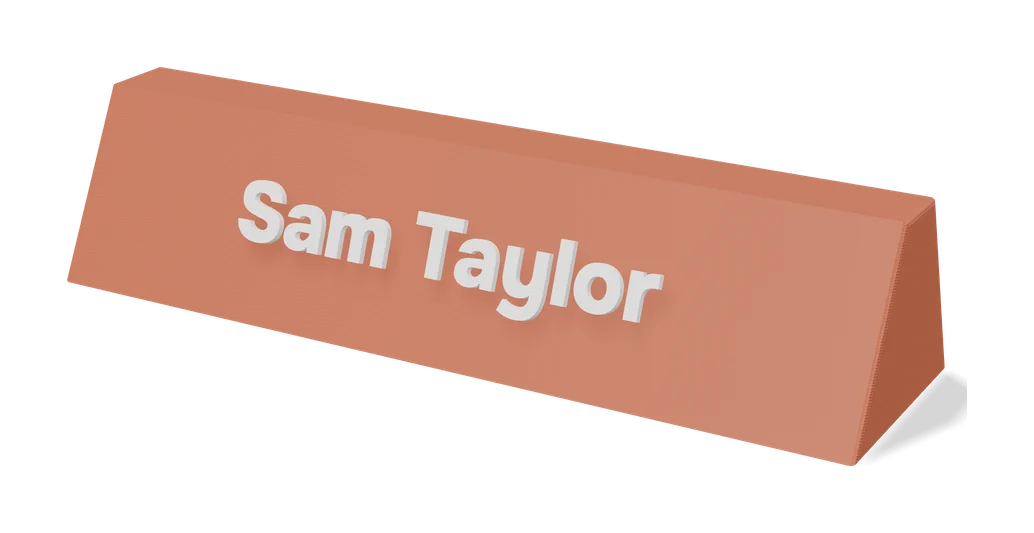
Signs & Text
Make My Sign (MakerLab)
Bambu Lab's browser editor for flat name plates, badges, signs and tags
Signs & Text
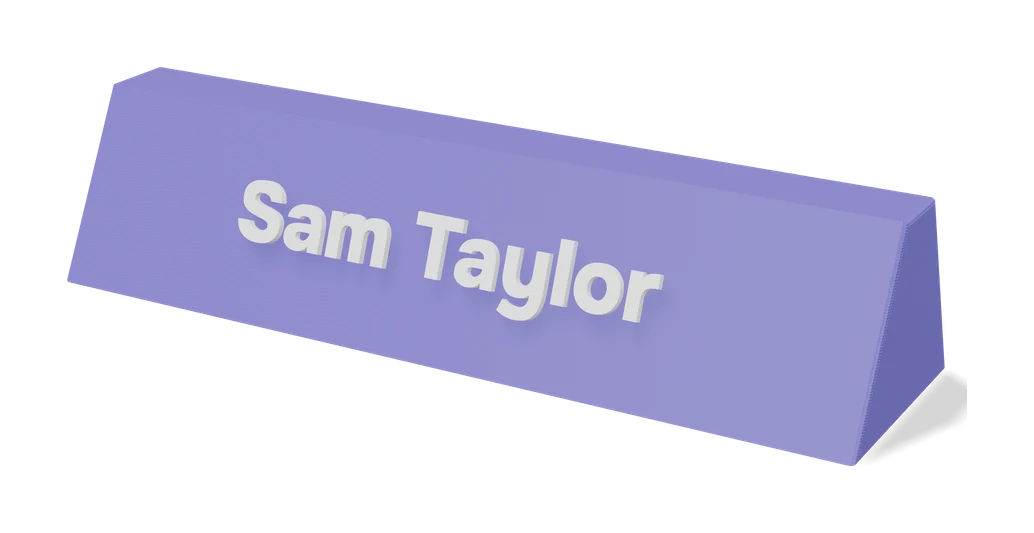
Customizable Name Sign Generator
Layered name sign: a script name set into a big first letter
Signs & Text
EU License Plate Generator - Custom Text
Desk-size EU-style number plates with your own registration, country code and colors
Signs & Text
Customizable Parametric Lithophane Text
Slatted text card that shows different words as you tilt it
Signs & Text
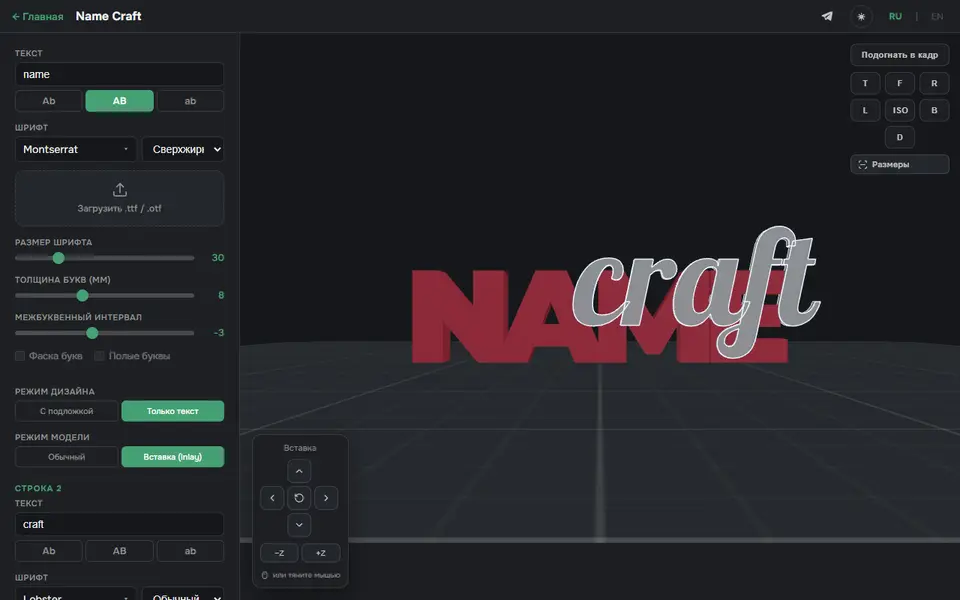
3D Name Craft (3D PrintCraft)
Type one or two lines of text and export a name sign as STL or a two-part inlay 3MF
Signs & Text
Customizable Modular Weekly Planner / Timetable
School timetable wall board with your own title and snap-on subject tiles