stl-er
Describe a functional part in words and get a parametric STL with sliders, not a blob of mesh
stl-er is a freemium browser tool for simple functional parts described in words. Free: 5 STL downloads a month and unlimited slider changes. Premium $5.99/month ($59.99/year) for 100 AI generations a month; Pro $15.99/month ($159.99/year) for 500, with top-up credits. Billed through the App Store or Google Play. Exports STL; an account is needed to download. Last checked .
Opens app.stl-er.com
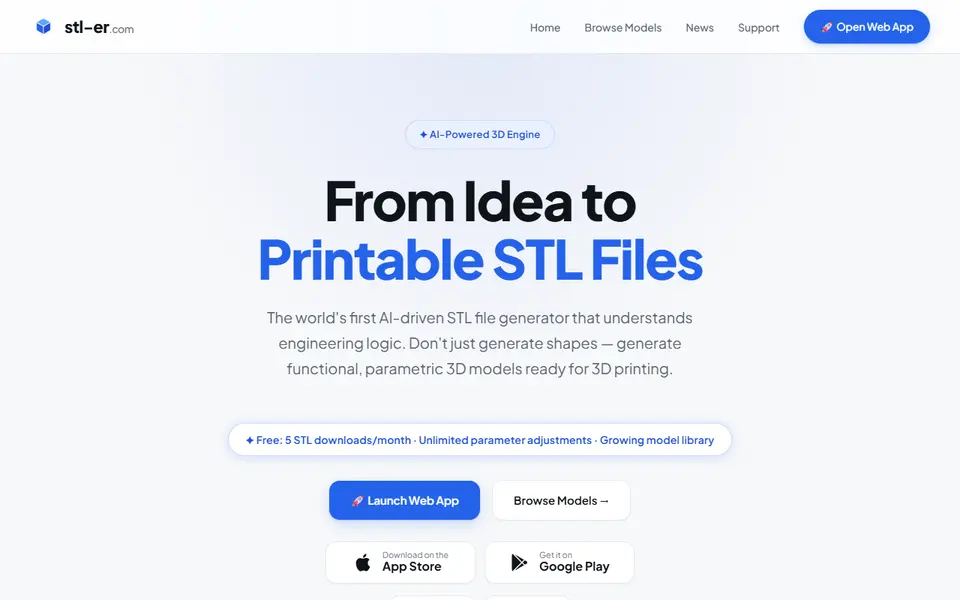
What is stl-er?
stl-er is a text-to-3D tool for functional parts. Instead of generating a mesh, its AI writes CAD code from your prompt, so the result is clean geometry with parameter sliders for dimensions, wall thickness and hole sizes. You can also describe changes in words to refine a model, and advanced settings cover things like gear modules and pressure angles.
According to its own roadmap, it works best on simple to medium parts such as brackets, enclosures, organizers and household items, and it handles text and engravings well. The engine runs on Google's Gemini models. A reader reports that generation has moved to Gemini 4 Argon, with better prompt following and cleaner geometry; the stl-er news page still names Gemini 3.7 Flash, from August 2026. Every model you generate goes into a public community library, which you can also browse and customize, so don't use it for confidential designs.
It runs in the browser and as an iOS and Android app, and you sign in with Google or Apple. The free plan gives 5 STL downloads a month and unlimited slider changes. Premium costs $5.99 a month for 100 AI generations, and Pro $15.99 a month for 500. Export is STL only for now; OBJ, 3MF and DXF are on the roadmap. It is built by one developer in Switzerland.
What you can make
- Brackets and mounts
- Enclosures and organizers
- Gears and mechanical parts
- Name plates and engraved parts
How to use stl-er
- Open the web app or the phone app and sign in with Google or Apple
- Describe the part, with dimensions
- Adjust the sliders or describe changes
- Export the STL and slice it
What you'll need to print it
Filament and parts that suit what you make with stl-er.
PETG
- Bambu Lab PETG Basic (affiliate link) Amazon
- Polymaker PETG (affiliate link) Polymaker EU: 3DJake (affiliate link)
Code gives 15% off your first order at Polymaker.
Matte PLA
Resin
- Siraya Tech Fast ABS-like Resin (affiliate link) Siraya Tech
- Siraya Tech Blu Tough Resin (affiliate link) Siraya Tech
Also handy
Filament dryers and dry boxes
- SUNLU FilaDryer S4 (affiliate link) Amazon
- Polymaker PolyDryer (affiliate link) Polymaker
Some of these are affiliate links: we may earn a small commission, at no extra cost to you. More about that
stl-er pros
- Writes CAD code, so parts come out as clean, dimensioned geometry
- Parameter sliders after generation, without re-generating
- Refine a model by describing changes in words
- Generated models may be used commercially
stl-er cons
- Every generated model becomes public in the community library
- STL only for now
- Needs a Google or Apple sign-in
- Best at simple to medium-complexity parts, by its own account
Rate stl-er
One rating per account. Signing in takes one email link, no password.
Reviews
Made with stl-er
Read next
stl-er alternatives
AI text and image to 3D generators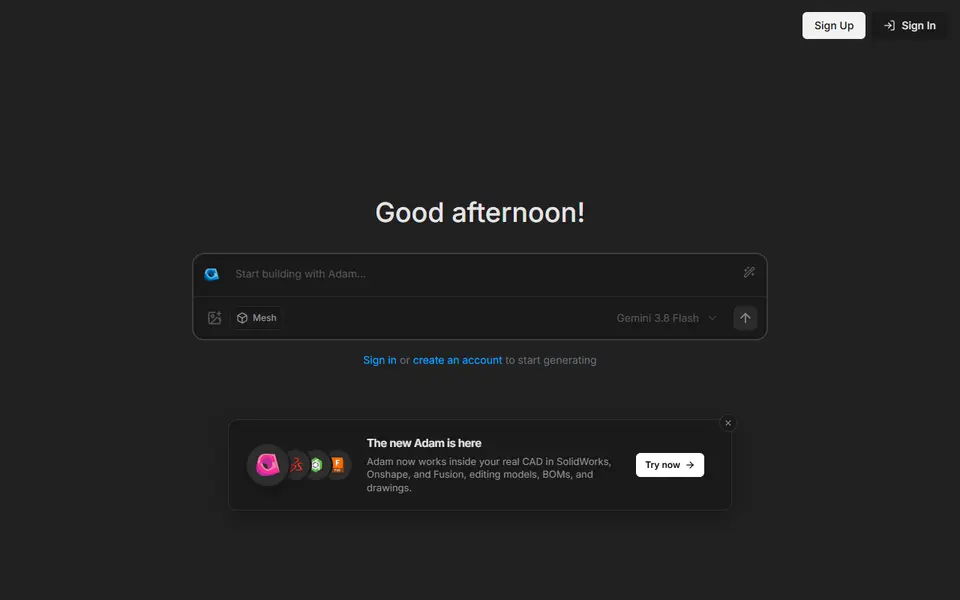
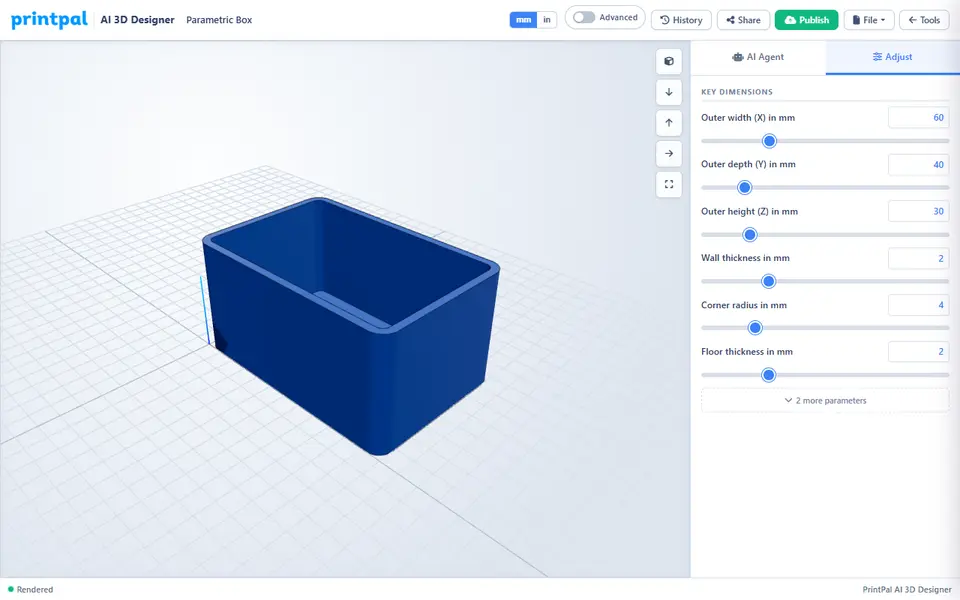
AI to 3D
PrintPal CAD Agent
AI chat that turns a plain description or sketch into a functional part with size sliders
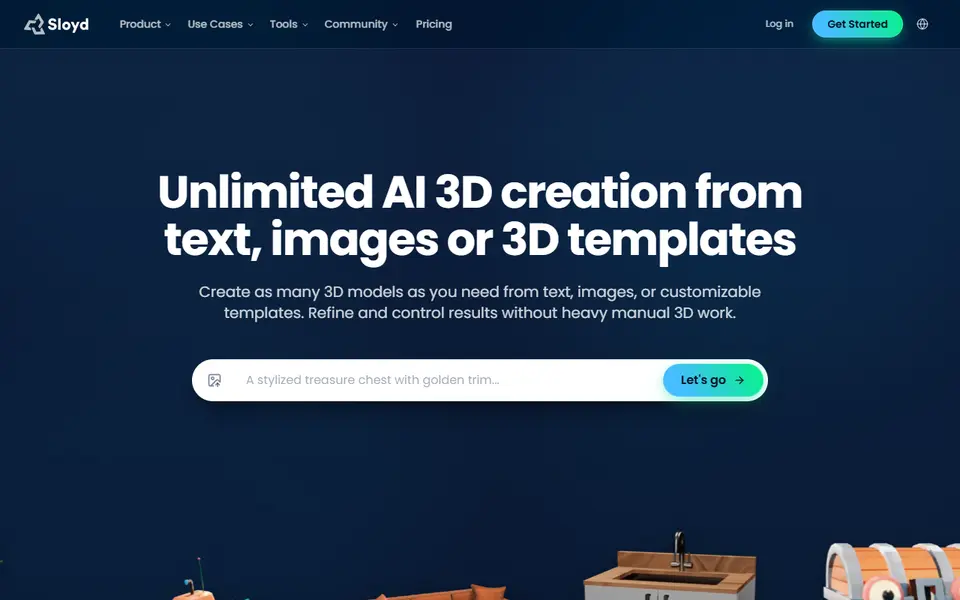
AI to 3D
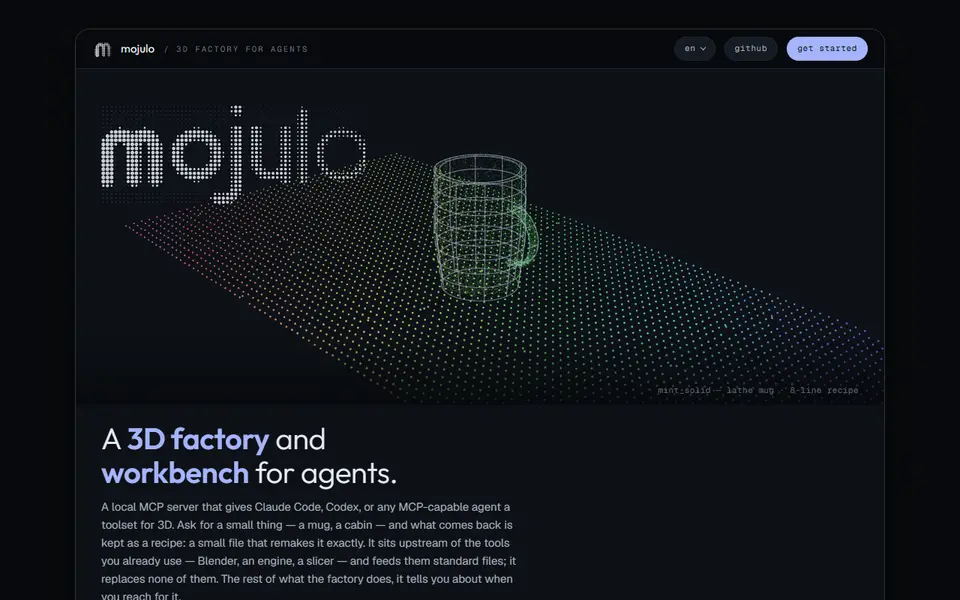
Mojulo
Free open-source add-on that lets Claude, ChatGPT or Codex build printable 3D models from a chat
AI to 3D
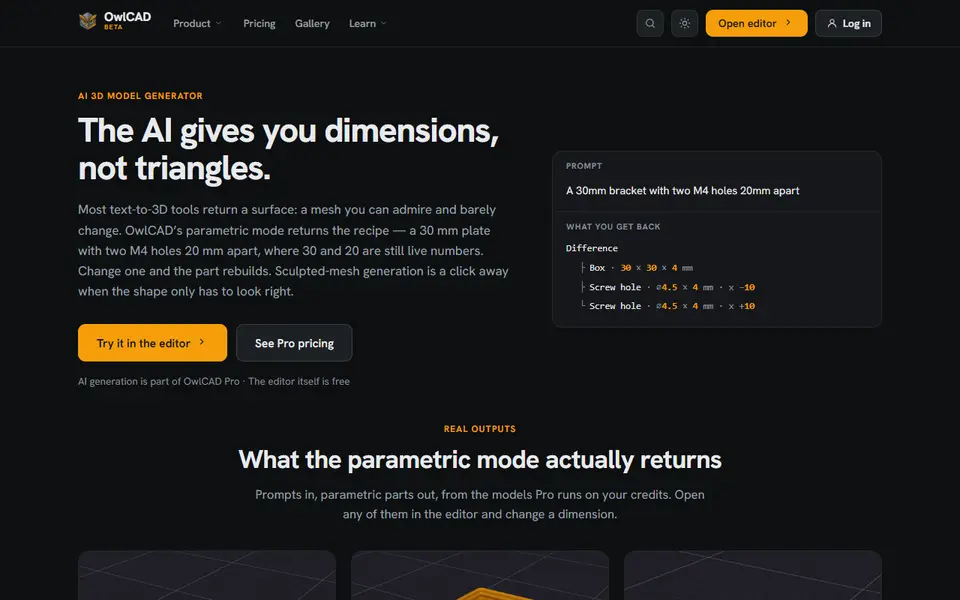
OwlCAD AI 3D Generator
Describe a part and get an editable parametric model where every dimension is still a number
AI to 3D
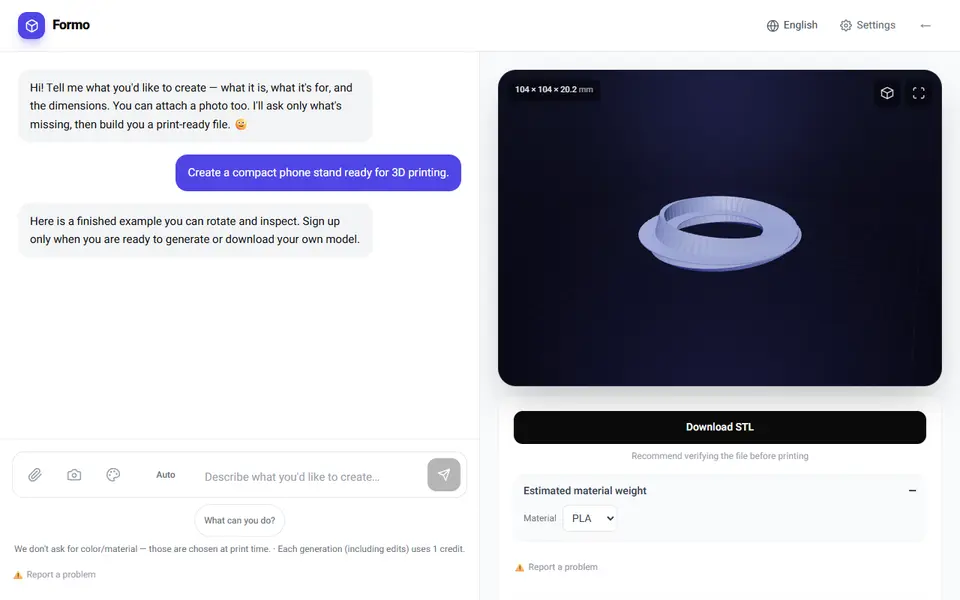
Formo
Describe a part in a chat and get a checked STL, 3MF or STEP file, plus free parametric templates