StoreForge
Free Gridfinity planner: bins from a screw list, tool photos or STL cutouts, batched into one 3MF
StoreForge is a free browser tool for labeled bins for a whole box of screws and tools, planned as a print queue. Free, no account. Exports STL and 3MF. Last checked .
Opens storeforge.jaak0b.at
What is StoreForge?
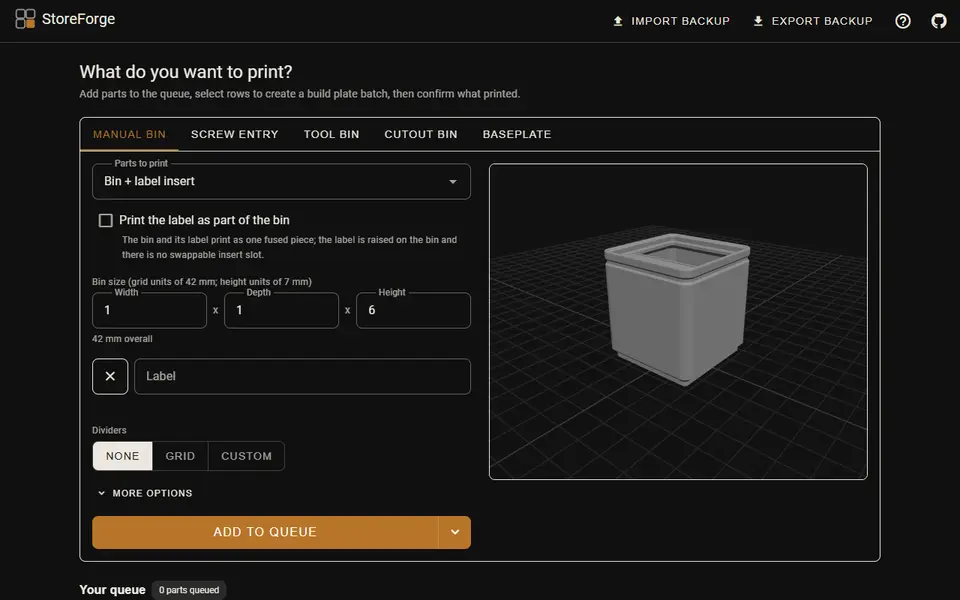
StoreForge plans a whole Gridfinity setup in the browser rather than one bin at a time. The add card has five tabs. Manual bin sets width, depth and height in grid units, up to two label lines with an optional hardware icon, magnet holes and dividers, either as an even grid or as free-angle walls you drag into place. Screw entry reads a list such as m3x20 fhcs, m5x12 bhcs and turns each fastener into a sized bin with its own label. Tool bin traces a tool photographed on a sheet of paper and fits a bin around it with a finger scoop, Cutout bin carves imported STL models into a fitted cavity, and Baseplate makes plates with magnet and screw holes, connector clips and a drawer-fill mode.
Every bin has a label insert slot that matches the printable label system by Pred on Printables, or you can fuse the label onto the bin. Parts go into one queue. You select rows to batch them onto a build plate and download a 3MF for Orca Slicer, with the label on a second filament slot for an AMS or toolchanger, or an STL per part. After a print you check off what came out, and failed parts stay in the queue.
It is free, needs no account and uploads nothing; the plan lives in your browser's local storage, with JSON export as a backup. The code is on GitHub under the MIT license, which covers the software, not a statement about selling prints. The README says it targets desktop browsers, and the 3D preview pauses on small screens.
What you can make
- Labeled Gridfinity bins for each screw in a hardware list
- Tool bins traced from a photo
- Bins with cavities carved from your own STL models
- Baseplates with magnets, screw holes and connector clips
How to use StoreForge
- Open StoreForge and pick a tab: Manual bin, Screw entry, Tool bin, Cutout bin or Baseplate
- Set the size, label and dividers, then click Add to queue
- Select queued rows to make a build plate batch
- Download the 3MF for Orca Slicer or an STL per part, then check off what printed
What you'll need to print it
Filament and parts that suit what you make with StoreForge.
Matte PLA
- Bambu Lab PLA Matte (affiliate link) Amazon
- Polymaker Panchroma Matte PLA (formerly PolyTerra) (affiliate link) Polymaker EU: 3DJake (affiliate link)
Code gives 15% off your first order at Polymaker.
PETG
Multicolor filament systems
Some of these are affiliate links: we may earn a small commission, at no extra cost to you. More about that
StoreForge pros
- Paste a screw list and get one labeled bin per fastener
- Photo tracing and STL cutouts for tool bins in the same tool
- Batches the queue onto build plates and tracks what printed
StoreForge cons
- The two-color 3MF is made for Orca Slicer; other slicers may not read the label filament slot
- The plan lives in browser storage, so clearing site data clears it unless you export JSON
- Made for desktop browsers
Rate StoreForge
One rating per account. Signing in takes one email link, no password.
Reviews
Made with StoreForge
Read next
StoreForge alternatives
Gridfinity and storage generators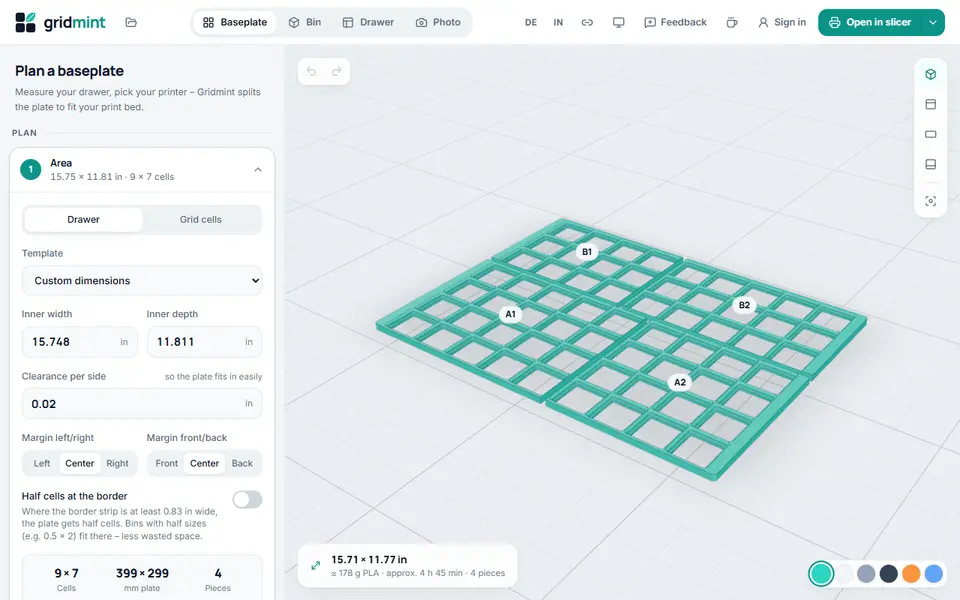
Storage
Gridmint
Free Gridfinity drawer planner, bin designer and photo inserts, with a ready Bambu Studio project
Storage
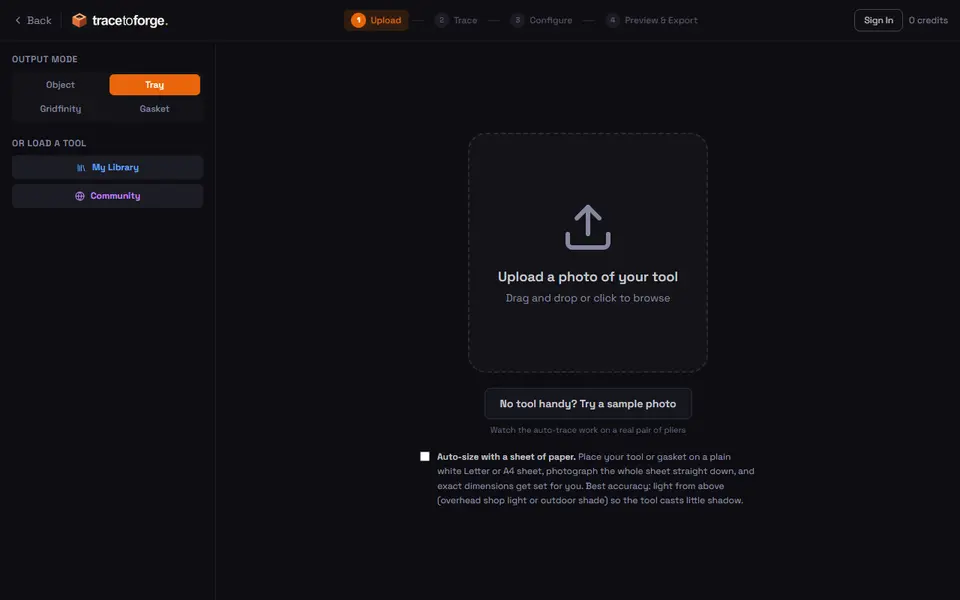
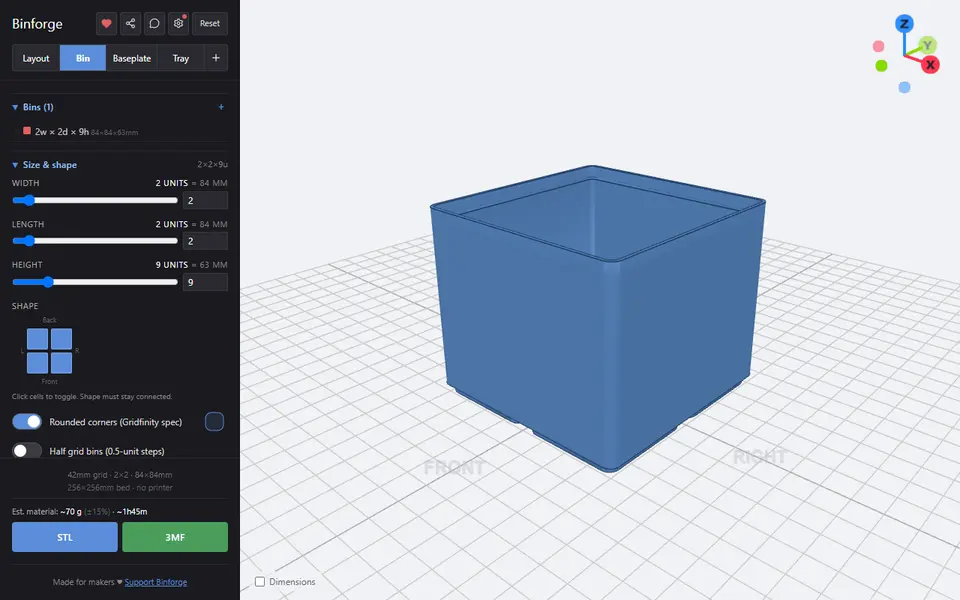
Binforge
Gridfinity bins, baseplates and trays with custom shapes, tilted cutouts and photo tracing
Storage
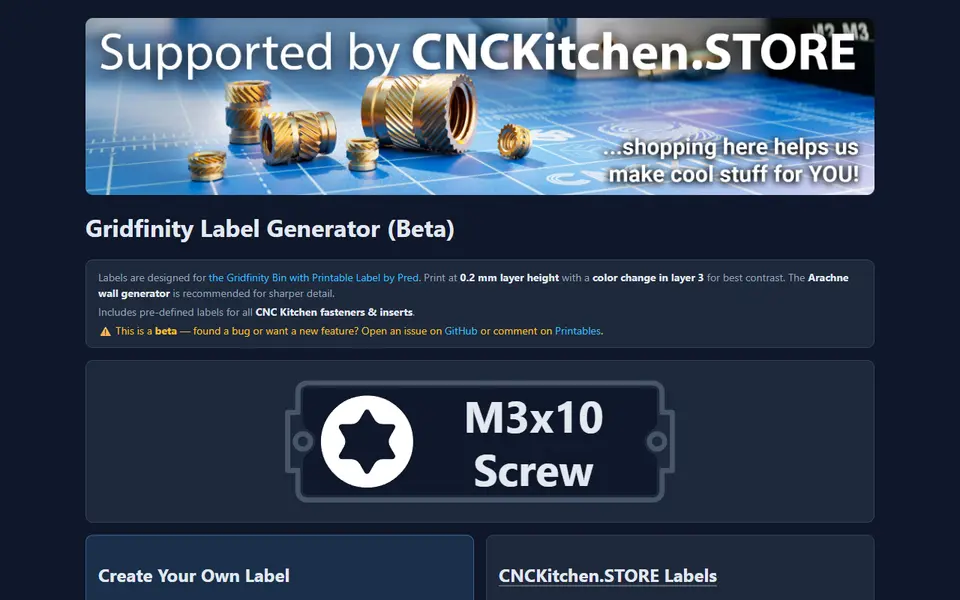
CNC Kitchen Gridfinity Label Generator
Embossed Gridfinity bin labels with icons, including ready-made fastener labels
Storage
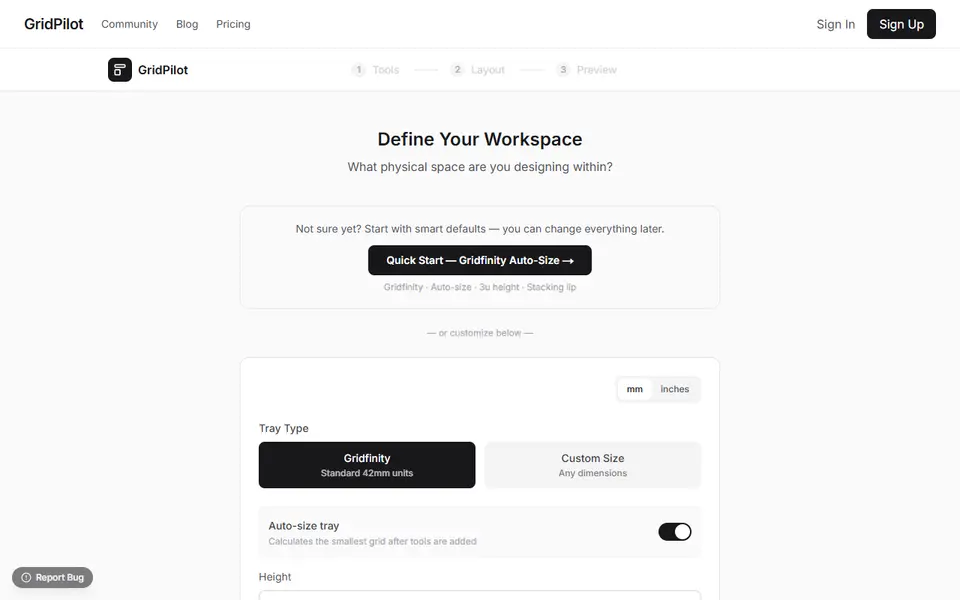
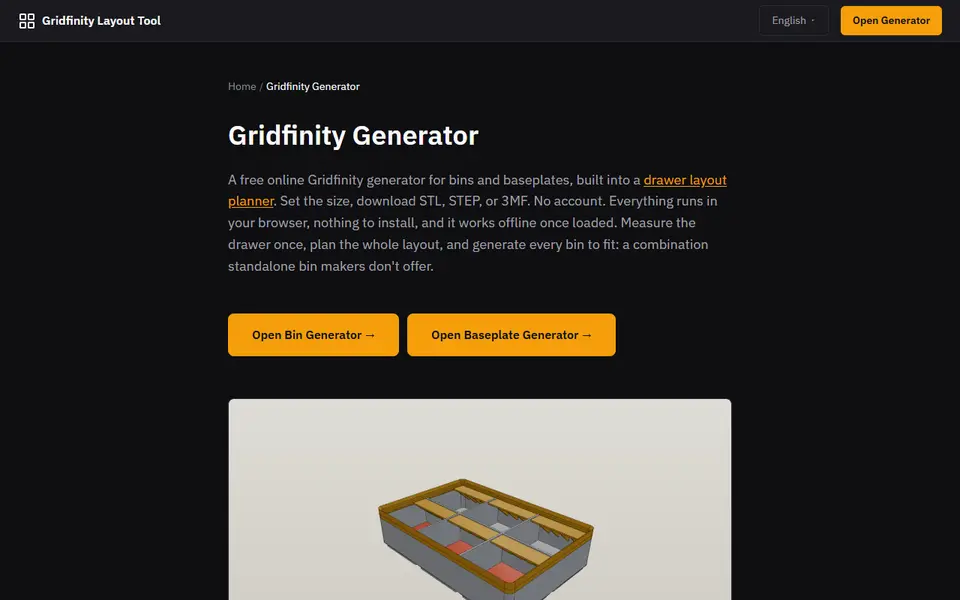
Gridfinity Layout Tool
Plan a whole drawer of Gridfinity bins, then export custom bins and baseplates