CoinDesign
Double-sided challenge coins, medals and keychains from your artwork and a height map, as STL or GLB
CoinDesign is a freemium browser tool for printed prototypes of challenge coins and medals. Free plan: 5 designs and 10 STL plus 10 GLB downloads a month. One-time plans of $4.90, $9.90 or $19.90 add 30 days of unlimited downloads and more designs. Exports STL and GLB; an account is needed to download. Last checked .
Opens coindesign.online
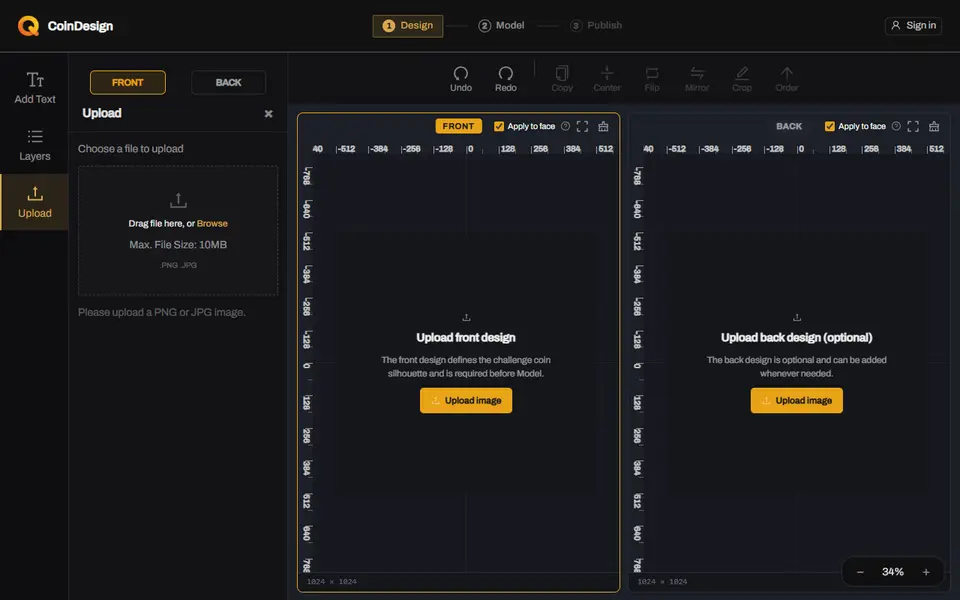
What is CoinDesign?
CoinDesign is a browser studio for challenge coins and similar struck-metal designs: medals, enamel pins, belt buckles, metal cards and keychains. You start from a template (fire rescue, military unit, graduation, esports, sports cards and more) or upload your own front and back artwork. Both faces share one outline, and transparent areas become real holes.
The relief comes from a grayscale height map that you upload for each face: bright areas rise and dark areas sink, in real millimeters. You make that map yourself in an image editor, a depth-map tool or a 3D sculpting app, so the tool suits people who already have artwork. CoinDesign turns it into one closed, watertight double-sided body, and you can preview hundreds of metal and enamel materials in real time before you export.
You export an STL for printing or tooling, or a GLB to show clients. The free plan includes 5 designs and 10 STL and 10 GLB downloads a month. One-time plans of $4.90, $9.90 or $19.90 add 30 days of unlimited downloads and more designs, with no automatic renewal. The STL is a single-color shape; the metal and enamel colors are only in the preview and the GLB.
What you can make
- Double-sided challenge coins
- Medals and award coins
- Keychains and shaped coins
- Enamel pin and belt buckle prototypes
How to use CoinDesign
- Open the editor and start from a template or your own artwork
- Upload front and back artwork and a grayscale height map for each face
- Check the relief and materials in the 3D preview
- Sign in and export the STL, then print it flat
What you'll need to print it
Filament and parts that suit what you make with CoinDesign.
Silk PLA
- Bambu Lab PLA Silk+ (affiliate link) Amazon
- Polymaker Panchroma Silk PLA (affiliate link) Polymaker EU: 3DJake (affiliate link)
Code gives 15% off your first order at Polymaker.
Resin
- Siraya Tech Fast ABS-like Resin (affiliate link) Siraya Tech
- Siraya Tech Blu Tough Resin (affiliate link) Siraya Tech
Some of these are affiliate links: we may earn a small commission, at no extra cost to you. More about that
CoinDesign pros
- Closed double-sided coin body with real relief in millimeters
- Templates and a live metal and enamel preview
- 10 free STL downloads a month, and commercial use on every plan
CoinDesign cons
- You must make the grayscale height map yourself
- The STL is single-color; enamel colors stay in the preview
- Aimed at metal coin makers more than at home printing
Rate CoinDesign
One rating per account. Signing in takes one email link, no password.
Reviews
Made with CoinDesign
Read next
CoinDesign alternatives
Image to STL and relief generators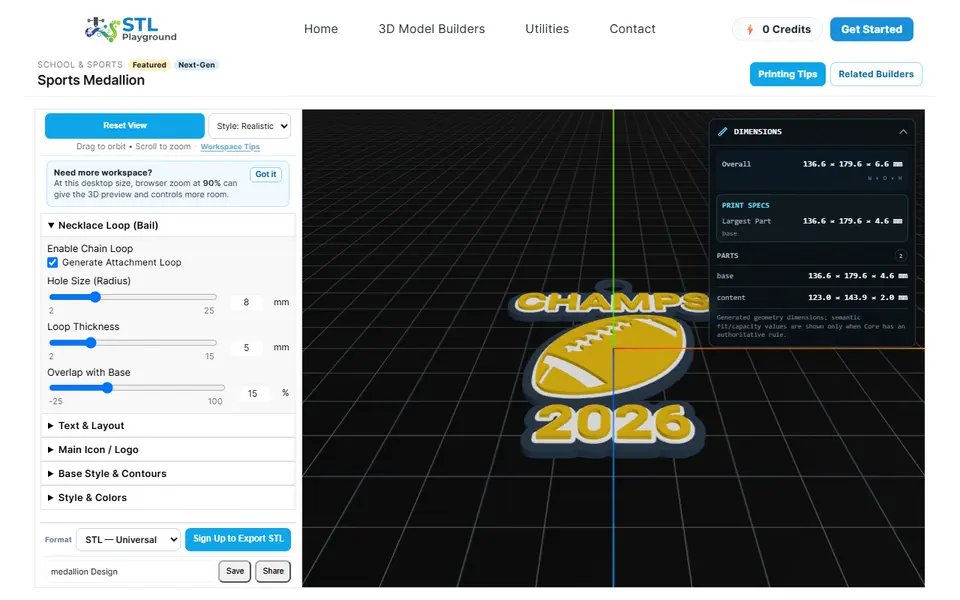
Gifts
STL Playground Medallion Builder
Layered logo medallions for a chain, lanyard or ribbon, from your SVG, emoji or text
Gifts
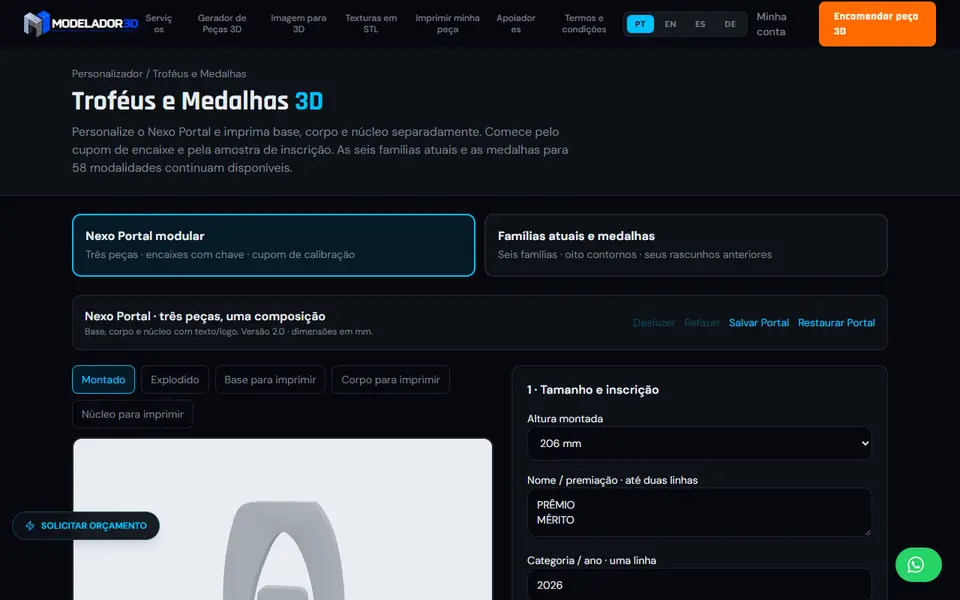
Modelador 3D Trophy & Medal Generator
Personalized trophies and medals with your inscription and logo, printed as keyed parts
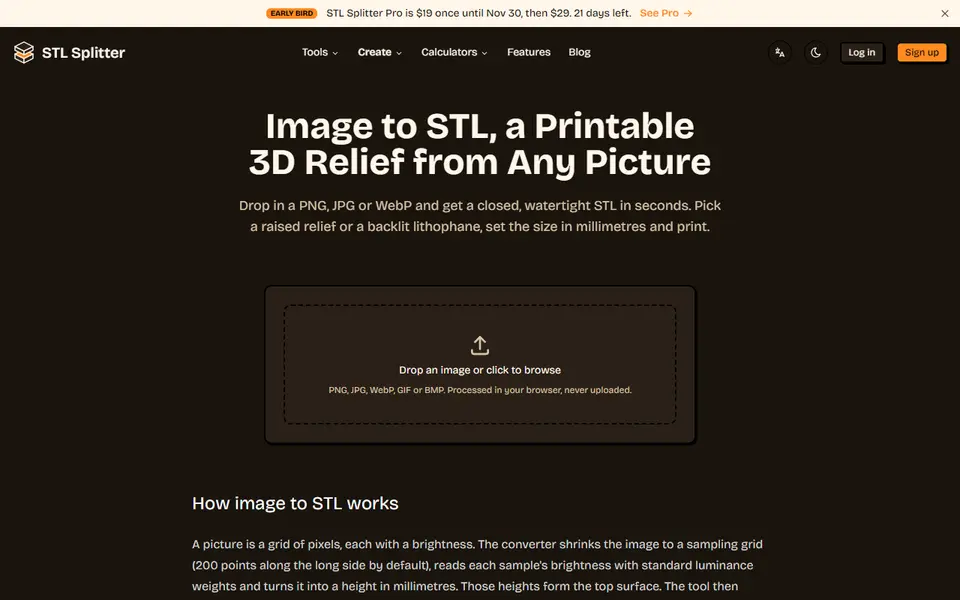
Image to Relief
STL Splitter Image to STL
Free browser tool that turns a picture into a watertight relief or lithophane STL
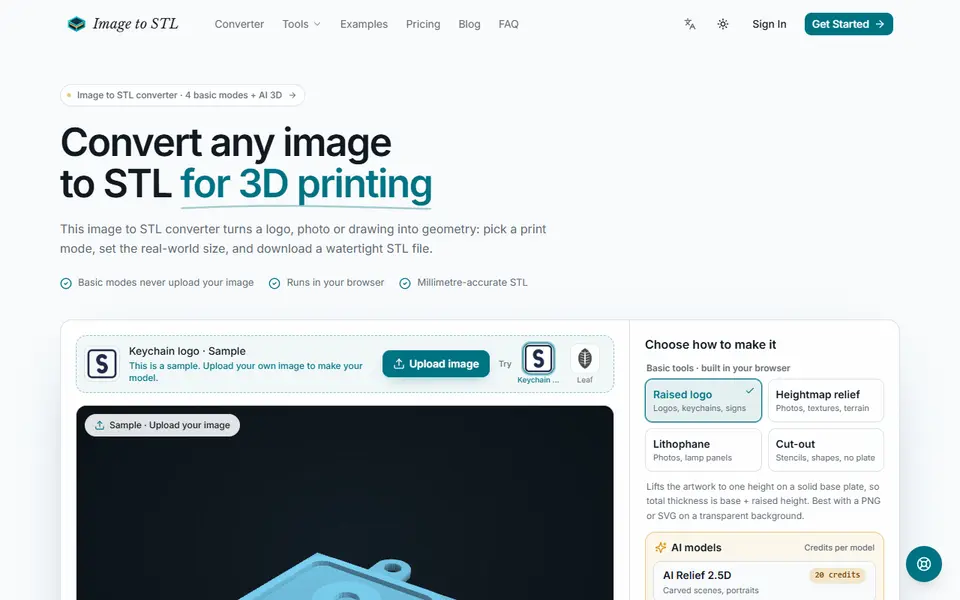
Image to Relief
Img2STL Image to STL Converter
Image to STL in four browser modes (logo, relief, lithophane, cut-out) plus paid AI 3D
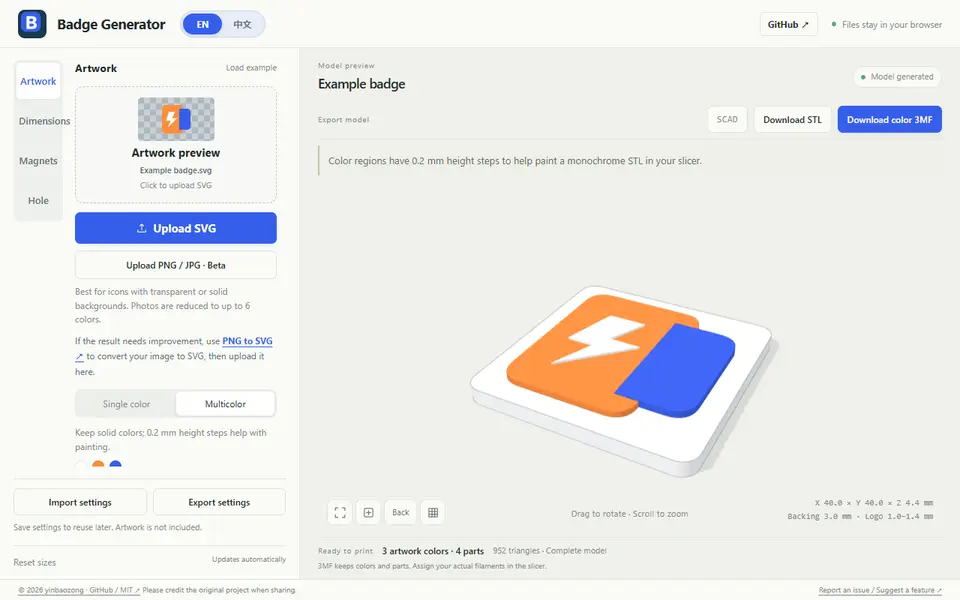
Image to Relief
Badge Generator (SVG to 3D)
Free browser tool that turns an SVG logo into a raised badge or magnet, single or multicolor, as STL or color 3MF
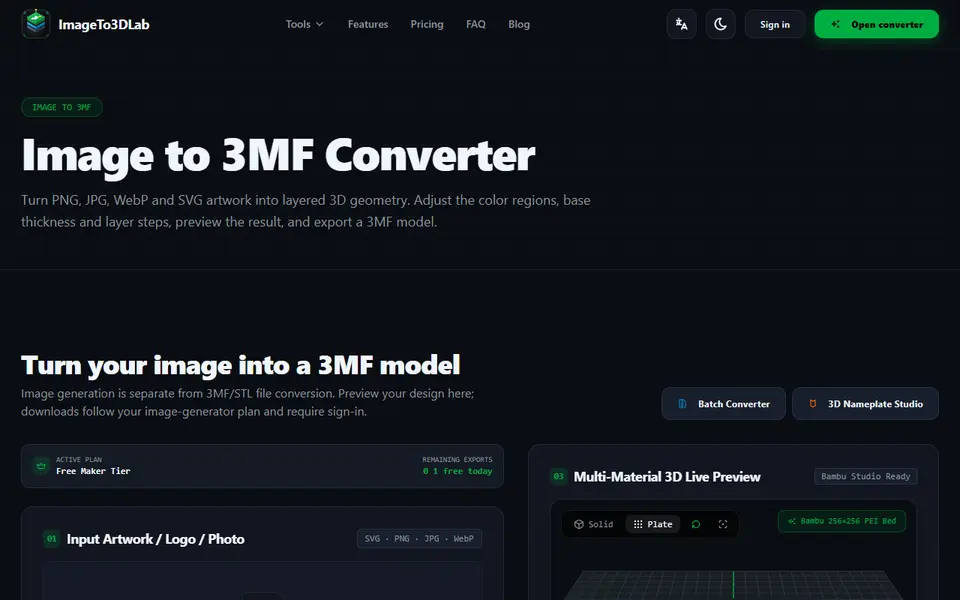
Image to Relief
ImageTo3DLab
Logos and photos as layered multicolor 3MF for an AMS, plus free in-browser 3MF and STL converters