Img2STL Image to STL Converter
Image to STL in four browser modes (logo, relief, lithophane, cut-out) plus paid AI 3D
Img2STL Image to STL Converter is a paid browser tool for logo plates and lithophanes when you already pay for AI credits. Preview free without an account; any download needs a sign-in plus credits or a plan. Credit packs from about $2.99 (40 credits), plans from about $14.99 a month; AI models cost 10 to 80 credits. Exports STL. Last checked .
Opens img2stl.org
What is Img2STL Image to STL Converter?
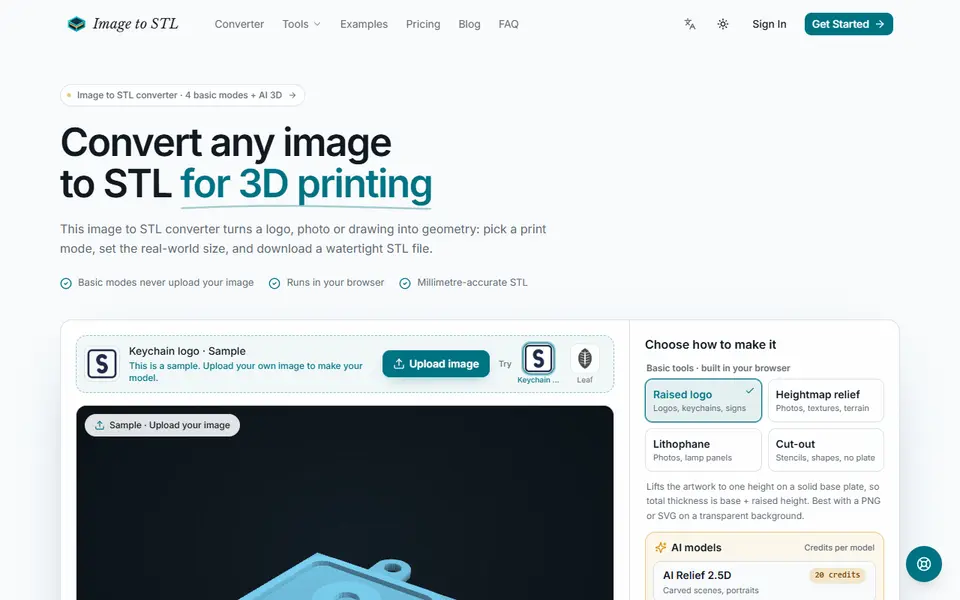
Img2STL (img2stl.org) turns a logo, photo or drawing into an STL. Four basic modes build the model in your browser, so the image is never uploaded: Raised logo lifts artwork to one height on a base plate, with an optional keychain hole; Heightmap relief turns every shade into a height for photos, textures or terrain; Lithophane makes a backlit panel; and Cut-out keeps only the shape, with no plate. You set the real size in millimeters or inches, the base and raised height and a cut-off, and the panel shows the size, triangle count, volume and filament before you download a watertight binary STL.
The same site also has paid AI modes: AI Relief for carved 2.5D panels (20 credits) and AI 3D models in Quick (10 credits, Rodin 2.5 Fast), Standard (40, Rodin 2.5) and Pro (80, Meshy 7.1) quality.
The preview is free with no sign-in, but downloading even a basic-mode STL needs a sign-in and credits or a plan. The smallest credit pack is about $2.99 (40 credits), and plans start at about $14.99 a month; once you have credits or a plan, basic downloads spend no credits. It is a different site from the AI tool at img2stl.art.
What you can make
- Raised logo plates and keychains
- Photo reliefs and heightmap terrain
- Lithophane panels
- Stencil and silhouette cut-outs
How to use Img2STL Image to STL Converter
- Open the converter and upload a PNG, JPG, WebP or SVG
- Pick Raised logo, Heightmap relief, Lithophane or Cut-out
- Set the width and heights and check the preview
- Sign in, buy a credit pack or plan and download the STL
What you'll need to print it
Filament and parts that suit what you make with Img2STL Image to STL Converter.
White PLA
- Bambu Lab PLA Basic Jade White (affiliate link) Amazon
- Polymaker PolyLite PLA Cold White (affiliate link) Polymaker EU: 3DJake (affiliate link)
Code gives 15% off your first order at Polymaker.
Matte PLA
Some of these are affiliate links: we may earn a small commission, at no extra cost to you. More about that
Img2STL Image to STL Converter pros
- Four basic modes that run in your browser, so the image stays on your device
- Real size, volume and filament shown before download
- AI relief and full AI 3D in the same place
Img2STL Image to STL Converter cons
- Even a basic STL download needs credits or a plan
- Basic modes are flat panels; real volume needs paid AI credits
- Single-color STL only
Rate Img2STL Image to STL Converter
One rating per account. Signing in takes one email link, no password.
Reviews
Made with Img2STL Image to STL Converter
Read next
Img2STL Image to STL Converter alternatives
Image to STL and relief generators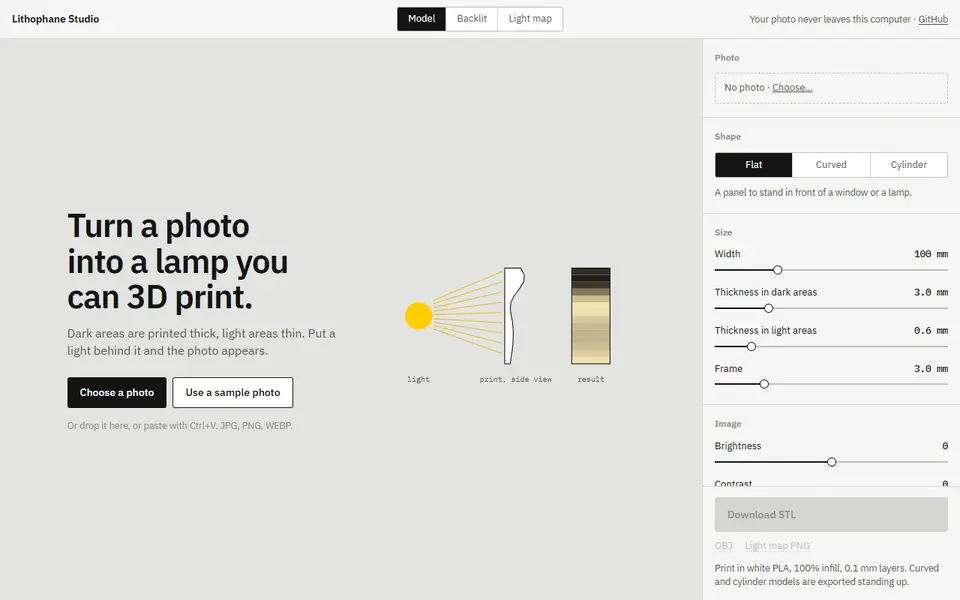
Lithophanes
Lithophane Studio (metiutek)
Free flat, curved or cylinder lamp lithophanes from a photo, as STL or OBJ, all in your browser, no account
Lithophanes
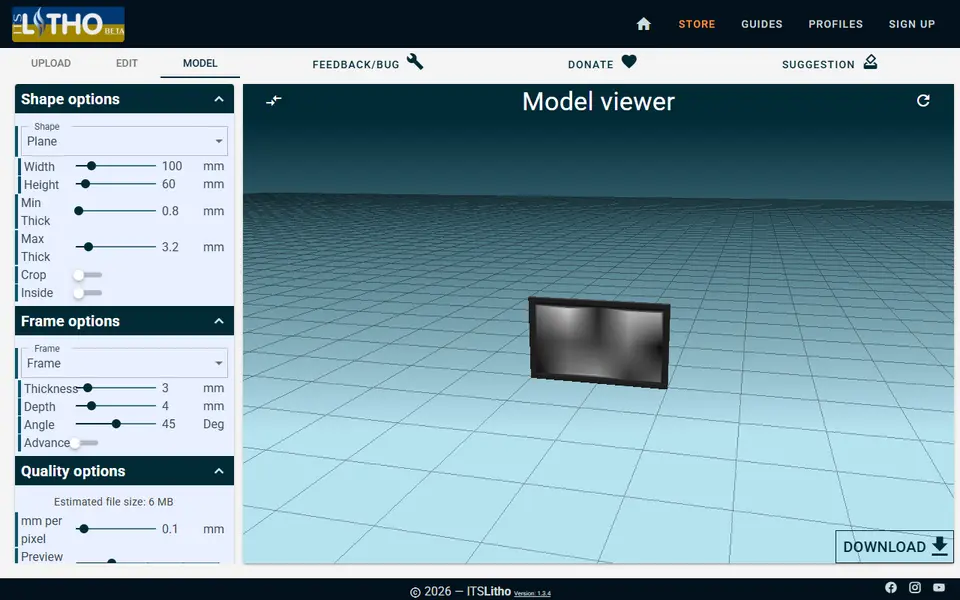
ItsLitho
Browser lithophane designer with many shapes, an image editor and a backlit preview
Lithophanes
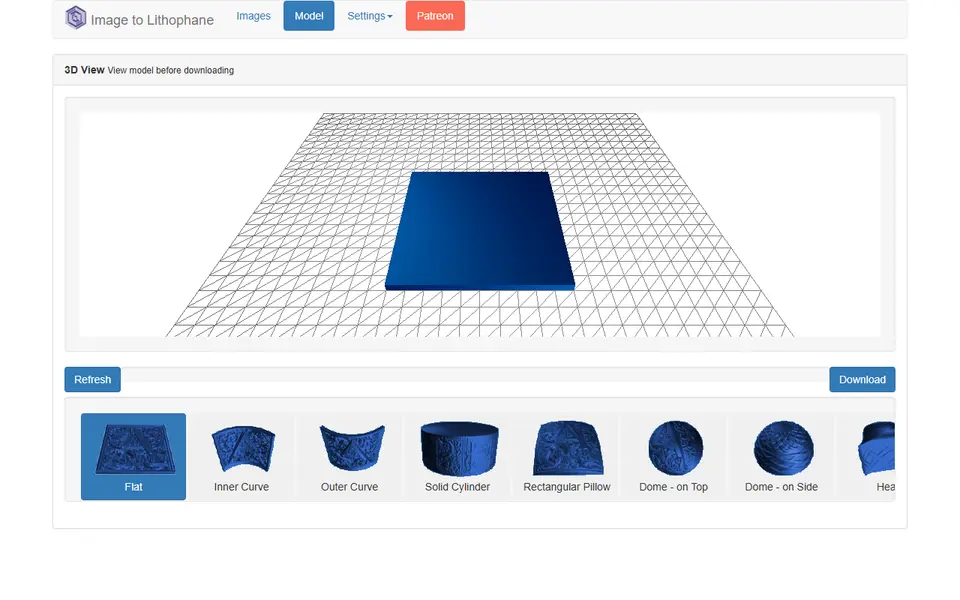
3dp.rocks Image to Lithophane
Classic free lithophane converter with flat, curved, dome and heart shapes
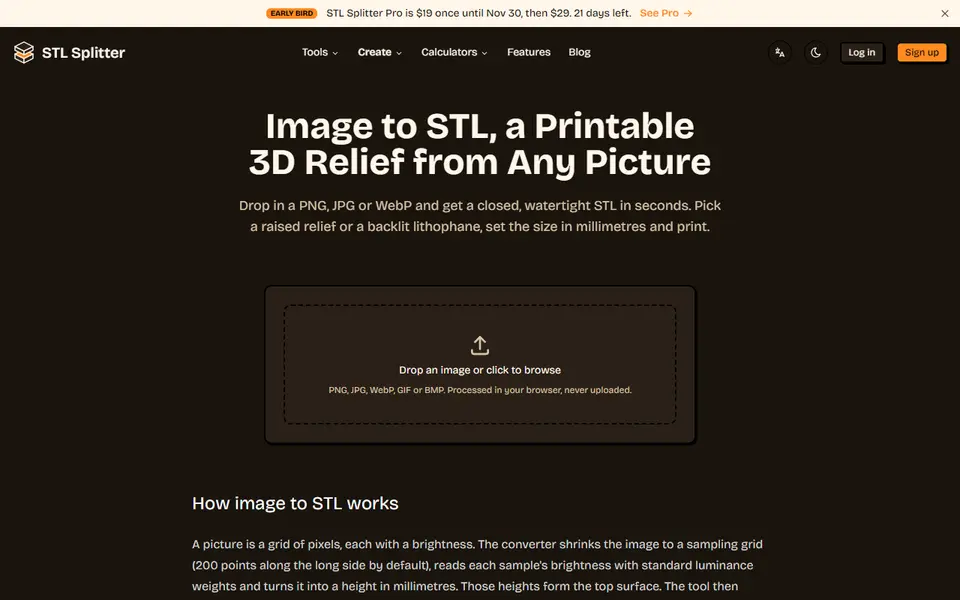
Image to Relief
STL Splitter Image to STL
Free browser tool that turns a picture into a watertight relief or lithophane STL
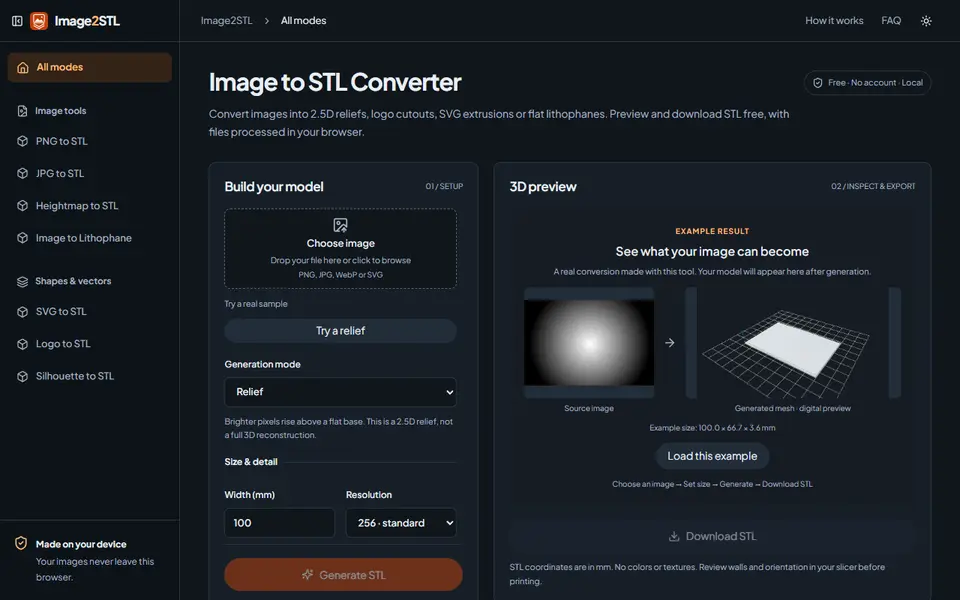
Image to Relief
Image2STL
Free image to STL in your browser: relief, lithophane, silhouette cutout or SVG extrusion, no account
Image to Relief
Image Online Image to STL
Free image to STL relief, lithophane or extruded logo, made in your browser with no upload or account