Magnet Maker 3D
Turn an SVG or image into a multicolor 3MF fridge magnet with sealed magnet pockets
Magnet Maker 3D is a free browser tool for multicolor fridge magnets from a logo or drawing. Free with no account; the site earns from Amazon affiliate links for magnets and filament. Exports 3MF. Last checked .
Opens magnetmaker3d.com
What is Magnet Maker 3D?
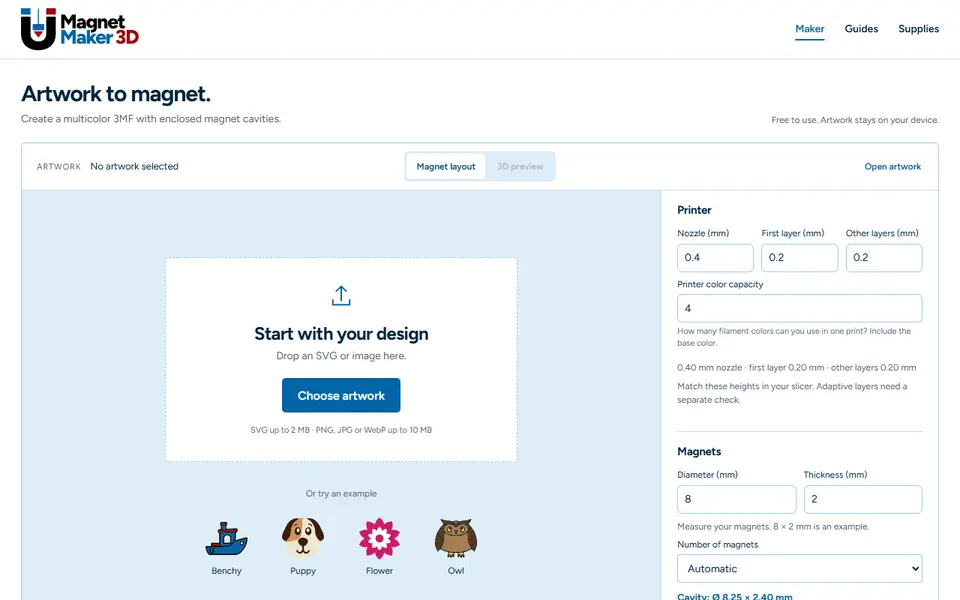
Magnet Maker 3D is a free browser tool that turns artwork into a 3D-printable magnet. You drop in an SVG, or a PNG, JPG or WebP that it first traces into vector shapes for you to review, or start from an example such as a Benchy, a puppy, a flower or an owl. The artwork colors go on the top section and the lower part is printed in a base color you choose.
You enter the size of your magnets, for example 8 x 2 mm, and how many you want or let it place them automatically. The tool cuts enclosed pockets with a small fit allowance, lines them up with your nozzle and layer heights, and tells you at which layer to pause the print, drop the magnets in and resume, so the top layers seal them inside. You also set how many filament colors your printer can use, the maximum width and height, and advanced options.
The result downloads as a multicolor 3MF. Everything runs in your browser and the artwork stays on your device; there is no account. Guides on the site explain the pause-and-insert step and how to prepare artwork.
What you can make
- Fridge magnets from a logo or drawing
- Multicolor magnets with hidden magnet pockets
- Magnetic badges and decorations
How to use Magnet Maker 3D
- Open Magnet Maker 3D and drop in an SVG or image, or pick an example
- Enter your nozzle, layer heights and how many colors your printer can use
- Measure your magnets and enter their size and number
- Download the 3MF, add the pause at the layer it shows, and insert the magnets when the printer stops
What you'll need to print it
Filament and parts that suit what you make with Magnet Maker 3D.
Multicolor PLA
Multicolor filament systems
6 x 2 mm magnets
Also handy
Print removal and cleanup tools
Some of these are affiliate links: we may earn a small commission, at no extra cost to you. More about that
Magnet Maker 3D pros
- Cuts sealed magnet pockets sized to your real magnets and layer height
- Tells you the layer to pause at for inserting the magnets
- Multicolor 3MF that respects how many colors your printer can use, and artwork never leaves your device
Magnet Maker 3D cons
- You must pause the print and insert the magnets by hand
- Photos and PNGs are traced into flat color shapes, so it suits logos and drawings better than photos
- 3MF only, no STL
Rate Magnet Maker 3D
One rating per account. Signing in takes one email link, no password.
Reviews
Made with Magnet Maker 3D
Read next
Magnet Maker 3D alternatives
Image to STL and relief generators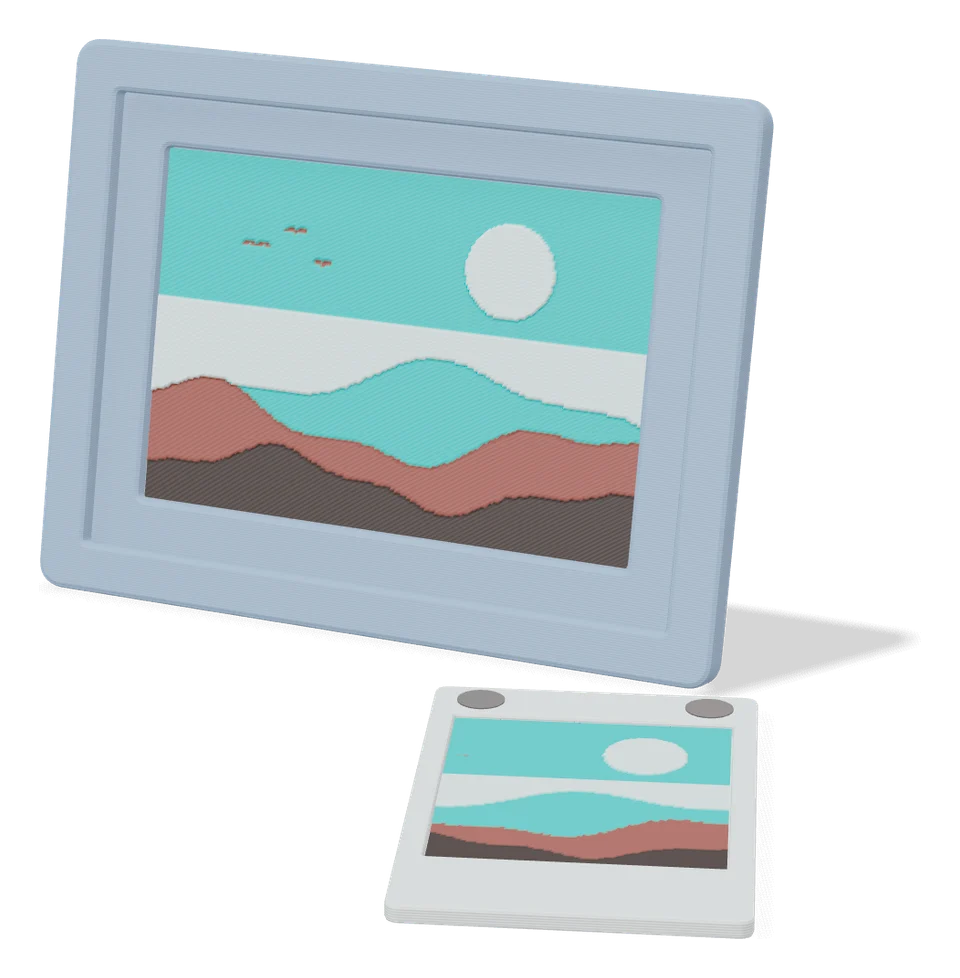
Gifts
Custom Polaroid Magnet Generator
MakerWorld customizer for magnetic multi-photo Polaroid frames
Gifts
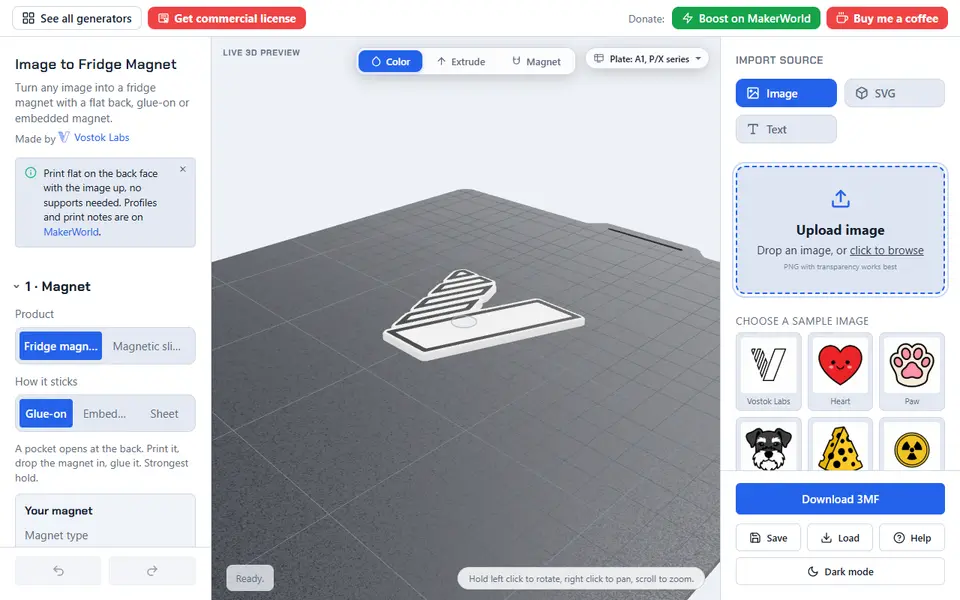
Fridge Magnet & Fidget Slider (Vostok Labs)
Turn an image or a word into a multicolor fridge magnet, or a two-piece magnetic fidget slider that clicks
Keychains
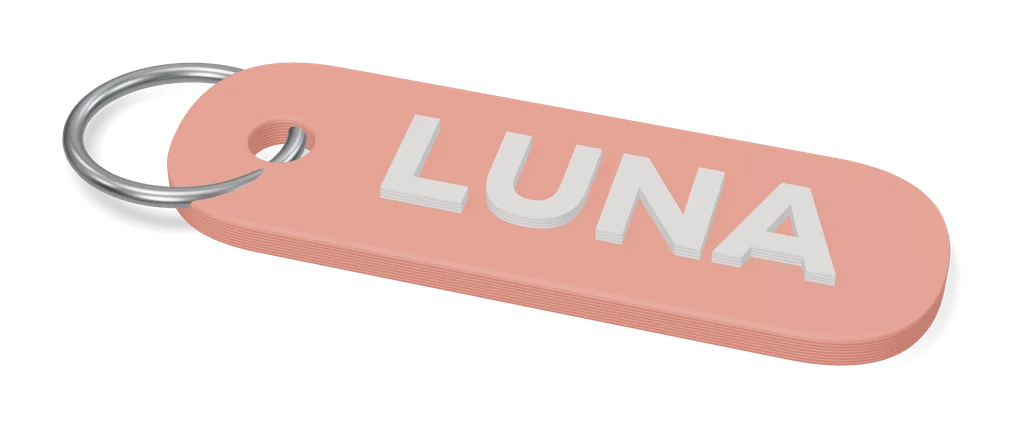
Image to Keychain (MakerLab)
Bambu Lab tool that turns a picture into a layered multicolor keychain
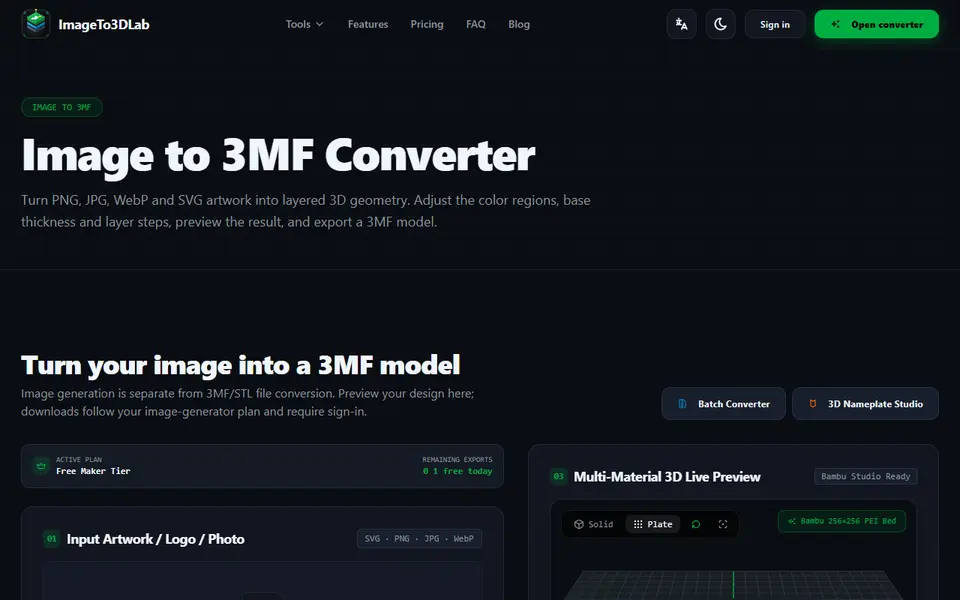
Image to Relief
ImageTo3DLab
Logos and photos as layered multicolor 3MF for an AMS, plus free in-browser 3MF and STL converters
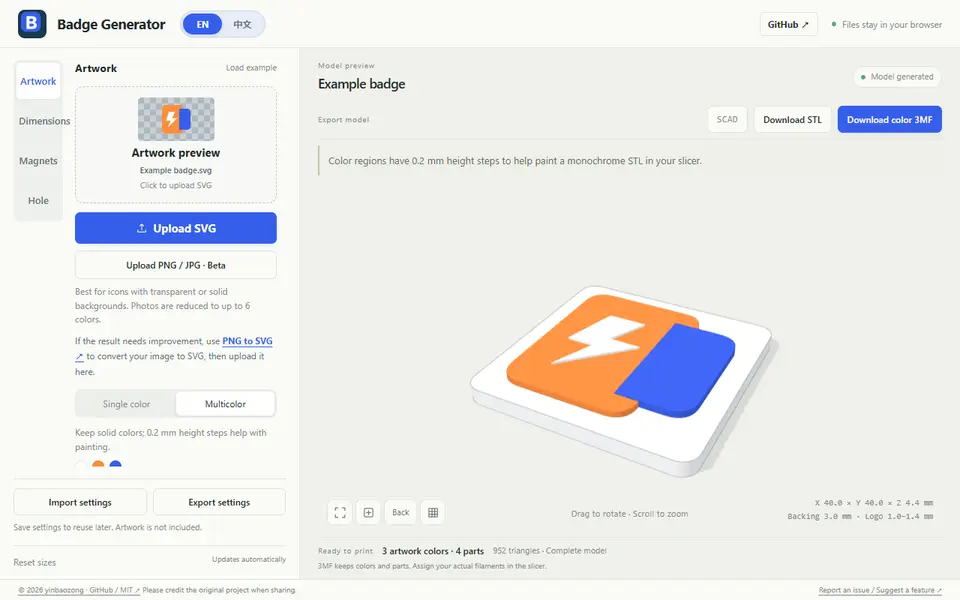
Image to Relief
Badge Generator (SVG to 3D)
Free browser tool that turns an SVG logo into a raised badge or magnet, single or multicolor, as STL or color 3MF

Image to Relief
Mesh Graffiti (MakerLab)
Paint colors, text and logos onto the surface of your own STL or 3MF model