STL Studio
Tripo3D, Hunyuan3D and Rodin in one studio, with a print check and a flexi model maker
STL Studio is a paid browser tool for comparing three AI engines and making flexi toys. Free account but no free credits; one-time 300-credit starter pack for $4.99 for new members; plans $10/month (300 credits), $20/month (800) and $50/month (2,500); packs $40 (850), $75 (1,900) and $150 (4,200) that never expire; a run costs 20 to 80 credits. Exports STL, OBJ and GLB. Last checked .
Opens stlstudio.io
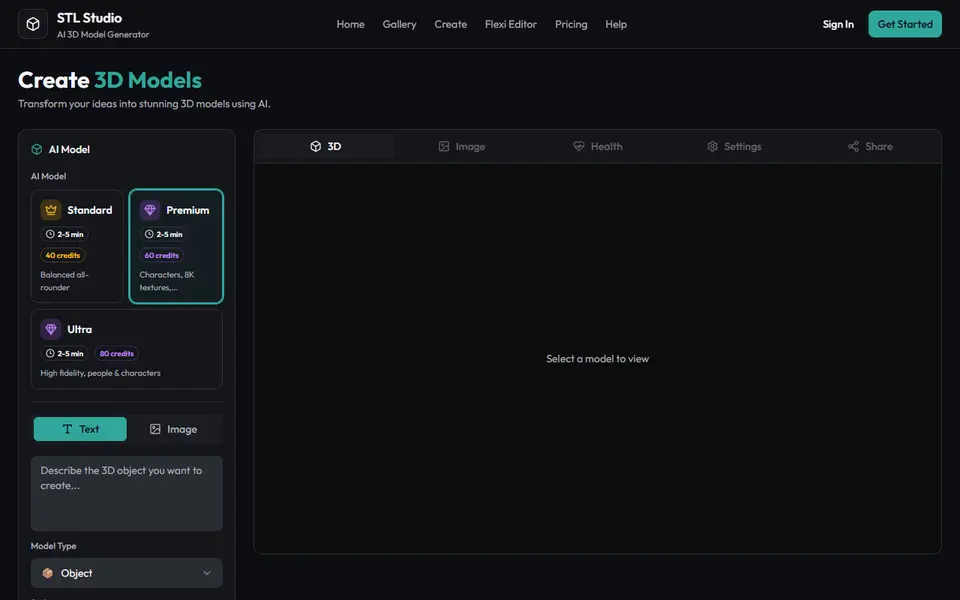
What is STL Studio?
STL Studio is a web app that runs several AI 3D engines, Tripo3D, Hunyuan3D and Rodin, behind one account and one credit balance. You type a prompt or upload a reference image, pick a quality tier and get a model back in about 2 to 5 minutes, or longer for the most detailed settings. The studio exposes the engine settings: geometry quality, a face limit, textures and PBR materials, a negative prompt, a seed, and a Segmented Parts option that splits a model into separate parts.
For printing there is an FDM Optimized setting that simplifies the geometry for filament printers, and every model gets a print analysis that flags non-watertight geometry, thin walls and bed fit. A Flexi Generator adds chain-link joints to a model to make an articulated print-in-place toy, though the site says to expect some tuning of the joint clearance. Downloads come as STL, OBJ or GLB. Models have no fixed real-world scale, so you set the size in your slicer.
An account is free, but there are no free credits: new accounts can buy a 300-credit starter pack for $4.99. Runs cost 20, 40, 60 or 80 credits from Basic to Ultra. Plans are $10, $20 and $50 a month, and one-time packs run from $40 to $150. STL Studio is run by 1000 Digital, LLC. It suits makers who want to compare engines and try flexi prints without separate subscriptions.
What you can make
- Figurines and characters
- Articulated flexi toys
- Props and decor
- Simple replacement parts
How to use STL Studio
- Create an account and buy the starter pack or a plan
- Type a prompt or upload an image and pick a quality tier
- Turn on FDM Optimized if you print in filament, then generate
- Check the print analysis, download the STL and scale it in your slicer
What you'll need to print it
Filament and parts that suit what you make with STL Studio.
Matte PLA
- Bambu Lab PLA Matte (affiliate link) Amazon
- Polymaker Panchroma Matte PLA (formerly PolyTerra) (affiliate link) Polymaker EU: 3DJake (affiliate link)
Code gives 15% off your first order at Polymaker.
Resin
- Siraya Tech Fast ABS-like Resin (affiliate link) Siraya Tech
- Siraya Tech Blu Tough Resin (affiliate link) Siraya Tech
Some of these are affiliate links: we may earn a small commission, at no extra cost to you. More about that
STL Studio pros
- Three engines from one account and credit balance
- Flexi Generator for articulated print-in-place models
- Print analysis and an FDM Optimized setting for filament printers
STL Studio cons
- No free credits, so even a first test costs $4.99
- No 3MF export and no real-world scale, so you size the model in your slicer
- Commercial license only on the $20 and $50 plans
Rate STL Studio
One rating per account. Signing in takes one email link, no password.
Reviews
Made with STL Studio
Read next
STL Studio alternatives
AI text and image to 3D generators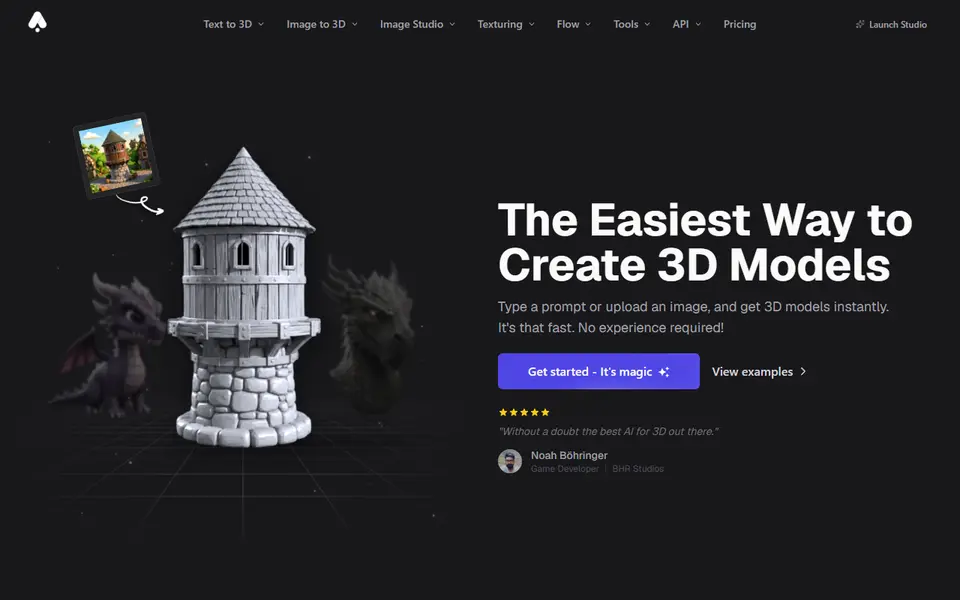
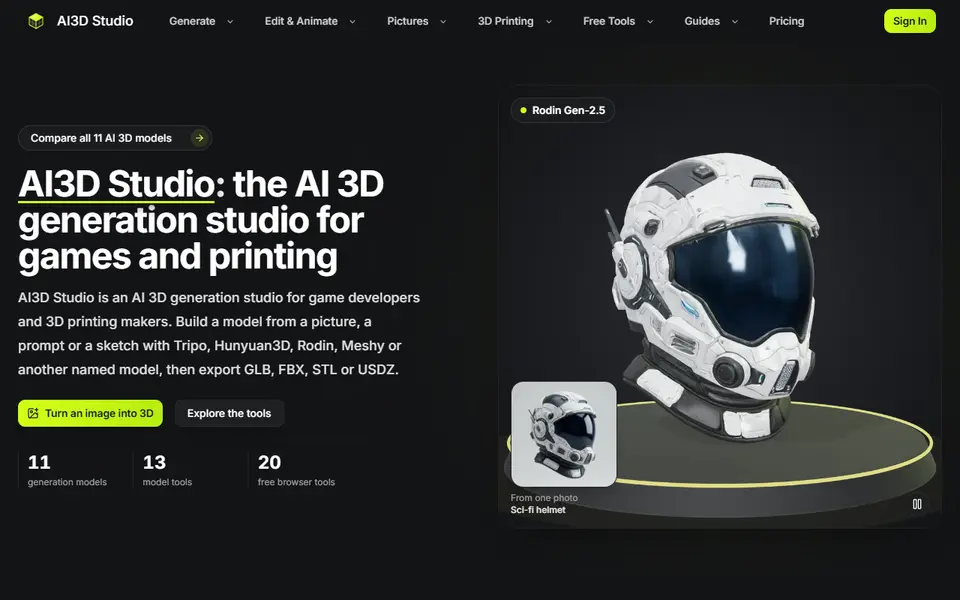
AI to 3D
AI3D Studio
Eleven AI 3D engines on one credit balance, with print prep, split and multicolor tools
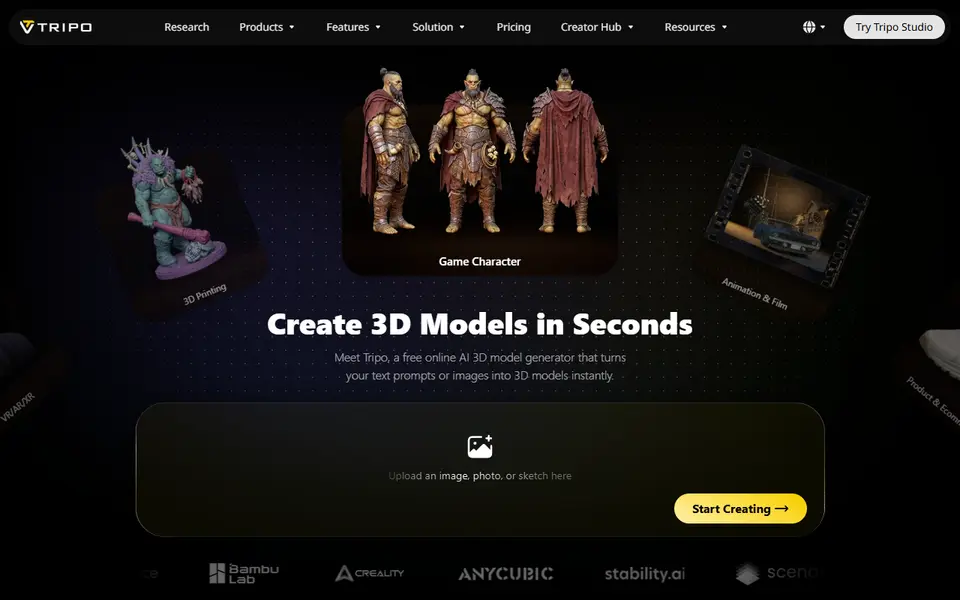
AI to 3D
Tripo AI
Turn text, images or sketches into detailed 3D models with STL, 3MF and OBJ export
Puzzles & Games
Flexi Toy Maker (MakerLab)
Turn an image into a bendable, hinged flexi toy or keychain to print
AI to 3D
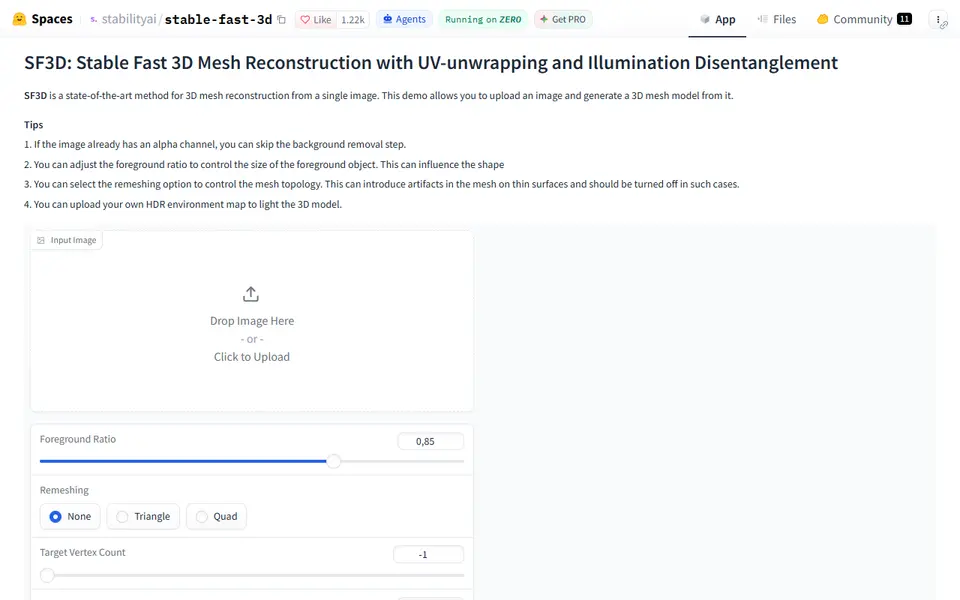
Stable Fast 3D
Stability AI's fast single-image to textured 3D mesh demo, free on Hugging Face
AI to 3D
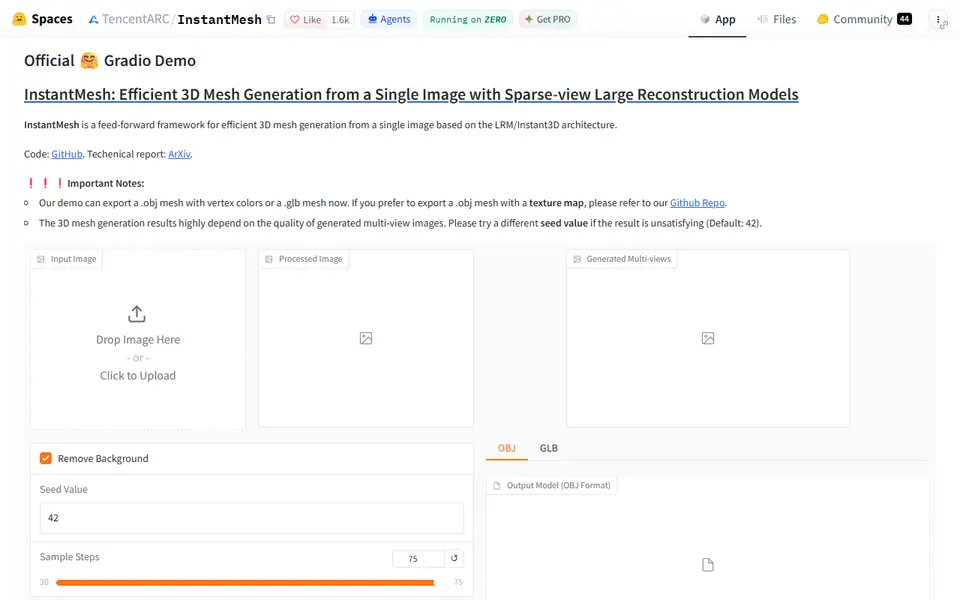
InstantMesh
Free Tencent ARC Lab demo that turns one photo into a colored 3D mesh you download as OBJ or GLB