Pic23D
Free image to STL in the browser: lithophane, height map relief or raised plaque, with no upload or account
Pic23D is a free browser tool for a quick free relief, plaque or flat lithophane without uploading the image. Free and unlimited for the browser modes, no account. AI mode: one free generation per visitor per day. Exports STL, OBJ and GLB. Last checked .
Opens pic23d.com
What is Pic23D?
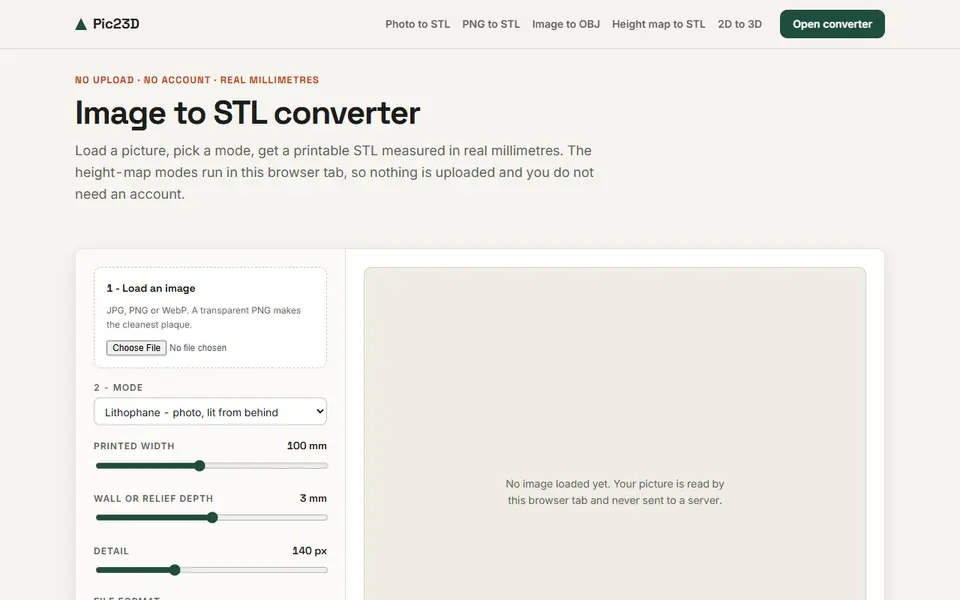
Pic23D turns an image into a printable relief right in your browser. It reads the brightness or transparency of the picture and builds a watertight mesh on your computer, so nothing is uploaded. There are three modes: Lithophane (darker means thicker), Relief (a grayscale height map where white is tall) and Plaque (dark, opaque pixels raised on a 0.4 mm base, so a transparent PNG gives the cleanest result).
You set the printed width in millimeters (20 to 200 mm), the wall or relief depth (0.6 to 4 mm) and the detail, and you can invert light and dark. The preview can rotate, spin and show the wireframe. You download a binary STL for any slicer or an OBJ for Blender or Fusion. It is free and unlimited, with no account and no watermark.
A separate AI mode turns one photo of an object into a full 3D mesh as STL or GLB. That mode does send the photo to a server (Tencent's Hunyuan 3D, according to the about page), allows one free generation per visitor per day and says so before you upload.
What you can make
- Photo lithophanes
- Height map reliefs
- Raised logo and text plaques
- AI 3D models from a photo (one a day)
How to use Pic23D
- Open Pic23D and drop in an image
- Pick Lithophane, Relief or Plaque
- Set the width, depth and detail, and invert if needed
- Download the STL (or OBJ) and slice it
What you'll need to print it
Filament and parts that suit what you make with Pic23D.
White PLA
- Bambu Lab PLA Basic Jade White (affiliate link) Amazon
- Polymaker PolyLite PLA Cold White (affiliate link) Polymaker EU: 3DJake (affiliate link)
Code gives 15% off your first order at Polymaker.
Matte PLA
Some of these are affiliate links: we may earn a small commission, at no extra cost to you. More about that
Pic23D pros
- Free and unlimited, with no account or watermark
- Browser modes build the mesh on your computer, nothing is uploaded
- Width slider is the real printed width in millimeters
Pic23D cons
- Flat reliefs only in the browser modes; no curved lithophanes
- AI mode is limited to one model a day and uploads your photo
- Single-color output
Rate Pic23D
One rating per account. Signing in takes one email link, no password.
Reviews
Made with Pic23D
Read next
Pic23D alternatives
Image to STL and relief generators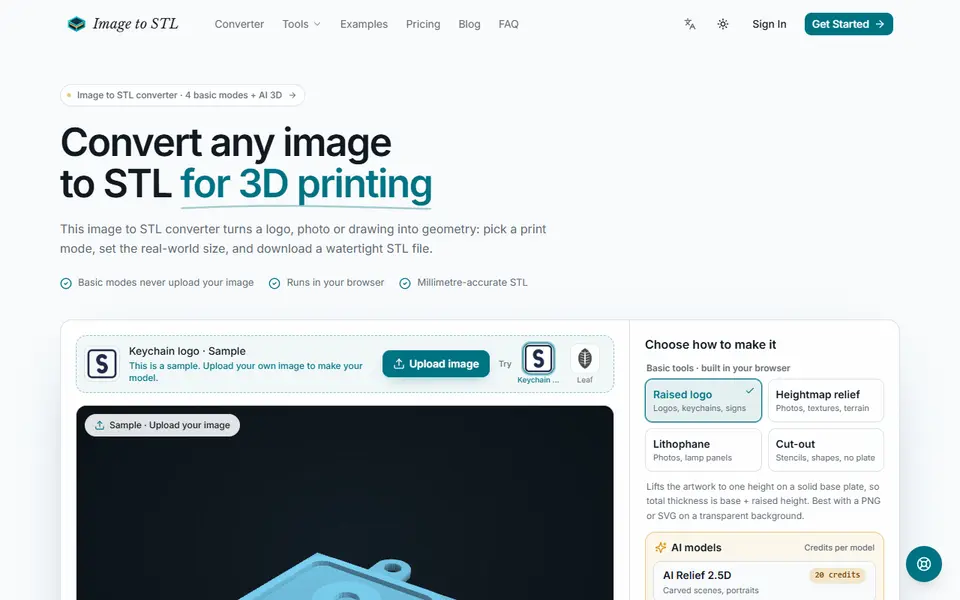
Image to Relief
Img2STL Image to STL Converter
Image to STL in four browser modes (logo, relief, lithophane, cut-out) plus paid AI 3D
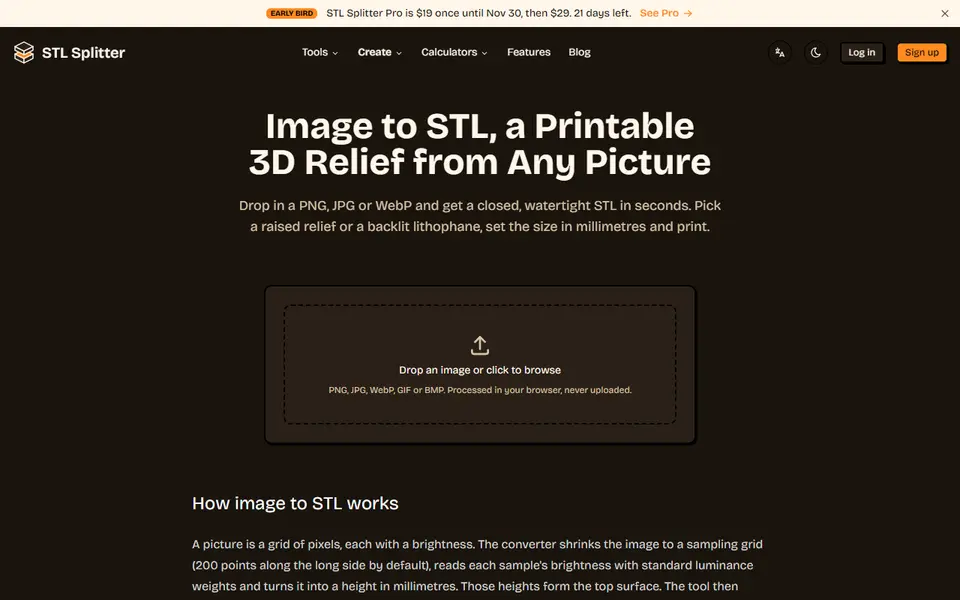
Image to Relief
STL Splitter Image to STL
Free browser tool that turns a picture into a watertight relief or lithophane STL
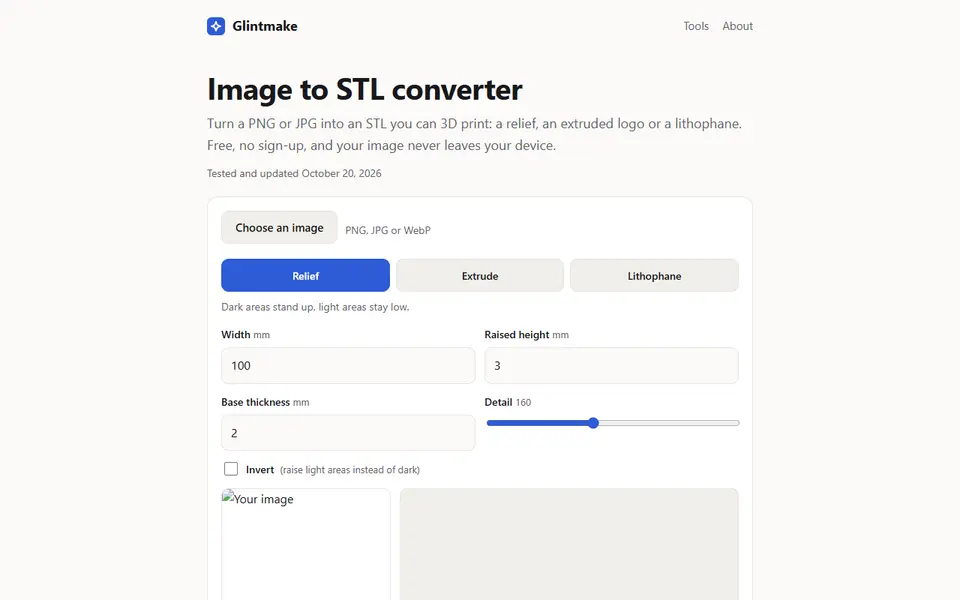
Image to Relief
Glintmake Image to STL Converter
Turn a PNG or JPG into a relief, an extruded logo or a lithophane STL, built in your browser
AI to 3D
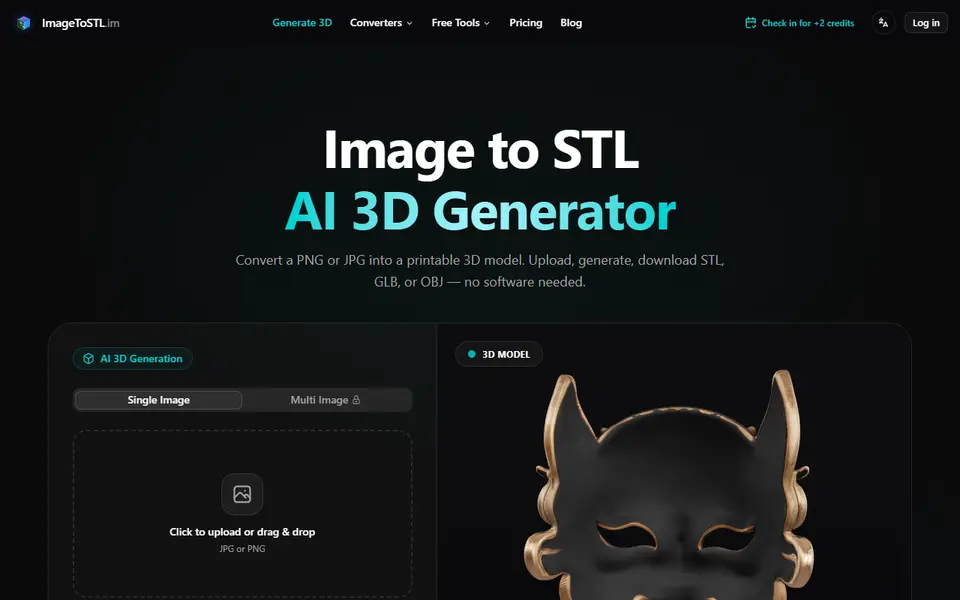
ImageToSTL (imagetostl.im)
AI photo to textured 3D model as STL, GLB or OBJ, with a free daily credit and free relief and format tools
Lithophanes
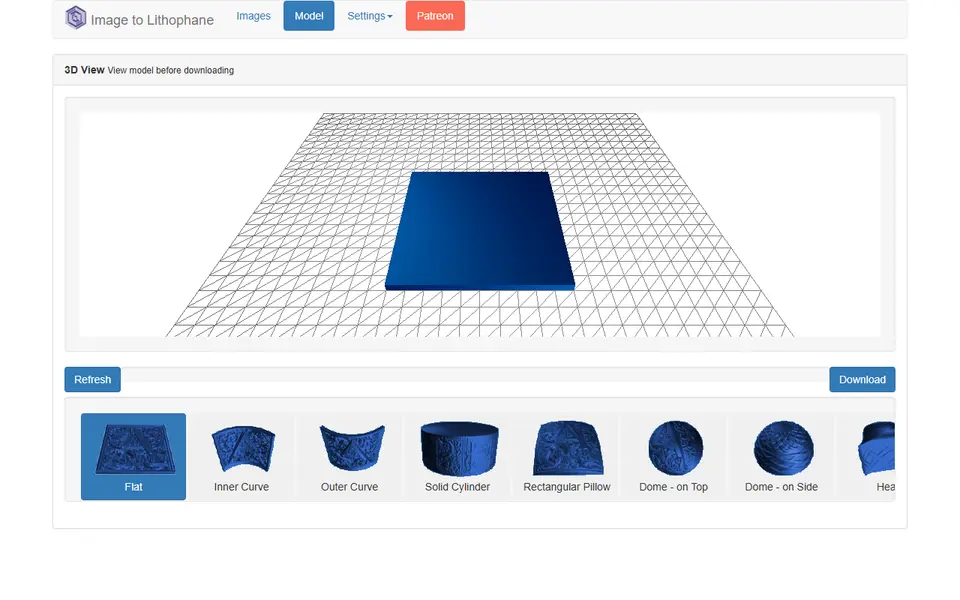
3dp.rocks Image to Lithophane
Classic free lithophane converter with flat, curved, dome and heart shapes
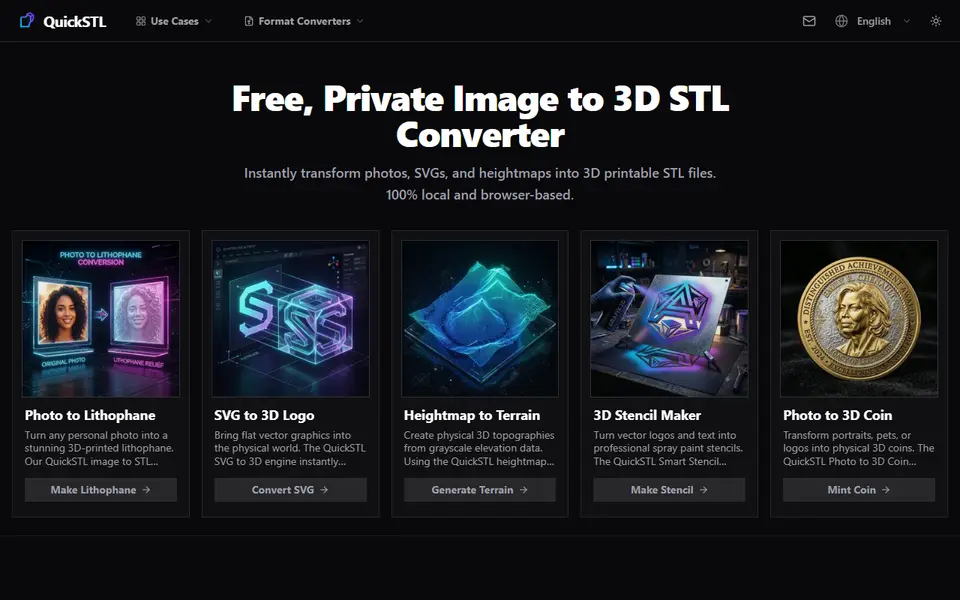
Image to Relief
QuickSTL Image to STL
Free browser converters for photo lithophanes, relief coins, SVG logos and heightmap terrain