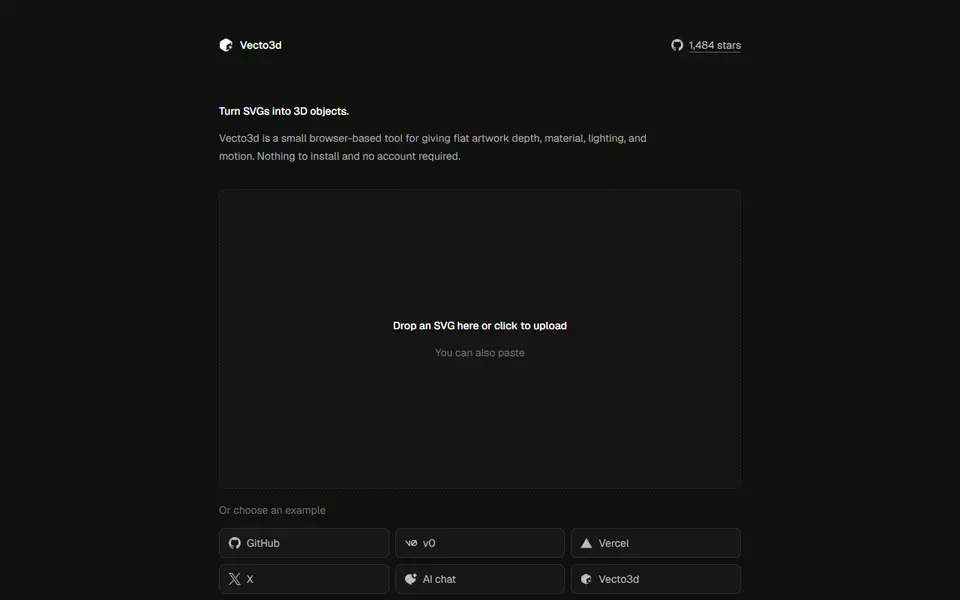
What is Vecto3d?
Vecto3d turns an SVG logo or icon into a 3D object in the browser. You drop, paste or pick an SVG, or start from one of the built-in examples, and the editor extrudes it with a live 3D preview. The geometry settings are depth and an optional bevel; the rest of the panel is about the look on screen, with material presets from matte plastic to polished metal and frosted glass, lighting environments, a background color and effects such as bloom and grain.
Export offers STL for 3D printing and GLB or GLTF as 3D models, plus a PNG still, an MP4 video or a GIF loop of the model turning. The STL from a simple star SVG was a clean closed mesh, but it came out standing on edge, so plan to lay it flat in the slicer. The tool is built for renders first: there is no size in millimeters, base or other print setting, and the page asks phone visitors to switch to a desktop browser.
It is free, needs no account and files stay in your browser. The code is open source under the MIT license, which covers the software and says nothing about prints. The project has about 1,500 stars on GitHub. It suits designers and makers who want a quick extruded logo for a print or a product render.
What you can make
- Extruded logos and icons from SVG
- Beveled 3D badges
- Product-style renders and turntable videos
How to use Vecto3d
- Open vecto3d.app in a desktop browser
- Drop in an SVG logo or icon
- Set the depth and bevel
- Export the STL and lay it flat in your slicer
What you'll need to print it
Filament and parts that suit what you make with Vecto3d.
Matte PLA
- Bambu Lab PLA Matte (affiliate link) Amazon
- Polymaker Panchroma Matte PLA (formerly PolyTerra) (affiliate link) Polymaker EU: 3DJake (affiliate link)
Code gives 15% off your first order at Polymaker.
Silk PLA
Some of these are affiliate links: we may earn a small commission, at no extra cost to you. More about that
Vecto3d pros
- SVG to STL in a few clicks with a live preview
- Also exports GLB, GLTF, PNG, MP4 and GIF
- Free, open source, and nothing is uploaded
Vecto3d cons
- Desktop browsers only, with no print size or base settings
- The STL came out standing on edge, so lay it flat in the slicer
Rate Vecto3d
One rating per account. Signing in takes one email link, no password.
Reviews
Made with Vecto3d
Read next
Vecto3d alternatives
Image to STL and relief generators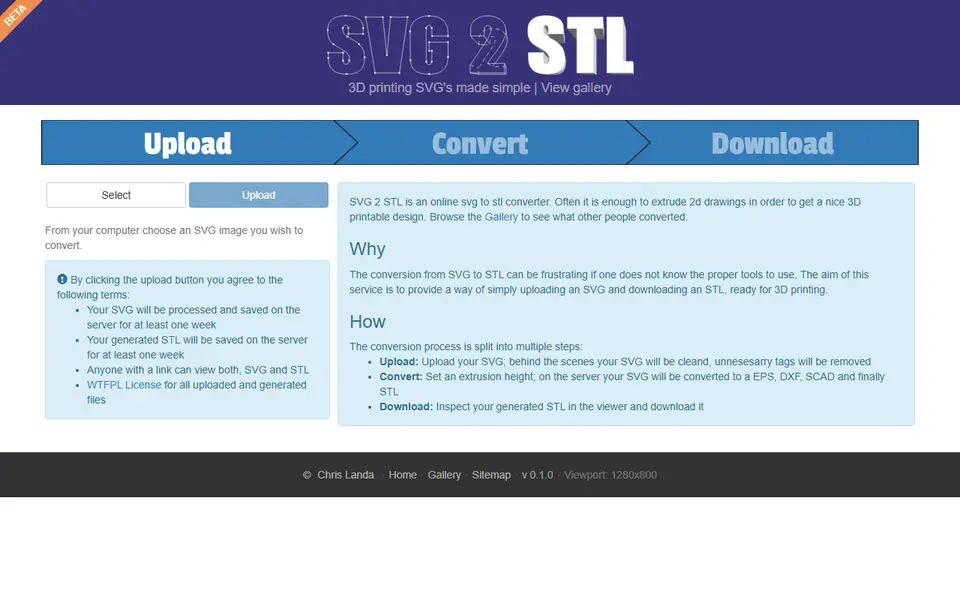
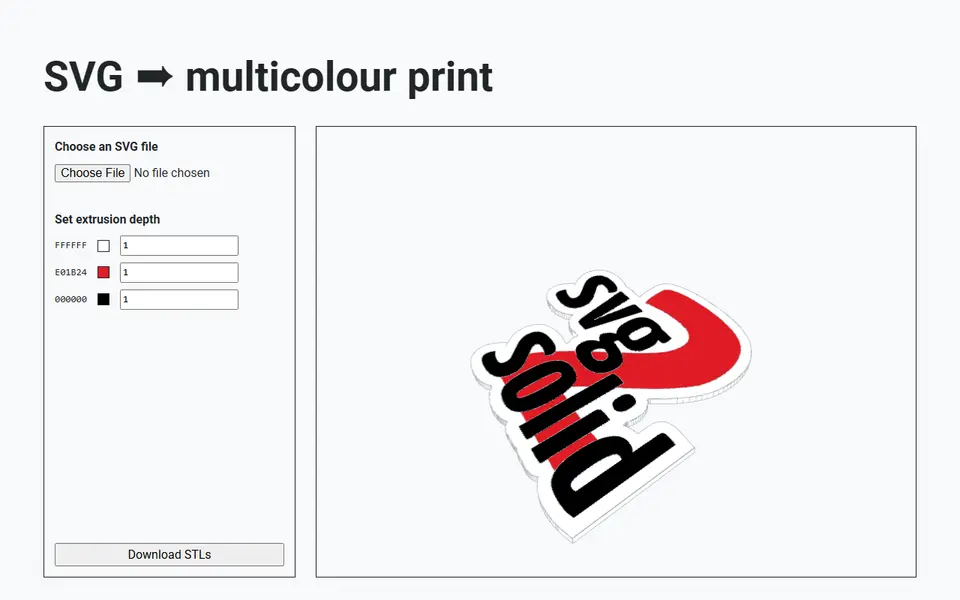
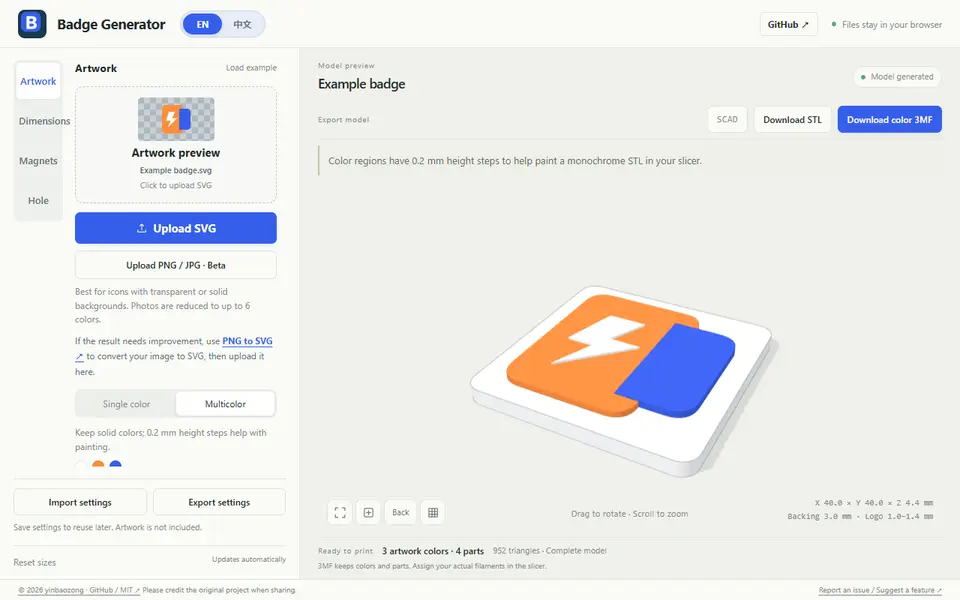
Image to Relief
Badge Generator (SVG to 3D)
Free browser tool that turns an SVG logo into a raised badge or magnet, single or multicolor, as STL or color 3MF
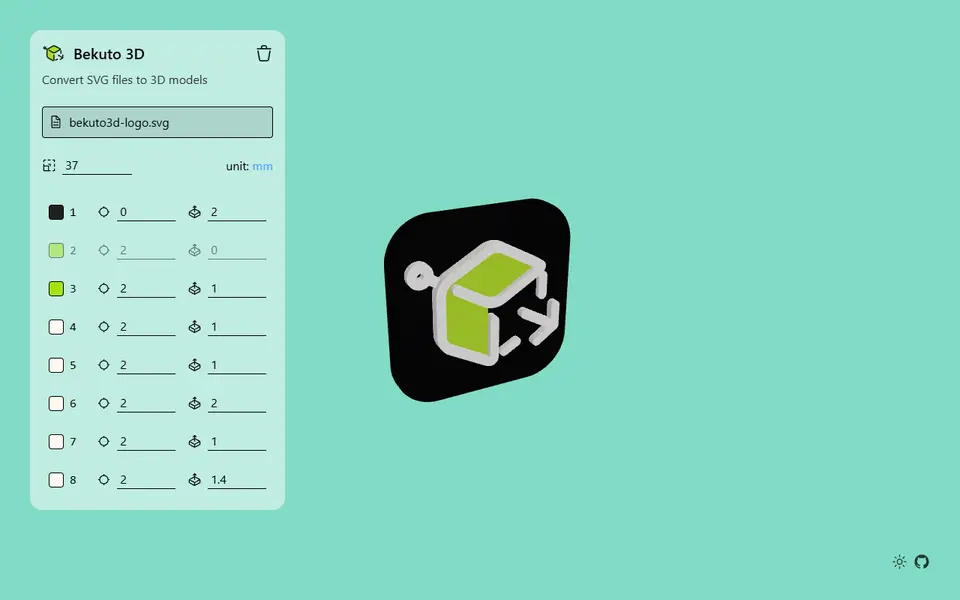
Image to Relief
Bekuto 3D
Turn SVG logos and simple images into layered, multi-color 3D models in your browser
Image to Relief
Image Online Image to STL
Free image to STL relief, lithophane or extruded logo, made in your browser with no upload or account
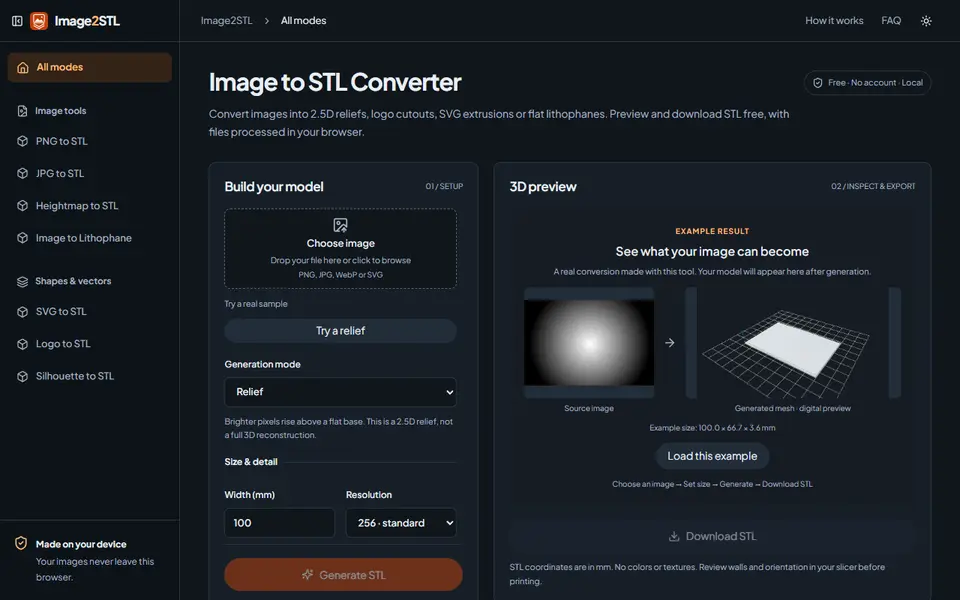
Image to Relief
Image2STL
Free image to STL in your browser: relief, lithophane, silhouette cutout or SVG extrusion, no account